


The AI workflow you install is only the first draft
AI agents, plugins, prompt systems, and automation templates are great starting points. They reduce setup time and help teams test an idea quickly. But there is a common trap: installing a template, running it once, and assuming the default behavior is the finished system.
That is rarely true in real operations.
A default AI workflow does not know your customer promises, your review standards, your CRM rules, your internal language, or the little exceptions your team handles every week. It can produce something that looks polished while still missing the operational context that makes the output useful.

The better approach is to treat the first version as a draft system. It gives you a base, but the real value comes from tuning it to how your business actually works.
Why default AI workflows feel useful but break down later
Most templates are designed for broad use. That is not a flaw. It is the point. A generic sales summary, content workflow, support response, or task creation process needs to work for many types of users.
Your business is not generic, though.
You may have specific lead stages, internal naming conventions, customer segments, approval rules, fulfillment steps, service boundaries, tone preferences, and escalation paths. A default workflow will not understand those unless you define them.
This is why an AI output can be technically correct but operationally weak. It answers the prompt, but it does not fit the process.
Customize around the process, not the tool
When ConsultEvo helps clients design AI agents or automation workflows, we usually start with the process before choosing or improving the tool. The questions are simple, but they reveal the gaps quickly.
- What triggers the workflow? Is it a form submission, a new lead, a completed call, an email, a support ticket, a Shopify order, or a task status change?
- What information does the AI need? Does it need customer history, CRM fields, previous messages, product details, service rules, or examples of approved outputs?
- What should the AI produce? A summary, task, reply draft, recommendation, decision, categorization, or checklist?
- What should it never do? This is where you define limits, compliance boundaries, tone restrictions, and situations that require a human.
- Where does the output go next? A workflow is not complete until the result lands in the right system or with the right person.
These questions matter more than the name of the AI tool. A clean workflow can be implemented in many environments. A messy workflow stays messy even with better software.
A simple worksheet for tuning AI workflows
Before adding more prompts, automations, or integrations, create a basic operating sheet for the workflow. This does not need to be complicated. One page is often enough.
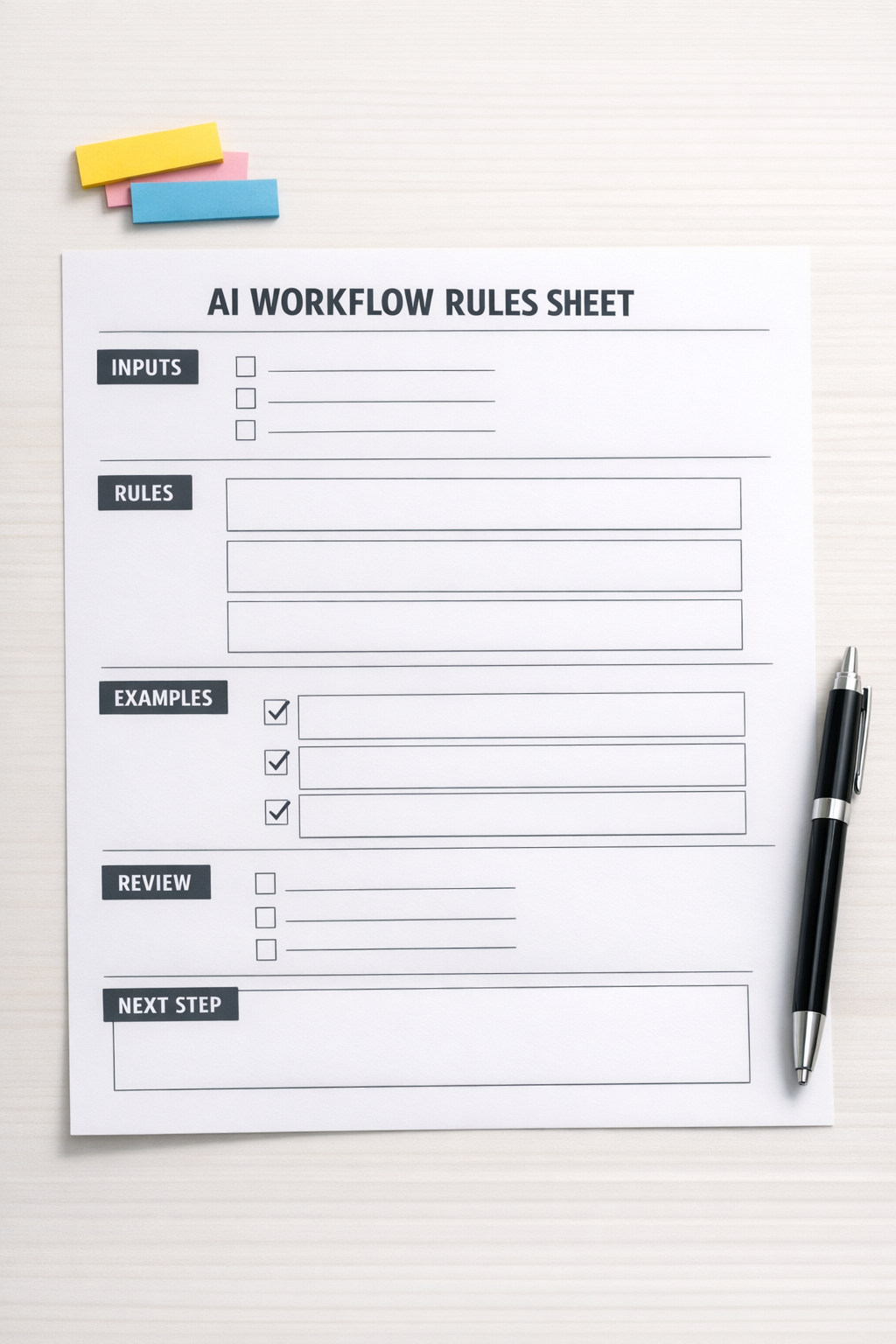
1. Inputs
List the information the workflow needs to do the job properly. If the AI is drafting a follow-up email, it may need the call notes, deal stage, customer pain point, promised next step, and preferred tone. If it is creating a task, it may need the owner, due date logic, priority, related client, and source record.
2. Rules
Rules shape the output. They can include tone, structure, length, required fields, banned claims, escalation conditions, and formatting. This is where you move from “write a reply” to “write a reply our team would actually send.”
3. Examples
Good examples are one of the fastest ways to improve an AI workflow. Use real approved outputs when possible. Show what good looks like. Show what bad looks like too, if it helps define boundaries.
4. Review points
Not every AI output should move automatically to the next step. Some workflows should create drafts, not final actions. Others can update internal records but should not contact customers without approval. Define the review point before the workflow goes live.
5. Destination
Decide where the output belongs. A summary sitting in a chat window is not an operational improvement. A summary attached to the CRM record, converted into a follow-up task, and visible to the account owner is much more useful.
Think in handoffs
The biggest improvement usually comes from thinking beyond the prompt. An AI workflow should not be judged only by the quality of its answer. It should be judged by whether it improves the handoff.
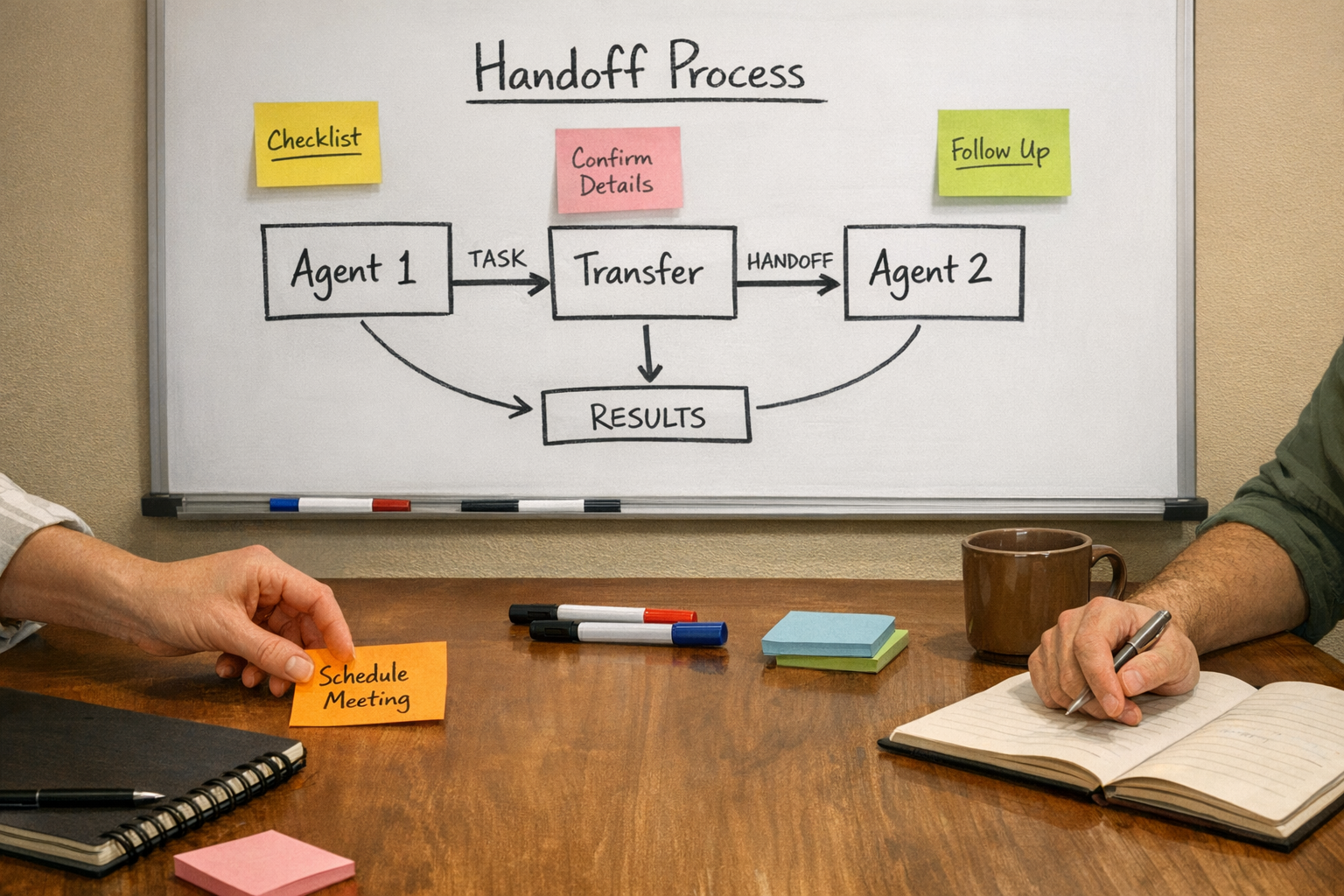
For example, imagine an AI agent that reviews a new inbound lead. A basic version might summarize the inquiry. A more useful version could:
- Identify the service category
- Check whether required details are missing
- Draft a reply for review
- Create a CRM note
- Assign a follow-up task
- Flag urgent or poor-fit leads
- Notify the right team member
The AI is not just generating text. It is reducing manual sorting, copy-paste, and decision fatigue.
Where customization creates ROI
Customization does not need to be complex to be valuable. Small improvements can remove repeated work from daily operations.
- CRM cleanup: AI can help standardize notes, categorize leads, and detect missing fields before a handoff.
- Sales follow-up: AI can draft next-step emails based on deal context, while keeping a human approval step.
- Support triage: AI can classify requests, suggest responses, and route tickets based on business rules.
- ClickUp operations: AI-assisted workflows can turn messy intake into structured tasks with owners, due dates, and priorities.
- Make or Zapier automation: AI can sit inside a larger workflow that validates, formats, routes, and records information.
- Shopify operations: AI can help summarize order issues, detect common request types, or prepare internal handling notes.
The return often comes from fewer manual steps, fewer missed details, and clearer ownership. The AI does not need to replace the team. It needs to remove the repetitive parts that slow the team down.
A practical test before you rely on an AI workflow
Before putting any AI workflow into regular use, run it through real examples. Not perfect examples. Real ones.
- Use a normal request
- Use a messy request
- Use an incomplete request
- Use a high-priority request
- Use a request that should be escalated
Then review the output. Did it follow the rules? Did it ask for missing information? Did it avoid overstepping? Did it create the right next action? Did it send the result to the right place?
If the answer is no, that does not mean the workflow failed. It means you found the next customization point.
The template gets you moving. The tuning makes it operational.
AI templates are useful. So are plugins, prompt libraries, and prebuilt automation ideas. But the business value comes when you adapt them to your process, your tools, your voice, and your handoffs.
Start narrow. Pick one workflow that happens often and creates repetitive work. Define the inputs, rules, examples, review point, and destination. Then test it against real cases before you expand.
If you want help turning AI agents, prompts, or automations into practical workflows across ClickUp, Make, Zapier, HighLevel, HubSpot, Shopify, or your internal systems, ConsultEvo can help you design, validate, and implement the system properly.