

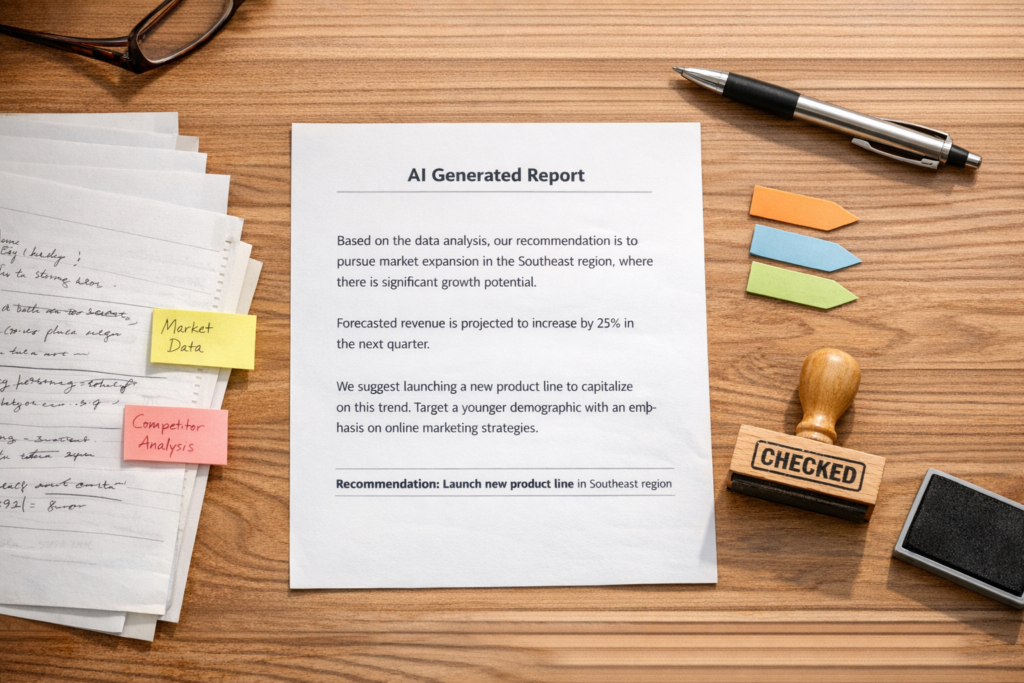
AI Automation Needs Receipts Before It Needs More Speed
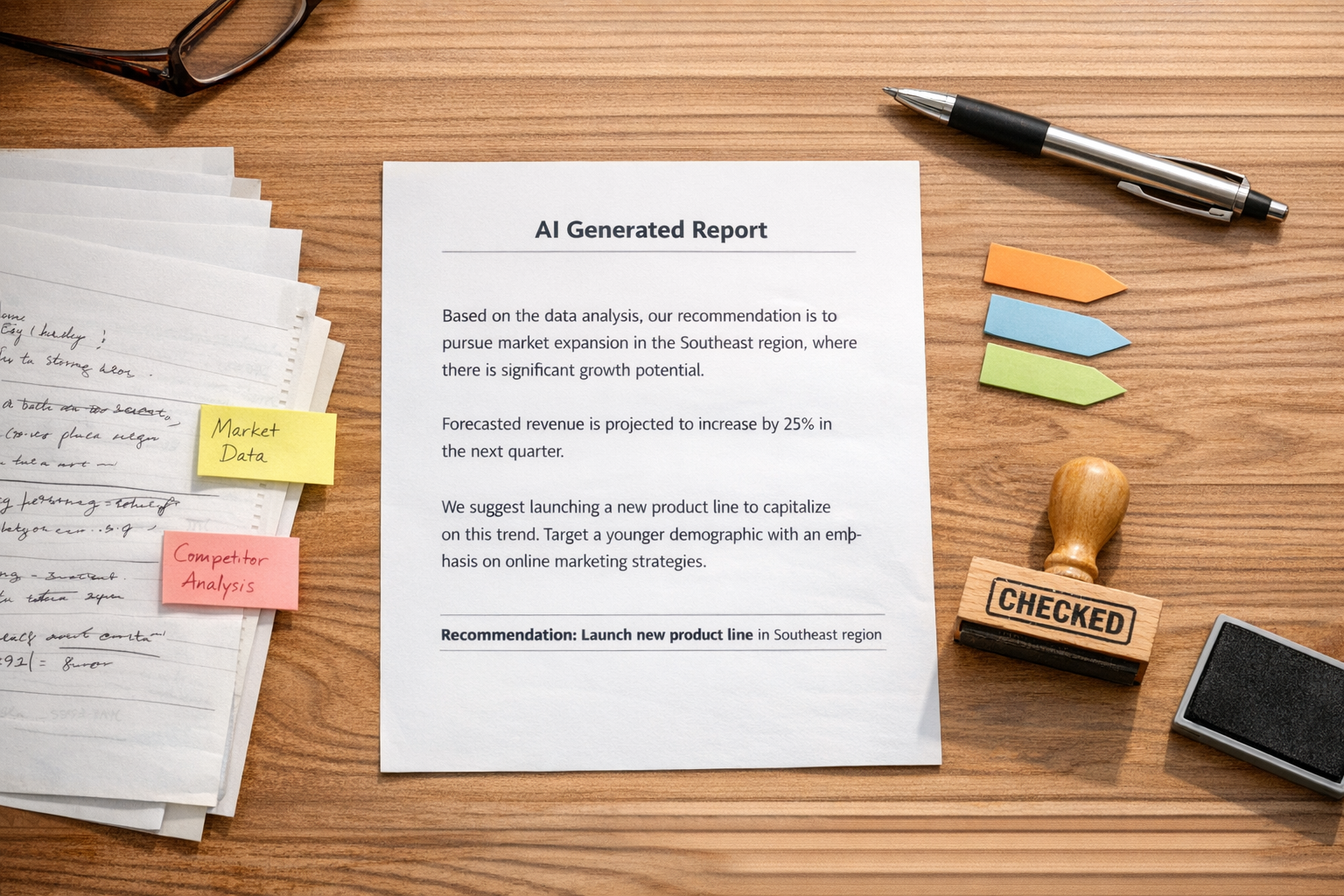
AI is becoming part of everyday business operations. It can summarize calls, draft support replies, classify leads, prepare sales notes, research topics, write internal updates, and suggest next steps inside workflows.
That is useful. It also creates a new operational risk.
When AI gives a weak answer in a chat window, one person may notice and move on. When AI is connected to CRM fields, support queues, task creation, email drafts, or automation triggers, the same weak answer can move through the business as if it were true.
This is why AI workflows need receipts.
Not in a complicated compliance sense. In a practical operator sense. If the AI says something, summarizes something, recommends something, or triggers something, your team should be able to understand where that output came from and whether it is safe to use.
The real issue is not AI accuracy
Teams often frame this as an accuracy problem. They ask, “Can we trust the AI?”
A better question is, “Which parts of this workflow are allowed to trust the AI?”
There is a big difference between using AI to prepare work and using AI to make decisions. For example, an AI agent summarizing a support ticket is usually low risk. An AI agent deciding whether a customer qualifies for a refund is much higher risk. An AI assistant drafting a sales follow-up is helpful. An AI assistant sending that follow-up with unverified claims can create problems.
The point is not to avoid AI. The point is to design the workflow around the level of risk.
What a receipt means in an AI workflow
A receipt is a simple trace of why the AI output exists and what should happen next. It gives the team enough context to review, approve, or reject the output without guessing.
In practical terms, an AI workflow receipt can include:
- Source: Which document, record, web page, transcript, policy, or database did the AI use?
- Context: Which customer, deal, order, product, ticket, or task is this related to?
- Instruction: What was the prompt, rule, or workflow step that shaped the output?
- Confidence boundary: Is this safe to use automatically, or does it need review?
- Action log: What did the automation do after the AI responded?
Without these basics, teams end up with mystery automation. Something changed in the CRM, a task appeared in ClickUp, a lead was routed, a reply was drafted, and nobody is quite sure why.
That is not a good foundation for scaling operations.
Start by separating preparation from action
The simplest way to make AI workflows safer is to separate preparation work from action work.
Preparation work includes things like summarizing, categorizing, extracting, comparing, drafting, and suggesting. These are good uses of AI because they reduce manual effort without immediately changing the outside world.
Action work includes sending emails, updating CRM lifecycle stages, assigning owners, changing order status, creating invoices, approving refunds, or notifying customers. These steps often need more control because they affect customers, revenue, reporting, or reputation.
When we build AI-enabled workflows, we often create a checkpoint between those two layers. AI prepares the recommendation. The system stores the reasoning or source. A person reviews when needed. Then the automation takes action.
That review step does not have to be slow. It just has to be intentional.
A practical validation worksheet
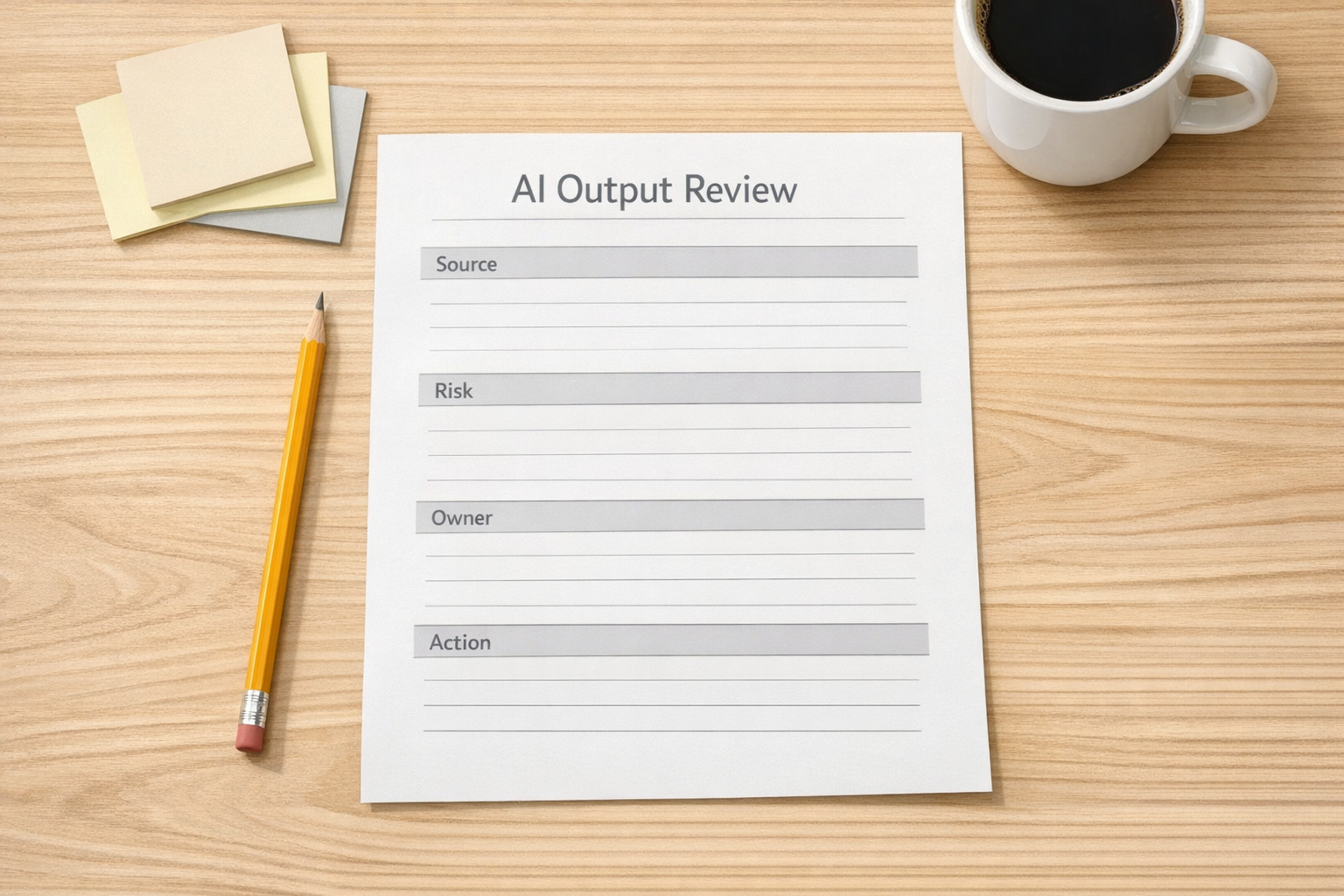
Before you connect AI to a workflow, answer four questions:
1. What source is allowed?
Do not let the AI pull from everything unless everything is trustworthy. Define approved sources. This might be your help center, internal SOPs, product documentation, CRM fields, order data, call transcripts, or selected research documents.
If the source is weak, the output will be weak. Better prompting cannot fully fix poor input quality.
2. What is the risk level?
Classify the workflow. Low-risk outputs can move faster. High-risk outputs need review.
For example, summarizing a meeting is low risk. Updating a deal stage based on that summary may be medium risk. Sending a pricing-related email based on that summary may be high risk.
3. Who owns the review?
If everything belongs to everyone, nothing gets checked consistently. Assign an owner by workflow type. Support reviews support outputs. Sales reviews deal-related outputs. Operations reviews internal workflow changes.
4. What action is allowed?
Be specific. The AI may be allowed to draft an email but not send it. It may be allowed to suggest a CRM update but not apply it. It may be allowed to create a ClickUp task but not assign a due date without a rule.
Clear boundaries make automation easier to trust.
Where validation matters most
Not every AI workflow needs the same level of review. The best systems are not over-controlled. They are appropriately controlled.
Validation is especially important in workflows involving:
- Customer communication: Support replies, sales emails, onboarding messages, and account updates.
- CRM changes: Lifecycle stages, lead scores, deal values, owner assignments, and qualification notes.
- Financial or operational decisions: Refunds, discounts, order exceptions, invoice notes, and fulfillment changes.
- Public content: Claims, comparisons, recommendations, and industry commentary.
- Internal reporting: Executive summaries, pipeline updates, and performance explanations.
If the output can influence a customer, a decision, or a report, it deserves a receipt.
Design the handoff, not just the prompt
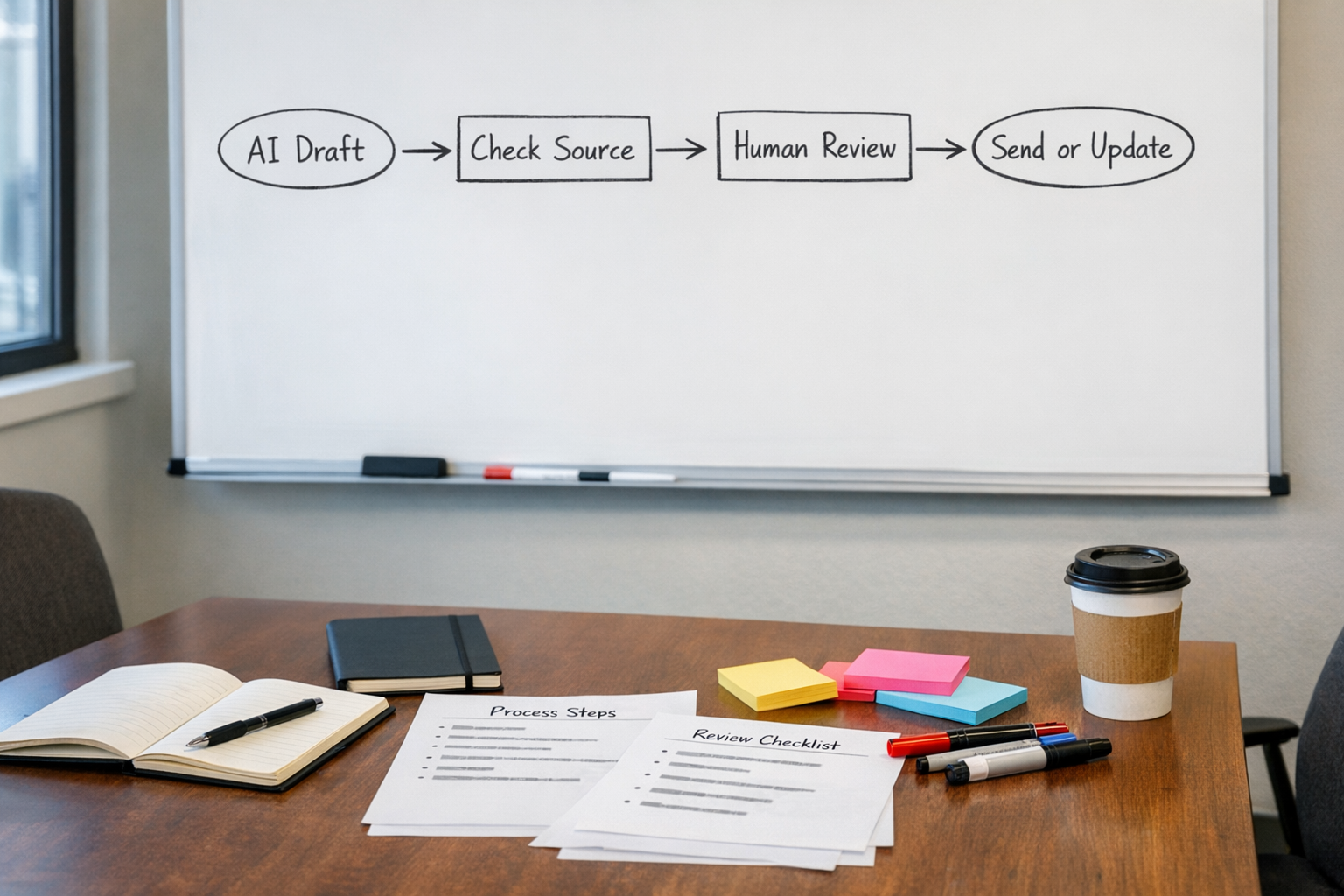
Many AI projects spend too much time on the prompt and not enough time on the handoff.
The prompt matters, but the workflow around the prompt matters more. Where does the input come from? Where is the output stored? Who sees it? What happens if the AI is uncertain? What happens if required data is missing? What gets logged? What gets sent automatically?
These questions turn an interesting AI demo into a usable business process.
A good AI workflow should have a clear path:
- Collect the right input
- Run the AI step with defined instructions
- Attach source or context where possible
- Route high-risk outputs for review
- Let automation handle approved next steps
- Log what happened for future troubleshooting
This is how you reduce manual copy-paste without creating a black box.
The goal is useful trust
AI does not need blind trust to be valuable. It needs useful trust.
Useful trust comes from clear sources, sensible limits, visible review points, and workflow logs that explain what happened. That is what allows teams to use AI for real operational work without feeling like they are handing the keys to a guessing machine.
At ConsultEvo, we help teams build AI agents and automations that remove work while keeping the process understandable. That can mean cleaner CRM data, safer Make or Zapier scenarios, better ClickUp handoffs, or AI steps that prepare decisions instead of silently making them.
If your team is experimenting with AI but is not fully confident in the workflow around it, start with the receipts. Define the source, the risk, the review owner, and the allowed action. The automation will be much easier to trust after that.
If you want help designing or fixing that kind of workflow, ConsultEvo can help map the process and build it properly.