

How to Write Operating Rules for AI Agents Before You Automate
AI agents are becoming easier to connect to real business systems. They can read CRM records, create tasks, summarize support tickets, draft replies, update spreadsheets, classify leads, and trigger automations.
That is useful, but it also creates a problem: the agent is no longer just writing text. It is participating in operations.
When an AI workflow can change data, notify customers, create tasks, or move deals forward, a vague prompt is not enough. The agent needs operating rules.
Why prompts are not enough
A lot of AI workflow design still starts with instructions like “act as a helpful operations assistant” or “carefully review this CRM record.” Those phrases sound reasonable, but they do not define behavior.
What does “carefully” mean when a contact has two possible owners? What should the agent do when a support ticket is angry but missing an order number? Should it update the deal stage, create a task, send a message, or wait?
In normal business operations, experienced people handle these judgment calls because they understand the context. AI agents need that context converted into rules.
The goal is not to write a longer prompt. The goal is to make the work safer, narrower, and more predictable.
Start with three categories of rules
Before connecting an AI agent to ClickUp, HubSpot, HighLevel, Shopify, Make, Zapier, or any internal system, define three types of instructions.
- Permission rules: What can the agent do without human approval?
- Protection rules: What must the agent never change, delete, send, or approve?
- Escalation rules: When should the agent stop and ask a human?
These three categories are simple, but they force the right conversation. They move the team from “Can AI do this?” to “Where is AI safe to use inside this workflow?”
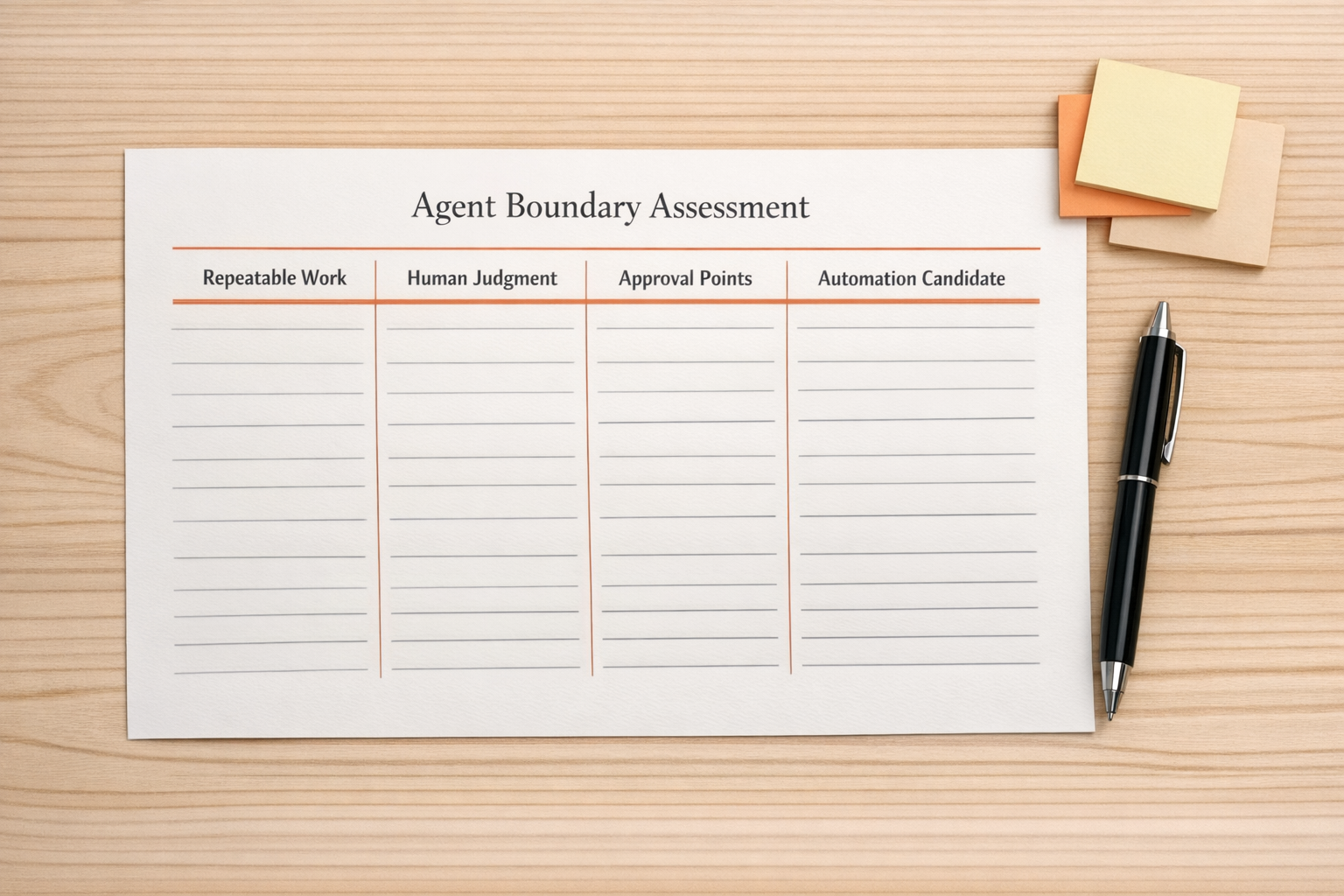
Example: CRM cleanup agent
CRM cleanup is a good example because it looks simple from the outside. There are duplicate contacts, messy fields, inconsistent naming, and stale records. It feels like a perfect job for AI.
But CRM data often touches sales reporting, attribution, commissions, customer history, and handoffs. A careless update can create more work than it removes.
A better CRM cleanup agent might use rules like this:
- Can do: Identify likely duplicates and prepare a merge recommendation.
- Can do: Standardize capitalization and formatting in low-risk text fields.
- Can do: Add missing company domains when there is a clear source in the existing record.
- Must not do: Change deal amount, lifecycle stage, lead source, owner, or close date.
- Must not do: Merge contacts when email addresses conflict.
- Ask human: Create a review task when confidence is low or multiple owners are involved.
Notice the difference. The agent is not being told to “clean the CRM.” It is being given a defined operational lane.
Example: support handoff agent
Support handoffs are another place where AI can help, especially when tickets need to become internal tasks. But the agent should not treat every message the same way.
Useful rules might include:
- Create a task only when the issue requires internal follow-up.
- Include the customer issue, affected product or order, urgency, and requested outcome.
- Do not promise refunds, timelines, discounts, or policy exceptions.
- If the message includes legal, billing, security, or cancellation language, route it to a human.
- If the order number or customer identifier is missing, ask for clarification instead of guessing.
This turns the AI agent into a structured handoff assistant instead of a free-form responder.
Example: ClickUp task creation
Many teams want AI to create ClickUp tasks from calls, forms, emails, or chat messages. The value is obvious: less copy-paste and fewer missed follow-ups.
But task creation can become noisy if the agent is allowed to create tasks without standards. A good rule set might define:
- Which list or folder receives the task.
- Which fields are required before a task can be created.
- How priorities are assigned.
- When a task should be created versus added as a comment to an existing task.
- When the agent should assign a person and when it should leave assignment blank for triage.
Without these rules, automation can create clutter. With them, it can reduce admin work and improve follow-through.
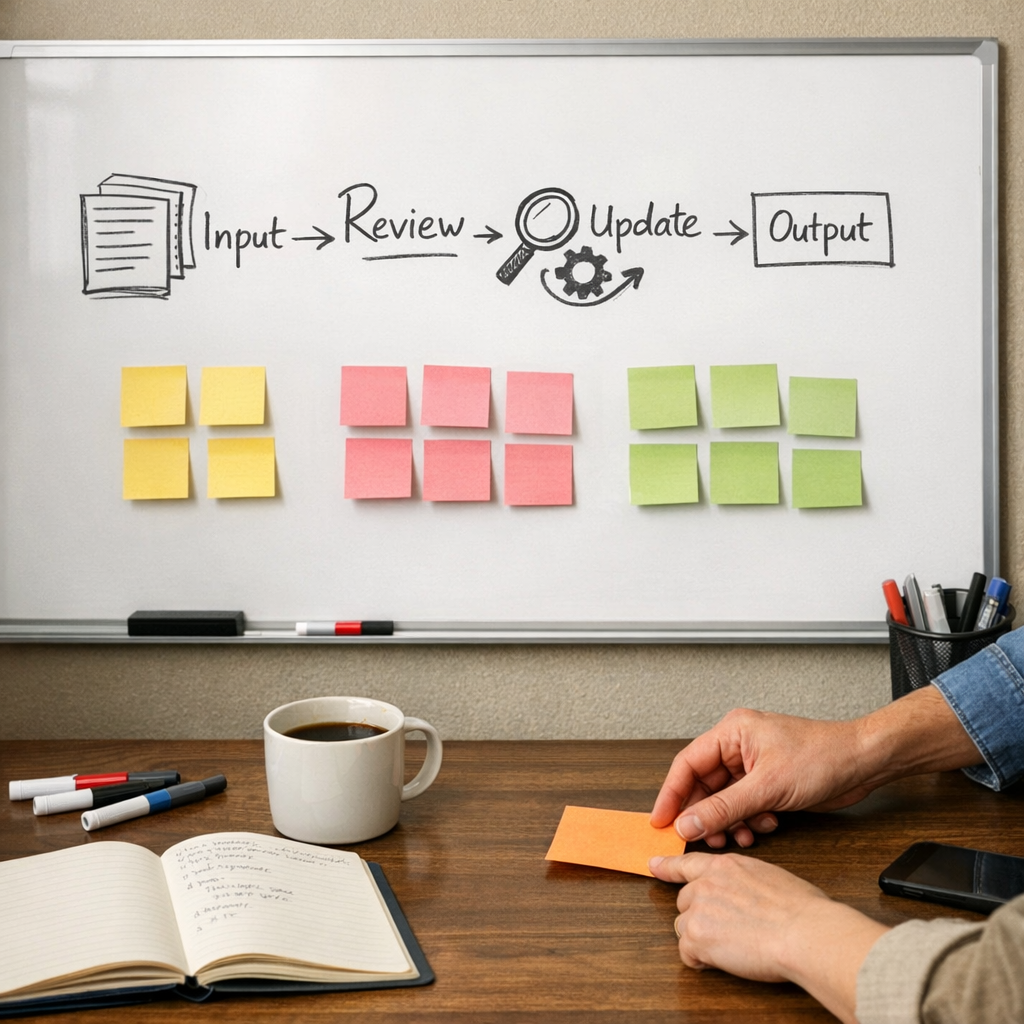
Design the stop points first
One of the most important parts of AI workflow design is deciding where the system should stop.
Teams often focus on what the agent can complete from start to finish. That is useful, but the safer question is: “Where would a wrong decision be expensive, confusing, or hard to reverse?”
Those moments need review steps.
Examples include:
- Changing customer-facing messages.
- Updating revenue-related CRM fields.
- Issuing refunds or discounts.
- Changing order status.
- Assigning sales ownership.
- Closing support tickets.
- Deleting or merging records.
AI can still assist in these moments. It can summarize, recommend, draft, classify, or prepare the update. But the final action may belong to a person.
Make the rules visible
Operating rules should not live only inside someone’s head or inside a hidden prompt. They should be documented where the team can review them.
For practical implementation, create a short workflow rules document with:
- The workflow purpose.
- The systems involved.
- The trigger event.
- The agent’s allowed actions.
- The agent’s restricted actions.
- Human review points.
- Error handling instructions.
- Who owns the workflow after launch.
This document becomes the bridge between operations, automation, and AI behavior. It also makes future fixes easier because the team can compare what the system did against what it was supposed to do.
Build narrow, then expand
The safest AI automations usually start narrow. Instead of asking an agent to manage an entire sales process, start with one handoff. Instead of asking it to clean the whole CRM, start with duplicate detection. Instead of asking it to run support, start with internal summaries and routing.
Once the workflow proves reliable, you can expand the scope.
This is not slower in practice. It prevents rework. A narrow, well-defined automation is easier to test, easier to trust, and easier to improve.
A simple implementation checklist
Before launching an AI agent inside operations, review this list:
- Have we defined exactly what work the agent removes?
- Have we listed the fields, messages, or records it may update?
- Have we listed the fields, messages, or records it must not touch?
- Have we defined when confidence is too low to proceed?
- Have we created a human review path?
- Have we tested edge cases with messy real-world examples?
- Have we documented ownership for monitoring and maintenance?
If those answers are unclear, the workflow is not ready for full automation yet.
The practical takeaway
AI agents are most useful when they remove real operational work. But they need structure to do that safely.
Do not start with the tool. Start with the operating rules. Define what the agent can do, what it must never do, and when it should ask for help.
That is how AI becomes part of a reliable workflow instead of another system the team has to babysit.
Need help designing this properly? ConsultEvo helps teams build and fix AI agents, CRM workflows, ClickUp structures, Make and Zapier automations, HighLevel workflows, and operational systems. If you want a safer automation plan before you connect everything, we can help.