

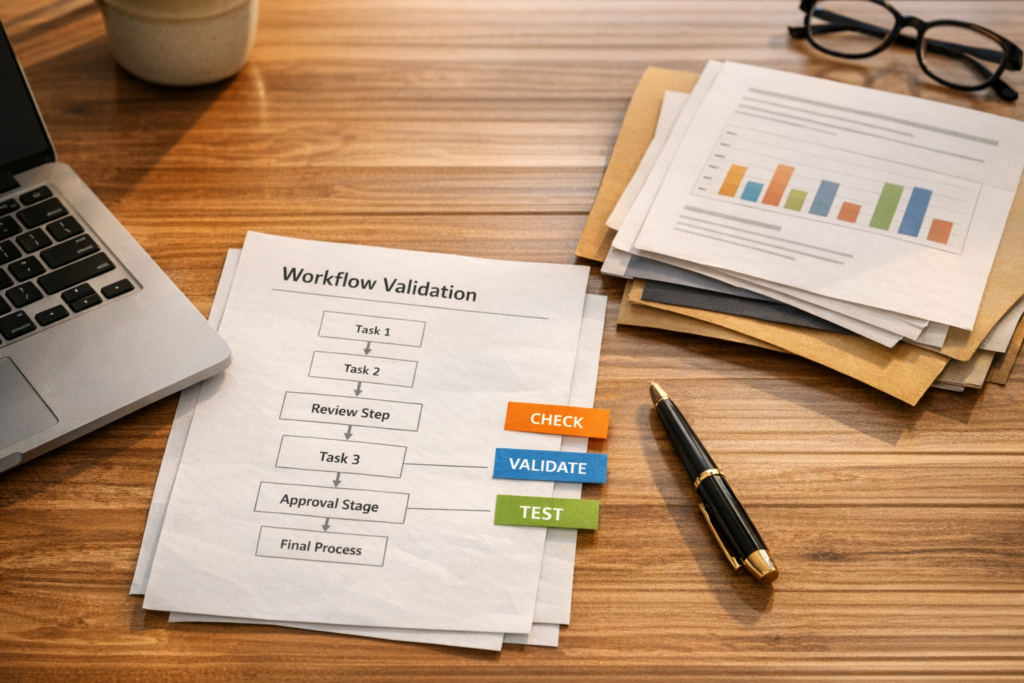
AI Agents Need Validation Before They Touch Your Operations
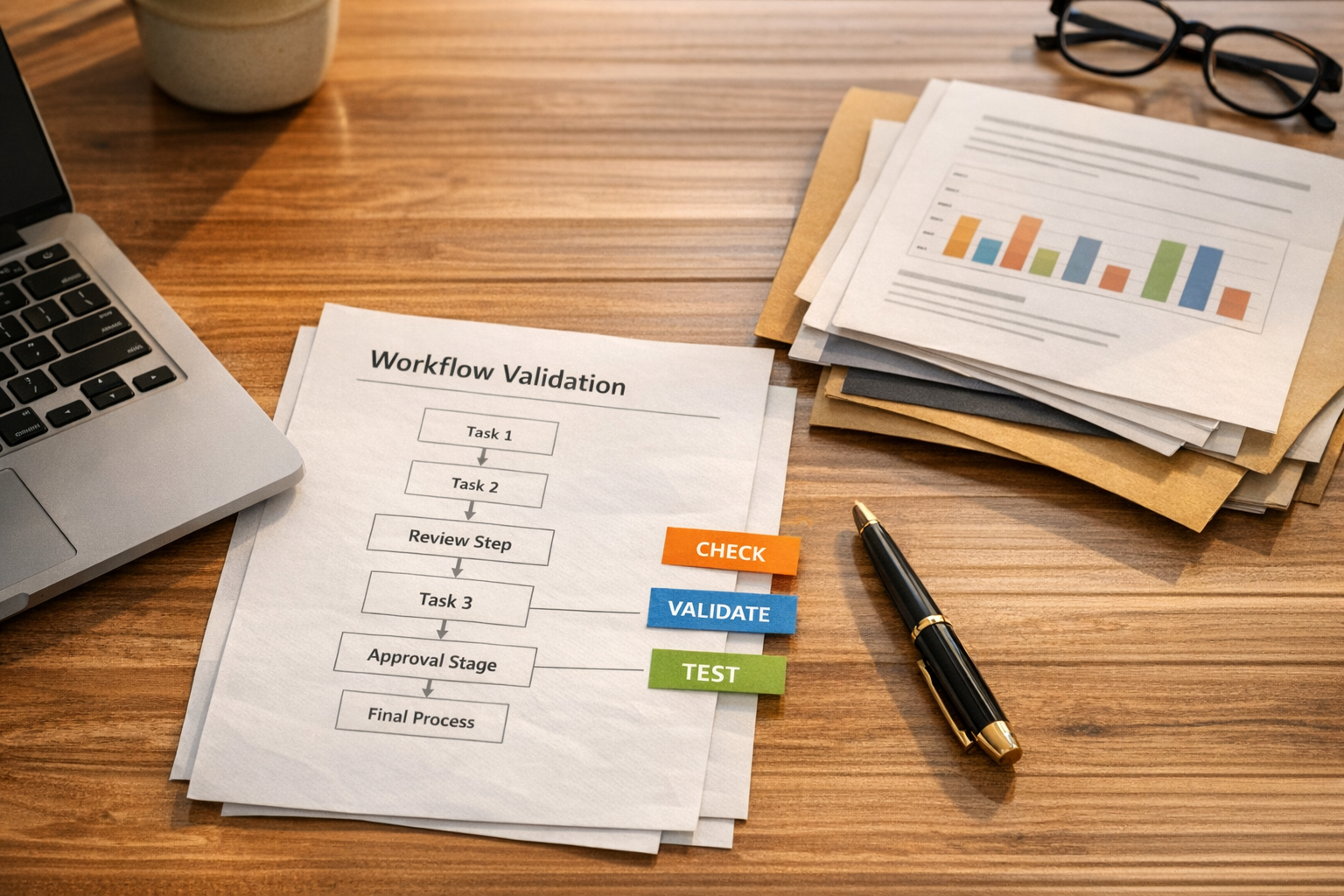
AI agents are becoming much more useful inside everyday business operations. They can summarize calls, draft replies, classify support tickets, update CRM records, create tasks, compare documents, and prepare internal notes. For a busy team, that sounds like exactly what is needed: less manual copy-paste and fewer repetitive admin steps.
But there is a difference between an AI agent that can do a task and an AI agent that can be trusted inside a live workflow.
The gap is validation.
When a workflow is simple and rules-based, validation is usually straightforward. Did the form submit? Did the automation run? Was the contact created? Did the task land in the right list?
AI adds a new layer. Now the system is not only moving data. It is interpreting information, making classifications, deciding what matters, and sometimes choosing the next step. That means the workflow needs a clear definition of what good looks like.
The prompt is not the process
A common mistake is treating the prompt as the whole system. Someone writes a detailed instruction, connects the agent to a CRM, help desk, inbox, or project management tool, and expects the result to hold up in production.
The first few tests often look promising. The agent understands the request. It produces a clean summary. It updates the right field. It creates a decent task.
Then real business data arrives.
A lead uses vague language. A customer asks three questions in one message. A sales rep leaves incomplete notes. A support ticket includes an attachment. A CRM record already has conflicting information. A workflow has an exception that everyone on the team understands, but no one wrote down.
This is where a prompt starts to show its limits. The issue is not always that the AI is bad. The issue is that the business process was never defined clearly enough for the agent to follow it safely.
Start with the decision, not the tool
Before building an AI workflow, identify the decisions the agent is expected to make. This is more useful than starting with the tool or model.
For example, if an agent is helping with lead qualification, the real decisions might be:
- Is this person a fit for our service?
- Which pipeline stage should they enter?
- Which team member should own the next step?
- Does this need a manual review before follow-up?
- What information is missing?
If an agent is helping with support triage, the decisions might be:
- What is the customer asking for?
- Is this urgent?
- Is this billing, technical, onboarding, or general support?
- Can the agent draft a reply, or should it only summarize?
- Should the ticket be escalated?
Once the decisions are visible, you can define the success criteria. That is the foundation for a reliable AI workflow.
A simple AI agent validation worksheet
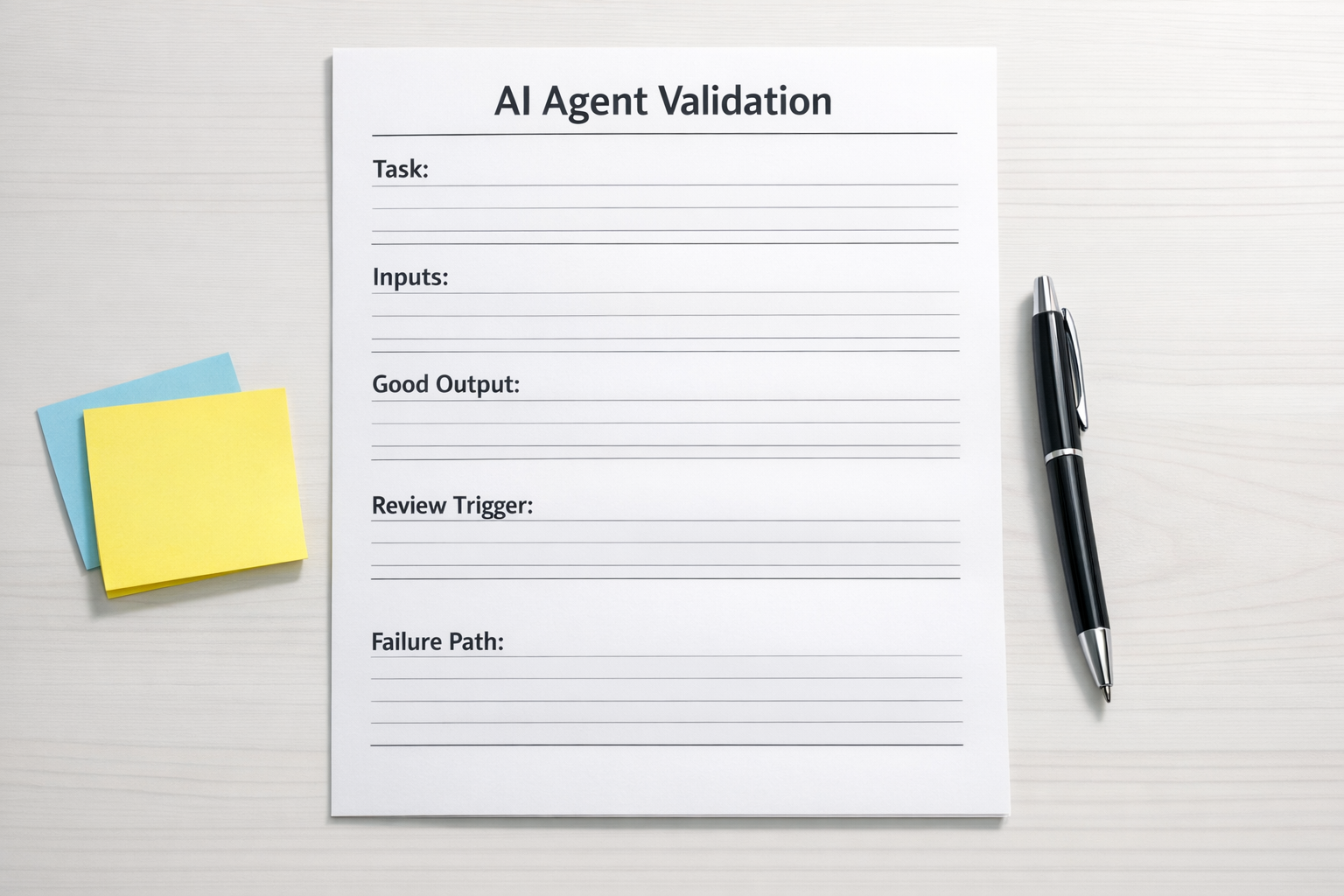
You do not need a complicated technical evaluation system to start. For most operational workflows, a simple worksheet is enough to prevent the obvious problems.
Before deploying an AI agent, document these items:
- Task: What is the agent responsible for doing?
- Inputs: What information does the agent need to make a good decision?
- Output: What should the agent create, update, draft, or recommend?
- Success criteria: What does a correct output look like?
- Protected fields: What should the agent never change without approval?
- Review triggers: Which situations should require human review?
- Failure path: What should happen when the agent is unsure?
This exercise often exposes process gaps before any automation is built. That is a good thing. It is much cheaper to find unclear rules during planning than after the agent has updated hundreds of records incorrectly.
Validation rules should match the risk
Not every AI workflow needs the same level of control. The amount of validation should match the operational risk.
Low-risk tasks can be more flexible. For example, summarizing internal meeting notes or drafting a first version of a task description may only need light human review.
Medium-risk tasks need clearer checks. For example, categorizing inbound leads, assigning support tickets, or creating project tasks can affect team workload and customer response times. These workflows should have required fields, confidence thresholds, and exception handling.
High-risk tasks need tighter approval. Anything involving pricing, contracts, billing changes, account status, customer commitments, or sensitive data should include human approval before action is taken.
The goal is not to slow everything down. The goal is to decide where speed is safe and where review is necessary.
Build feedback into the workflow
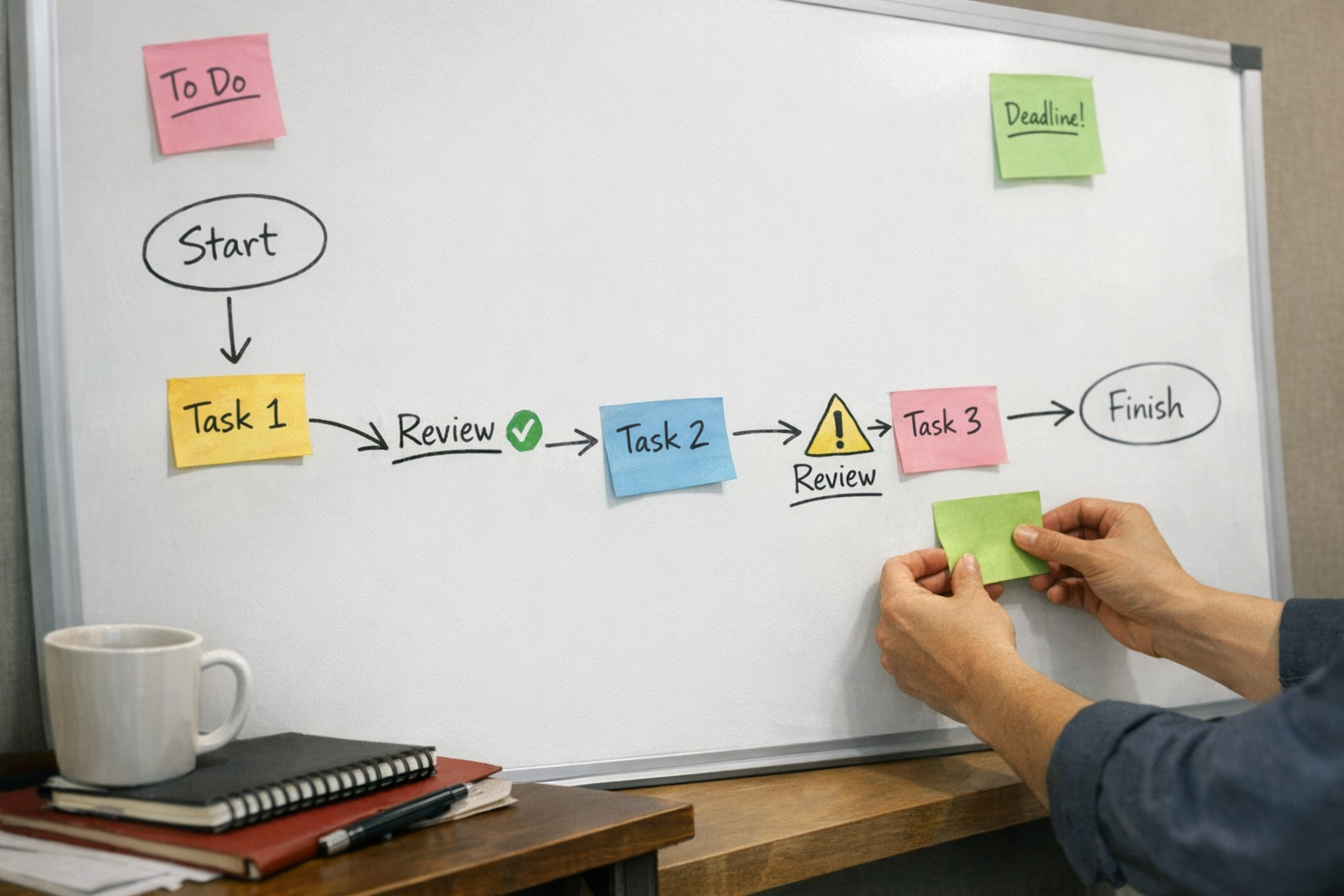
A strong AI workflow improves over time because review is built into the process. When a human corrects an output, that correction should not disappear into a Slack thread or private thought. It should become part of the system’s learning loop.
In practical terms, that might mean:
- Adding examples of good and bad outputs to the prompt
- Creating clearer routing rules
- Cleaning CRM fields so the agent has better inputs
- Adding a required human approval step for certain categories
- Changing the task template so outputs are easier to review
- Logging failed cases in ClickUp or a simple review sheet
Sometimes the right answer is not a better prompt. Sometimes the answer is a cleaner CRM, a narrower automation scope, a better handoff rule, or a more structured intake form.
Where businesses should apply this first
AI validation is especially useful in workflows where small mistakes create downstream confusion. Good starting points include:
- CRM cleanup: Validate lifecycle stages, owners, tags, and required fields before updates are made.
- Sales handoffs: Check whether the agent captured budget, need, timeline, and next action before creating a deal task.
- Support triage: Confirm category, urgency, sentiment, and escalation rules before routing tickets.
- ClickUp task creation: Require clear task names, owners, due dates, source links, and acceptance criteria.
- Make or Zapier automations: Add filters, fallback paths, and logging around AI-generated outputs.
- HighLevel workflows: Review AI-generated lead notes or replies before triggering customer-facing sequences.
- Shopify operations: Flag order exceptions for review instead of letting AI decide everything automatically.
These are the places where AI can remove real work, but only if the surrounding workflow is clear.
The practical rule: autonomy is earned
An AI agent should not get full autonomy on day one. Start with recommendation mode. Let it draft, classify, summarize, or suggest the next step. Have a human review the output. Track where it performs well and where it struggles.
Once the pattern is reliable, allow the agent to take action in low-risk cases. Keep review for exceptions. Over time, you can expand what it handles automatically.
This approach builds trust with the team. People can see that the agent is not a mysterious black box. It is part of a designed workflow with rules, review points, and a fallback path.
Final thought
The best AI operations are not built by asking, “What can we automate?”
They are built by asking, “What work can we safely remove, and how will we know the result is correct?”
That shift changes everything. It moves the conversation from AI hype to operational clarity.
If you are planning an AI agent for CRM, ClickUp, Make, Zapier, HighLevel, Shopify, sales, or support workflows, ConsultEvo can help you map the process, define validation rules, and build the automation in a way your team can actually trust.