


AI agents need more than clever prompts

AI agents are becoming more capable at working across steps, using tools, gathering context, and completing tasks that previously required a person to move between systems. That is exciting, but it also creates a practical problem for operators.
A demo can look polished while the real workflow is still fragile.
In a demo, the input is usually clean. The request is clear. The data is available. The tool works. The output lands where it should.
Inside a business, the picture is different. A lead form has missing fields. A customer asks three questions in one message. A CRM has duplicate records. A task is created without an owner. A support handoff happens in the wrong channel. An automation fails after step four, and nobody knows whether the previous steps completed correctly.
This is why agentic AI should not be treated as a magic layer that sits on top of messy operations. The agent needs a workflow around it. It needs boundaries, validation, logging, handoffs, and a clear definition of what good work looks like.
Start by defining the job
Before choosing tools or writing prompts, define the job in business terms. Not “build an AI agent for sales.” Not “automate support.” Those are categories, not workflows.
A better starting point is specific:
- Review new inbound leads and identify whether they match our service criteria.
- Draft a first response for human approval when a support ticket matches a known issue.
- Summarize discovery call notes and create the next three internal tasks.
- Check Shopify order exceptions and prepare a daily review list.
- Identify CRM contacts with missing lifecycle data and route them for cleanup.
The narrower the job, the easier it is to build something useful. A focused agent can be tested, measured, improved, and trusted over time. A vague agent becomes a guessing machine.
Map the workflow before building the agent
Once the job is clear, map the workflow around it. This does not need to be complicated. A simple planning page is often enough.
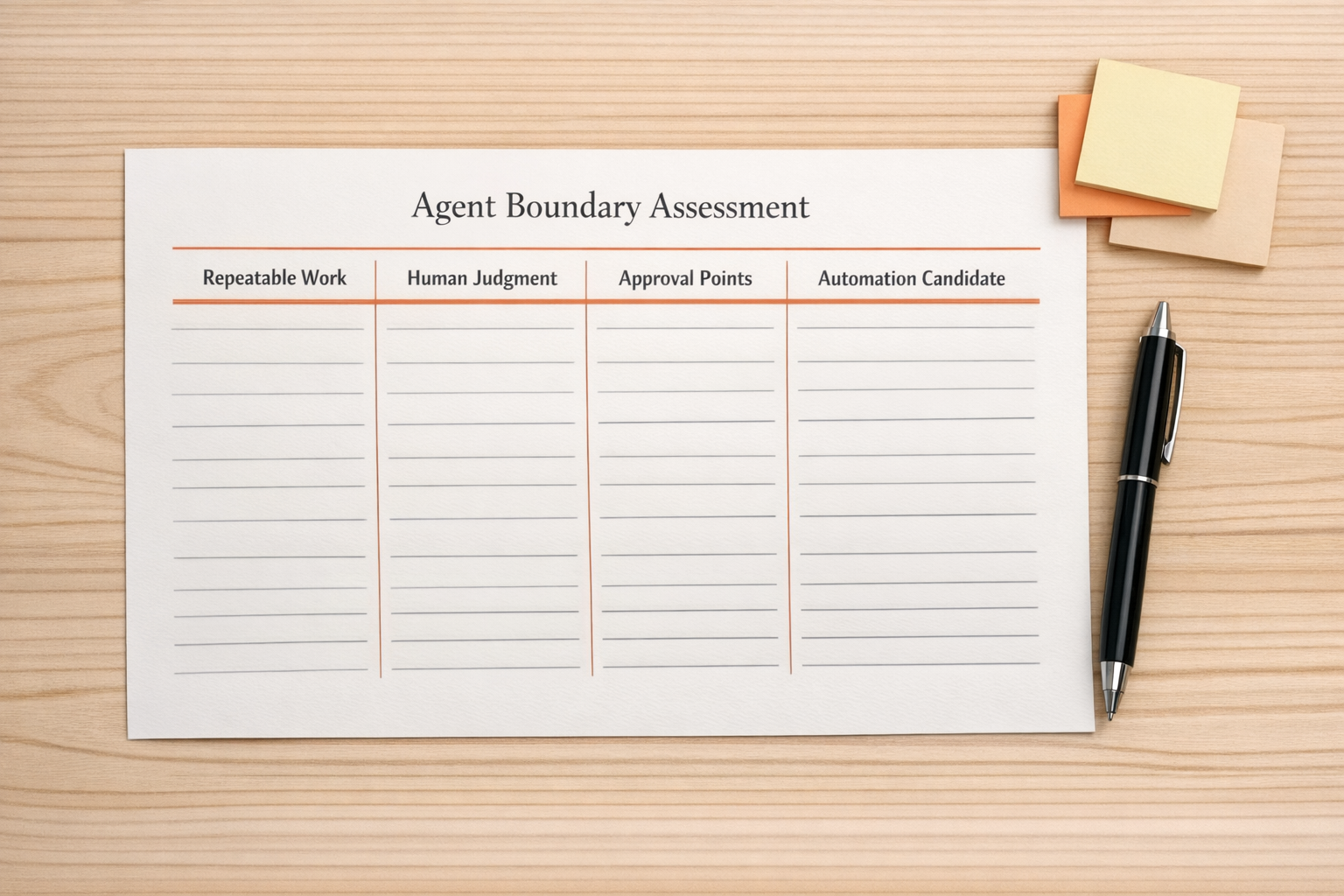
At minimum, define these six areas:
- Input: What starts the workflow? A form submission, email, CRM update, ClickUp task, order event, chat message, or scheduled check?
- Context: What information does the agent need? Customer history, product details, internal policy, CRM fields, task comments, previous tickets, or documents?
- Decision: What is the agent allowed to decide? Can it classify, recommend, summarize, draft, update, assign, or notify?
- Tools: Which systems can it touch? CRM, ClickUp, Make, Zapier, HubSpot, GoHighLevel, Shopify, email, Slack, or a database?
- Human review: Where should the workflow pause for approval? What level of risk requires a person?
- Output: Where does the result live? A CRM property, task comment, email draft, support note, dashboard, or review queue?
This is the point where many projects become clearer. Sometimes the agent is not the hard part. The hard part is that the business process has never been defined with enough precision.
Set boundaries that protect the operation
An AI agent that can use tools needs boundaries. Without boundaries, it may take actions that are technically possible but operationally wrong.
For example, an agent might be allowed to draft an email but not send it. It might be allowed to update a task status but not close the project. It might be allowed to identify duplicate CRM records but not merge them automatically. It might be allowed to prepare a refund review but not issue the refund.
This is not about being afraid of AI. It is about designing responsibility into the system.
Good boundaries usually include:
- Action limits: What the agent can and cannot change.
- Approval rules: Which actions require human review.
- Fallback paths: What happens when data is missing or confidence is low.
- Escalation rules: Who gets notified when the workflow cannot continue.
- Audit logs: What gets recorded for later review.
These rules make the agent easier to trust because the team knows where autonomy ends.
Pressure-test the boring middle
The strongest workflows are not validated only with ideal examples. They are tested against the messy middle of real operations.
That means testing incomplete inputs, duplicate records, unclear requests, system errors, unexpected formatting, missing permissions, and tool failures. It also means reviewing the results with the people who actually do the work.

A simple pressure test might include questions like:
- What happens if the required CRM field is blank?
- What happens if two contacts match the same email domain?
- What happens if the customer asks for something outside the policy?
- What happens if the automation tool returns an error?
- What happens if the agent produces a useful answer but puts it in the wrong place?
- What does a manager need to review at the end of the day?
This kind of testing is not glamorous, but it is where reliability is built. It helps turn a promising agent into an operational tool.
Measure usefulness in the system of record
For business automation, the result should be visible in the system where work is managed. If the agent supports sales, the CRM should reflect the outcome. If it supports projects, ClickUp should show the correct task, owner, due date, and context. If it supports support operations, the ticketing or inbox process should show what happened and what needs attention.
A good AI agent does not just produce text. It reduces work in a place the team already uses.
Useful signals might include fewer manual copy-paste steps, cleaner records, faster routing, fewer missed handoffs, clearer task context, or less time spent preparing routine updates. You do not need to invent complex metrics at the beginning. Start with the friction your team already complains about.
Build in small loops
The safest way to introduce agentic workflows is to start small, review often, and increase autonomy only when the process earns it.
A practical rollout might look like this:
- Stage 1: The agent drafts or classifies, but a human takes all actions.
- Stage 2: The agent updates low-risk fields or creates internal tasks.
- Stage 3: The agent handles routine cases and escalates exceptions.
- Stage 4: The agent runs with periodic review and clear audit logs.
This approach gives the team time to learn where the workflow breaks. It also creates confidence because each stage is based on observed performance, not assumptions.
Process first, tools second
AI agents can remove meaningful work from a business, but only when the surrounding process is clear. The model, prompt, and automation platform matter. The workflow design matters more.
Before you build, define the job. Map the inputs and outputs. Set the boundaries. Decide where humans stay in the loop. Test the messy cases. Make the result visible in the system of record.
That is how agentic AI becomes practical for sales, support, operations, CRM cleanup, project management, and internal execution.
At ConsultEvo, we help teams design and build automation workflows, AI agents, CRM systems, ClickUp structures, Make and Zapier scenarios, HubSpot and GoHighLevel workflows, Shopify operations, and practical handoffs that reduce manual work. If you are exploring an AI agent or trying to fix one that already exists, we can help you pressure-test the workflow before it creates more cleanup.