


AI Agents Should Operate Your Systems, Not Replace Them

Many teams do not have a tool problem. They have an operator problem.
The CRM exists. The task board exists. The content calendar exists. The project workspace exists. The issue is that people still have to keep feeding, cleaning, updating, checking, and maintaining those systems by hand.
That is where operational drag builds up.
A sales rep updates lead stages after calls. A founder scans a content backlog before deciding what to write next. A project manager cleans up tasks that should have been moved three days ago. A support lead copies notes from one place into another before assigning the ticket.
None of that is the highest-value work. But if it does not happen, the system becomes unreliable.
This is one of the most useful places for AI agents and automation: not replacing your tools, and not replacing human judgment, but operating the repetitive parts of the system so the humans can make better decisions faster.
The system is the interface. The agent is the operator.
Think about a CRM. The CRM is where the team looks for truth: contacts, deals, conversations, status, next steps, ownership, and history.
But the CRM does not stay useful on its own. It needs updates. It needs cleanup. It needs consistent fields. It needs old records reviewed. It needs missing information flagged. It needs follow-ups created.
Historically, a human did all of that. Sometimes the person responsible did it carefully. Sometimes they did it at the end of the week from memory. Sometimes they skipped it because they were busy doing the actual work.
An AI agent or automation layer changes the role of the human. Instead of operating every small action in the CRM, the human can describe the desired outcome, review exceptions, and make the decisions that require context.
For example:
- Instead of manually reviewing every new lead, the system can prepare a short lead brief.
- Instead of scanning a pipeline for stale opportunities, the system can surface the records that need attention.
- Instead of copying notes from a form into a task, the system can create the task and attach the relevant context.
- Instead of rebuilding the same weekly review, the system can prepare it automatically.
The business system remains the source of truth. The agent becomes the operator that keeps it usable.
Start by separating judgment from operation
Before building any AI agent or automation workflow, it helps to separate the workflow into two categories.
Human judgment includes decisions, approvals, relationship-sensitive communication, prioritization, strategy, and exceptions.
System operation includes updating records, creating tasks, moving statuses, formatting notes, routing work, checking for missing fields, summarizing activity, and preparing review lists.
This distinction prevents overbuilding. It also prevents the common mistake of giving automation responsibility for decisions it should not own.
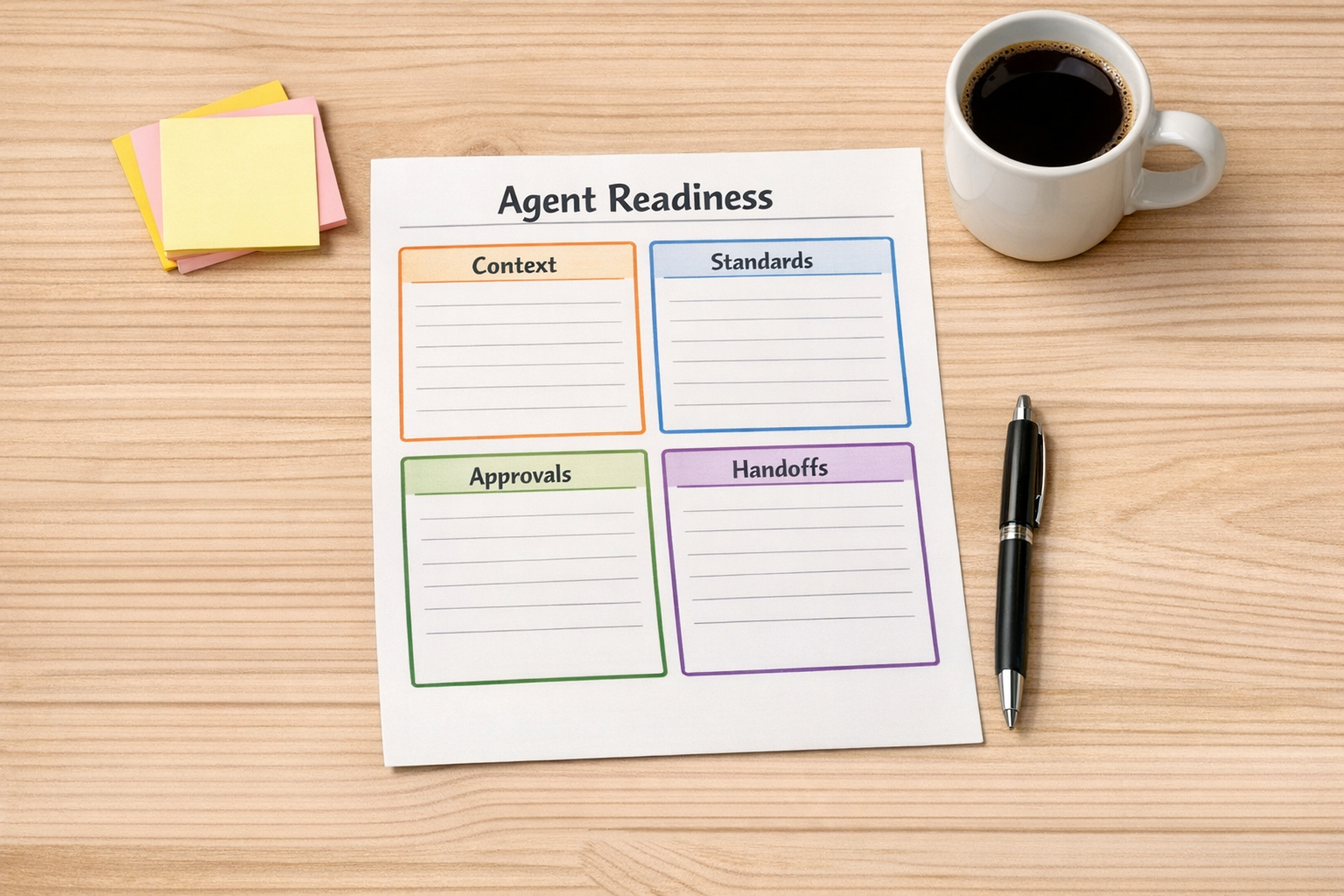
A simple worksheet can be enough. List the workflow steps in order, then mark each one as one of the following:
- Human: needs judgment, approval, or relationship context
- Agent: can read, summarize, classify, draft, or prepare
- Automation: can trigger, route, update, notify, or sync
For many businesses, the best workflow is not fully automated. It is human-led and system-operated.
Where this works well
This approach is useful anywhere the same operational pattern repeats.
CRM cleanup and lead handling: An agent can review new submissions, detect missing fields, summarize the request, suggest a category, and create a follow-up task. A human can still approve the next step.
Sales handoffs: When a lead becomes qualified, automation can create the onboarding task, attach CRM notes, notify the right person, and prepare a handoff summary. This reduces the risk of details getting lost between sales and delivery.
Content operations: An agent can scan a backlog, group related ideas, identify which ones are ready for drafting, and create structured tasks. The human still chooses the angle and final message.
Support workflows: Incoming requests can be summarized, matched to customer records, categorized, and routed. The support person starts with context instead of hunting for it.
ClickUp or task board maintenance: Automation can create tasks from forms, update statuses from events, flag overdue work, and prepare weekly review lists. The project manager can spend more time resolving blockers and less time cleaning the board.
Design the operating layer before choosing the tool
It is tempting to start with software. Should this be Make? Zapier? HubSpot workflows? GoHighLevel? A custom AI agent? A ClickUp automation?
Those choices matter, but they should come after the workflow is clear.
Start with the operating layer:
- What event starts the workflow?
- What information does the system need?
- Where should the source of truth live?
- Which steps are repetitive?
- Which steps require human review?
- What should happen when the data is incomplete?
- How will the team know the workflow worked?
Once those answers are clear, the tool choice becomes easier. Make may be the right fit for multi-step logic. Zapier may be enough for simpler handoffs. HubSpot or GoHighLevel may be best when the workflow lives inside the CRM. ClickUp may be the right place to structure delivery tasks and dashboards.
The point is not to force everything into one tool. The point is to design a system where each tool has a job, and the manual glue between tools is reduced.

A practical implementation path
If you want to apply this in your own business, start small.
1. Pick one annoying workflow. Choose something that happens often and creates manual admin work. Lead intake, task creation, CRM updates, support routing, and weekly reporting are good candidates.
2. Document the current version. Write down what actually happens today, not the clean version you wish happened. Include copy-paste steps, duplicate entry, missed updates, and follow-up reminders.
3. Mark the judgment points. Identify where a human truly needs to decide. Protect those moments. Do not automate them blindly.
4. Identify the operating steps. These are the steps an agent or automation can handle: classify, summarize, create, update, route, notify, enrich, or prepare.
5. Add validation. Every useful workflow needs checks. What happens if a field is missing? What happens if the agent is unsure? What gets logged? Who reviews exceptions?
6. Build the smallest useful version. Avoid trying to automate the entire department in one pass. Build one reliable handoff, then expand.
The real ROI is attention
Automation ROI is often discussed as saved hours, and that matters. But there is another return that is just as important: saved attention.
When people do not have to scan messy lists, copy information between tools, chase missing updates, or rebuild the same review every week, they make better use of their judgment.
That is the goal.
Not a fancier workspace. Not more software. Not an AI layer for its own sake.
A calmer operating system where humans make the calls, and agents handle the work around the work.
Need help designing this?
ConsultEvo helps teams build practical automation and AI agent workflows across ClickUp, Make, Zapier, HubSpot, GoHighLevel, Shopify, WordPress, and custom operations systems.
If your tools are useful but your team is still operating them by hand, we can help you map the workflow, validate what should be automated, and build the operating layer around it.