


AI Agents Need Workflow Management, Not Just Better Prompts
AI agents are becoming part of everyday business operations. They can draft replies, summarize calls, classify requests, update records, create tasks, prepare reports, and help teams move faster through repetitive work.
That is a real opportunity. But there is a pattern I keep seeing with companies that adopt AI too quickly: the tool gets added before the workflow is ready.
The result is not always less work. Sometimes it is just different work. Someone has to check the output, fix missing context, move the result into the right system, explain edge cases, or clean up what the agent misunderstood.

The lesson is simple: an AI agent is not only a tool. It is a new participant in your workflow. And like any participant, it needs scope, context, ownership, review, and a clear handoff.
AI makes process gaps more visible
When a human works inside a messy process, they often compensate quietly. They ask a teammate for missing details. They remember that one client needs special handling. They know which CRM field is unreliable. They notice when a request sounds urgent even if the form was filled out badly.
An AI agent does not automatically understand those unwritten rules. It may be able to reason, draft, summarize, or route work, but it still depends on the structure around it.
This is why AI workflows often expose gaps that were already there:
- CRM records are incomplete or inconsistent.
- Task ownership is unclear.
- Support and sales handoffs depend on memory.
- Standard operating procedures are outdated.
- There is no agreed definition of a good output.
- Exceptions are handled differently by different people.
AI does not remove the need for operational clarity. It raises the cost of not having it.
The common mistake: automating the task but not the handoff
Many teams start with a task like, “Use AI to draft a reply,” or “Use AI to summarize this call,” or “Use AI to categorize new leads.” That is a fine starting point, but it is not enough.
The real workflow includes what happens before and after the AI step.
For example, if an AI agent drafts a customer response, the useful questions are:
- Where does the customer context come from?
- What information should the agent never guess?
- Who reviews the draft before it is sent?
- What happens if the customer is angry, high-value, or requesting a refund?
- Where is the final response logged?
- How are recurring issues reported back to the team?
If those questions are not answered, the automation may create more review work than it removes. The team ends up babysitting the agent instead of being supported by it.
Use a simple agent workflow worksheet
Before connecting AI into your CRM, ClickUp, Make, Zapier, HubSpot, GoHighLevel, Shopify operation, or support inbox, map the workflow in plain language.
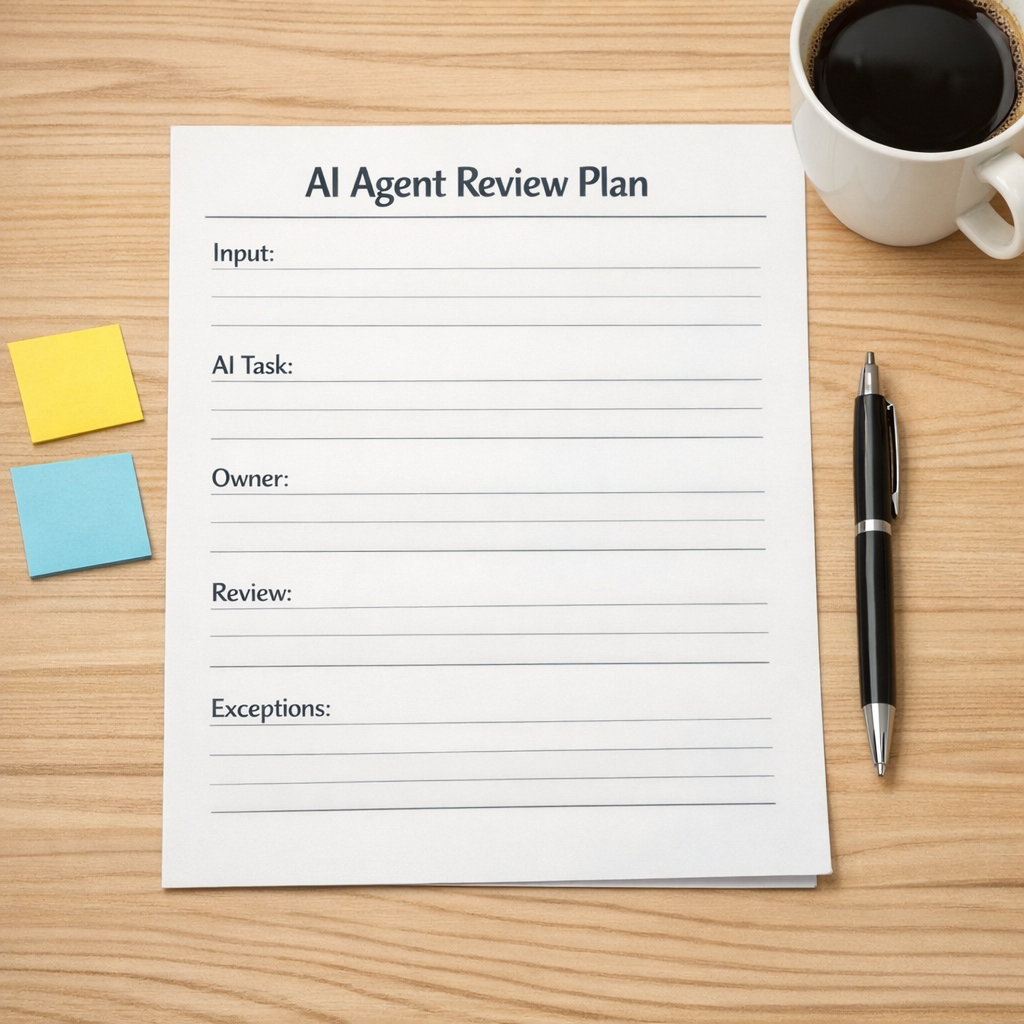
A useful planning worksheet should include these sections:
- Trigger: What starts the workflow? A form submission, new deal, support ticket, order event, missed call, Slack message, or task status change?
- Required input: What data must exist before the agent can do good work?
- AI responsibility: What exactly should the agent produce or decide?
- Human owner: Who is accountable for the workflow outcome?
- Review rule: Which outputs need approval, and which can move forward automatically?
- Exception path: What happens when data is missing, confidence is low, or the request is sensitive?
- Destination: Where should the output go next?
- Feedback loop: How will mistakes and edge cases improve the workflow over time?
This does not need to become a huge documentation project. A one-page plan is often enough to prevent the most expensive confusion.
Start with one narrow workflow
The best AI automation projects usually start smaller than people expect.
Instead of trying to add AI across the entire business, choose one repeatable workflow with clear boundaries. Good candidates include:
- Summarizing sales calls and creating follow-up tasks.
- Drafting first responses for common support questions.
- Classifying inbound leads before routing them.
- Turning form submissions into structured project intake tasks.
- Reviewing Shopify order exceptions and flagging issues.
- Preparing weekly operations summaries from existing task activity.
The goal is not to prove that AI can do everything. The goal is to remove one specific kind of manual work without damaging quality, ownership, or customer experience.
Design the review queue early
Review is where many AI workflows succeed or fail.
If every AI output needs manual checking forever, the workflow may not produce enough return. But if nothing is reviewed, quality problems can slip through quietly.
A better approach is to create review rules. For example:
- Low-risk internal summaries can be posted automatically.
- Customer-facing messages require approval until the workflow is trusted.
- High-value customers always route to a human.
- Missing data sends the item to an exception queue.
- Repeated corrections are logged and reviewed weekly.
This gives the team a practical operating rhythm. The agent handles the repeatable parts. The human handles judgment, exceptions, and improvement.
Make the agent part of the operating system
Once an AI workflow is live, it needs a routine. Not a complicated one, but a real one.
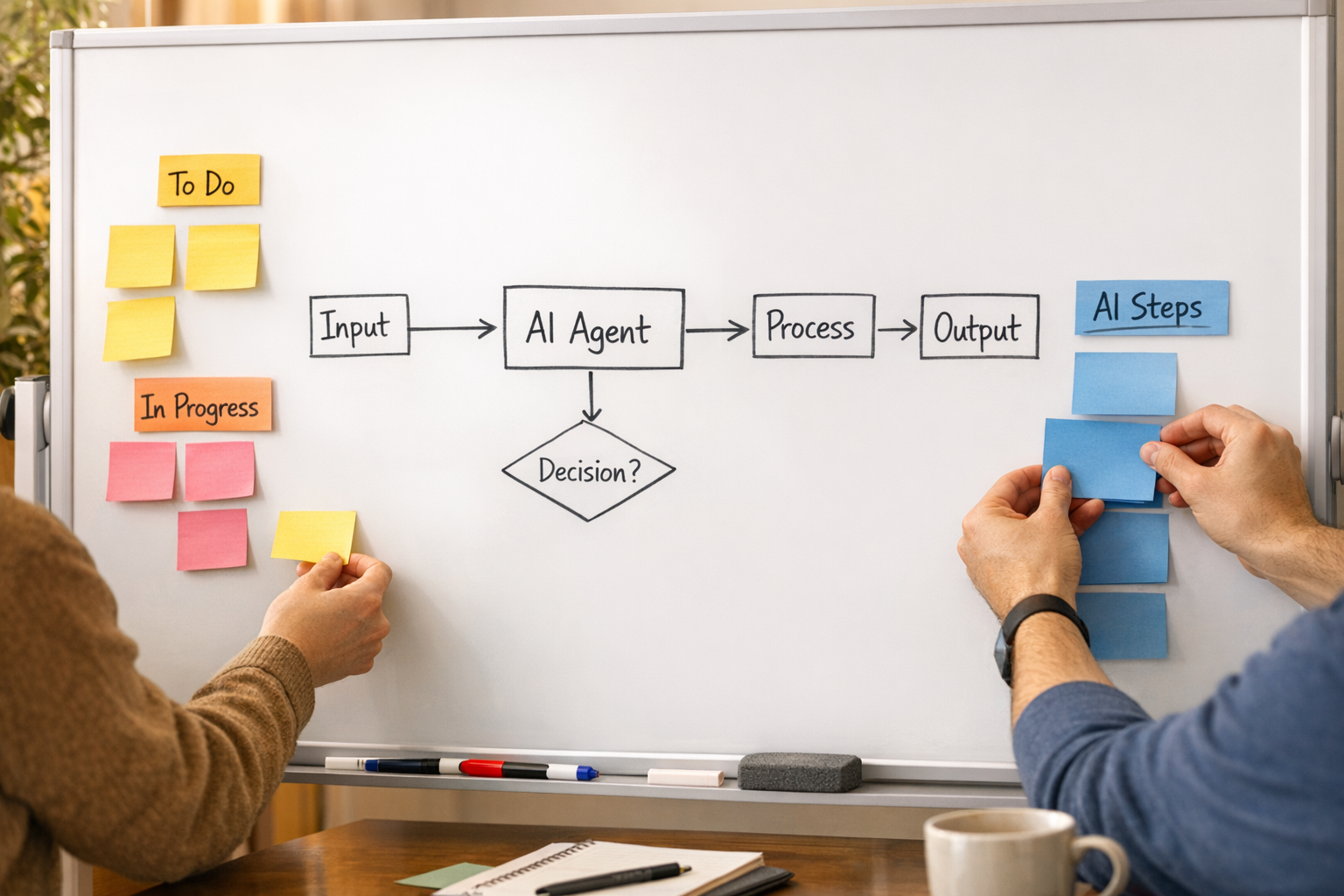
That might include a weekly check of exception items, a short review of bad outputs, a cleanup of missing CRM fields, or a quick update to the prompt and routing rules.
For operations teams, this is the shift: AI agents are not set-and-forget automations. They are workflow components that need management. The more important the workflow, the more intentional the routine should be.
A practical implementation path
If you are considering AI agents in your business, use this order:
- Map the current process. Understand how the work moves today, including the messy parts.
- Find the repetitive decision or drafting step. Do not automate the whole workflow at once.
- Clean up the required data. Bad inputs will weaken the agent quickly.
- Define the handoff. Decide who reviews, where the output goes, and what happens next.
- Create exception rules. Make uncertainty visible instead of letting it hide inside the workflow.
- Test with real examples. Use actual tickets, leads, orders, or tasks before going live.
- Review after launch. Improve the workflow based on mistakes, not assumptions.
This is slower than simply connecting a tool and hoping for the best. But it is much more likely to create automation that removes work instead of creating a new layer of supervision.
Where ConsultEvo can help
At ConsultEvo, we help businesses design and build practical automation systems across ClickUp, Make, Zapier, HubSpot, GoHighLevel, Shopify, WordPress, CRM workflows, and AI-assisted operations.
Our bias is simple: process before tools. The right AI agent can save a team hours of manual copy-paste, routing, drafting, and checking. But only when the workflow around it is clear.
If your team is experimenting with AI and the process already feels messy, it may be worth pausing before adding more automation. Map the handoffs. Define the review points. Clean the data. Then build the agent.
AI can remove work, but the workflow has to be designed like the agent is part of the team.