

How to Make AI-Assisted Workflow Improvements Compound
AI agents are getting better at helping with business operations. They can draft workflow logic, inspect CRM records, suggest automation steps, write support macros, review task structures, and help document processes.
But there is a quiet problem that shows up after the first few wins.
The work gets done, but the operation does not always get smarter.
A workflow is patched. A field mapping is fixed. A ClickUp list is reorganized. A Make or Zapier automation is adjusted. A sales handoff is clarified. Everyone moves on. Two weeks later, someone needs to change the same system again and has to reconstruct the reasoning from Slack messages, call notes, old tasks, and memory.
That is where many AI-assisted operations projects lose value. The agent helped complete a task, but the system did not retain the learning.
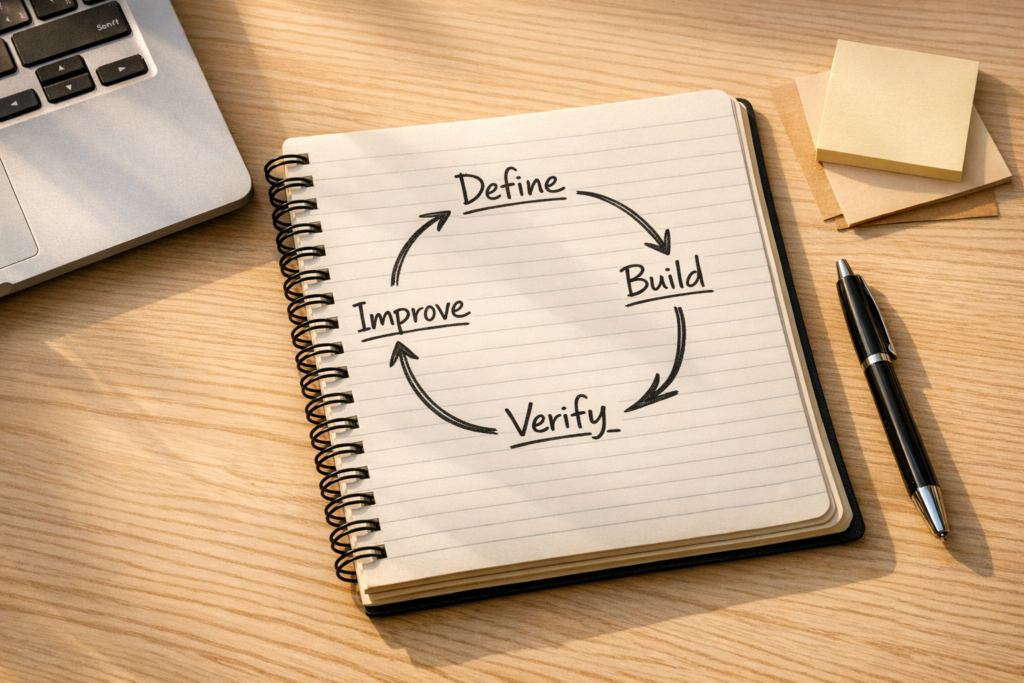
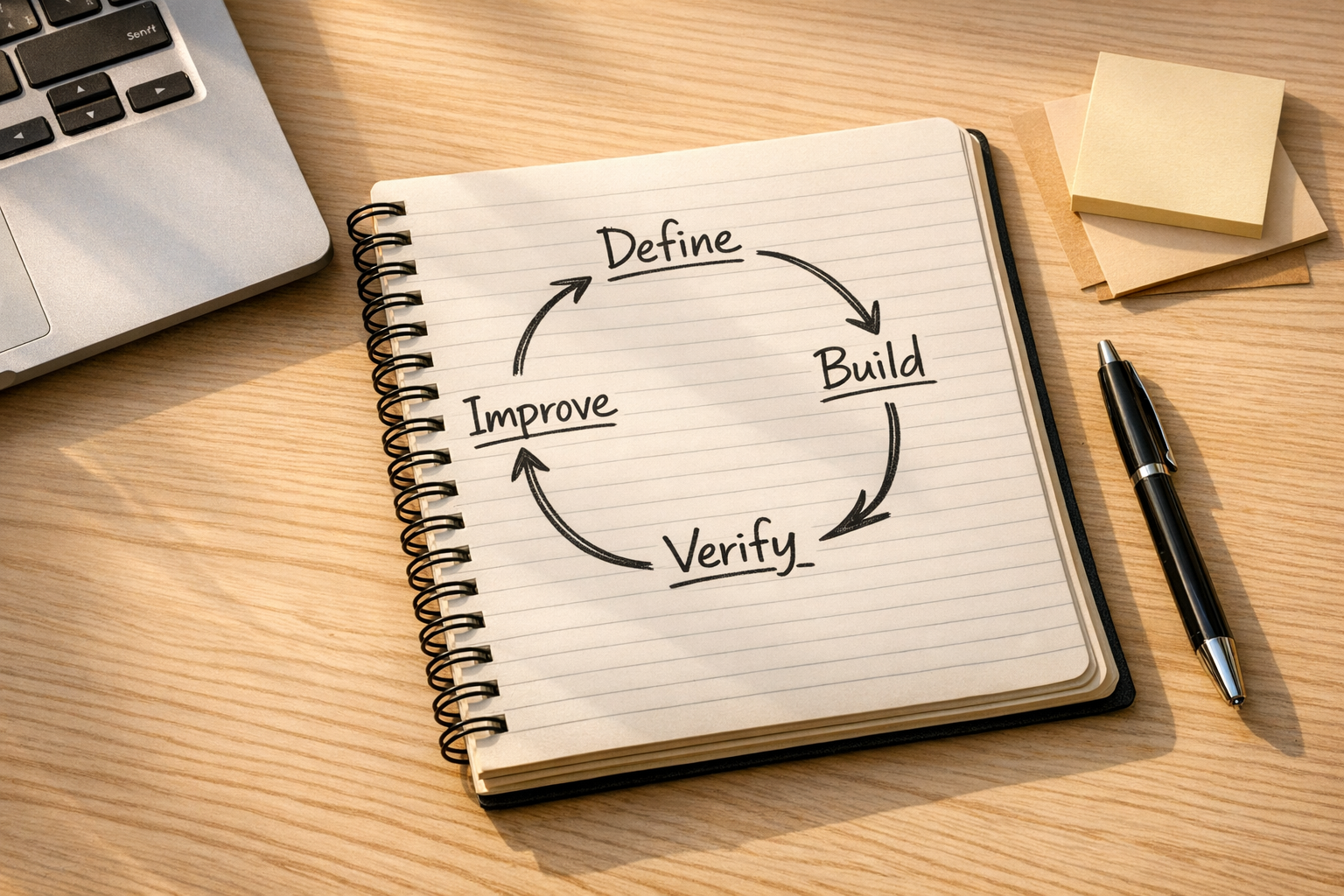
The better approach is to build a simple recursive improvement loop into the way you manage workflows. Every meaningful change should leave the system clearer, easier to verify, and easier for the next person or AI agent to continue.
The issue is not just output. It is coordination.
In business systems, the bottleneck is often not whether someone can produce a workflow change. The bottleneck is whether the change is coordinated properly.
For example:
- A CRM automation changes, but the sales team is not told what behavior changed.
- A task status is renamed, but reporting still depends on the old status.
- A support handoff is improved, but the playbook still describes the old process.
- An AI agent recommends a cleaner workflow, but the edge cases are never tested.
- A Zapier or Make scenario is edited, but nobody records why the filter logic exists.
These are not dramatic failures. They are normal operational drift. Over time, they make every future change slower and riskier.
If you want AI agents to be genuinely useful in operations, they need more than a prompt. They need current context, clear ownership, review rules, and a place to store durable learning.
A practical improvement loop for operations
The loop does not need to be complicated. In most ConsultEvo projects, a simple structure is enough.
- Define the intent: What are we trying to improve, and what should not change?
- Map the current workflow: What triggers the process, who owns each step, and where does information move?
- Document expected behavior: What should happen in normal cases, edge cases, and failure cases?
- Build or adjust the system: Update the automation, CRM workflow, ClickUp structure, form logic, or handoff rule.
- Review the change: Check whether the change matches the original intent and whether it creates side effects.
- Verify with real examples: Test actual records, orders, tickets, or tasks rather than relying only on a clean demo case.
- Update the operating notes: Record what changed, why it changed, who owns it, and what future maintainers should know.
The last step matters more than it looks. If the documentation is stale, the next AI-assisted task starts with bad context. If the operating notes are current, the next task starts ahead.
Use a lightweight worksheet before changing automations
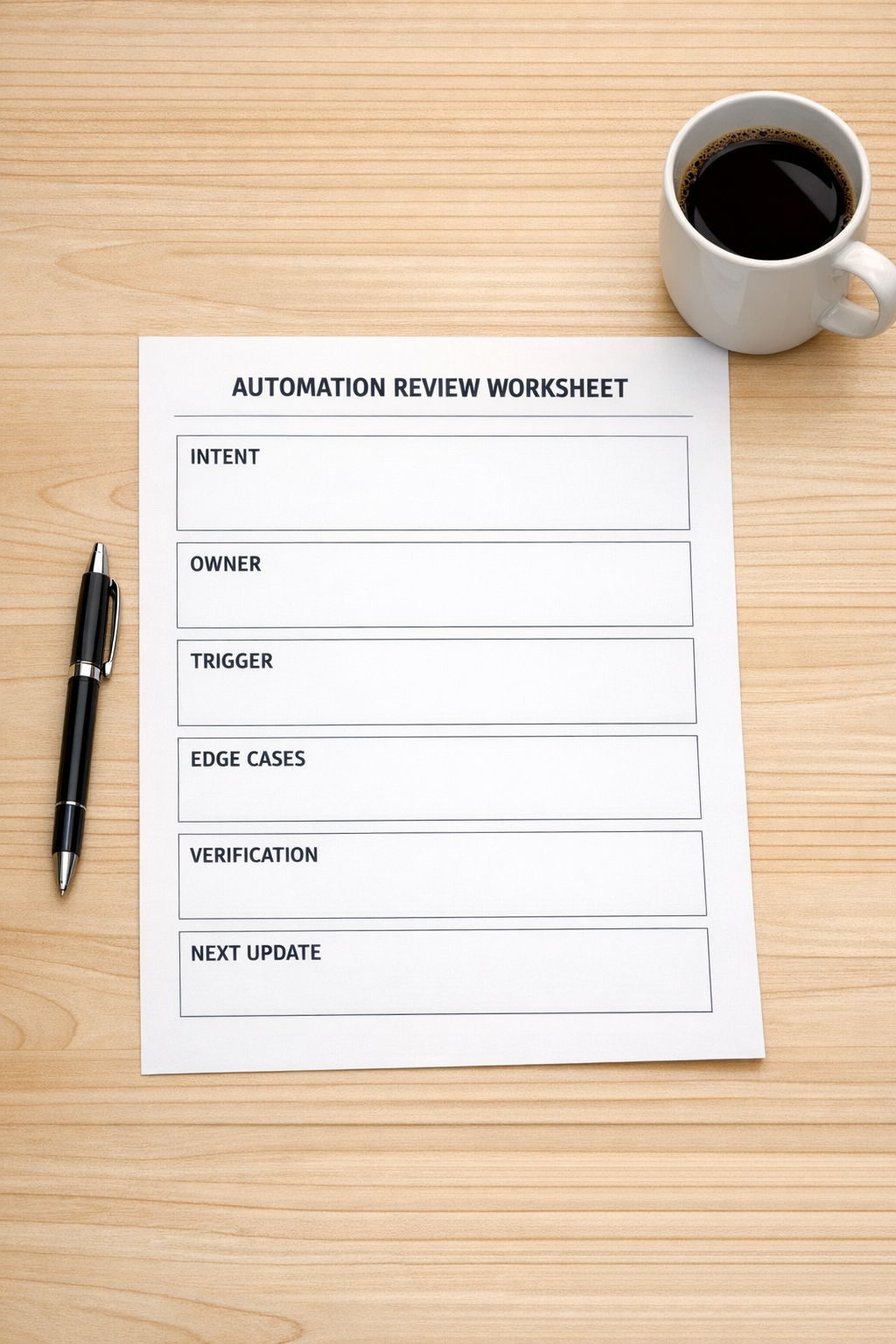
Before changing an operational workflow, create a small review worksheet. This can live in ClickUp, Notion, Google Docs, your CRM notes, or a project folder. The tool matters less than the habit.
The worksheet should answer:
- Intent: What business outcome should this change support?
- Owner: Who is responsible for approving and maintaining the workflow?
- Trigger: What event starts the workflow?
- Inputs: What fields, forms, tags, tasks, or order data does the workflow depend on?
- Outputs: What should be created, updated, assigned, sent, or logged?
- Risks: What could break if this change is wrong?
- Test cases: Which real examples should be checked before calling it done?
- Documentation update: Which playbook, README, SOP, or task description needs to change afterward?
This gives both humans and AI agents a clearer contract. Instead of asking an agent to “fix the automation,” you give it the intent, the boundaries, the expected behavior, and the verification path.
Parallel thinking is useful. Final acceptance should be controlled.
AI can help explore options quickly. You might ask one agent to review the CRM logic, another to inspect the customer journey, and another to identify reporting risks. That kind of parallel drafting can be useful.
But final acceptance should not be scattered.
Someone needs to reconcile the recommendations, decide what will actually change, and confirm the final version. This is especially important when workflows touch revenue, customer support, fulfillment, or reporting.
A good pattern is:
- Let AI assist with discovery and draft recommendations.
- Have an operator or system owner reconcile the findings.
- Implement only the approved version.
- Review the result against the original intent.
- Update the operating documentation after verification.
This keeps AI useful without letting the workflow become a collection of disconnected suggestions.
Make review a real step, not a checkbox
A review only matters if it can change the work.
If an AI agent, team member, or consultant reviews an automation and leaves comments, the author of the change should respond to those comments. Some comments will be accepted. Some will be rejected with a reason. Some will uncover missing edge cases.
The important part is that review feedback does not disappear.
For operational workflows, a two-step review is often enough:
- First review: Check logic, ownership, edge cases, and downstream impact.
- Revision: Apply changes or explain why they are not needed.
- Final check: Confirm the workflow, tests, and documentation are aligned.
This creates better automation work without creating endless review loops.
Keep the system memory fresh

Every operational system has memory. Sometimes that memory is healthy: current SOPs, clear task templates, clean CRM properties, accurate automation notes, and well-maintained handoff rules.
Sometimes the memory is unhealthy: old screenshots, undocumented filters, mystery fields, outdated statuses, and automations nobody wants to touch.
AI agents amplify whatever context they are given. If the context is stale, they can confidently work from the wrong assumptions. If the context is clear, they can help faster and with fewer avoidable mistakes.
That is why the improvement loop matters. Every serious change should improve the memory of the system.
Where to start this week
Pick one workflow that people already complain about. It could be a lead handoff, onboarding process, support escalation, order follow-up, invoice reminder, or internal task workflow.
Then run a small improvement loop:
- Write the current workflow in plain language.
- List the expected outcome and the main failure cases.
- Identify who owns the workflow.
- Make one focused improvement.
- Test it with real examples.
- Update the documentation immediately after the change.
Do not try to redesign the entire operation in one pass. The goal is to create a repeatable habit. One workflow improves, and the notes around it improve too. Then the next workflow starts with a better model.
That is how automation work compounds.
How ConsultEvo can help
ConsultEvo helps businesses clean up and build practical operating systems across ClickUp, Make, Zapier, HubSpot, GoHighLevel, Shopify, WordPress, CRM workflows, and AI agent processes.
If your automations work but feel fragile, or if your team keeps solving the same workflow problems more than once, we can help you create clearer process definitions, better validation steps, and systems that are easier to maintain over time.