


How to Fit AI Into Your Operating Model Without Creating More Work

AI is finding its way into product teams, marketing teams, support teams, and small founder-led businesses. That is not surprising. A lot of daily work is repetitive, text-heavy, and full of small decisions. AI can help with that.
But there is a pattern I see often: a team adds AI before the operating model is clear. They test a tool, build a few prompts, connect an automation, and then realize they have created more review work, not less.
The issue is rarely the model. The issue is usually the workflow around it.
If AI does not have a defined job, a defined input, and a defined handoff, it becomes another place where work collects. More drafts. More notifications. More half-finished ideas. More uncertainty about who is supposed to do what next.
A better starting point is not “How can we use AI?” It is “Where is our operating model already leaking time?”
Start with the repeated decisions
Every business has repeated decisions. Some are obvious, some are hidden inside Slack messages, email threads, spreadsheets, CRM notes, or project updates.
Examples include:
- Which leads should sales follow up with first?
- Which support tickets should become product feedback?
- Which tasks are blocked and need leadership attention?
- Which customer comments are useful for positioning?
- Which weekly updates need more detail before a meeting?
These are not glamorous workflows, but they are excellent candidates for AI-assisted operations because they already happen again and again.
The goal is not to remove judgment. The goal is to reduce the prep work around judgment.
For example, an AI agent should not blindly decide your product roadmap. But it can review support tickets, group similar issues, identify repeated language from customers, and prepare a short summary for the product lead. That gives the human a better starting point.
Use a simple readiness check
Before you automate anything, define the workflow in plain language. If the team cannot explain the workflow without naming a tool, it is probably too early to build.
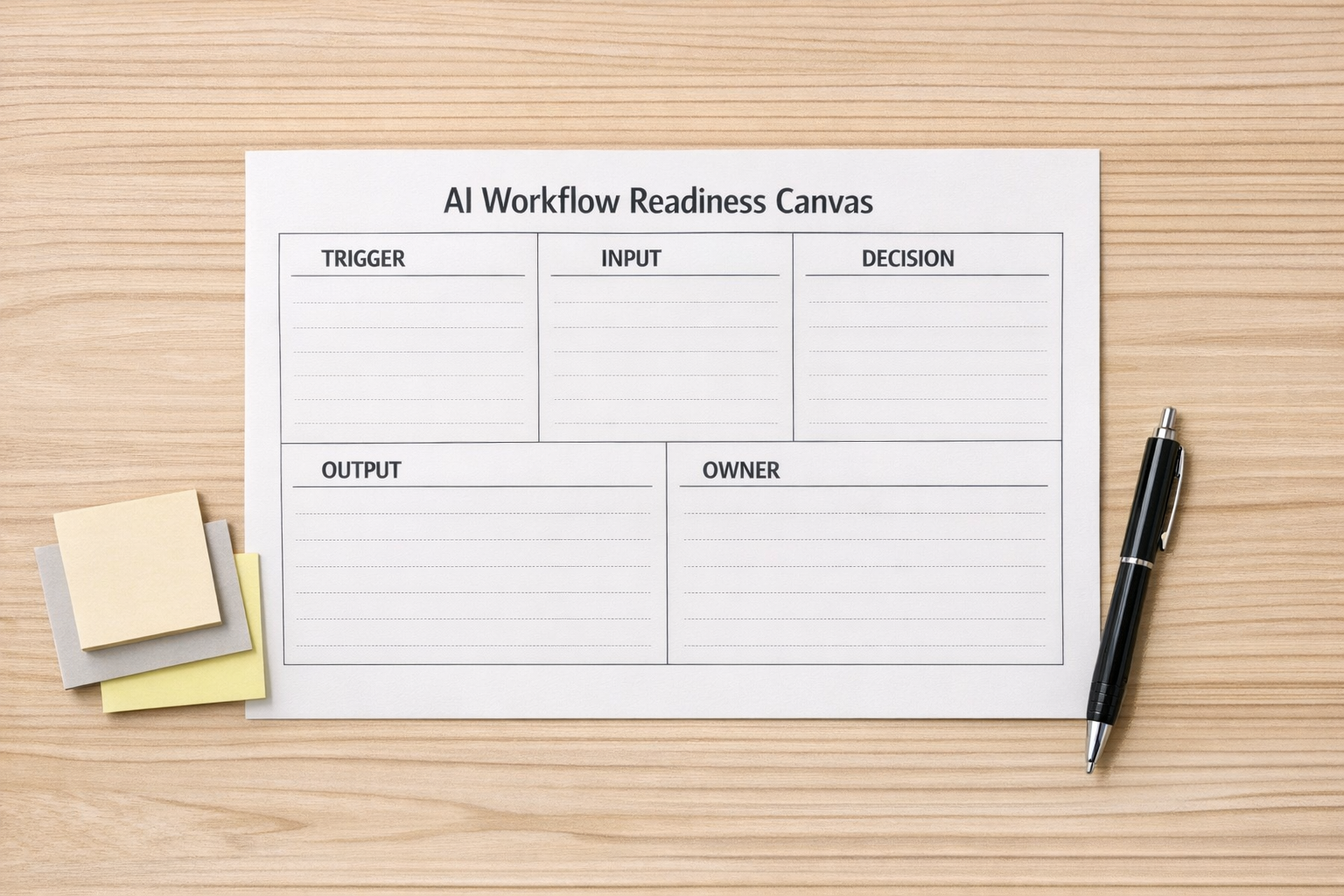
Use these five questions:
- Trigger: What starts the workflow?
- Input: What information does AI need to do useful work?
- Decision: What decision is being prepared, supported, or routed?
- Output: What should be created, updated, or sent?
- Owner: Who reviews the result and takes responsibility?
This exercise is intentionally simple. It prevents vague automation.
“Use AI for marketing” is vague. “Every Thursday, review the last five customer calls and draft three content angles based on repeated objections” is a workflow.
“Use AI for CRM” is vague. “When a discovery call transcript is added, extract pain points, buying timeline, next step, and update the CRM record for review” is a workflow.
“Use AI for project management” is vague. “Every Friday morning, summarize overdue tasks, blocked items, and decisions needed from leadership” is a workflow.
Where AI agents can remove real operational load
Useful AI agents usually sit between messy inputs and structured outputs. They do not need to be dramatic. In fact, the best ones often feel boring because they quietly remove manual copying, formatting, sorting, and first-pass analysis.
1. Support to product handoff
Support conversations contain valuable signal, but they often stay trapped in tickets. An AI-assisted workflow can categorize themes, detect repeated complaints, and prepare a weekly product feedback brief. A human can then review the summary and decide what deserves action.
2. CRM follow-up preparation
Sales teams lose time turning calls into clean CRM updates. AI can extract key fields from transcripts, draft follow-up notes, identify missing information, and route the record for review. This works best when the CRM fields and qualification rules are already clear.
3. Weekly operating updates
Status updates become useful when they focus on outcomes, risks, blockers, and decisions needed. AI can draft a short weekly update from task activity, comments, and project notes. The manager still edits it, but the blank page disappears.
4. Founder-led marketing systems
Small teams often do not need a big marketing department at the start. They need a repeatable rhythm. AI can help turn customer insights, sales notes, and product lessons into draft content ideas. The founder keeps the voice and judgment, while AI handles the first pass and organization.
Design the handoff before the automation
The handoff is where many AI workflows fail. A model produces something, but nobody knows if it is final, draft, approved, or waiting for review.
A practical operating rule is:
AI prepares. Automation routes. Humans decide. Systems update.
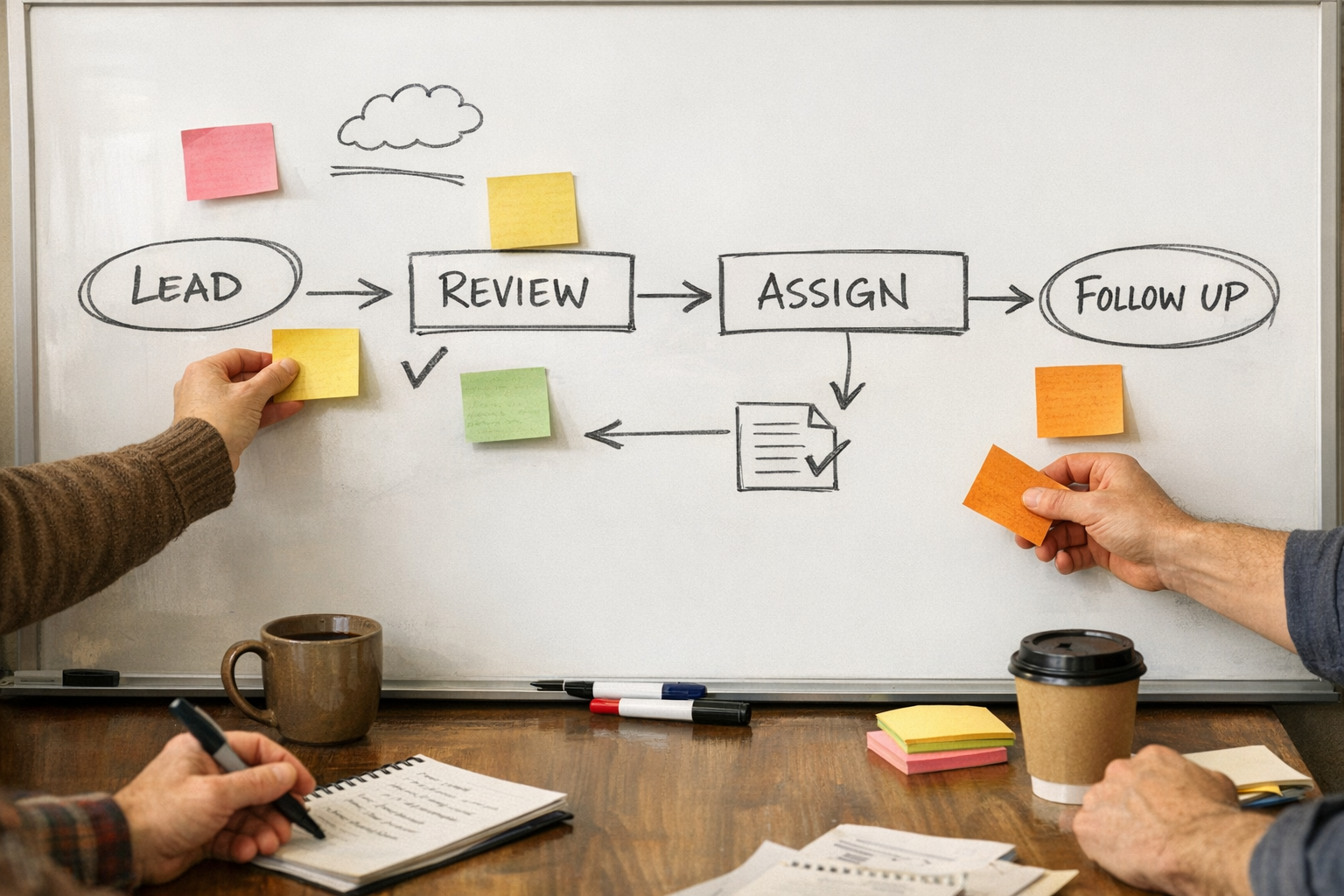
This keeps responsibility clear. AI can prepare a summary. Make or Zapier can route it to the right place. A person can approve or edit. Then the CRM, ClickUp task, HubSpot record, HighLevel opportunity, or internal database can be updated.
That sequence is much safer than asking AI to run the whole process from end to end on day one.
Build small, then validate
Do not begin with the most complex workflow in the company. Start with one repeated workflow that has a clear owner and visible time cost.
A good first version might be:
- One trigger
- One source of input
- One AI-generated draft or summary
- One human review step
- One destination system
Run it for a week or two. Then ask:
- Did it reduce manual work?
- Did it improve consistency?
- Did the output help someone make a better decision?
- Did it create new cleanup work?
- Is the review step clear enough?
If the workflow saves time but produces inconsistent results, improve the inputs or prompt. If the output is good but ignored, improve the handoff. If the automation creates confusion, simplify the process before adding more steps.
The real benefit is operational clarity
AI is useful, but the bigger win often comes from the clarity required to use it well. To build a good AI workflow, you have to define ownership, inputs, outputs, rules, exceptions, and review points.
That clarity helps the business even before the automation runs.
For founder-led teams and growing operators, this is the practical path: do not start with a giant AI plan. Start with one repeated workflow. Define the job. Build the handoff. Keep a human in the right place. Validate the result. Then expand.
If you want help turning AI workflow ideas into practical systems across ClickUp, Make, Zapier, HubSpot, HighLevel, Shopify, or your existing operations stack, ConsultEvo can help you design, build, and clean up the process without adding unnecessary complexity.