


AI Works Better When You Show It What Good Looks Like
Many AI workflows fail for a simple reason: the tool is asked to produce quality work before the business has defined what quality means.
This shows up in content creation, sales follow-ups, CRM updates, support summaries, task creation, and internal SOPs. A team connects an AI tool to a large pile of context and expects useful output. Sometimes it helps. Often, it creates a faster version of the same confusion that already existed.

The better pattern is not to feed AI everything. It is to feed AI the right examples, explain why they matter, and build a repeatable process around them.
Start With Examples, Not Prompts
A strong prompt can improve output, but a prompt alone is rarely enough. If the AI does not know the standard, it will fill in gaps based on general patterns. That may be acceptable for low-risk drafting, but it is not enough for operational work.
For example, if you want AI to help write LinkedIn posts, it should not only know the topic. It should know what your strongest posts have in common: the structure, the angle, the type of opening, the level of detail, the rhythm, and the audience expectation.
The same principle applies to business workflows:
- A sales follow-up agent needs examples of good follow-ups, not just access to call notes.
- A support triage agent needs examples of tickets that should be escalated, delayed, or resolved immediately.
- A CRM cleanup workflow needs clear rules for what counts as duplicate, incomplete, stale, or ready for review.
- A ClickUp task creation process needs examples of well-scoped tasks, not just raw client requests.
AI performs better when it has a small set of strong examples than when it has a large set of mixed-quality information.
The Standard Comes Before the Automation
At ConsultEvo, we often see teams jump straight into tools. They want a Make scenario, a Zapier automation, a CRM workflow, an AI assistant, or a ClickUp system. Those tools can be very useful, but they should not be the first decision.
The first decision is operational: what should happen, when should it happen, who should review it, and what does good output look like?
If that is unclear, automation simply moves confusion faster.
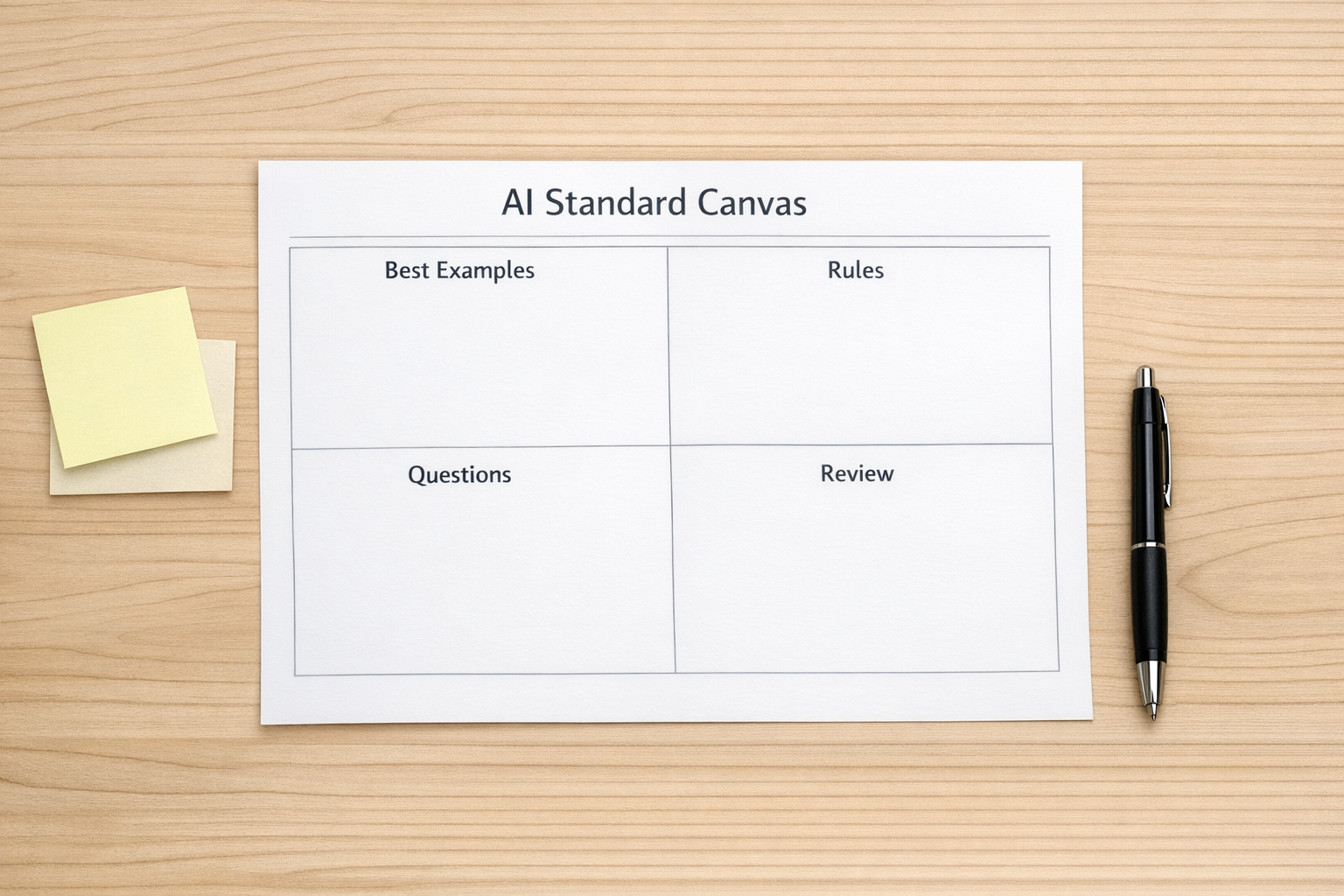
A useful AI-assisted workflow usually starts with five steps:
- Collect: Choose a small set of strong examples from your real business.
- Label: Write down why each example is good.
- Extract: Turn the patterns into rules, questions, or decision criteria.
- Test: Run the workflow against real inputs before connecting it to live operations.
- Review: Decide where a human must approve, edit, or reject the AI output.
A Practical Example: AI for Sales Handoffs
Imagine a team wants AI to summarize sales calls and create CRM updates. The risky version is simple: connect call transcripts to an AI model and ask it to summarize the call, extract action items, and update fields.
That may work for a while, but problems appear quickly. The AI may write summaries in different styles. It may miss qualification details. It may create tasks that are too vague. It may update fields before a human confirms the call outcome.
A better version starts with the standard.
First, collect ten strong call summaries that the team already trusts. Then label what makes them useful. Maybe they include the buyer’s problem, timeline, budget range, decision process, objections, next step, and owner. Maybe they avoid speculation. Maybe they separate confirmed facts from assumptions.
Those labels become the instruction set. The AI is no longer asked to “summarize the call.” It is asked to produce a specific handoff that matches the team’s standard.
Then the automation can be designed safely. For example:
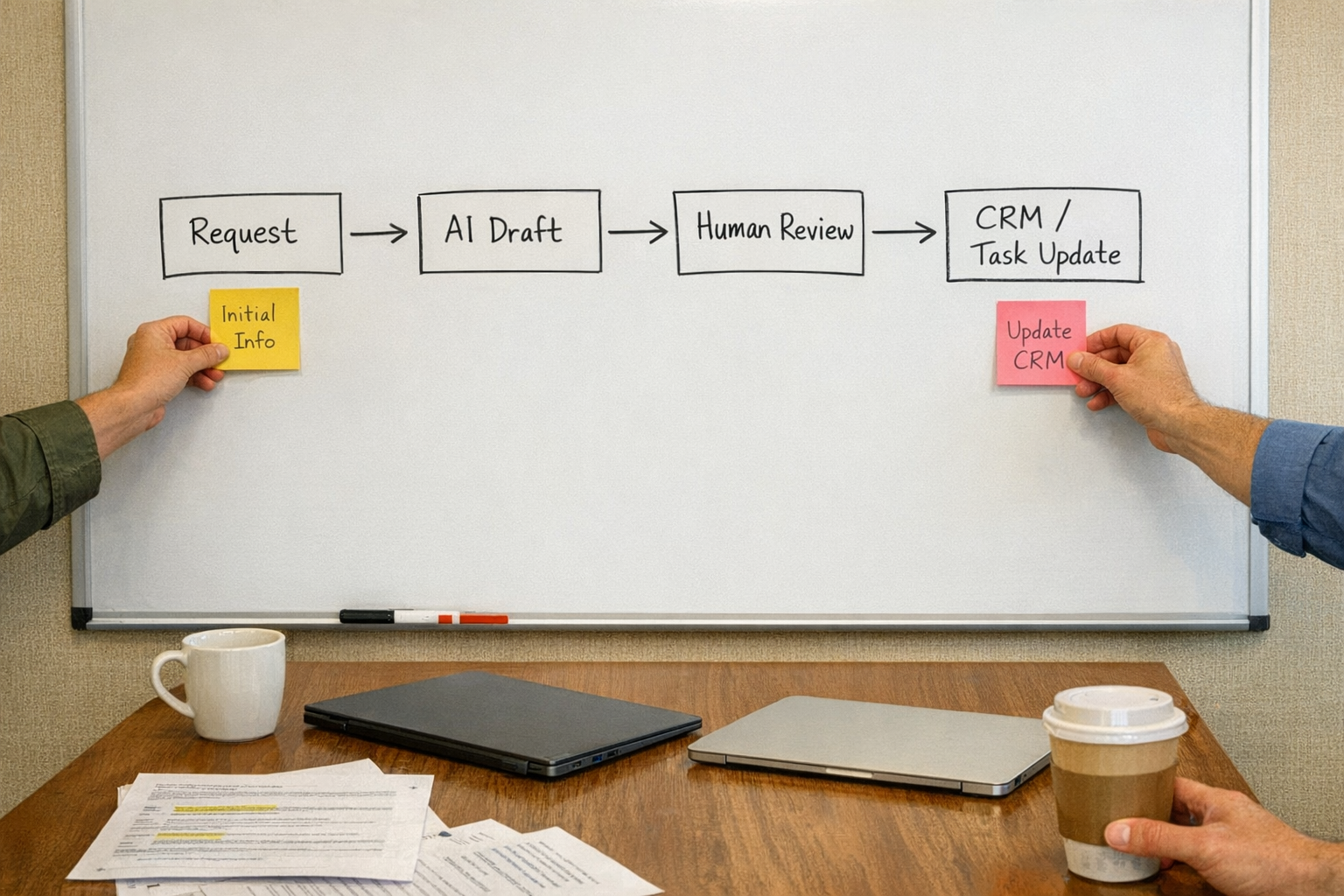
- The call transcript is sent to AI after the meeting ends.
- AI drafts the summary, next step, and suggested CRM updates.
- A salesperson reviews the draft before anything is written to the CRM.
- Approved updates are pushed into HubSpot, GoHighLevel, or another CRM.
- A follow-up task is created only when required fields are present.
This is slower to design, but much more reliable in practice.
Where This Approach Helps
This pattern is useful whenever AI is expected to make work easier without lowering quality. Common use cases include:
- Content validation: Compare new ideas against past strong examples before drafting.
- CRM cleanup: Identify records that need merging, enrichment, review, or archiving.
- Support operations: Summarize tickets and suggest escalation paths based on known rules.
- ClickUp workflows: Turn requests into structured tasks with owners, due dates, and acceptance criteria.
- Make and Zapier design: Add AI steps only after the trigger, data quality, and review points are clear.
- Shopify operations: Draft internal alerts or task lists when orders, inventory, or customer issues need attention.
The common thread is simple: AI should support a process that already has a clear definition of success.
Build a Feedback Loop
The best AI workflows improve over time. This does not mean letting AI run without supervision. It means reviewing the output and updating the standard when you learn something.
For example, if the AI keeps creating vague tasks, add better task examples. If it misses an important CRM field, update the extraction rules. If it writes content that sounds too generic, refine the examples and add a review checklist.
This feedback loop is where the value is. The business gets clearer about its own standards, and the AI becomes more useful because it has better instructions.
A Simple Rule
Before asking, “Which AI tool should we use?” ask, “What examples would we want this tool to learn from?”
If you cannot answer that yet, the workflow is probably not ready for automation. That is not a problem. It simply means the next step is process design, not tool setup.
AI can remove a lot of manual work. It can reduce copy-paste, draft first versions, summarize messy inputs, and prepare decisions. But it works best when the business provides clear examples, review points, and operating rules.
ConsultEvo note: If you want help turning your examples, SOPs, CRM rules, or handoff process into a practical AI-assisted workflow, ConsultEvo can help you design the process first and then build the automation around it.