


AI Training Is Useful, But Workflow Proof Is Better
AI courses, certifications, and tutorials can be genuinely useful. They help people understand the language, the tool options, and the basic habits that make AI more helpful at work.
But for a business owner or operator, there is a limit to what training proves on its own.
A certificate can show that someone paid attention. A completed course can show initiative. A saved prompt library can show curiosity. All of that is good. But the operational question is different:
Can this person use AI to remove a real piece of work, reduce a bad handoff, or make a process easier to run?

The gap between learning and operations
Many teams are now experimenting with AI. Someone tries a writing prompt. Someone else uses AI to summarize a meeting. A manager asks it to draft an email. These are useful starting points, but they often stay at the individual productivity level.
The bigger opportunity is operational.
That means using AI to improve the way work moves through the business. Not just writing faster, but reducing the number of times information has to be copied, checked, reformatted, chased, or re-entered.
This is where many AI efforts stall. The team learns the tool, but the workflow stays the same. The CRM is still messy. The sales handoff is still unclear. The support inbox still needs manual sorting. The weekly report still takes too long. The project board still has tasks that no one trusts.
The issue is not a lack of AI enthusiasm. It is a lack of workflow validation.
Start with a small workflow validation exercise
Before asking a team to “use more AI,” pick one recurring task that already causes friction. Keep it small enough to understand in one sitting.
Good candidates include:
- A lead handoff from a form submission to a salesperson.
- A support request that needs to be categorized before assignment.
- A weekly update that requires gathering notes from multiple places.
- A CRM cleanup routine for duplicate or incomplete records.
- A content idea review process before production begins.
- A Shopify operations task that requires checking order, customer, or inventory details.
Then document the current version of the task in plain language. Do not start with the software. Start with the work.
Ask:
- Where does the task begin?
- Who receives it?
- What information is needed?
- Where does that information live?
- What decisions are made?
- What gets copied or pasted?
- What has to be checked manually?
- What happens if the step is missed?
This mapping does not need to be fancy. A notebook, a worksheet, or a whiteboard is enough. The goal is to see the work clearly before deciding whether AI or automation belongs in the process.
Use AI to improve the workflow, not just the wording
Once the current process is visible, AI becomes much more useful. Instead of asking for a generic prompt, give it the workflow and ask better operational questions.
For example:
- Which steps are repetitive enough to automate?
- Which steps require judgment?
- Where could AI draft, classify, summarize, or compare information?
- Where should a human approve the output before anything is sent or updated?
- What data needs to be clean before this workflow can work reliably?
- What failure points should we watch for?
This moves AI from novelty to design partner. It helps the team think through the work before building anything in ClickUp, Make, Zapier, HubSpot, GoHighLevel, Shopify, or another system.
That matters because bad automation usually comes from automating unclear work. If the process is vague, automation makes the confusion faster. If the data is messy, AI has less useful context. If ownership is unclear, notifications and tasks will not fix the handoff.
A practical test: what manual step disappears?
Every AI or automation idea should pass one simple test:
If this works, what manual step disappears or becomes easier?
If the answer is clear, you may have a good candidate. If the answer is vague, the idea probably needs more process work.
Here are examples of clearer outcomes:
- New leads are categorized before they reach the sales team.
- Support tickets are summarized before assignment.
- CRM records with missing fields are flagged for review.
- Project updates are drafted from completed task activity.
- Order issue notes are prepared before an operations manager reviews them.
These are not flashy. They are practical. And practical is usually where the ROI lives.
Keep humans in the right places
One mistake teams make is assuming that using AI means removing people from the process entirely. That is not always the right goal.
In many workflows, AI should prepare the work, not own the final decision. It can draft, sort, summarize, extract, compare, or flag. A person can then approve, correct, send, assign, or escalate.
This is especially important in customer-facing workflows, sales follow-up, support decisions, financial operations, and any process where tone, accuracy, or context matters.
A good workflow makes the human role clearer. It reduces the low-value manual work so people can spend more time on judgment, communication, and problem solving.

What to document after the test
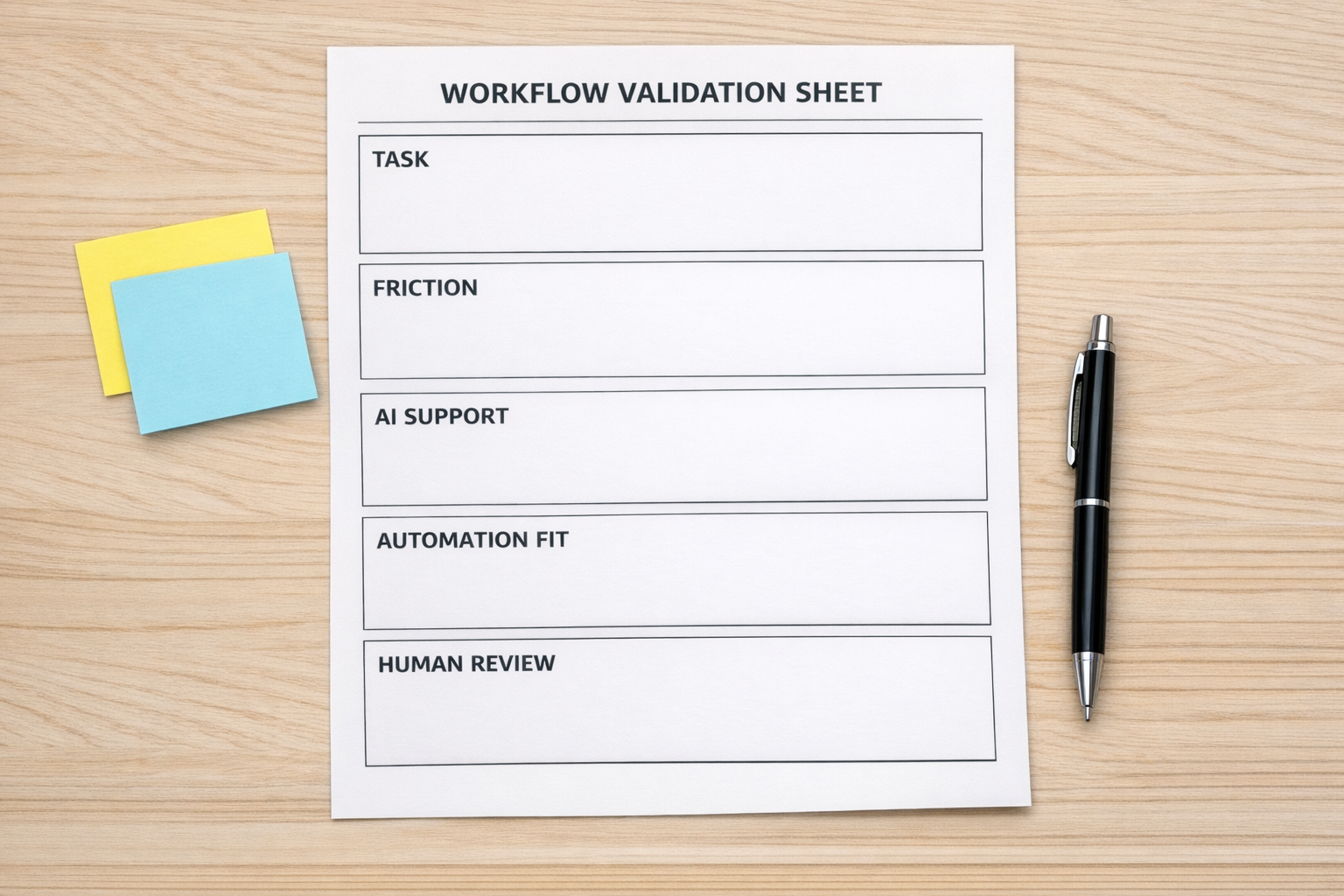
If you run a small AI workflow validation exercise, capture the result. This becomes more useful than a generic note saying the team is “using AI.”
Document:
- The original task.
- The friction points found.
- The AI-assisted version of the process.
- The tool or automation that could support it.
- The human approval points.
- The risks or data issues to resolve.
- The manual steps reduced or removed.
This gives the business a practical record of progress. It also helps leaders decide what should be built next and what should be left alone.
The best AI skill is operational judgment
Training is a good start. Free training is even better. But the businesses that benefit most from AI will not be the ones that simply collect the most certificates.
They will be the ones that connect learning to real workflow improvement.
That requires operational judgment. It means knowing when a task should be automated, when AI should assist, when a human should review, and when the process itself needs to be simplified before any tool is added.
If your team is learning AI, do not stop at the course. Pick one workflow. Map it. Test it. Validate it. Then decide whether it deserves automation.
If you want help turning AI learning into practical systems, ConsultEvo can help you map the process, validate the opportunity, and build the workflow across tools like ClickUp, Make, Zapier, HubSpot, GoHighLevel, Shopify, and WordPress without adding unnecessary complexity.