

AI Usage Metrics Are Not Enough: Measure Workflow Value Instead
As AI tools become part of everyday work, more companies are starting to ask a fair question: are people actually using them?
That question is understandable. If a business invests in AI tools, training, policies, and internal enablement, leadership wants some visibility. A usage dashboard can show whether adoption is happening at all. It can highlight teams that are experimenting and teams that may need support.
But usage alone is a weak signal.
Someone can open an AI tool every day and still leave the core workflow untouched. A salesperson can ask AI to rewrite an email, while the CRM is still missing required fields. A support team can summarize tickets, while routing rules are still unclear. An operations team can generate ideas, while approvals still sit in someone’s inbox for three days.
AI activity is not the same as operational improvement.
The risk of measuring the easy thing
In automation projects, we see a similar pattern. Teams sometimes focus on numbers that are easy to count: how many automations are active, how many tasks were created, how many records moved through a workflow, or how many times an integration fired.
Those numbers can be useful, but they do not tell the whole story.
A workflow can be busy and still be poorly designed. An automation can run hundreds of times and still create cleanup work. An AI assistant can answer many prompts and still have no meaningful impact on the way work moves through the business.
The better question is not, “How much AI did we use?”
The better question is, “What changed in the workflow because AI was used?”
Start with the work, not the tool
Before adding AI into a process, map the current work in plain language. This does not need to be a complex diagram. A simple list is usually enough.
- What starts the process? A form submission, a new lead, a support request, a customer order, a Slack message, or a scheduled review?
- Who touches it first? Sales, support, operations, fulfillment, admin, or management?
- What manual work happens? Copying, pasting, rewriting, checking, formatting, tagging, assigning, summarizing, or chasing missing details?
- Where does the information go? CRM, ClickUp, inbox, spreadsheet, help desk, proposal tool, or another system?
- What is the desired result? A cleaner record, a faster handoff, a better decision, a drafted response, or an assigned task?
This step matters because AI works best when it has a clear job. If the process is vague, AI often becomes another layer of activity instead of a way to remove work.
A practical AI workflow value checklist
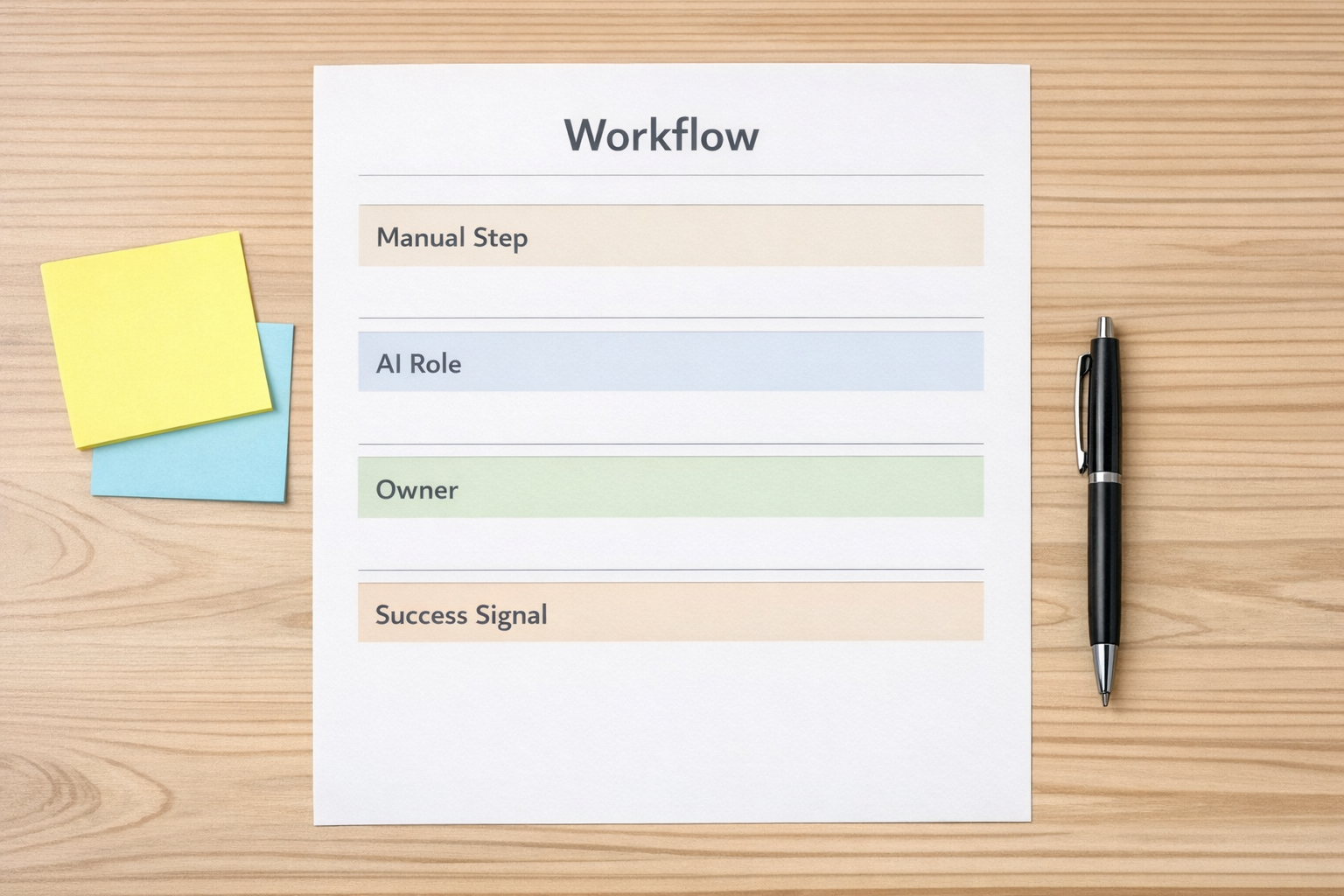
Use a simple checklist before you build or roll out an AI-assisted workflow.
- Workflow: Which process are we improving?
- Current friction: What part feels slow, repetitive, unclear, or error-prone?
- AI role: Will AI summarize, classify, draft, validate, extract, compare, or recommend?
- Human role: Who reviews, approves, edits, or makes the final decision?
- System action: What should be created, updated, assigned, routed, or logged?
- Success signal: How will we know this helped?
The success signal is especially important. It keeps the project grounded. You might measure fewer missing fields, shorter handoff time, fewer duplicate tasks, faster first response, cleaner call notes, or fewer manual copy-paste steps.
These are workflow outcomes. They are much more useful than simply counting prompts.
Where AI creates practical value first
The best AI use cases are often boring in the best possible way. They do not need to replace a whole department. They just need to remove friction from a process that already happens every day.
For example:
- Lead intake: AI can summarize a long form submission, identify the likely service category, and prepare a clean internal note for sales.
- CRM cleanup: AI can review messy notes and suggest structured fields, next steps, or missing information for a human to confirm.
- Support routing: AI can classify a request by topic, urgency, or customer type before assigning it to the right queue.
- Project handoff: AI can turn discovery notes into a first draft of tasks, risks, and open questions.
- Content operations: AI can help validate whether an idea fits the audience, offer, and workflow before time is spent producing it.
None of these examples require hype. They require a clear process, a defined output, and a human review point where judgment matters.
Do not automate confusion
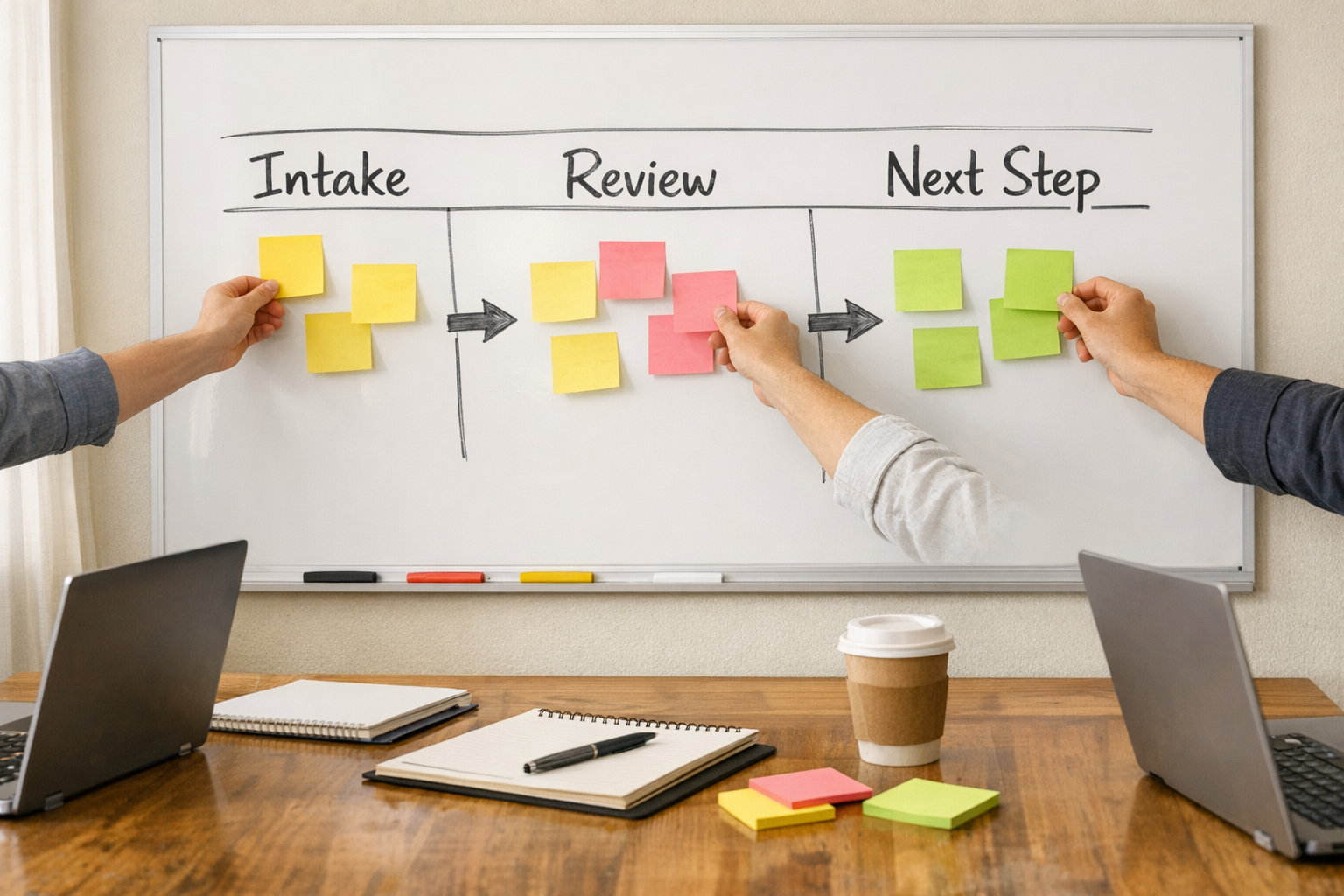
One of the most common mistakes with AI and automation is adding the tool before clarifying the workflow.
If nobody agrees on what qualifies a lead, AI will not fix the sales process. If the CRM has five versions of the same lifecycle stage, AI will not magically create clean reporting. If ClickUp tasks do not have clear owners, AI-generated tasks may simply create more noise.
This is why process comes before tools.
AI can be very useful when the workflow has structure. It can read, summarize, classify, draft, and validate at a speed humans cannot match. But it still needs guardrails. It needs to know what good looks like. It needs clean inputs, defined outputs, and a clear place in the operation.
A better way to track AI adoption
If you want to track AI adoption inside a business, consider using two layers of measurement.
Layer one: usage visibility. This answers whether the team is trying the tools. It can show training gaps and adoption patterns.
Layer two: workflow impact. This answers whether the work is actually improving. It connects AI use to process outcomes.
For each AI-assisted workflow, define one or two practical impact measures. For example:
- Number of manual copy-paste steps removed
- Reduction in incomplete CRM records
- Time from intake to assignment
- Fewer support tickets routed to the wrong team
- Faster creation of project kickoff tasks
- Improved consistency of handoff notes
This makes AI adoption more honest. It also helps teams avoid performative usage, where people interact with a tool just to satisfy a target.
Implementation order matters
A simple rollout plan could look like this:
- Pick one workflow with obvious friction.
- Map the current steps in plain language.
- Identify the repetitive or judgment-light work.
- Define what AI should produce.
- Add a human review point.
- Connect the output to the right system, such as a CRM, ClickUp, Help Desk, or task board.
- Measure one operational result for a few weeks.
- Improve the workflow before expanding it.
This approach is slower than announcing a company-wide AI target, but it is usually more useful. It creates proof in the actual work.
The real goal
The goal is not to get everyone to use AI for the sake of it. The goal is to make work clearer, lighter, and more consistent.
That may mean fewer manual updates. It may mean better sales notes. It may mean cleaner support triage. It may mean faster project setup. It may mean an operations manager no longer has to chase the same missing information every week.
Those are the wins worth tracking.
If your team is exploring AI inside real workflows, ConsultEvo can help you design the process before the tool. We build and improve automation systems across ClickUp, Make, Zapier, HubSpot, GoHighLevel, CRM workflows, Shopify operations, and AI-assisted business processes.