


Build AI Workflows Around Handoffs, Not Prompts
AI becomes much more useful when it is treated as part of an operating workflow, not as a separate place where people paste requests and hope for the best.

Many teams are still in the prompt collection stage. They have a few useful instructions saved in documents. Someone has a chat thread that produces decent summaries. Another person has figured out how to create better email drafts. These experiments are useful, but they are not yet a system.
The missing piece is usually not a better prompt. It is a clearer handoff.
A handoff defines where work starts, what information is required, what AI is allowed to prepare, who reviews the result, and where the final output goes. Without that structure, AI can create more output while the team still carries the same operational friction.
The real question: where should AI sit in the workflow?
Before choosing tools or building automations, it helps to map the work in plain language.
For example, a content workflow might start with a human deciding the topic, audience, and angle. AI can then help organize research, draft sections, create summaries, and prepare repurposed versions. A human comes back at the end to check the argument, accuracy, tone, and final decision to publish.
A sales workflow follows a similar pattern. A rep completes a call. AI can summarize the conversation, extract next steps, update CRM notes, and prepare a follow-up draft. But a human still owns the customer relationship, the promise being made, and the final message.
A support workflow can work the same way. AI can classify the issue, summarize the customer history, suggest a response, and route the ticket. But escalation rules, edge cases, refunds, and sensitive customer situations need defined review paths.
The structure is not complicated. The discipline is in making it explicit.
A simple AI workflow model
For most small and mid-sized teams, a practical AI-assisted workflow has four parts:
- Brief: the human defines the goal, context, source material, constraints, and quality bar.
- Execute: AI handles repeatable work such as summarizing, drafting, categorizing, formatting, routing, or preparing records.
- Review: the human checks judgment, accuracy, risk, tone, customer impact, and whether the output should ship.
- Improve: the team captures what was changed so the workflow gets better over time.
This model is useful because it protects the parts of the work that require judgment while removing the parts that are mostly manual handling.
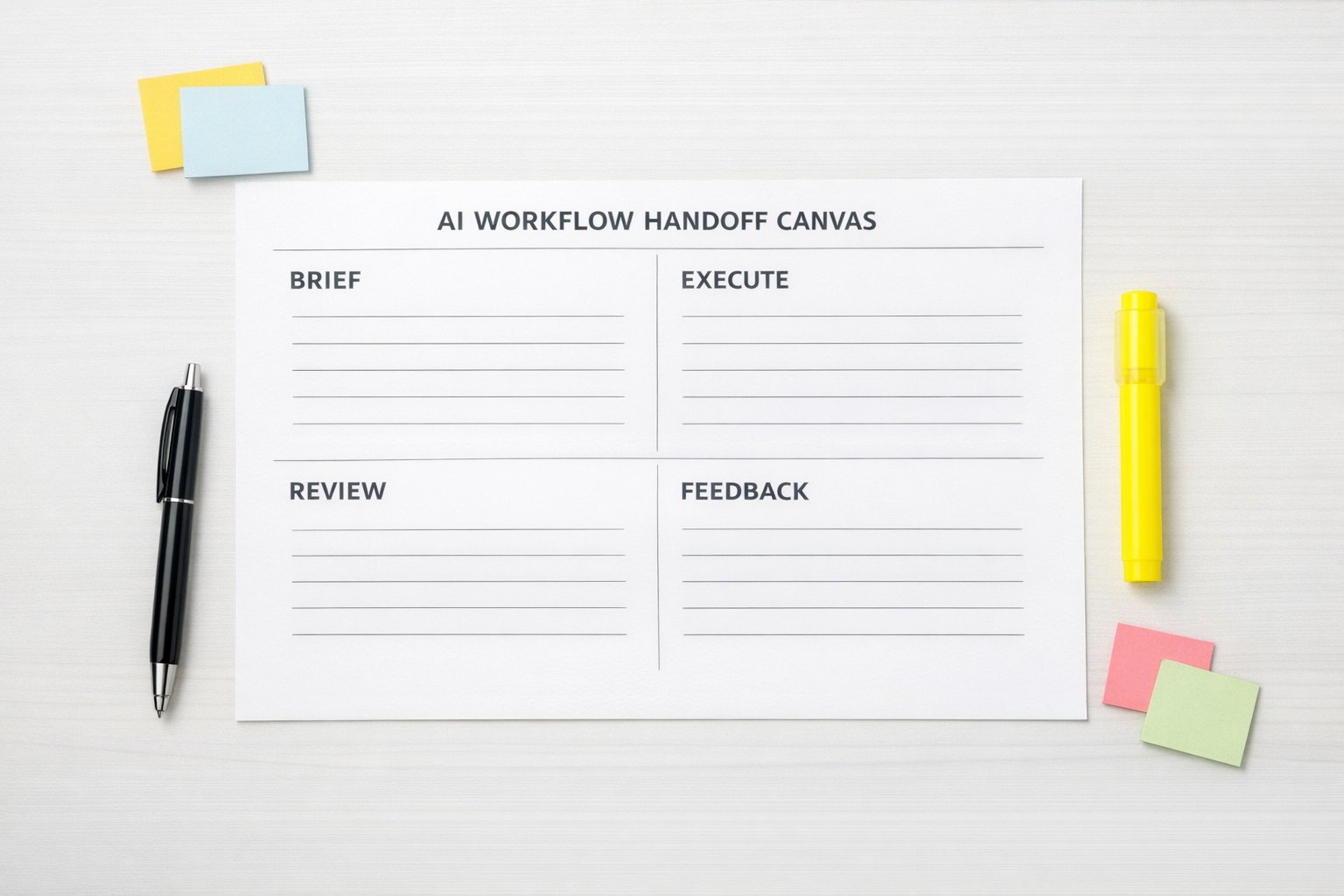
If you skip the brief, AI works from weak input. If you skip the review, errors travel into customer-facing work. If you skip the improvement step, the same issues keep coming back.
This is why we often tell clients to design the workflow before designing the automation. The tool can only execute the logic you give it.
Start with one repeated workflow
The best first AI workflow is rarely the most complex one. It is usually the most repeated one.
Look for work that happens every week and follows a similar pattern. Good candidates include:
- Turning sales calls into CRM notes and follow-up tasks
- Converting form submissions into qualified leads and internal alerts
- Summarizing support tickets before escalation
- Creating ClickUp tasks from approved requests
- Repurposing one approved content asset into several channel-specific drafts
- Cleaning and standardizing CRM fields after new contacts are created
These workflows are good starting points because the input and output are definable. That makes it easier to decide what AI should do, what automation should move, and what humans should approve.
Define the quality bar before automation
One of the most common reasons AI workflows disappoint is that nobody has documented what “good” means.
If AI is preparing a sales follow-up, what should the message always include? What should it avoid? What tone fits the brand? When should it ask for human approval?
If AI is summarizing support tickets, what details matter most? Customer plan, urgency, previous attempts, error messages, sentiment, promised deadlines?
If AI is drafting content, what structure, voice, examples, and claims are acceptable? What must be verified before publishing?
These standards become the instruction layer for the workflow. They also make review easier because the reviewer is not relying only on personal preference. They are checking against an agreed standard.
Connect the workflow to the system of record
AI output is only valuable if it lands in the right place.
This is where tools like ClickUp, HubSpot, GoHighLevel, Shopify, Make, and Zapier often enter the picture. But the tool should follow the workflow design, not lead it.
For example, if a new lead arrives through a form, the workflow might need to:
- Check whether the contact already exists in the CRM
- Classify the request based on the form answers
- Create or update the CRM record
- Generate a short internal summary
- Create a follow-up task for the right person
- Send a notification only if the lead meets agreed criteria
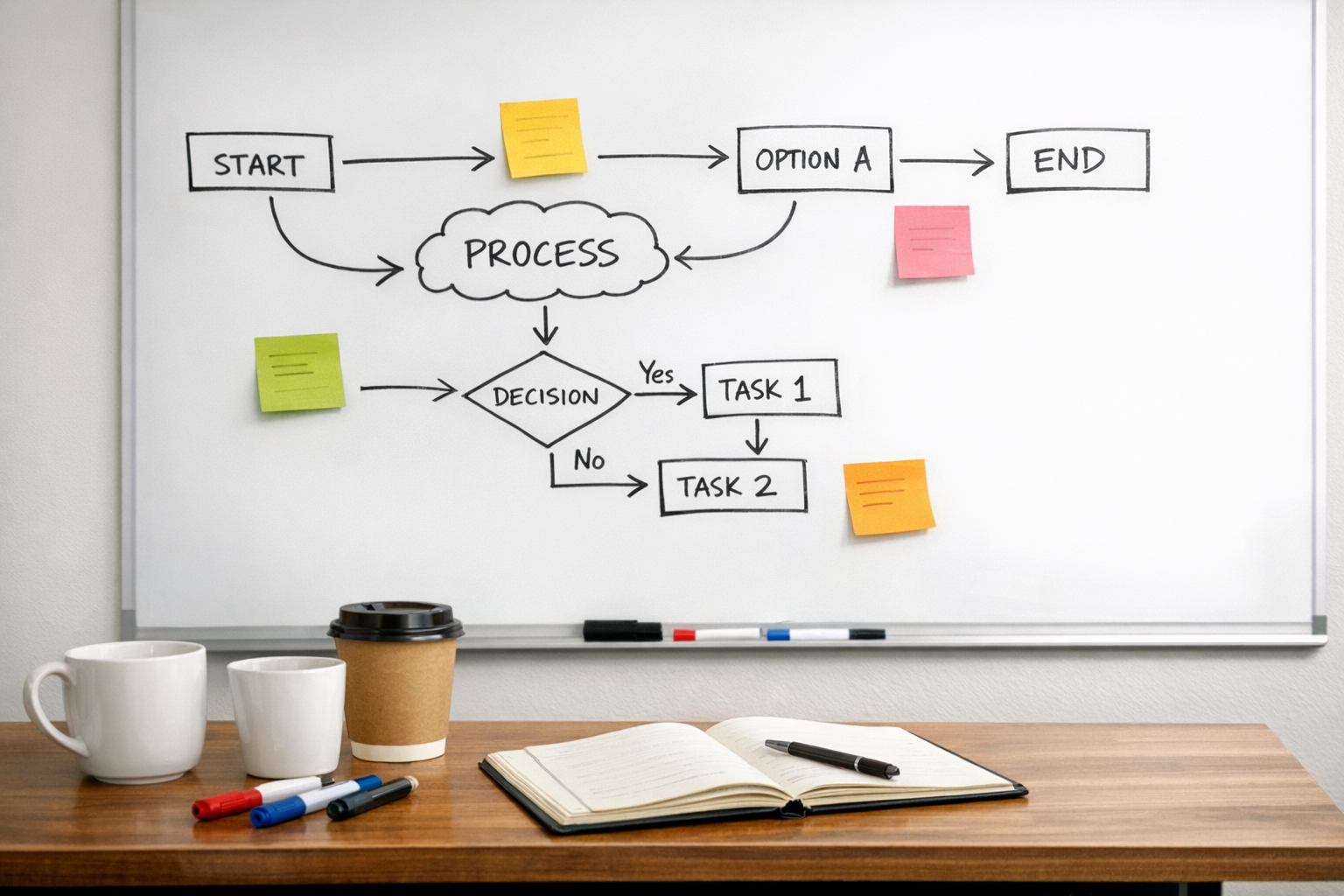
AI may help with classification and summarization. Automation moves the data. The CRM or project management tool stores the source of truth. The human reviews exceptions.
That is a real operating workflow.
Build the feedback loop early
The first version of an AI workflow will not be perfect. That is normal. What matters is whether the system learns from review.
A simple feedback loop can be enough:
- What did the human reviewer change?
- Was the issue caused by missing context, unclear instructions, or poor source data?
- Should the brief template be updated?
- Should the automation add a validation step?
- Should certain cases be routed to a human sooner?
This turns AI workflow design into an operational improvement process. Each run makes the next run cleaner.
The practical takeaway
A strong AI workflow is not built by asking AI to do everything. It is built by deciding where human judgment matters, where repeatable execution can be delegated, and how the result moves through the business.
Start with one workflow. Map the handoffs. Define the quality bar. Decide what AI can safely prepare. Add automation only after the process is clear.
At ConsultEvo, this is the approach we use when building AI agents, CRM workflows, ClickUp structures, Make and Zapier automations, and operational systems. Process first, tools second.
If you want help turning a messy repeated process into a clear AI-assisted workflow, ConsultEvo can help you map it, validate it, and build it properly.