


Build Your First AI Agent Where the Work Is Already Leaking
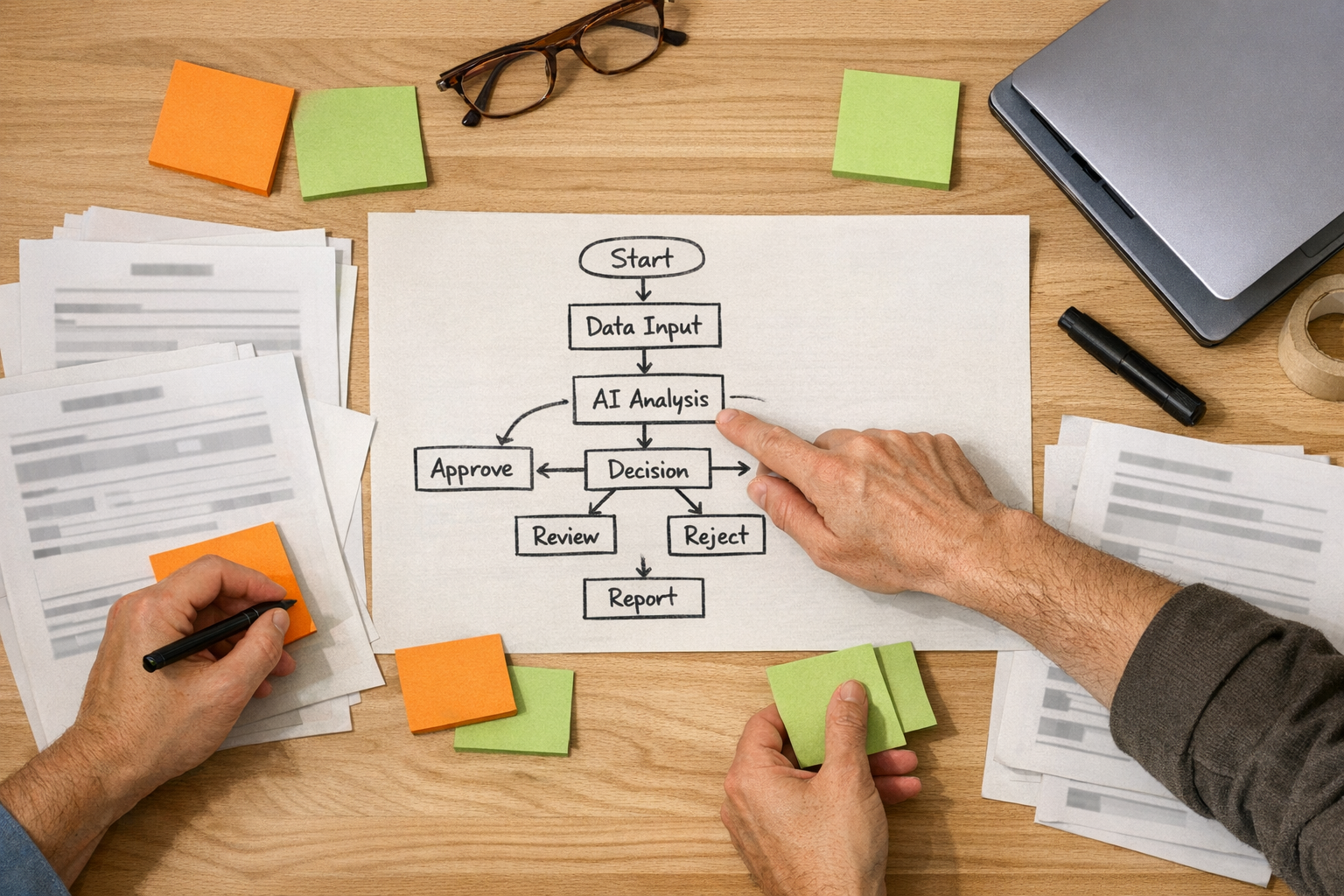
AI agents are getting easier to create, but that does not mean every business needs a large agent stack right away. In fact, for many founder-led teams, agencies, consultants, ecommerce operators, and service businesses, the better move is smaller: build the first agent where work is already leaking.
That leak might be slow lead follow-up. It might be client updates that take too long every Friday. It might be support messages that need to be triaged by hand. It might be CRM records that are always half-finished. The point is simple: the first useful AI agent should not be chosen because it sounds impressive. It should be chosen because it removes repetitive work from a workflow that already matters.
At ConsultEvo, this is where we like to bring the conversation back to process before tools. The platform matters, but it should come after the operating question: what job should this agent actually do, and how will we know it is working?
Start with the bleeders, not the dream stack
It is tempting to map a full AI agent team across sales, marketing, delivery, finance, research, content, and operations. That can be useful later. But if you build too broadly too early, you create another system to manage before you have proven that the first workflow is worth automating.
A better first pass is to list the bleeders. These are the repeat tasks that create friction every week:
- Manual copy-paste: moving details from forms, inboxes, chats, orders, or spreadsheets into another tool.
- Slow handoffs: sales to delivery, support to operations, client request to task owner, order issue to fulfillment.
- Low-quality follow-up: leads waiting too long, clients asking for status, missed internal reminders.
- Messy records: CRM fields missing, deals without next steps, tasks with unclear ownership.
- Repeated drafting: the same type of email, update, summary, outline, or response being written from scratch.
One good agent placed in one of these areas can often create more practical value than ten loosely defined agents with vague responsibilities.
The first agent needs a job description
Think of an AI agent less like a magic assistant and more like a junior operations role. It needs a job description, boundaries, tools, review points, and a definition of done.
A clear first-agent brief can be as simple as:
- Job to be done: Monitor new lead submissions, summarize the request, check for missing details, and draft a first response.
- Done looks like: The owner can approve or lightly edit the draft in under two minutes.
- Human stays responsible for: pricing, qualification judgment, strategic fit, and final send.
This kind of definition prevents the agent from becoming a vague chatbot. It becomes part of a workflow.
Use a worksheet before you build
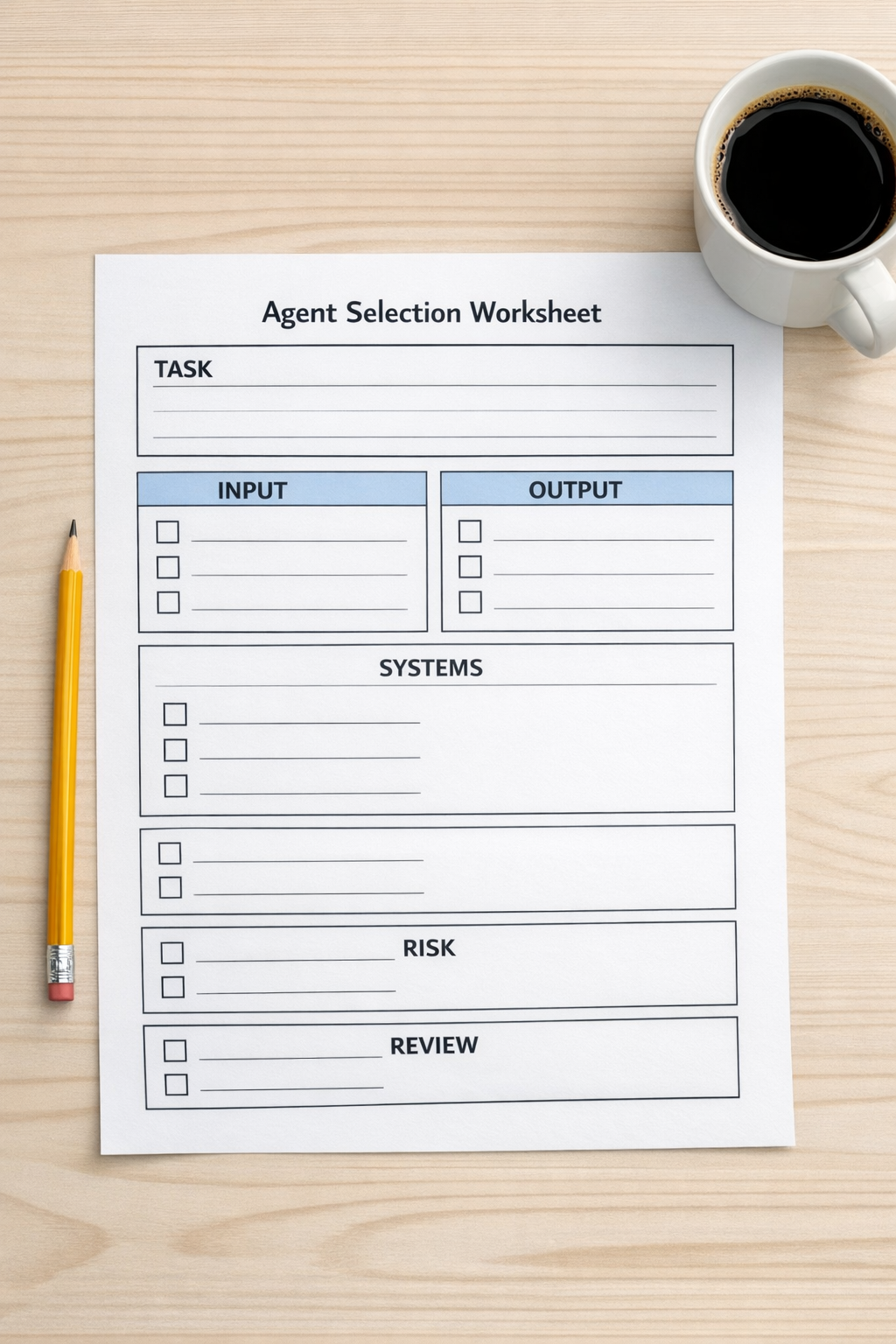
Before building an agent in any platform, write down five things.
- Trigger: What starts the workflow? A form submission, new email, updated deal stage, Shopify order issue, ClickUp task status, or scheduled time?
- Inputs: What information does the agent need to do the job well? CRM fields, email history, order details, notes, project status, SOPs?
- Output: What should the agent create? A draft reply, a task, a summary, a routing decision, a risk flag, a report?
- Review: Who approves, edits, or rejects the output?
- Risk: What should the agent never decide alone?
This exercise is simple, but it catches many automation problems early. If the trigger is unclear, the workflow will feel unreliable. If the inputs are messy, the output will be inconsistent. If the review point is missing, the team may either overtrust the agent or ignore it completely.
Keep human judgment in the right places
Good automation removes preparation work. It should not quietly take over judgment-heavy decisions unless the business has intentionally designed for that.
For example, an agent can collect lead context, check whether the company fits your criteria, draft a response, and prepare a CRM update. The human should still decide whether the opportunity is worth pursuing, what pricing makes sense, and how to position the offer.
In client delivery, an agent can summarize completed tasks, open blockers, and decisions needed before a weekly update. The account owner should still decide tone, priority, and whether a sensitive issue needs a live conversation.
That distinction matters. It helps teams trust automation because the agent is not pretending to own the business. It is reducing the manual load around the people who do.
Design the handoff, not just the prompt
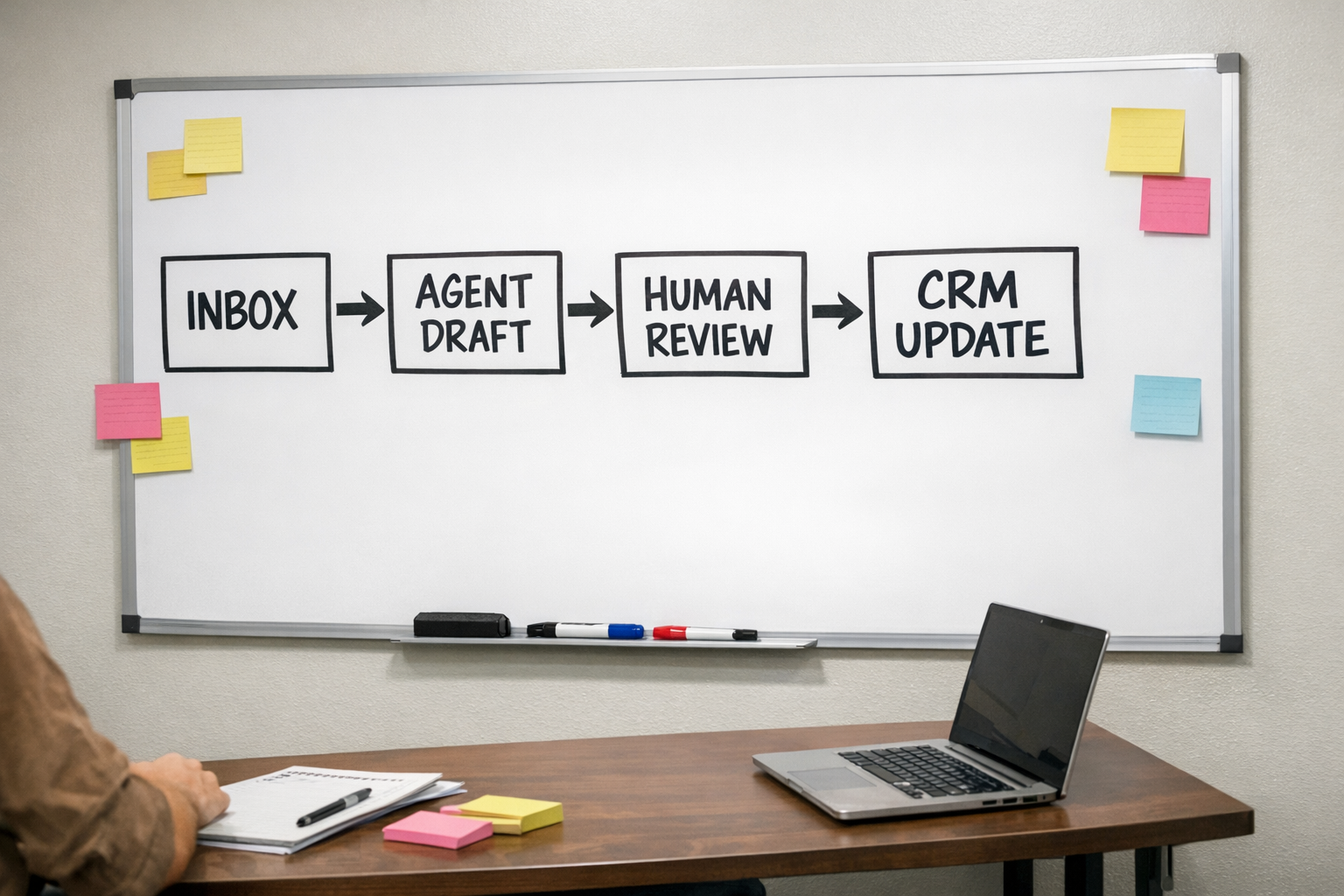
The prompt is only one part of the system. The handoff is where the workflow succeeds or fails.
Ask these questions during implementation:
- Where does the agent receive work?
- Where does it place the output?
- How is the owner notified?
- What happens if information is missing?
- What happens after approval?
- How do we monitor mistakes or drift over time?
This is especially important when connecting agents to tools like a CRM, ClickUp, HubSpot, GoHighLevel, Shopify, Slack, Gmail, Make, or Zapier. The agent might be intelligent, but the surrounding workflow still needs structure. A smart draft placed in the wrong channel at the wrong time is still operational noise.
Pick one of these first-agent candidates
If you are unsure where to start, choose one workflow from this list and validate it before expanding:
- Lead concierge: Summarizes inbound leads, identifies missing details, drafts replies, and prepares CRM updates.
- Client update assistant: Reviews project tasks and notes, drafts a weekly status update, and highlights blockers.
- CRM cleanup monitor: Finds stale deals, missing fields, unclear next steps, and duplicate records for review.
- Support triage assistant: Categorizes incoming support requests and suggests the next action or owner.
- Order exception reviewer: Flags Shopify orders needing attention, such as fulfillment issues or unclear customer requests.
- Content operations assistant: Turns approved ideas into outlines, briefs, repurposing notes, or publishing tasks.
The key word is approved. Agents are strongest when they operate from clear business context and known decision rules. They are weakest when asked to invent the operating model from scratch.
Measure usefulness in operational terms
You do not need complicated analytics to validate the first agent. Start with practical measures:
- Did it reduce the time to prepare the work?
- Did it improve follow-up speed?
- Did it reduce missed steps?
- Did the reviewer accept most outputs with light editing?
- Did it make the workflow easier to manage, not harder?
If the answer is no, do not immediately build more agents. Fix the workflow, the input data, the prompt, the review step, or the handoff. Sometimes the best automation improvement is not a better model. It is cleaner CRM data, a clearer ClickUp structure, or a better Make or Zapier scenario around the agent.
Build the second agent only after the first one works
Once the first agent is producing useful outputs consistently, then it makes sense to add the next one. That might be another workflow in the same department, or it might be an orchestration layer that summarizes what happened across several agents.
But earn that complexity. Start with the work that already hurts. Prove the workflow. Keep the human decision points visible. Then expand carefully.
If you want help choosing the right first AI agent, designing the workflow around it, or connecting it into ClickUp, Make, Zapier, HubSpot, GoHighLevel, Shopify, or your CRM, ConsultEvo can help. We focus on practical automation that removes work without creating a new mess to manage.