


Cheap AI makes experimentation easier. It does not make workflow design optional.
As AI tools become more accessible and more affordable, the natural reaction is to add them everywhere. A support assistant here. A sales follow-up agent there. A meeting summarizer. A reporting helper. A research bot. A content assistant.
That is understandable. When the tool cost feels low, the barrier to trying it drops.
But in real operations, the monthly subscription is rarely the biggest cost. The bigger cost is letting an unclear process run faster, across more systems, with less visibility.

An AI agent can be useful when it removes repetitive work from a clear workflow. It becomes risky when it is dropped into a messy one and asked to make sense of vague ownership, inconsistent data, and missing decision rules.
The practical opportunity is not just using more AI. It is using AI with better operational boundaries.
The real question: what work should the agent remove?
A lot of AI projects start with a broad question: “What can we automate?”
That question is too wide. It usually leads to scattered experiments, disconnected tools, and half-finished workflows that impress people in a demo but do not reduce the work inside the business.
A better starting point is: What recurring work should this agent remove from a person’s day?
That might include:
- Summarizing sales calls and attaching notes to the right CRM record
- Drafting first responses to support tickets
- Classifying incoming leads based on form answers
- Preparing project brief drafts from intake forms
- Checking whether required fields are missing before a handoff
- Creating task drafts from approved client requests
Each of these examples is narrow. That is the point. Useful AI agents usually begin with a specific operational job, not a broad ambition to “use AI more.”
Why guardrails matter more as AI becomes easier to access
When tools are expensive or difficult to implement, teams naturally move slower. They ask more questions. They review the workflow. They think about ownership.
When tools become cheap and easy, teams often skip that thinking.
This is where operational debt starts to build. An agent gets added to a process without anyone defining the inputs. Another automation updates the CRM without a clear rule for duplicate records. A support assistant drafts replies, but nobody decides when sensitive issues should be escalated. A reporting workflow creates summaries, but the source data is inconsistent.
The result is not automation ROI. It is faster confusion.
Guardrails do not need to be complicated. They simply answer a few important questions before the agent starts doing work.
A simple AI agent boundary worksheet
Before building an agent inside your CRM, ClickUp workspace, help desk, Make scenario, Zapier workflow, HubSpot process, GoHighLevel account, or internal operations stack, define the agent’s role on one page.
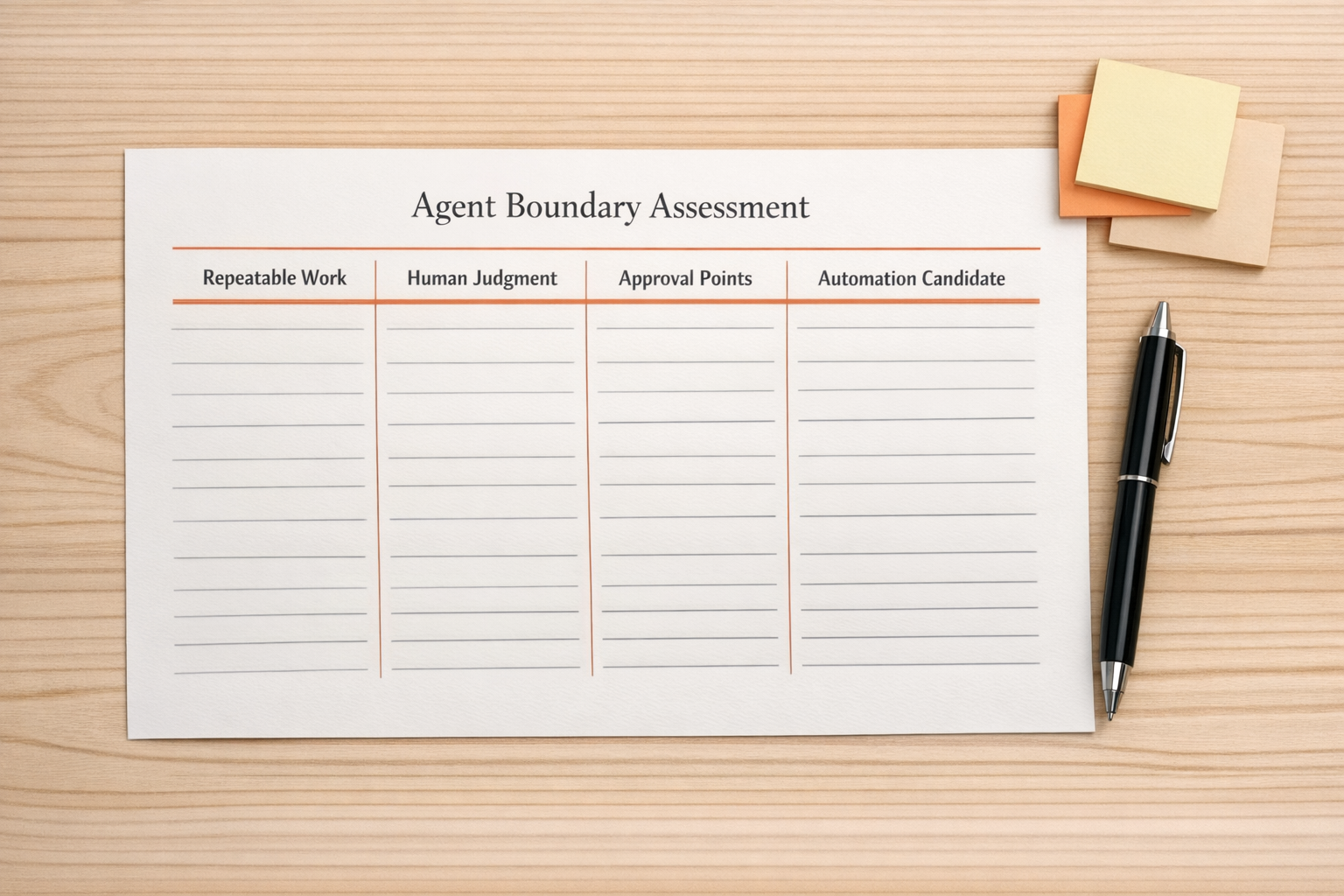
Use four sections:
1. Remove
What manual work should the agent remove?
Be specific. “Help sales” is too broad. “Draft a follow-up email after a booked discovery call using the call notes and CRM stage” is much clearer.
2. Decide
What low-risk decisions can the agent make?
For example, it may be allowed to tag a ticket as billing, onboarding, or technical support. It may be allowed to suggest a priority level. It may be allowed to create a draft task.
Keep this limited at first. If the decision affects money, legal risk, customer access, account status, or sensitive communication, build in review.
3. Pause
When should the agent stop and ask a human?
This is one of the most important parts of the design. Define exception rules clearly. An agent should pause when data is missing, confidence is low, the customer is upset, the request is unusual, or the next action could create risk.
4. Record
Where should the result live?
If an agent drafts an email, creates a summary, updates a contact, or flags an issue, that output needs a home. It might belong in the CRM, a ClickUp task, a support ticket, a Slack channel, or an internal review queue.
If the output is not recorded in the right place, the workflow will still depend on someone remembering to copy and paste it later.
Design the handoff before building the automation
Many AI workflow problems are really handoff problems.
The agent does one part of the work, but the next person does not know what changed, what needs review, or what decision was made. This is common in sales-to-operations handoffs, support escalations, onboarding workflows, and CRM cleanup projects.

Before connecting tools, map the handoff in plain language:
- What triggers the agent?
- What information does the agent receive?
- What does it create, update, or recommend?
- Who reviews exceptions?
- What happens after approval?
- How does the team know the work is complete?
This does not need to be a large documentation project. A simple whiteboard flow is enough to expose gaps before they become automation errors.
Start with one repeatable process
The safest way to add AI agents is to start with one repeatable process that already happens often enough to matter.
Good candidates usually have these traits:
- The task happens every week or every day
- The inputs are reasonably consistent
- The desired output has a clear format
- The risk of a wrong draft or recommendation is manageable
- A human review step can be added without slowing the whole team
For example, a service business might start with lead intake. The agent reviews a form submission, summarizes the request, checks for missing fields, suggests a lead category, and creates a draft task for review. Nothing risky happens automatically. But the admin work is reduced, and the team gets a cleaner starting point.
Once that works, you can expand the agent’s scope carefully.
Measure removed work, not AI usage
AI usage by itself is not an operational win. A team can use AI every day and still have the same bottlenecks.
Better measures are practical:
- How many manual copy-paste steps were removed?
- How many records were updated without extra admin time?
- How many tickets were categorized before a human touched them?
- How many handoffs arrived with complete information?
- How many exceptions were caught before they created rework?
This keeps the project grounded. The goal is not to add another clever tool. The goal is to reduce work, improve clarity, and make the process easier to manage.
The bottom line
Cheaper AI is useful because it lets more teams experiment. But the teams that benefit most will not be the ones that add agents everywhere at once.
They will be the teams that define the process first, give AI a clear job, set boundaries, and build review points where they matter.
If you are considering AI agents for sales, support, CRM cleanup, ClickUp operations, Make or Zapier workflows, or internal handoffs, start with the workflow. The tool comes after.
ConsultEvo helps businesses design and implement practical automation systems with clear ownership, clean handoffs, and useful AI where it actually removes work. If you want help mapping or building that kind of workflow, reach out anytime.