

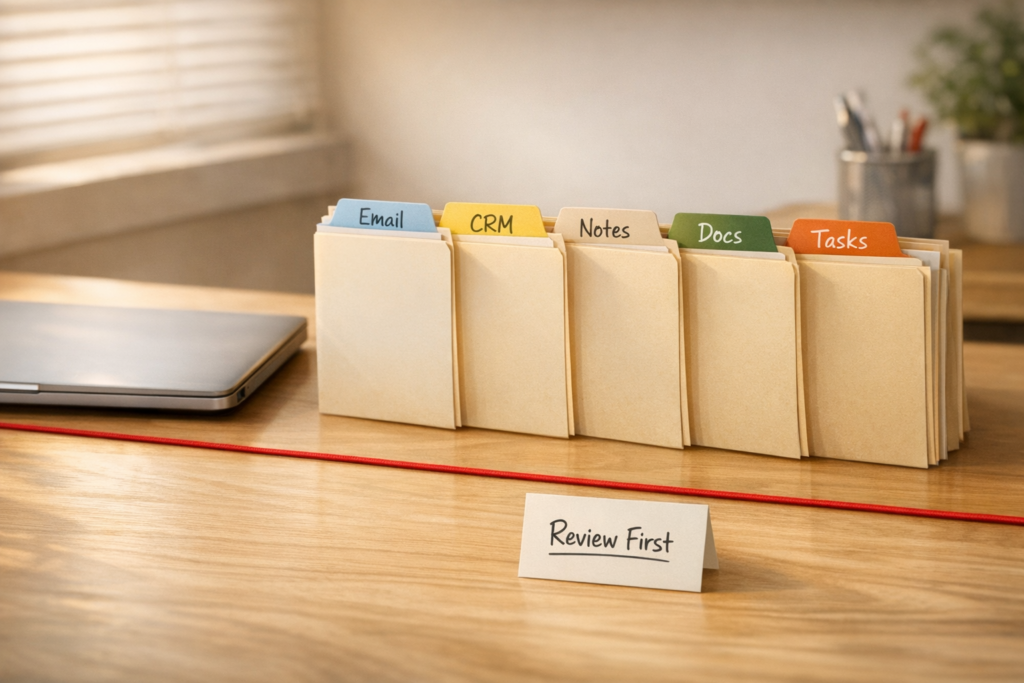
Before You Connect AI to Your Business Apps, Map the Workflow
AI tools are becoming much more useful when they can access the apps your business already runs on: email, CRM, meeting notes, internal chat, documents, project management, spreadsheets, and support platforms.
That access can remove a lot of manual work. Instead of copying meeting notes into a task manager, searching your inbox for context, or opening a CRM record before writing a follow-up, an AI assistant can gather the relevant information and prepare the next step.
But there is a trap here. Connecting AI to more tools does not automatically create a better operation. If the underlying workflow is unclear, the AI simply gets faster access to unclear data, inconsistent handoffs, and messy ownership.
The practical move is to design the workflow before you connect the tools.
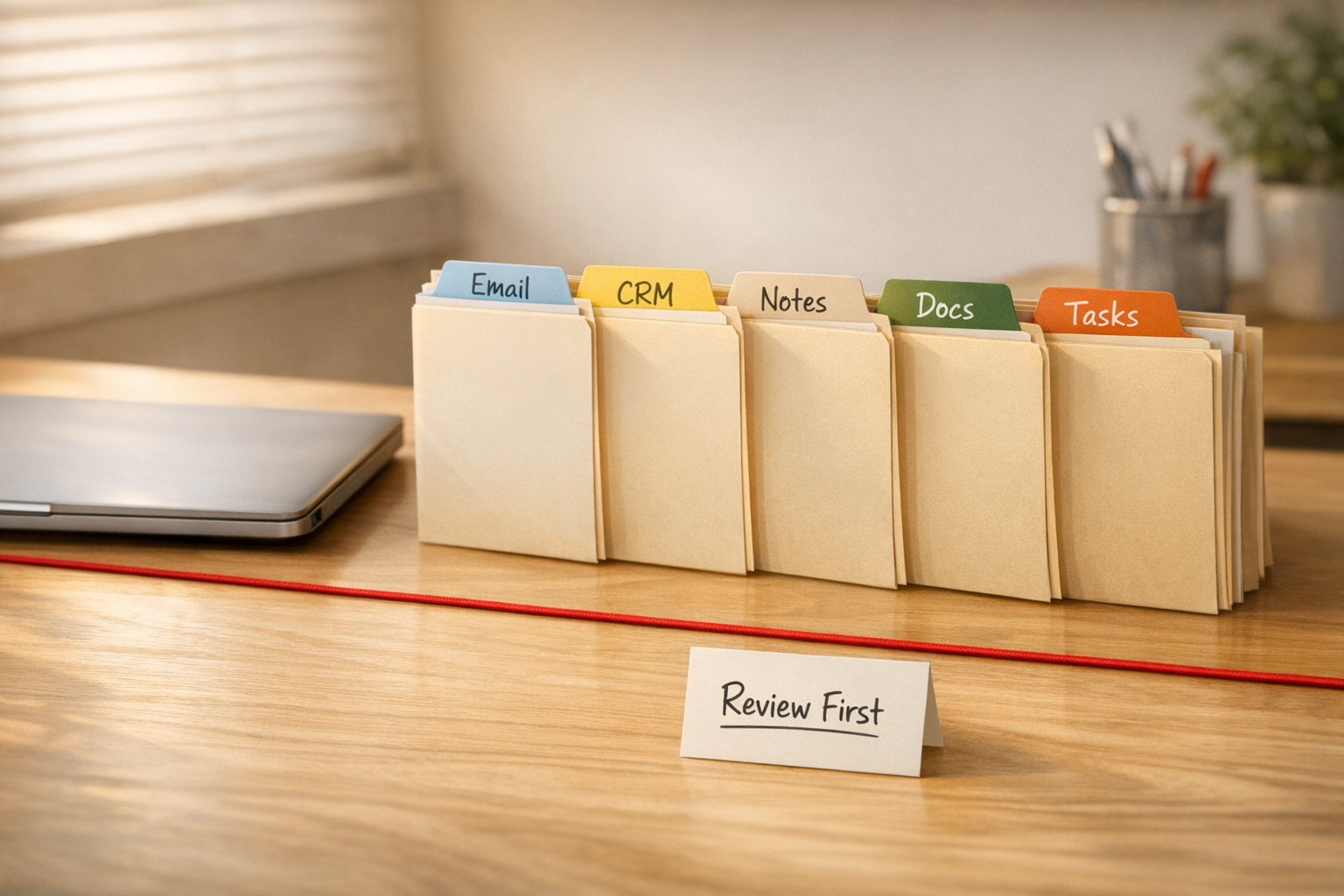
The better question: what should the AI be allowed to do?
When teams start exploring connected AI workflows, the first question is usually, “Can we connect this app?”
That question matters, but it is not enough.
The better question is: what should the AI be allowed to read, prepare, update, or ignore?
There is a big difference between an AI assistant that reads recent sales emails and prepares a draft follow-up, and an AI assistant that sends that follow-up without review. There is also a big difference between an AI summarizing meeting notes and an AI creating tasks in your project system with unclear owners and deadlines.
Connected AI becomes valuable when permissions match the maturity of the workflow.
For many businesses, the safest starting point is read-only access. Let the AI gather context, summarize information, classify items, identify gaps, and prepare drafts. Then keep a human review step before anything is sent, updated, deleted, or assigned.
Start with one workflow, not every app
It is tempting to connect everything at once: email, CRM, chat, docs, calendar, meeting notes, support inbox, and project management. That usually creates noise before it creates value.
A better starting point is one specific workflow where the team already wastes time gathering context.
Good candidates include:
- Preparing for sales calls by reviewing recent emails, CRM notes, and meeting history
- Turning client meeting notes into draft tasks for review
- Finding open deals that need follow-up and drafting the next message
- Grouping support requests by urgency and customer type
- Summarizing internal discussion threads into decisions and action items
- Preparing weekly operations updates from project notes and task activity
These workflows are useful because the AI does not need to “run the business.” It only needs to reduce the gathering, sorting, and drafting work that slows people down.
Use a permission worksheet before implementation
Before building an AI agent, connector, Make scenario, Zapier automation, HubSpot workflow, GoHighLevel automation, or ClickUp process, write down the permission model in plain language.
A simple worksheet can prevent a lot of confusion later.
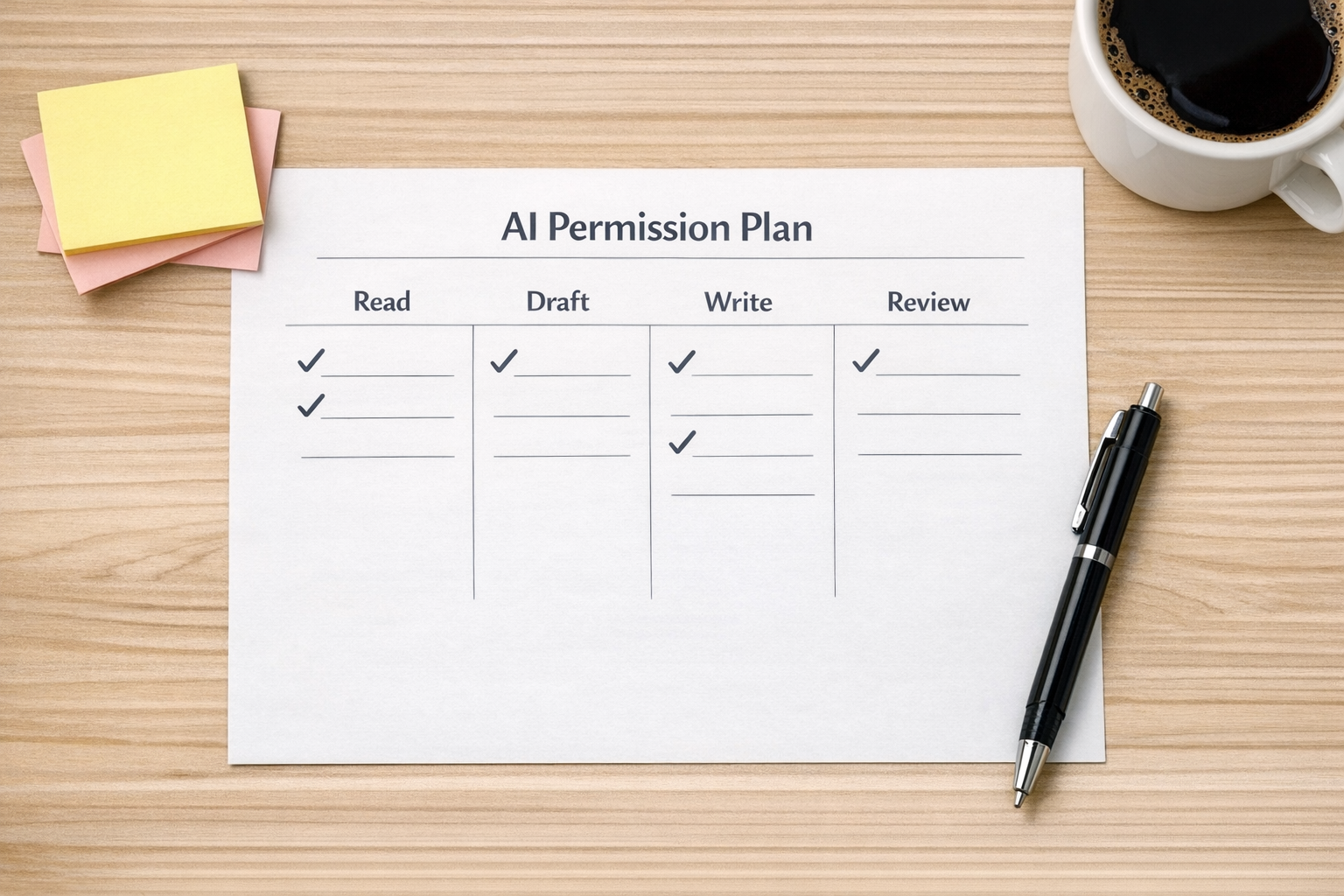
For each workflow, define:
- Source systems: What apps does the AI need to read from?
- Trigger: What starts the workflow?
- Task: What should the AI actually do?
- Output: What should it create or prepare?
- Review owner: Who checks the output before action is taken?
- Write access: Is the AI allowed to update another system, or only prepare a draft?
- Fallback: What should happen when the AI is uncertain or information is missing?
This does not need to be complicated. In fact, if the workflow cannot be explained on one page, it is probably too early to automate it.
Separate preparation from execution
This is one of the most useful design principles for connected AI workflows: separate preparation from execution.
Preparation is usually lower risk. The AI can read a thread, summarize a meeting, draft an email, suggest task names, identify missing CRM fields, or flag a customer issue.
Execution is higher risk. Sending the email, updating the deal stage, changing a task owner, deleting a file, or notifying a client should usually require more control.
That does not mean AI should never take action. It means the right to take action should be earned after the read-and-draft version has proven reliable.
A practical progression looks like this:
- Stage 1: AI reads information and summarizes it in chat
- Stage 2: AI prepares drafts, tasks, or structured recommendations
- Stage 3: A human approves the output inside the workflow
- Stage 4: Limited write access is added for low-risk, repeatable actions
- Stage 5: The workflow is monitored and adjusted based on real usage
This keeps the system useful without making it reckless.
Where CRM and project systems need extra care
CRM and project management systems are often the first places businesses want AI help. That makes sense. Sales and operations both involve a lot of notes, follow-ups, statuses, owners, and deadlines.
But these systems also expose messy process problems quickly.
If your CRM stages are inconsistent, an AI assistant may struggle to identify the real next step. If your task system has unclear ownership, AI-generated tasks may add more noise. If your team uses custom fields differently from person to person, automation will reflect that inconsistency.
Before giving AI write access to a CRM or project tool, clean up the basics:
- Define what each pipeline stage means
- Clarify required fields and when they should be filled
- Standardize task naming and ownership rules
- Decide what counts as a real next action
- Remove duplicate or unused statuses where possible
AI works better when the operating system is already clear.
A practical example: meeting notes to task review
Imagine your team wants AI to turn client meeting notes into project tasks.
The risky version is simple: connect meeting notes to your task system and let AI create tasks automatically.
The better version adds structure:
- The AI reads the meeting notes
- It extracts decisions, action items, owners, and possible deadlines
- It creates a draft task list in a review area
- The project lead approves, edits, or rejects the tasks
- Only approved tasks are added to the live project workspace
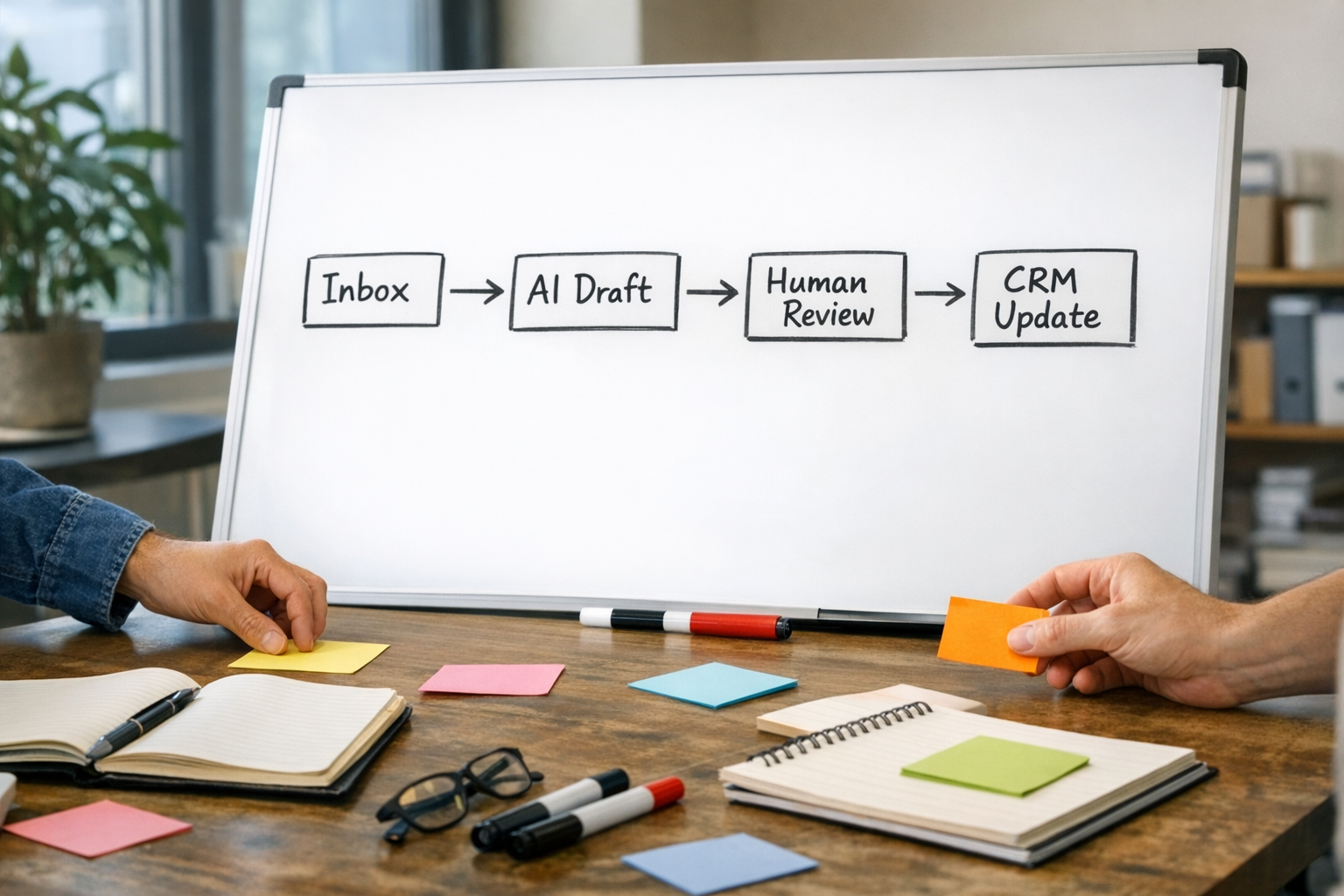
This workflow still saves time. It removes copy-paste, reduces missed action items, and gives the project lead a cleaner starting point. But it also protects the project system from bad assumptions.
Measure the value in removed work
The ROI of connected AI workflows is not only about speed. It is about removed friction.
Look for work that disappears or becomes easier:
- Fewer tabs opened to prepare for a call
- Less manual copying between tools
- Faster follow-up after meetings
- Cleaner CRM notes and next steps
- Better handoffs between sales, support, and operations
- Less time spent searching for context
If a connected AI workflow does not remove real work, it is probably just a novelty.
Build the smallest useful version first
The best connected AI systems usually start small. One source. One task. One output. One review point.
Once the team trusts that workflow, you can expand it. Add another data source. Add a structured handoff. Add a CRM update. Add a notification. Add a Make or Zapier automation around it.
But do not start with the full operating system. Start with the part of the workflow where your team is already losing time.
ConsultEvo helps businesses design and implement these workflows, including AI agents, CRM cleanup, ClickUp structure, Make and Zapier automation, HubSpot and GoHighLevel workflows, and sales or support handoffs.
If you are exploring connected AI but want the workflow to be safe, clear, and useful before you automate it, ConsultEvo can help you map and build the right version.