


A Practical Daily AI Routine for Building Reusable Workflows

AI adoption often gets framed as a big strategic decision. Which tools should we buy? Which model should we use? Should we build agents? Should we automate sales, support, operations, or content?
Those are useful questions eventually. But for many teams, they come too early.
The better starting point is much smaller: take one repeated piece of work and use AI to improve it in a way your business can reuse.
That might sound too simple, but it solves a common problem. Many people use AI in private, one-off ways. They ask for a draft, get help with an email, summarize a document, brainstorm ideas, and move on. The immediate task may get done faster, but the business does not gain much. Nothing becomes easier for the next person. No process improves. No operating knowledge is captured.
Real AI capability starts when practice leaves evidence behind.
The goal is not more prompting
A team does not become more capable just because more people are typing into AI tools. In some cases, that creates more inconsistency. Everyone invents their own method, saves their own prompts, checks quality differently, and stores nothing in a shared system.
That is not operational improvement. It is scattered experimentation.
The goal should be to turn useful AI practice into reusable business assets. These assets can be simple:
- A prompt that consistently produces a better first draft
- A checklist that improves review quality
- An SOP that explains the workflow clearly
- A decision guide for common client or customer situations
- A reusable input template for sales, support, content, or operations
- An agent instruction set that can later connect to tools
Once you think this way, AI stops being a side activity. It becomes a way to improve the operating system of the business.
A simple one-hour routine
You do not need a complicated AI transformation plan to begin. A focused hour is enough if the work is specific.
Here is a practical structure:
- Scan: Find one repeated task from the week. Look for work that involved copy-paste, rewriting, summarizing, checking, routing, or gathering context.
- Test: Use AI on the task with real inputs. Do not use a generic example. Use the kind of messy material your team actually handles.
- Build: Save the useful part as a prompt, checklist, SOP step, template, or draft agent instruction.
- Reflect: Write down what AI handled well, what needed human judgment, and what context was missing.
The reflection step matters. Without it, the learning disappears. With it, every test becomes a small process improvement.
Use a review sheet to keep the work grounded
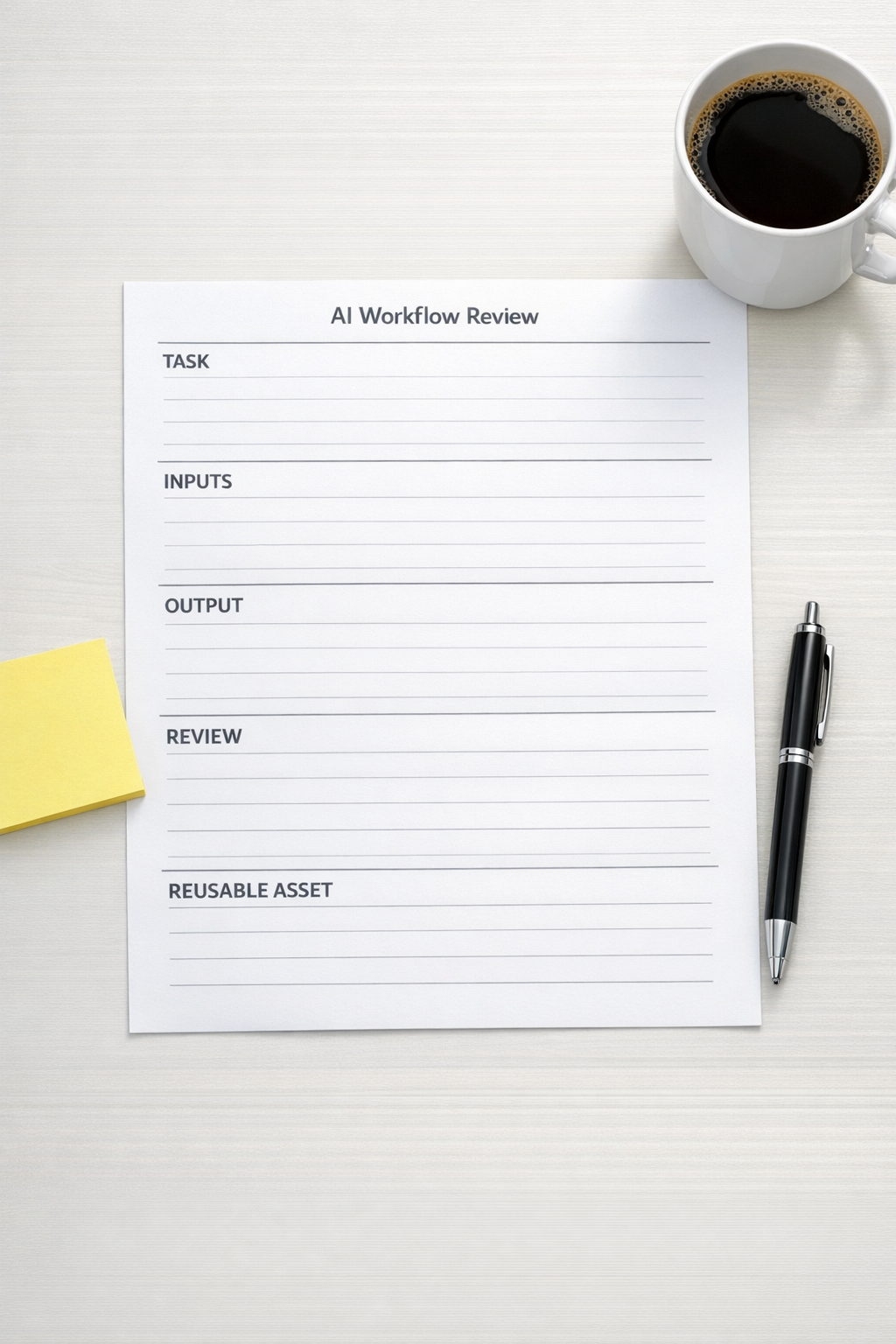
A simple review page can prevent AI experiments from turning into scattered notes. It does not need to be fancy. In fact, the simpler the better.
For each workflow you test, capture five things:
- Task: What work are we trying to improve?
- Inputs: What information does AI need to do this well?
- Output: What should the finished result look like?
- Human review: What must a person verify before this is used?
- Reusable asset: What are we saving for next time?
This is especially useful for teams using AI across sales, support, CRM updates, project management, or content operations. It creates a shared language around what is being improved.
It also reveals an uncomfortable truth: many AI problems are actually process problems. If the inputs are unclear, the desired output is vague, or the review criteria are inconsistent, the tool will struggle. Better prompting may help, but better process usually helps more.
What should become an automation?
Not every successful AI workflow should be automated immediately. Some workflows should remain as assisted work. For example, a founder may still want to personally review client proposals, sales replies, or strategic decisions.
Automation becomes more attractive when the workflow is frequent, rules-based, and easy to validate.
Before connecting anything in Make, Zapier, HubSpot, GoHighLevel, ClickUp, Shopify, or your CRM, ask:
- Are the inputs consistent enough?
- Do we know where the data should come from?
- Do we know where the output should go?
- Can a human review exceptions?
- Do we know what happens if the automation fails?
- Is this saving meaningful time or reducing a real operational risk?
If the answer is no, the next step is not more tools. The next step is workflow validation.
Plan the workflow before connecting tools
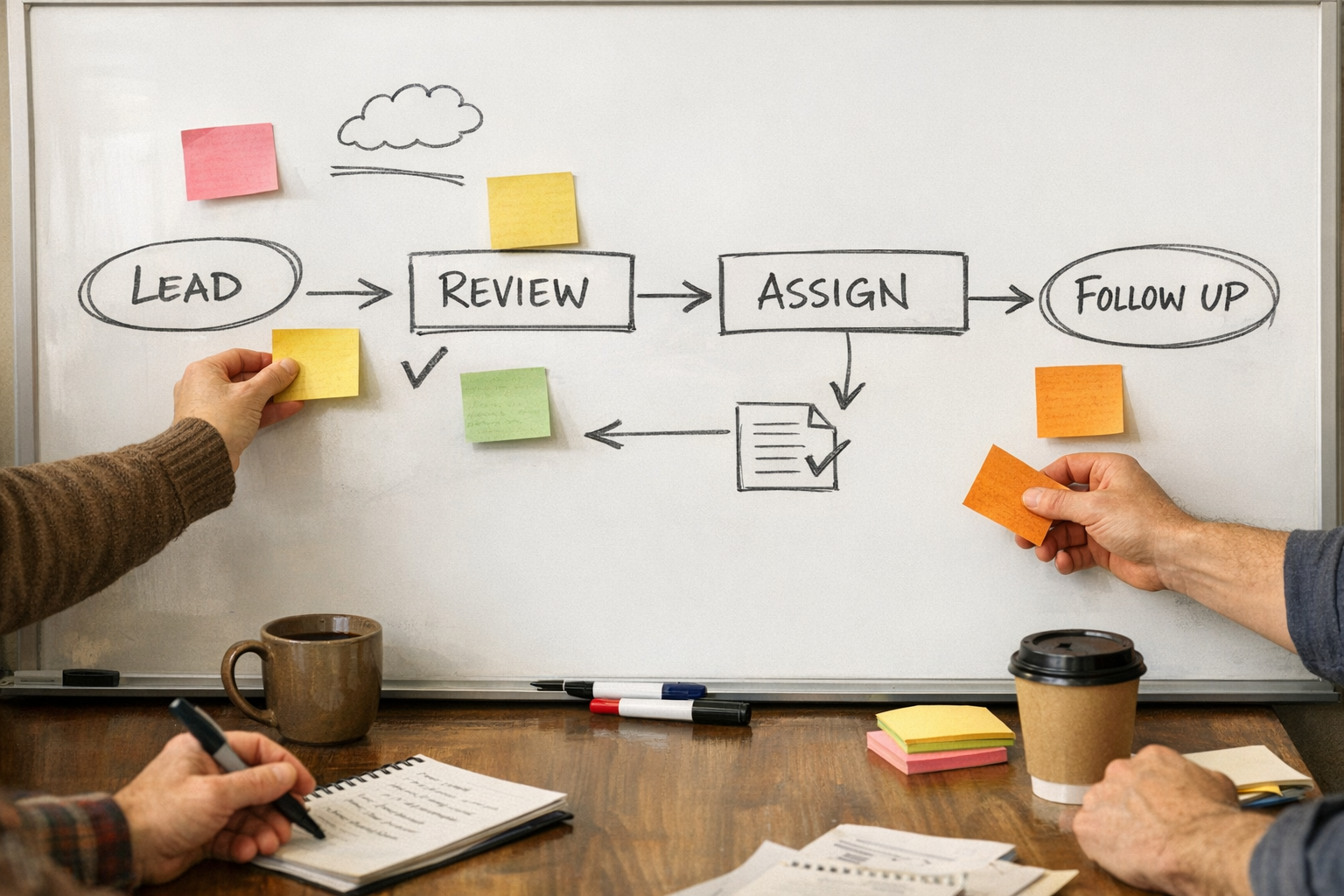
Once a task has been tested manually with AI, you can start mapping the workflow. Keep it plain:
- Trigger: What starts the workflow?
- Source: Where does the information come from?
- AI step: What should AI create, classify, summarize, or check?
- Review: Where does human judgment belong?
- Destination: Where should the final output live?
- Exception path: What happens when something is missing or unclear?
This planning step prevents a lot of expensive automation cleanup later. A messy workflow does not become better because it runs automatically. It just creates faster mess.
For example, if a sales handoff is unclear, automating the handoff can create CRM confusion. If support notes are inconsistent, AI summaries may miss important context. If ClickUp tasks are poorly structured, automated task creation can add noise instead of clarity.
Process first. Tools second.
Where to start this week
Pick one workflow that already repeats. Good candidates include:
- Turning call notes into CRM updates
- Drafting follow-up emails after sales calls
- Summarizing support conversations
- Creating ClickUp tasks from client requests
- Reviewing product descriptions or Shopify operations notes
- Preparing weekly internal updates
- Checking lead information before a handoff
Run the one-hour routine once. Save one reusable asset. Then repeat with another task.
After a few weeks, you will have more than AI experience. You will have a growing library of prompts, SOPs, checklists, and workflow notes that can support better automation decisions.
That is how AI adoption becomes practical. Not by trying to understand everything at once, but by improving one real workflow at a time.
If you want help turning repeated work into cleaner SOPs, AI agents, CRM workflows, ClickUp structures, or Make and Zapier automations, ConsultEvo can help you validate the workflow and build the right system around it.