

Prototype Your Workflow Before You Automate It
There is a useful shift happening for operators, founders, and small teams: you no longer need to explain every workflow idea only through long documents, meetings, or vague screenshots.
You can create a rough version of the thing first.
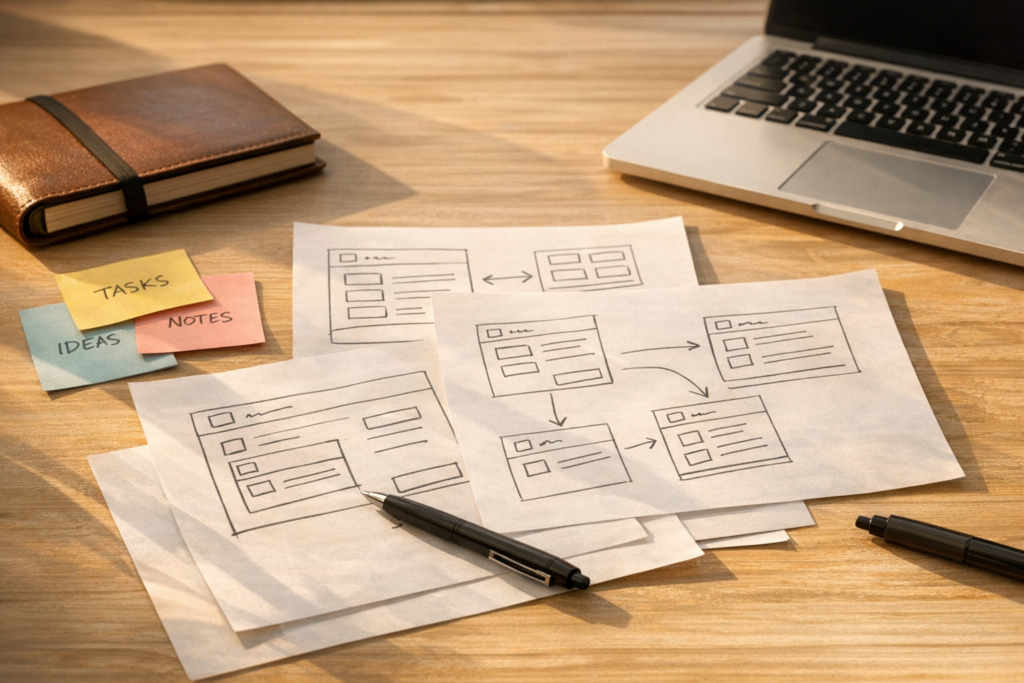
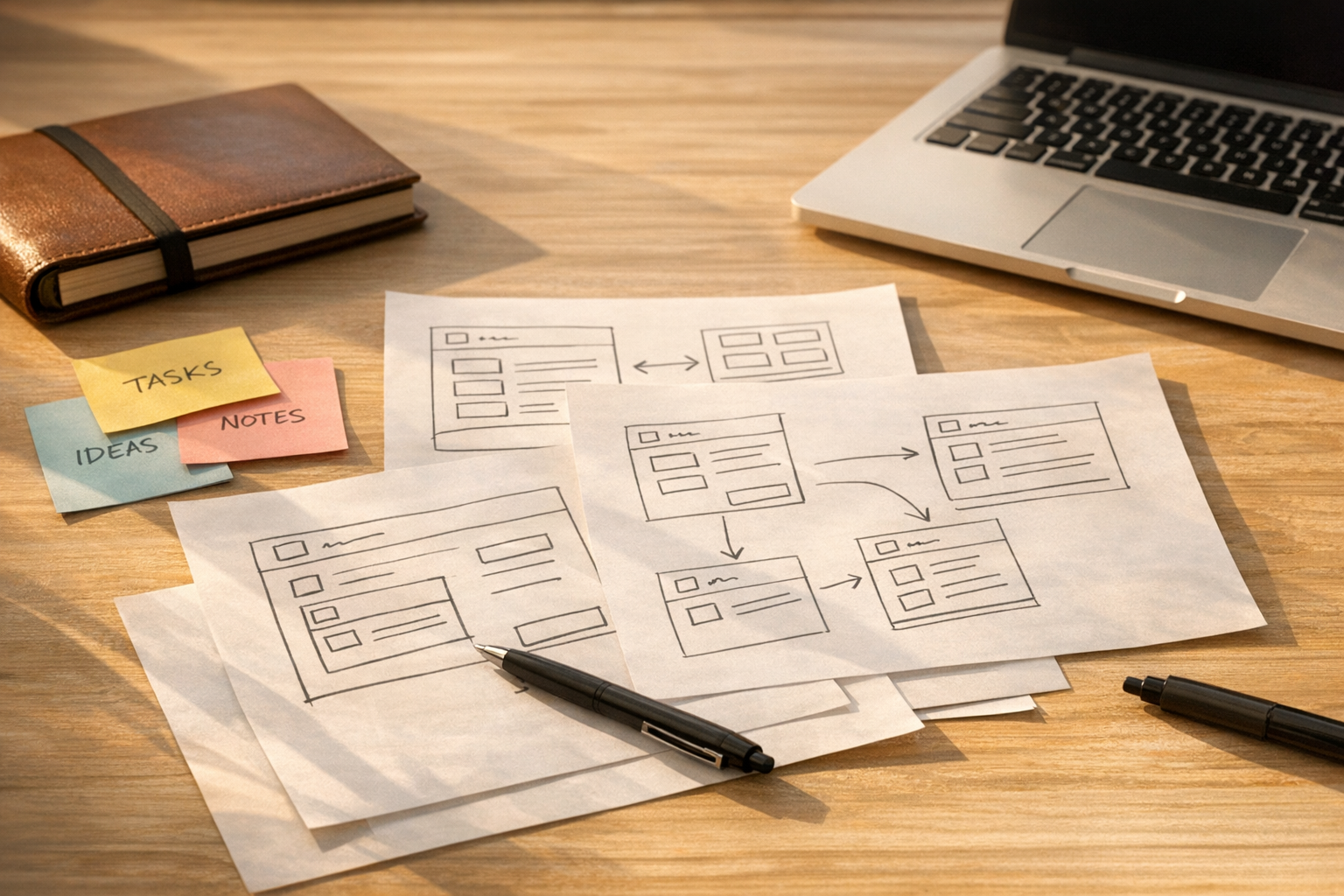
That might be a clickable mockup of a customer handoff. It might be a simple internal tool that processes a spreadsheet. It might be a lightweight form that shows how a lead should move from sales to onboarding. It does not need to be production-ready. It does not need to be beautiful. It only needs to make the process visible enough for people to react.
This is one of the more practical uses of AI-assisted building. Not as a promise that anyone can replace a developer overnight. Not as a shortcut around good operations work. But as a way to test whether an idea is clear before you spend time building the final automation.
The mistake: automating a fuzzy process
Automation often gets blamed when the real issue is upstream.
A team decides they want a CRM workflow, a Make scenario, a Zapier automation, a ClickUp setup, or a new customer support handoff. Everyone agrees in the meeting. The builder starts working. Then the missing details appear.
- Which field decides the next step?
- Who owns the task when the automation cannot decide?
- What happens when the customer replies with incomplete information?
- Should this lead go to sales, support, or onboarding?
- When is the process considered complete?
These questions are not technical details. They are operational decisions. If they are not clear before the build starts, the automation becomes a very efficient way to expose confusion.
That is expensive. Not always in software costs, but in rework, team frustration, broken trust, and manual cleanup.
A prototype makes assumptions visible
A rough prototype gives the team something concrete to inspect.
Instead of saying, “The lead should move into the right pipeline,” you can show a simple screen where someone selects the lead type, sees the next step, and confirms the owner. Instead of describing a customer onboarding flow in a document, you can create a basic click-through showing each handoff and decision point.
The prototype does not have to be the final system. In many cases, it should not be. Its job is to reveal whether the workflow makes sense.
When people can click through a process, they notice gaps faster. They see where language is unclear. They spot missing roles. They challenge steps that looked fine in a meeting but feel awkward in practice.
That feedback is valuable before you build the real version inside ClickUp, HubSpot, GoHighLevel, Make, Zapier, Shopify, or a custom internal tool.
Use this five-part validation canvas
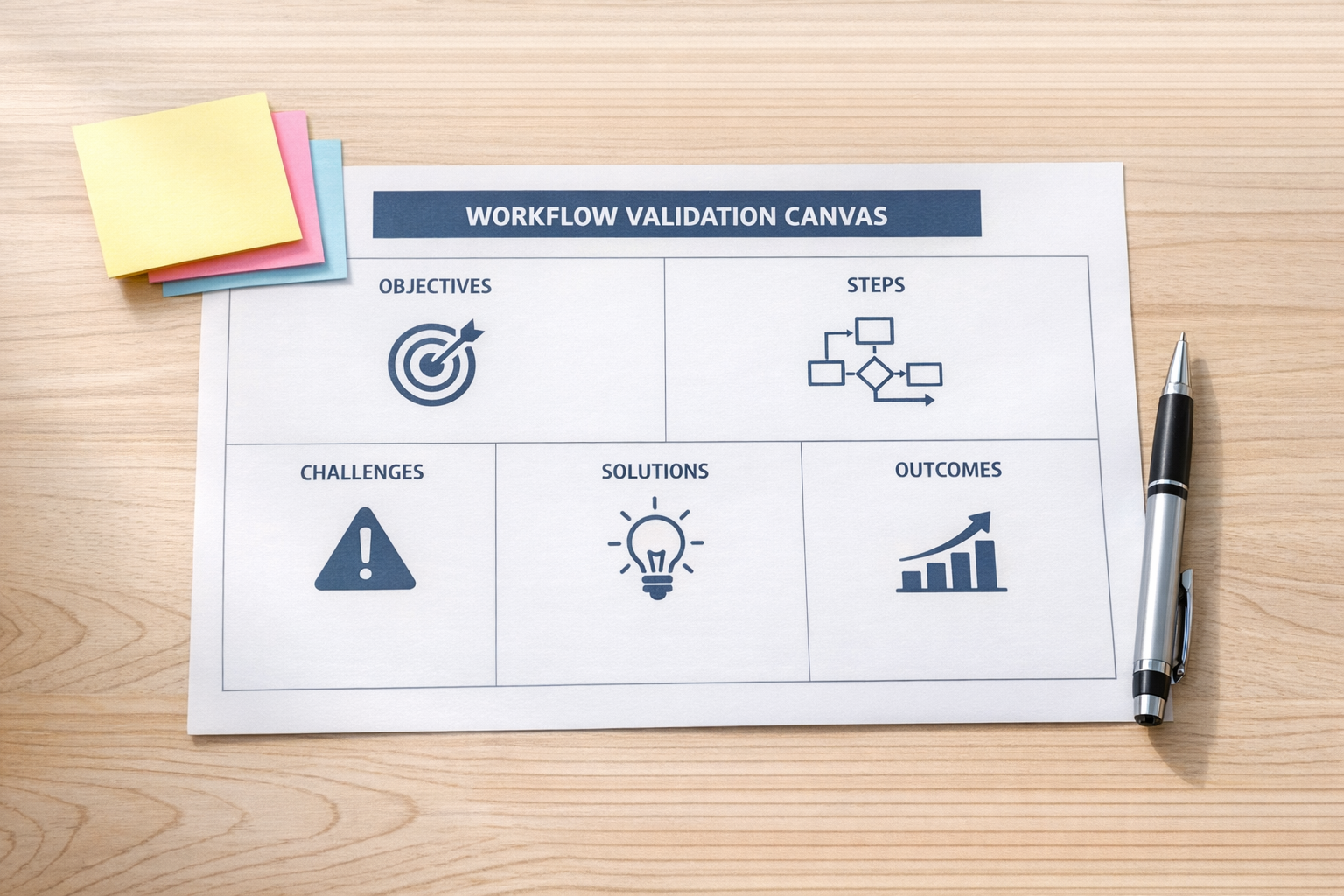
Before automating a workflow, answer five questions in plain English.
- Trigger: What exact event starts the workflow? A form submission, deal stage change, paid order, missed call, support ticket, or manual approval?
- Data: What information must exist before the workflow can run correctly? Think CRM fields, customer tags, order details, source, owner, priority, or deadline.
- Decision: What rule decides the next step? If this depends on human judgment, say that clearly instead of hiding it inside the automation.
- Exception: What happens when the data is missing, duplicated, outdated, or conflicting?
- Success: What should be true when the workflow is finished? A task created, a customer updated, a Slack message sent, a quote requested, a refund reviewed, or a record cleaned?
If the team struggles to answer these, do not start by building the automation. Start by clarifying the process.
Where AI-assisted prototypes help
AI can help create rough operational artifacts quickly. That might include:
- A simple clickable mockup for an internal request flow.
- A lightweight form that captures the right information before a handoff.
- A small tool that turns a messy spreadsheet into a clean review file.
- A plain-English workflow spec that a developer or automation specialist can review.
- A basic dashboard concept that helps the team agree on what matters.
The point is not to create more half-finished tools. The point is to reduce guessing.
For example, if your team wants to automate sales-to-onboarding handoffs, a prototype can show what the salesperson submits, what the onboarding manager receives, what happens when information is missing, and where the CRM should be updated. Once that is clear, the final automation is much easier to build properly.
Prototype only what is worth testing
There is also a trap here. It is easy to spend hours creating a clever internal tool that nobody will use.
A good rule: do not prototype more than the decision requires.
If the team only needs to confirm the fields on an intake form, build or sketch just that form. If the risk is around the handoff between departments, prototype the handoff. If the uncertainty is about reporting, mock up the report before wiring every data source.
Keep the prototype small. One workflow. One decision point. One operational question.
When to move from prototype to real build
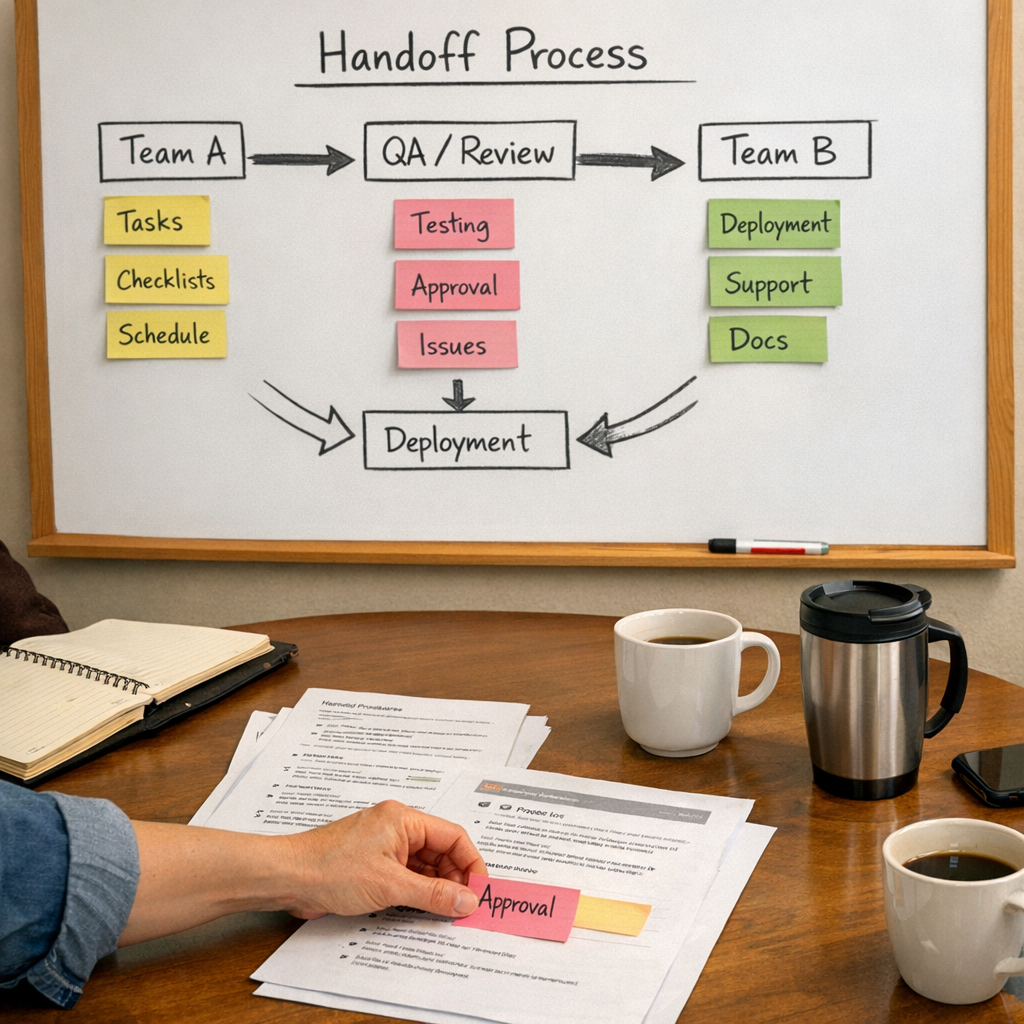
You are ready to build the real automation when the team can agree on:
- The exact trigger.
- The required data.
- The owner of each step.
- The exception path.
- The system of record.
- The success condition.
At that point, tools become easier to choose and configure. Make might be right for a multi-step data workflow. Zapier might be enough for a simple handoff. ClickUp might need a cleaner task structure. HubSpot or GoHighLevel might need better lifecycle stages, tags, or pipeline rules. Shopify operations might need order tags, fulfillment checks, or support routing.
The tool decision gets simpler when the workflow has already been tested.
The ConsultEvo approach
At ConsultEvo, we like automation, but we like clear processes more.
A messy workflow does not become better because it has more tools attached to it. It usually becomes harder to debug. That is why we often start with workflow validation, CRM cleanup, handoff mapping, or a small prototype before building the final system.
The best automation projects are not the ones with the most steps. They are the ones where every step has a reason, an owner, and a clear outcome.
If you are considering a new automation, start by making the workflow testable. Sketch it. Click through it. Prototype the risky part. Let the team react before you build.
Need help turning a workflow idea into a clean, buildable automation plan? ConsultEvo can help you validate the process, choose the right tools, and build the system with fewer wrong turns.