

Stop Collecting AI Prompts. Build One Working System.
AI adoption often starts with a prompt.
Someone asks for a better email, a summary, a campaign idea, a proposal draft, or a cleaner spreadsheet formula. The result is useful, sometimes surprisingly useful. So the team saves the prompt, shares it in Slack, adds it to a document, and keeps collecting more.
There is nothing wrong with that. Prompts are a good entry point.
But prompts alone rarely change how the business operates.
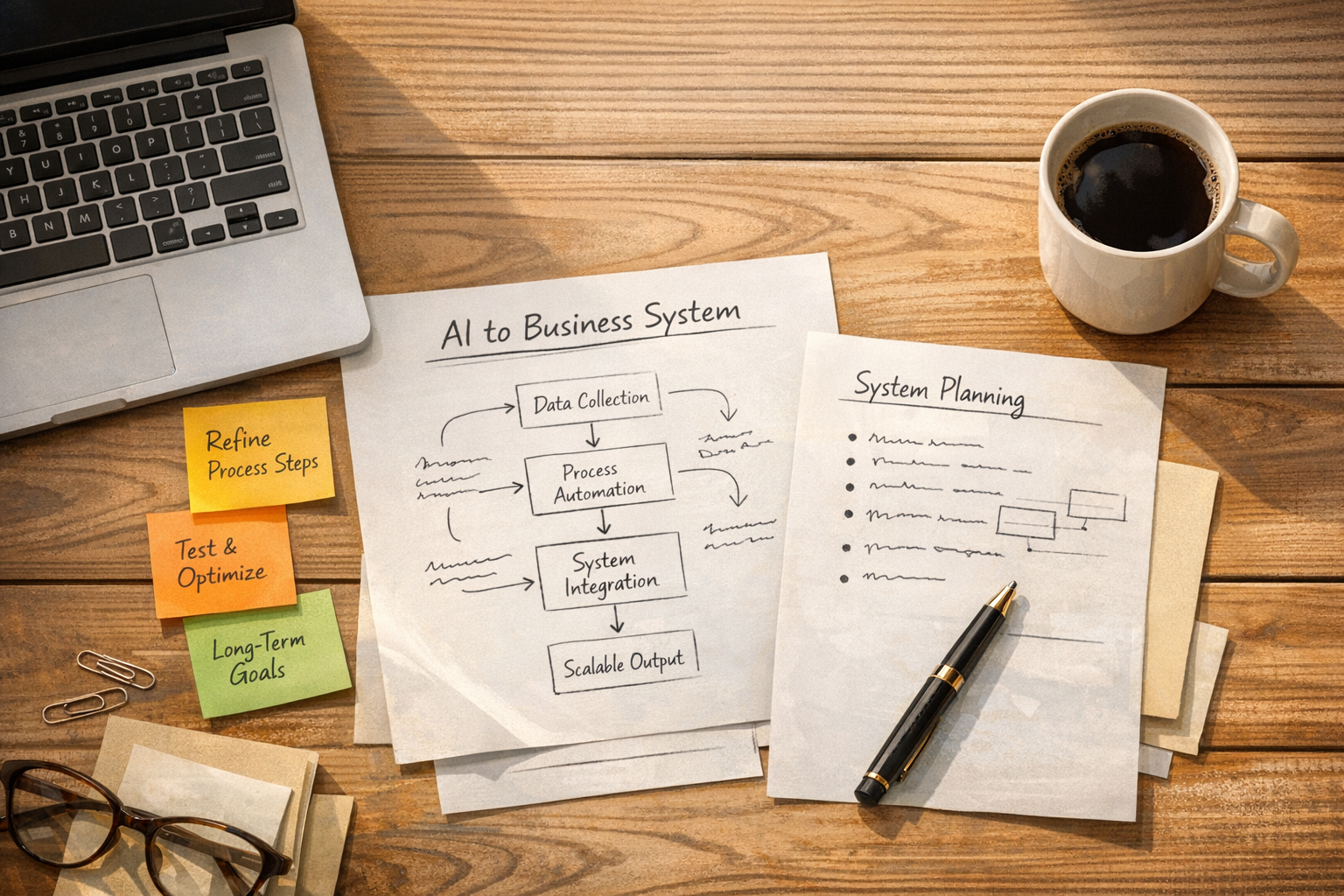
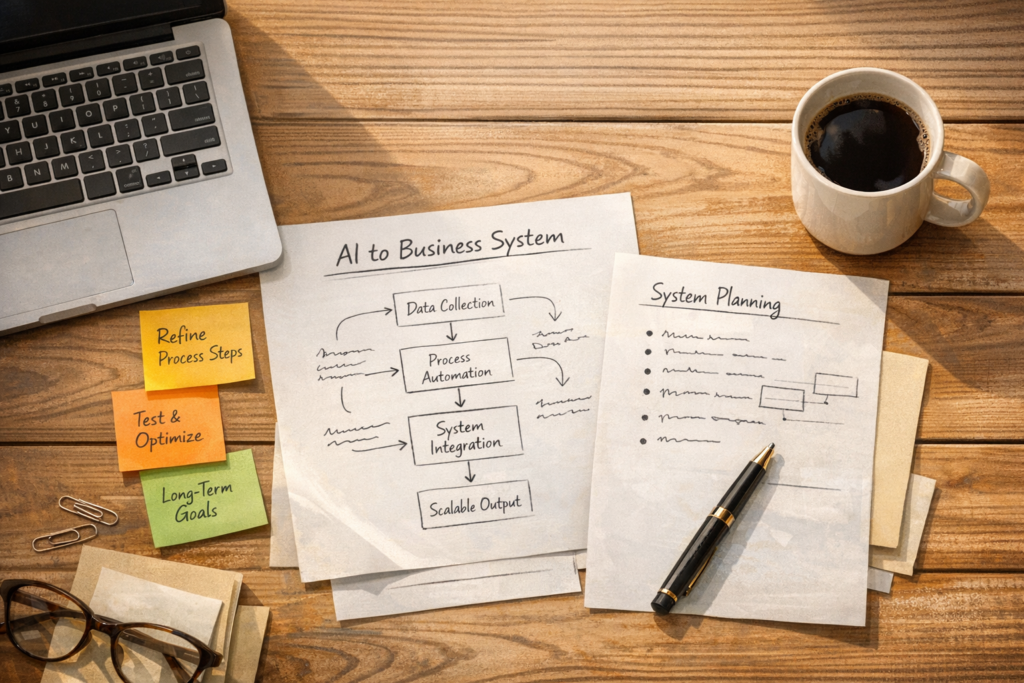
The real opportunity is not having a longer prompt library. It is turning repeatable work into a system that runs with less manual effort, fewer handoffs, and clearer accountability.
That shift matters for founders, operators, agencies, ecommerce teams, service businesses, and internal operations teams. AI is becoming more capable, but capability does not automatically create value. Value comes from connecting the capability to a real workflow.
The Difference Between AI Help and AI Leverage
AI help is when a person opens a tool and asks it to do something.
AI leverage is when a workflow uses AI inside a defined process to reduce work, improve consistency, or speed up a handoff.
For example, asking AI to write a follow-up email is help.
A lead follow-up system is different. It might collect the form submission, check whether the contact exists in the CRM, classify the request, draft the first response, create a task for sales, and pause for human approval before anything goes out.
That is leverage because the process no longer depends on someone remembering every step, copying details between tools, and starting from scratch each time.
This is where many businesses get stuck. They use AI often, but the usage is still manual. The work is faster, but it is not structurally better.
Three Levels of AI Usage
A simple way to evaluate your current AI usage is to sort it into three levels.
Level 1: Surface Usage
This is one-off prompting. You open an AI tool, ask for output, copy the result somewhere else, and move on.
Surface usage can save time, but it usually depends on the person. If that person is busy, forgets, changes their approach, or leaves the company, the value disappears.
Level 2: Structured Usage
This includes saved prompts, reusable instructions, defined input formats, review standards, and documented steps.
Structured usage is much better than scattered prompting because it creates consistency. A team can reuse the same approach and get more predictable results.
But the process may still require a human to initiate every step.
Level 3: System Usage
This is where AI becomes part of an operational workflow.
A system has a trigger, defined inputs, clear logic, tool connections, quality checks, and a handoff point. It may use AI to classify, summarize, draft, compare, extract, or validate information. It may use automation tools to move data between platforms. It may create tasks, update CRM records, send notifications, or prepare work for review.
The important part is that the system removes repeated work instead of only making repeated work slightly easier.
Start With the Workflow, Not the Tool
One of the most common mistakes is starting with the tool.
A team signs up for another AI platform, another automation app, another CRM feature, or another project management add-on. Then they try to find a reason to use it.
That usually creates more clutter.
A better approach is to start with a workflow that already matters. Good candidates include:
- New lead intake and qualification
- Client onboarding
- Proposal creation
- Support ticket triage
- Weekly reporting
- CRM cleanup
- Content repurposing
- Shopify order issue handling
- Sales to delivery handoffs
- Internal task creation and follow-up
Pick one workflow that happens often and touches revenue, delivery, or customer experience. Do not start with the most complicated workflow in the business. Start with the one where repetitive steps are easy to see.
A Practical AI Workflow Audit
Before building anything, map the current process honestly.
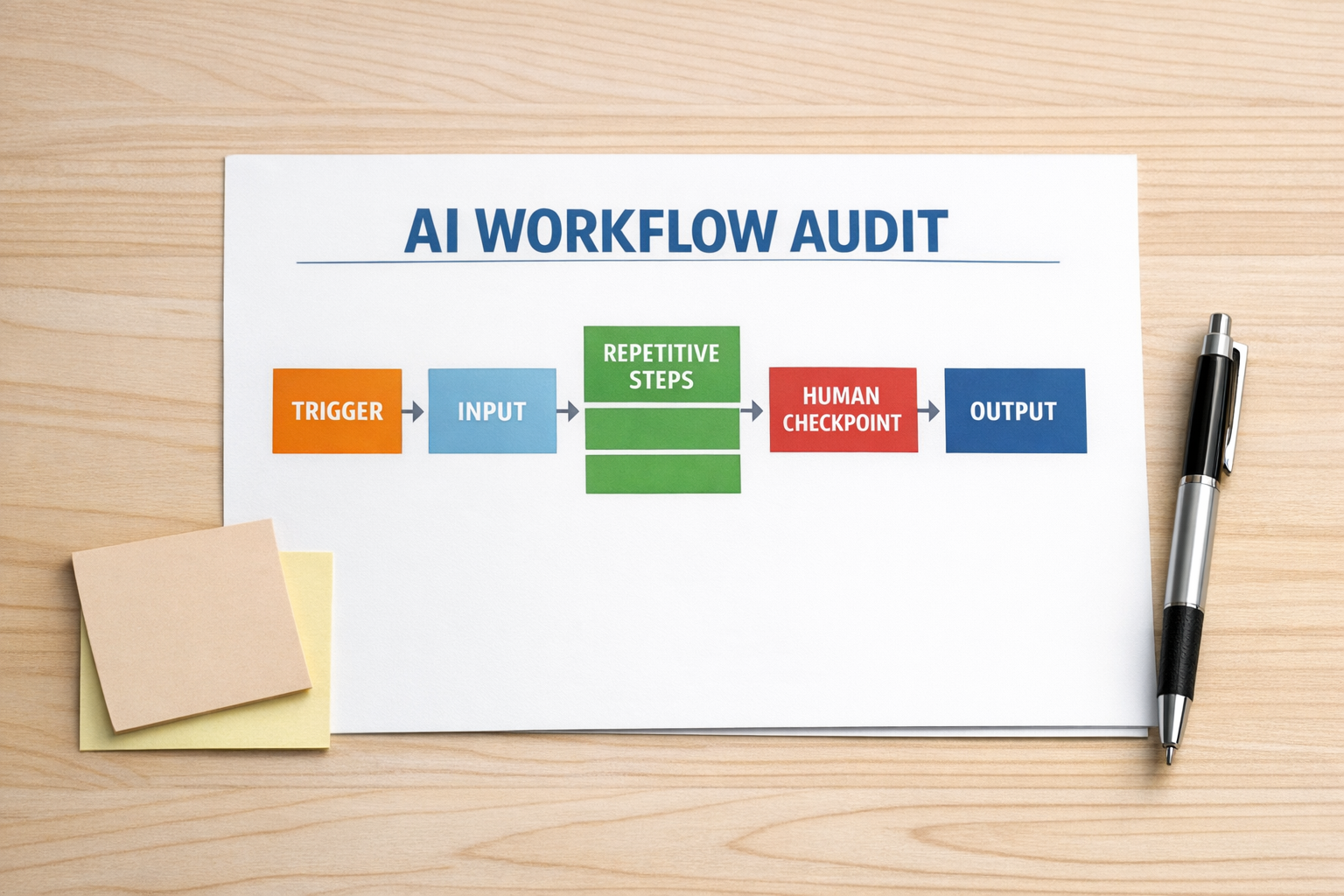
Use these questions:
- Trigger: What starts the workflow?
- Inputs: What information is needed?
- Source: Where does that information currently live?
- Repetition: Which steps are the same every time?
- Copy-paste: Where does someone move data manually?
- Decision points: Which steps require human judgment?
- Output: What should exist when the workflow is complete?
- Failure points: Where do mistakes, delays, or dropped balls usually happen?
This audit is simple, but it prevents wasted automation work.
If the workflow is unclear, AI will not fix it. It may produce faster drafts, faster summaries, or faster task creation, but the underlying confusion remains. Process clarity comes first.
Design the Human Checkpoint
Good AI systems do not try to remove humans from every decision. They remove the dull movement between decisions.
This is especially important in sales, support, client delivery, and operations. There are places where AI can prepare the work, but a person should still approve, adjust, or decide.
For example, in a proposal workflow, AI might summarize the discovery notes, identify the client’s key pain points, draft the scope, and prepare a first version of the proposal. But pricing, risk, promises, and final positioning may still need human review.
That is not a weakness. That is good system design.
The goal is not to automate judgment away. The goal is to protect judgment from administrative drag.
What a First AI System Could Look Like
Here is a practical example: a lead intake workflow for a service business.
The current manual version might look like this:
- A lead fills out a website form
- Someone gets an email notification
- They check the CRM manually
- They copy details into a new record
- They create a task
- They write a first response
- They notify the right person
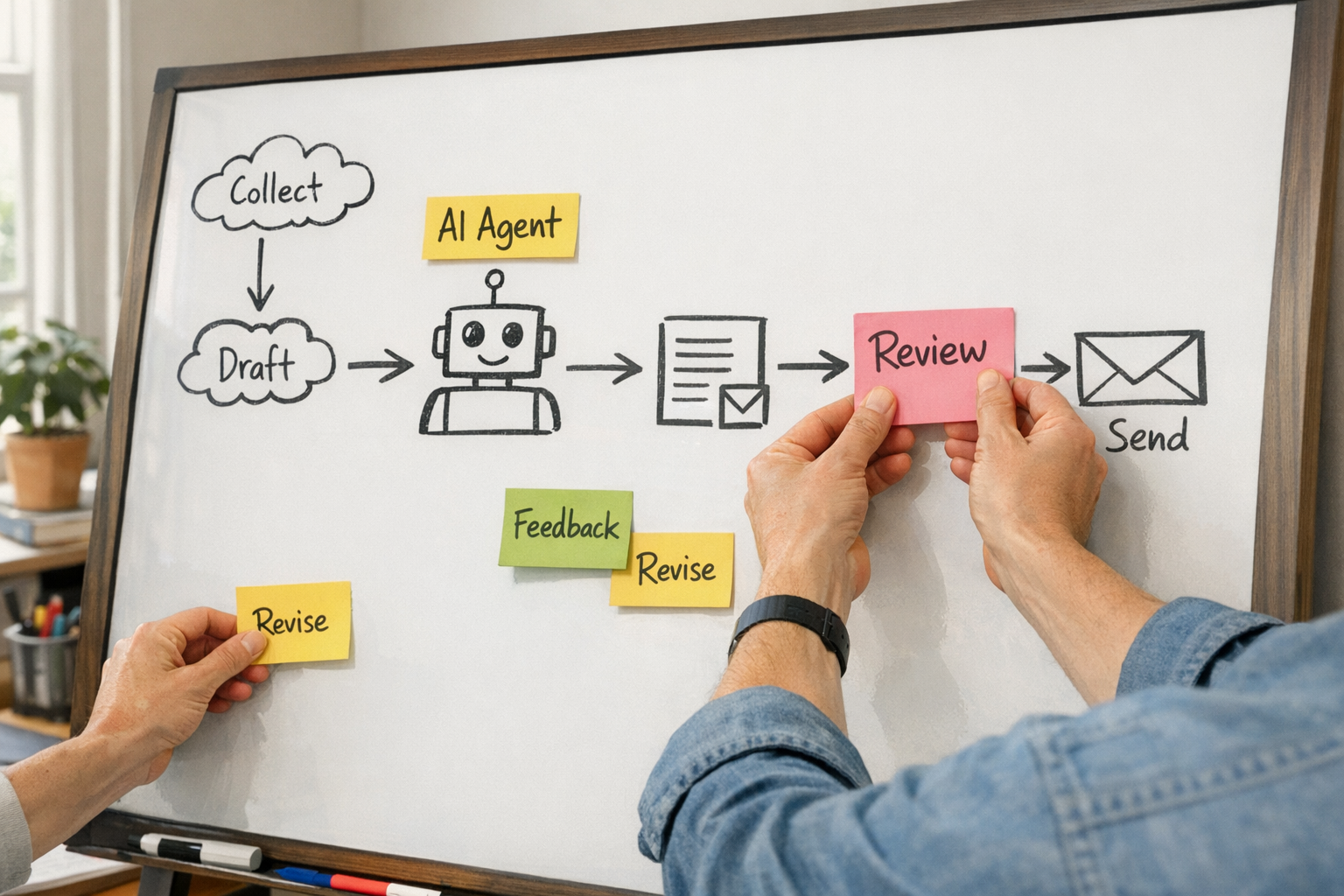
A better system could work like this:
- The form submission triggers an automation
- The CRM is searched for an existing contact
- The contact is created or updated
- AI summarizes the request and classifies the lead type
- A task is created with the summary, source, and recommended next step
- AI drafts a reply using the company’s tone and service criteria
- A human reviews and sends the reply
This does not require a massive technical project. It requires a clear process, clean inputs, sensible tool connections, and a review step.
Tools like Make, Zapier, HubSpot, GoHighLevel, ClickUp, Shopify, and WordPress can all play a role depending on the business. But the tool choice should come after the workflow design.
How to Choose the Right Workflow First
If you are not sure where to start, use this filter.
Choose a workflow that meets at least three of these conditions:
- It happens every week
- It affects revenue, delivery, or customer experience
- It includes manual copy-paste
- It depends on information from more than one tool
- It has a clear finished output
- It causes delays when someone is busy
- It can be reviewed by a human before anything sensitive happens
A workflow like that is usually a strong first candidate because the return is easier to see.
Build Small, Then Validate
The first version of an AI workflow should be boring and testable.
Do not try to automate every branch. Do not connect every tool. Do not build a complex agent that makes decisions nobody has defined yet.
Start with a narrow workflow and validate four things:
- Accuracy: Is the AI output good enough for the task?
- Consistency: Does it produce the same standard each time?
- Handoff: Does the right person know what to review or do next?
- Time saved: Did the system remove real work, or just move the work somewhere else?
If the answer is positive, improve the workflow. If not, adjust the process before adding more automation.
The Takeaway
AI is useful at the prompt level, but the operational value appears at the system level.
A prompt helps someone do a task faster. A system makes the task less dependent on memory, manual effort, and scattered handoffs.
That is the shift worth making now.
Pick one repeated workflow. Map it clearly. Identify the copy-paste. Define the human checkpoint. Then build the smallest version that removes real work.
If you want help finding, designing, or building that first system, ConsultEvo can help you turn messy workflows into practical automations across ClickUp, Make, Zapier, HubSpot, GoHighLevel, Shopify, WordPress, and your existing operations stack.