

How to Turn Early Customers Into a Repeatable Revenue Workflow
The first customer is a milestone. It proves that someone is willing to trust the offer, spend money, and see what happens next.
But the first customer is not the system.
Many founders and small teams get stuck right after early traction. They have a few buyers, a short waitlist, or a handful of interested leads. The launch worked well enough to create momentum. Then delivery begins, and everything becomes manual.
Customer details are copied from forms into spreadsheets. Onboarding emails are rewritten by hand. Feedback lands in inboxes, calls, chat threads, and memory. Follow-up depends on whether someone remembers to send a message next Thursday.
This is the gap between a first sale and repeatable revenue. It is not always a marketing problem. Often, it is an operations problem.
Attention is not the bottleneck for long
Getting attention has become easier for many businesses. A founder can write landing page copy, create launch content, test an offer, and gather interest faster than before.
That is useful. But once people start saying yes, the constraint changes.
The question becomes: can the business deliver the same promise consistently, learn from each customer, and follow up without starting from scratch every time?
This is where automation and AI agents become more valuable. Not as a way to create more noise, but as a way to remove repeated work from the customer journey.
Before building more campaigns, it is worth looking at what happens after someone buys.
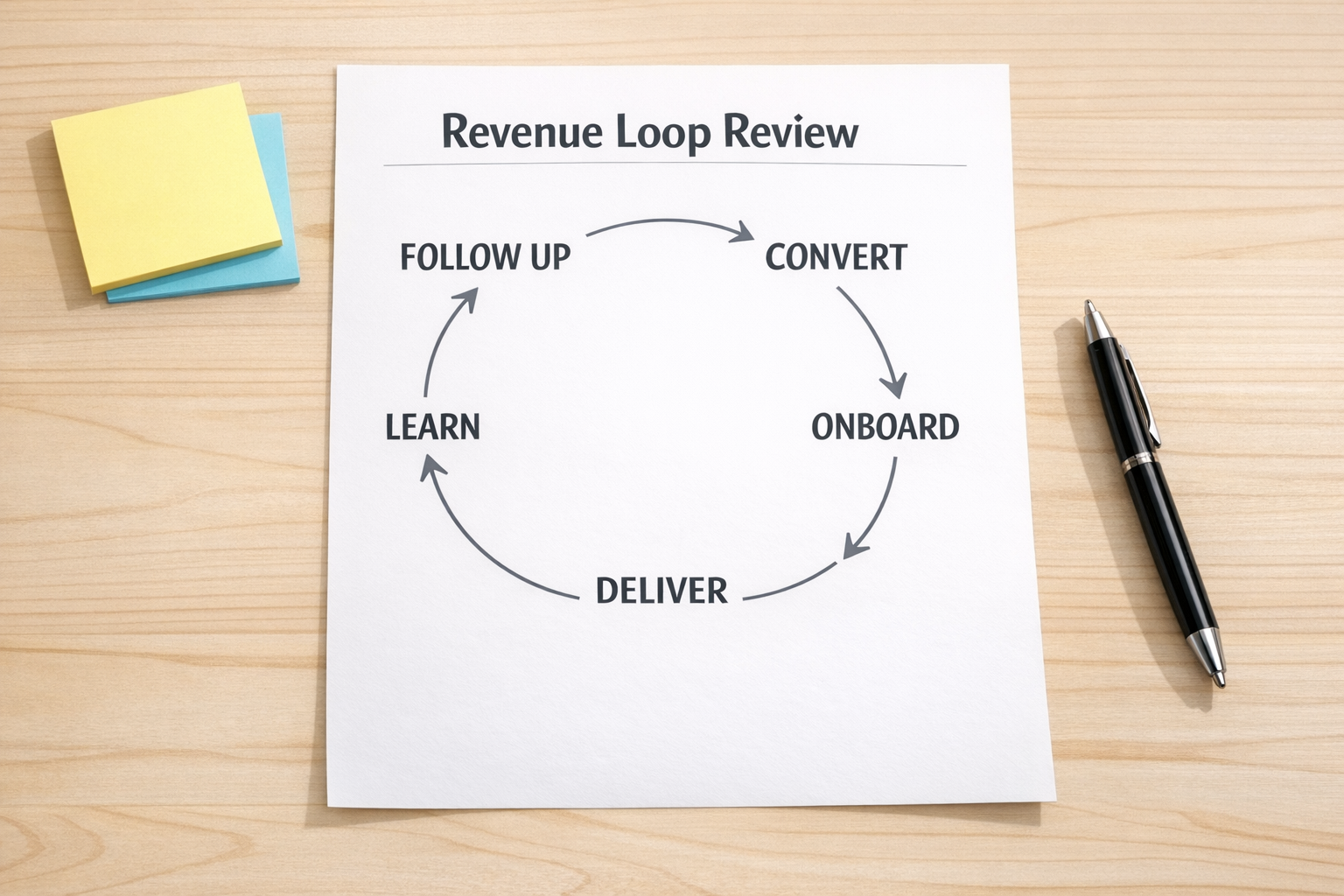
The repeatable revenue loop
A simple post-purchase revenue loop has five parts:
- Convert: Move interested people from curiosity to a clear buying decision.
- Onboard: Collect the information needed to start work without back-and-forth confusion.
- Deliver: Run the same core delivery steps every time, with clear ownership.
- Learn: Capture feedback in a place where it can be reviewed and acted on.
- Follow up: Trigger the next useful action, such as a renewal, review request, referral ask, upsell, or check-in.
This does not need to be complicated. In fact, if the first version feels too complex, it probably will not survive real work.
The goal is to make the path visible. Once the path is visible, the team can decide what should be automated, delegated, improved, or removed.
Start by mapping one real customer
The safest way to design this workflow is to use a real customer journey, not an idealized one.
Pick one recent customer and trace the path from first interest to delivery and follow-up. Ask:
- Where did the customer first raise their hand?
- What message or action moved them closer to buying?
- What information did the team need after payment?
- Where was that information stored?
- Which tasks were created manually?
- Who knew the next step?
- Where did feedback go?
- Was there a planned follow-up after delivery?
This exercise usually reveals the real automation opportunities. Not the glamorous ones. The useful ones.
You may find that a lead is created in the CRM, but no delivery task is created. Or that a payment comes in, but onboarding depends on a manual email. Or that feedback is collected, but never tagged or reviewed before the next sales push.
Those gaps are where repeatable revenue leaks.
What to automate first
Once the workflow is visible, avoid the temptation to automate everything. Start with the steps that are frequent, clear, and low-risk.
1. Intake to task creation
When a customer submits a form, books a call, signs an agreement, or completes payment, the next operational step should not rely on memory.
A simple automation can create a task, assign an owner, set a due date, and attach the right customer information. This is often one of the fastest ways to reduce internal friction.
2. Onboarding reminders
If delivery cannot begin until the customer sends information, automate the reminder structure. The message can still sound human. The system simply makes sure it is sent at the right time.
3. Delivery checkpoints
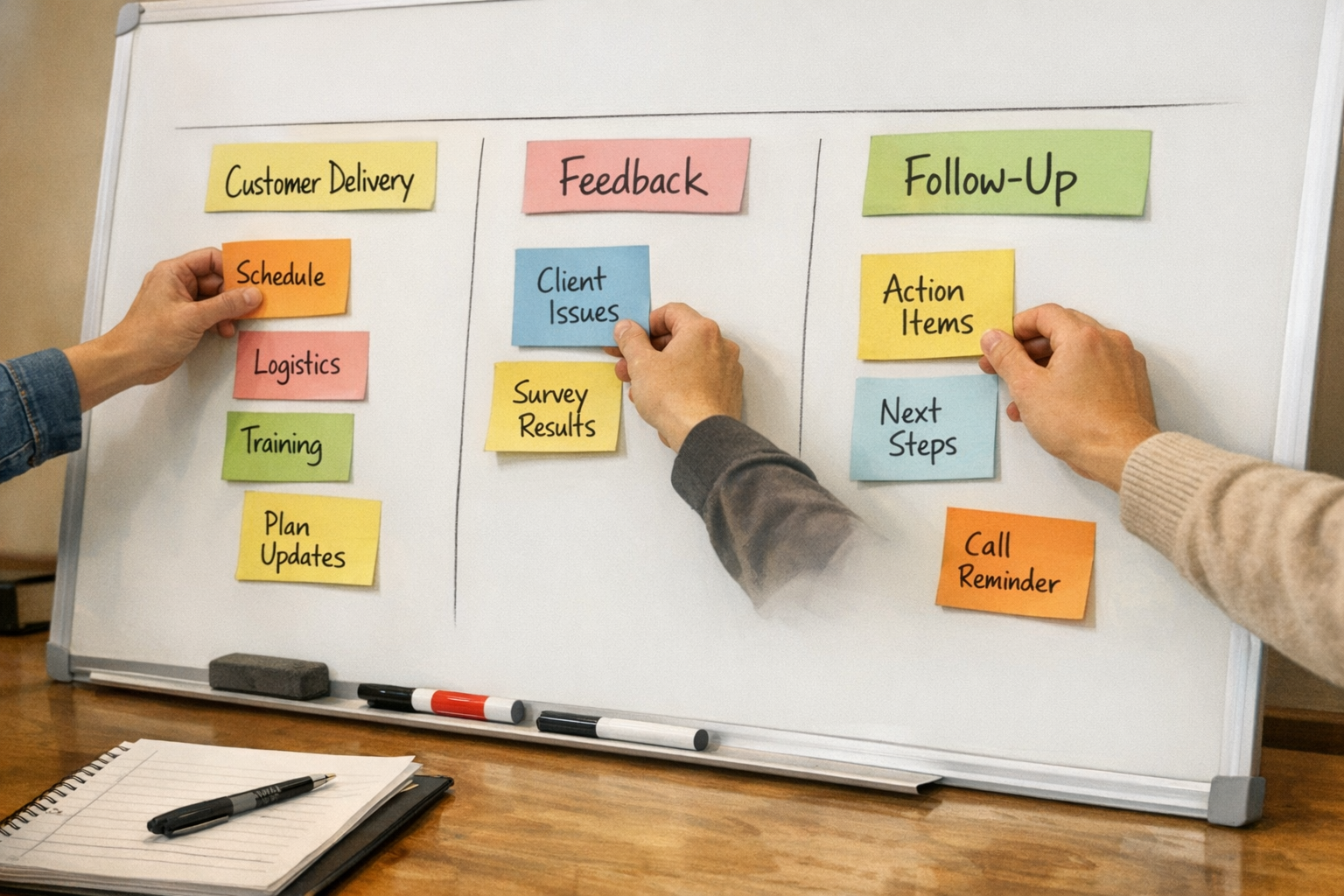
For service businesses, agencies, consultants, and operators, delivery often has predictable checkpoints. Kickoff complete. Assets received. Draft sent. Approval pending. Final delivery complete.
These stages can live in ClickUp, HubSpot, GoHighLevel, a CRM pipeline, or another tool. The important part is that the team has a shared source of truth.
4. Feedback capture
Feedback is only useful if it is captured in a consistent format. AI can help summarize call notes, group comments by theme, and surface repeated customer questions.
But first, decide where feedback should live. A scattered feedback process produces scattered decisions.
5. Follow-up triggers
Many teams leave money on the table because there is no follow-up trigger. After delivery, the customer simply drifts away.
A basic workflow can create a follow-up task after completion, send a check-in message, request a review, or notify the sales team when a customer may be ready for the next offer.
Where AI agents fit
AI agents are most useful when the process already has shape.
For example, an AI agent can review new customer intake and suggest the right onboarding path. It can draft a follow-up based on the customer’s stage. It can summarize feedback from a delivery call and create improvement notes. It can flag missing information before a handoff breaks.
But AI should not be used to hide operational confusion. If nobody knows what should happen next, an agent will only create faster confusion.
The sequence matters:
- Map the workflow.
- Validate the steps with real customers.
- Remove unnecessary handoffs.
- Automate repeated actions.
- Use AI where judgment, summarization, drafting, or classification saves time.
A simple implementation plan
If you want to build this inside your business, start small.
Step 1: Choose one offer
Do not map the entire company. Pick one offer that already has some traction.
Step 2: Document the current journey
Write down what actually happens today from lead to follow-up. Include the messy parts.
Step 3: Identify three friction points
Look for repeated copy-paste, unclear ownership, missing reminders, duplicated data entry, and delayed handoffs.
Step 4: Build the minimum workflow
Create the simplest version that supports the customer journey. This might be a CRM pipeline, ClickUp list, Make scenario, Zapier automation, GoHighLevel workflow, or a combination.
Step 5: Review after five customers
After the next few customers move through the workflow, review what broke, what helped, and what should be improved.
This review step is important. A workflow is not finished when it is built. It is finished when it survives real use.
Repeatable revenue is operational
More leads can help a business grow. But if the post-purchase workflow is unclear, more leads can also create more chaos.
Early revenue becomes repeatable when the business can convert interest, deliver consistently, learn quickly, and follow up at the right moment.
That is process work before tool work.
Once the process is clear, the tools become much easier to choose. AI agents, CRM workflows, ClickUp structures, Make scenarios, Zapier automations, and GoHighLevel workflows all become more effective when they are supporting a validated operating loop.
If you want help designing or fixing that loop, ConsultEvo can help you map the workflow, clean up the handoffs, and build the automation system around how your business actually runs.