


Use AI to Validate Workflows Without Outsourcing Your Judgment
AI can be very helpful in operations work. It can summarize messy notes, compare options, draft process language, and point out risks you may have missed. But there is a line that matters: you can outsource some of the work, but you should not outsource your understanding of the workflow.
This is especially important when you are building automation. A workflow that is unclear before automation will not become clear because it runs through Make, Zapier, HubSpot, GoHighLevel, ClickUp, or your CRM. It will just become unclear at scale.

The best use of AI in automation planning is not “design the whole process for me.” The better use is “help me test whether this process makes sense.”
The risk of skipping the thinking
AI outputs can feel complete because they are well written. That is part of the danger. A process can look organized in a document while still missing the operational details that make it work in real life.
For example, an AI-generated sales-to-support handoff may include steps like:
- Sales closes the deal
- Customer information is sent to support
- Support starts onboarding
- Customer receives next steps
That is not wrong, but it is not enough. The real workflow lives in the details:
- Which fields must be completed before the handoff?
- Who checks whether the deal type needs special handling?
- What happens if the customer has multiple locations?
- Where does the implementation deadline come from?
- Who owns the first customer reply after the handoff?
- What happens when the automation fails?
If those answers are missing, building automation too early creates a cleaner-looking mess.
Use AI as a pressure tester
A more useful pattern is to write the first version of the workflow yourself, even if it is rough. Then ask AI to challenge it from different perspectives.
Here are examples of prompts that can make the workflow stronger:
- Act as the support manager. What information is missing before your team can take ownership?
- Act as the sales rep. Which step would be annoying enough that you might skip it?
- Act as the customer. Where would this process feel unclear or repetitive?
- Act as the automation builder. Which rule is too vague to automate safely?
- Act as the operations lead. What exception will happen often enough that we need a clear path for it?
This keeps the human in charge of the process while using AI to surface blind spots.
A simple workflow validation sheet
Before we build automation at ConsultEvo, we like to validate the workflow in plain language. The goal is not to create a huge process document. The goal is to make the workflow specific enough that automation can execute it reliably.
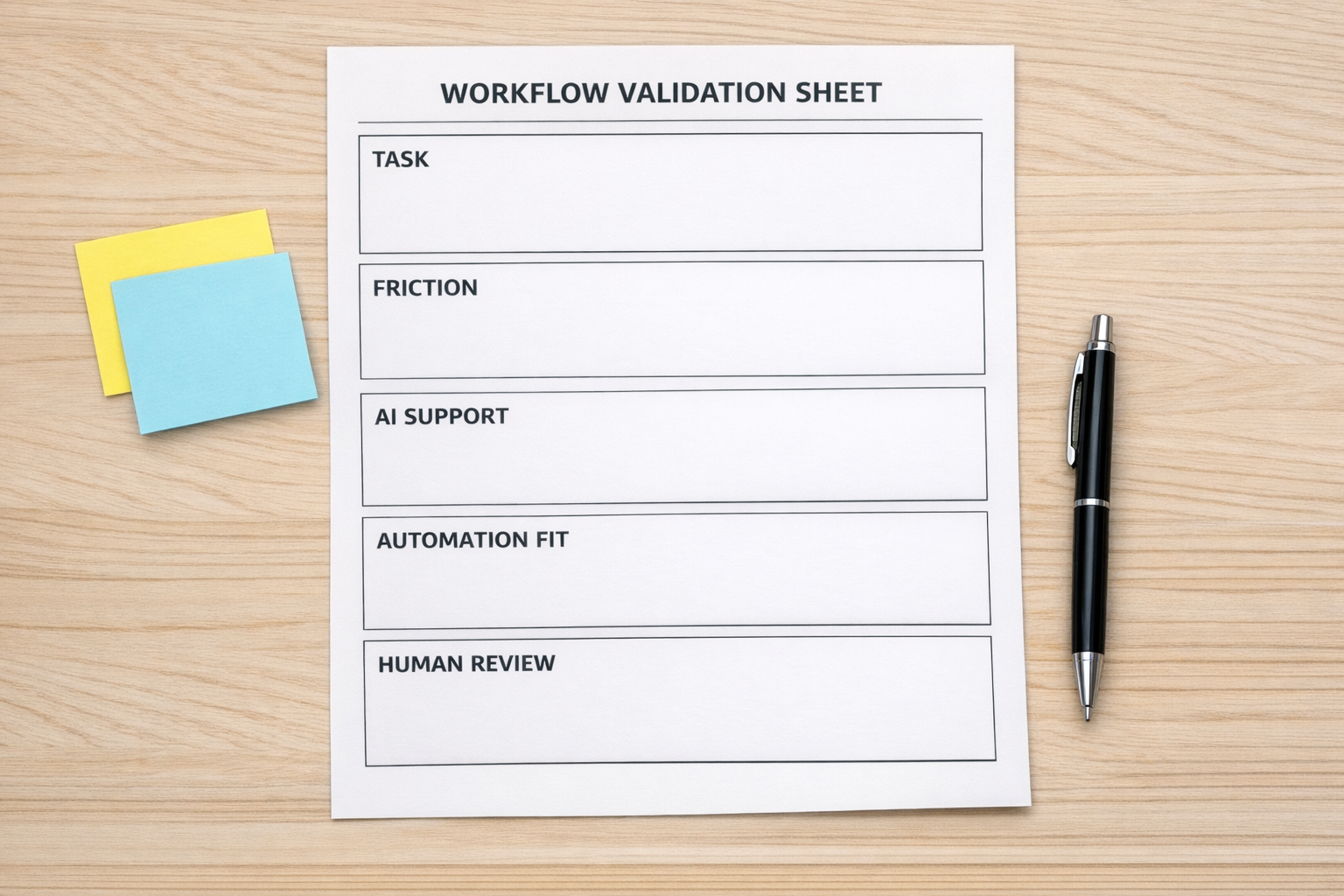
A simple validation sheet can include six parts:
- Trigger: What starts the workflow?
- Required data: What information must exist before the next step?
- Decision rule: What determines the path?
- Owner: Who is responsible if something needs review?
- Exception: What happens when the normal path does not apply?
- Success check: How do we know the workflow completed properly?
This structure works for many common operational projects: CRM cleanup, lead routing, onboarding workflows, Shopify fulfillment checks, ClickUp task creation, support escalations, and sales follow-ups.
Where AI helps most
AI is useful when you ask it to improve your thinking rather than replace it. In workflow planning, that usually means using AI for review, comparison, and scenario testing.
For example, if you are designing a lead routing workflow, you can ask AI to list cases where a lead might be routed incorrectly. If you are planning a ClickUp structure, you can ask where tasks may become duplicated or unclear. If you are creating a CRM automation, you can ask which fields should be required before a deal moves stages.
The output is not the final answer. It is a set of useful objections. Your job is to decide which objections matter, then update the workflow accordingly.
Turn the review into build requirements
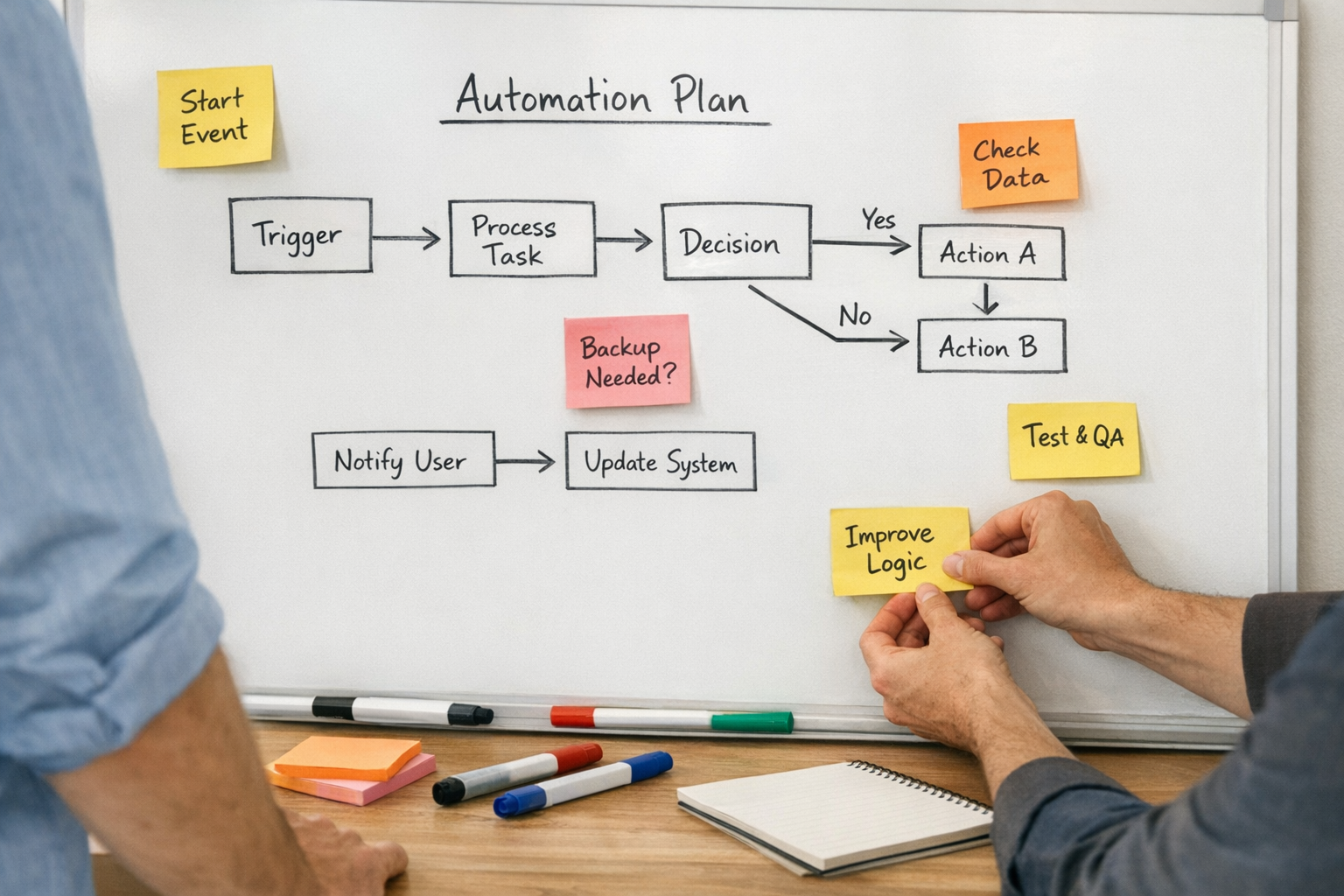
Once the workflow survives a basic review, translate it into automation requirements. This is where many projects improve quickly, because vague process language becomes buildable logic.
For example:
- Instead of “notify support,” define who receives the notification and when.
- Instead of “create a task,” define the task name, assignee, due date, priority, and required fields.
- Instead of “update the CRM,” define the exact property, value, and condition.
- Instead of “if customer is high value,” define the field or rule that determines that status.
AI can help you catch vague instructions. Ask it: Which parts of this workflow are not specific enough for an automation builder?
Do not automate the first draft
One of the most practical habits is to separate workflow design from workflow building. Do not move straight from an AI-generated idea into a live automation.
A safer sequence looks like this:
- Write the current workflow in plain language
- Identify the painful manual steps
- Use AI to challenge the workflow
- Define the required fields and decision rules
- Map the exception paths
- Build a small version first
- Test with real examples
- Document ownership for failures
This takes a little more time upfront, but it prevents the common problem of automating a process nobody fully understands.
The ConsultEvo view
Good automation does not start with tools. It starts with operational clarity.
AI can make that clarity easier to reach. It can ask useful questions, test weak points, and help turn a rough workflow into a better one. But the judgment still belongs with the operator. The person who understands the customer, the team, the constraints, and the consequences should stay in the loop.
If your team is building or fixing a CRM workflow, ClickUp setup, Make scenario, Zapier automation, GoHighLevel process, or sales-to-support handoff, start by validating the workflow. Then build.
Need help reviewing an automation before it becomes another messy system? ConsultEvo can help you map the process, find the gaps, and build workflows that are easier to trust.