


Validate the Conversion Workflow Before You Automate Ad Reporting
Connecting ad platforms, CRM systems, forms, payment tools, and reporting dashboards can remove a lot of manual work. It can also create a lot of noise if the underlying conversion workflow is not clear.
This is especially true when a team wants to send offline conversion events back to an ad platform, automate campaign feedback loops, or connect sales outcomes to paid acquisition activity. The technical build might happen in Make, Zapier, HubSpot, GoHighLevel, or another system. But the tool is rarely the first problem.
The first problem is usually definition.

The question that should come before the automation
Before building any conversion automation, ask this:
What exact business event should count as the conversion?
That sounds simple, but it often exposes gaps between marketing, sales, operations, and leadership. One person may think a conversion is a submitted form. Another may think it is a booked call. Sales may only care when the opportunity is qualified. Finance may only care when payment is collected.
None of those answers are automatically wrong. The issue is that each answer creates a different workflow.
A form submission can usually be triggered from a website or form tool. A qualified opportunity may need CRM stage logic. A closed sale may depend on payment data, a signed agreement, or a manually reviewed record. If the team does not agree on the event, the automation will be built on assumptions.
Automating the wrong signal creates expensive confusion
Ad and reporting workflows are sensitive because they influence decisions. If the automation sends every early lead as a successful conversion, your reporting may look healthier than the business reality. If it waits too long or depends on messy CRM data, useful feedback may arrive too late or fail altogether.
This is where teams often blame the tool. The scenario did not run. The CRM field was empty. The ad platform did not receive the event. The report did not match the pipeline.
Sometimes there is a technical issue. But often, the workflow was never validated deeply enough.
Good automation does not only move data. It protects the meaning of the data.
Use a conversion workflow canvas
A simple planning canvas can prevent rework. Before touching the automation builder, document the workflow in plain language.
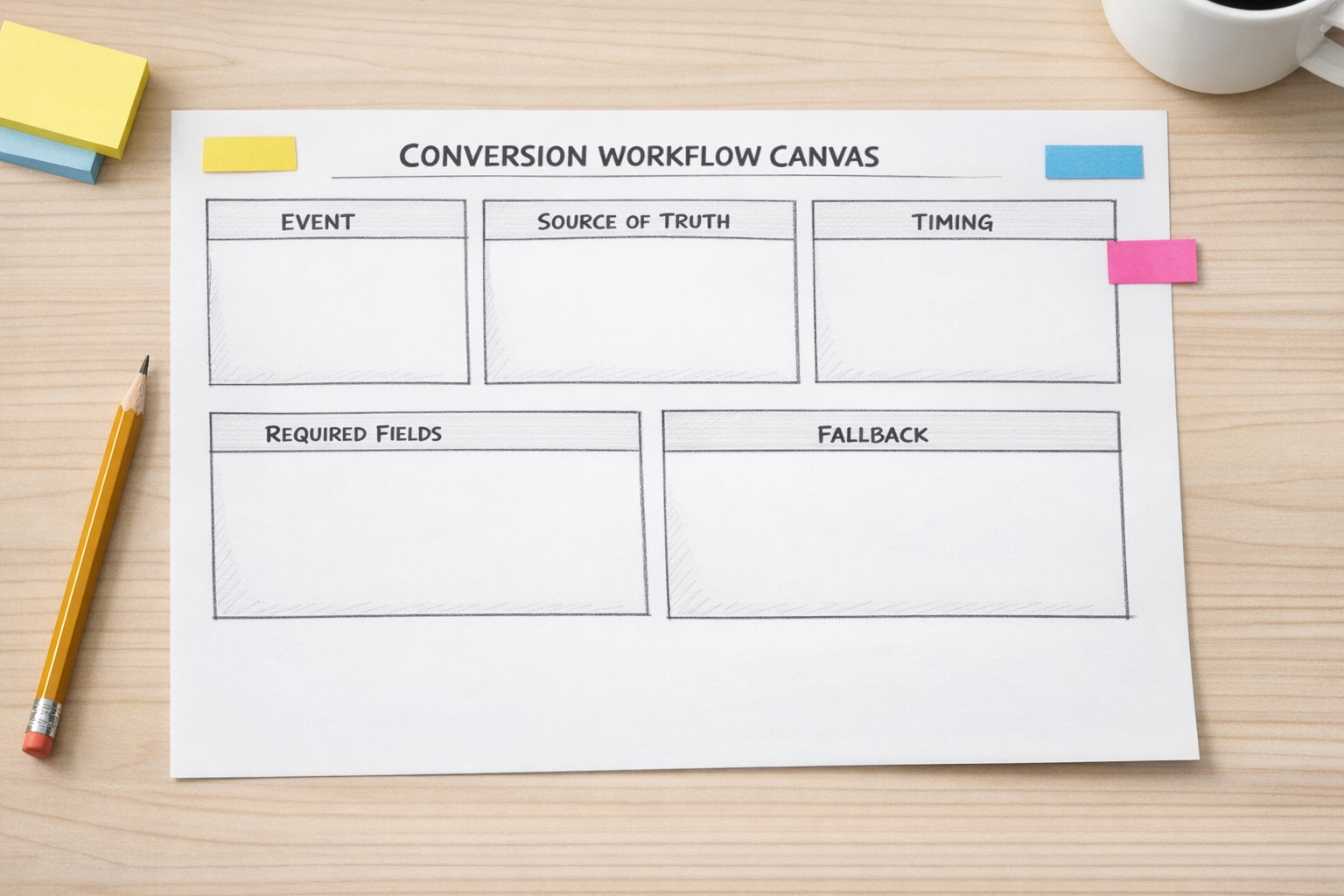
Include these sections:
- Conversion event: What happened in the business?
- Source of truth: Which system confirms that it happened?
- Trigger condition: What field, status, tag, payment, or action starts the workflow?
- Required data: Which identifiers, timestamps, contact fields, or values must be present?
- Destination: Where should the event be sent?
- Timing: Should it fire instantly, after review, after a delay, or after another condition is met?
- Exception path: What happens if the data is missing, duplicated, or inconsistent?
- Owner: Who checks failures and fixes source data?
This does not need to become a giant documentation project. One page is often enough. The goal is to make the decision visible before it becomes code, modules, filters, and hidden logic.
Example: lead form to qualified sales event
Imagine a company receives leads from a paid campaign. The basic automation might be simple: new form submission, create contact in CRM, notify sales, send event to an ad platform.
That may be useful, but it may not be the best conversion signal.
A more validated workflow might look like this:
- A lead submits a form.
- The contact is created or updated in the CRM.
- Sales reviews the lead and marks it as qualified.
- The workflow checks that required identifiers are present.
- The qualified event is sent to the destination system.
- If required data is missing, a task is created for review instead of silently failing.
This workflow is not necessarily more complex for the sake of complexity. It is more honest. It separates early interest from qualified intent and gives the team a cleaner signal.
Validate the handoff points
Conversion automation usually crosses team boundaries. Marketing owns the campaign and landing page. Sales owns qualification. Operations owns the CRM structure. Someone else may own reporting or finance data.
That means the handoffs matter as much as the integration.
Review these handoff points before launch:
- Form to CRM: Are fields mapped consistently?
- CRM to sales: Does the team know which status or stage to use?
- Sales to automation: Is the trigger based on a reliable field?
- Automation to reporting: Are failed records visible?
- Operations to ownership: Does someone know what to fix when an exception appears?
When these handoffs are unclear, the automation becomes fragile. When they are clear, the build becomes much easier to test and maintain.

Build the first version smaller than you think
There is a temptation to build the full workflow immediately: multiple campaigns, several event types, all pipeline stages, advanced routing, enrichment, reporting, alerts, and retry logic.
Sometimes that is appropriate. Often, it is better to start with one clean conversion path.
For example:
- One lead source
- One CRM pipeline
- One agreed conversion event
- One destination
- One exception path
- One owner for review
Once that works with real records, expand. Add more event types. Add more campaigns. Add more destinations. This keeps the workflow testable and reduces the chance of building a large automation that nobody fully understands.
Test with real examples, not perfect examples
A good test set should include normal records and messy records. Use examples with missing phone numbers, duplicate emails, late sales updates, changed opportunity stages, and contacts that already exist in the CRM.
These are the records that reveal whether the workflow is operationally ready.
Ask:
- Does the automation avoid duplicate events?
- Does it stop when required data is missing?
- Does it create a review task or alert when needed?
- Can a non-technical operator understand what happened?
- Is the source system still the source of truth?
If the answer is no, improve the workflow before scaling it.
The ConsultEvo view
Automation ROI often comes from removing manual copy-paste, reducing bad handoffs, and making decisions more reliable. The technical connection matters, but the workflow definition matters more.
If you are planning an ad conversion workflow, CRM cleanup, Make scenario, Zapier automation, HubSpot process, or GoHighLevel handoff, start with the signal. Define it, validate it, test it, then automate it.
ConsultEvo helps teams turn unclear operational processes into practical automation systems. If you want help reviewing or building your workflow, we are happy to take a look.