

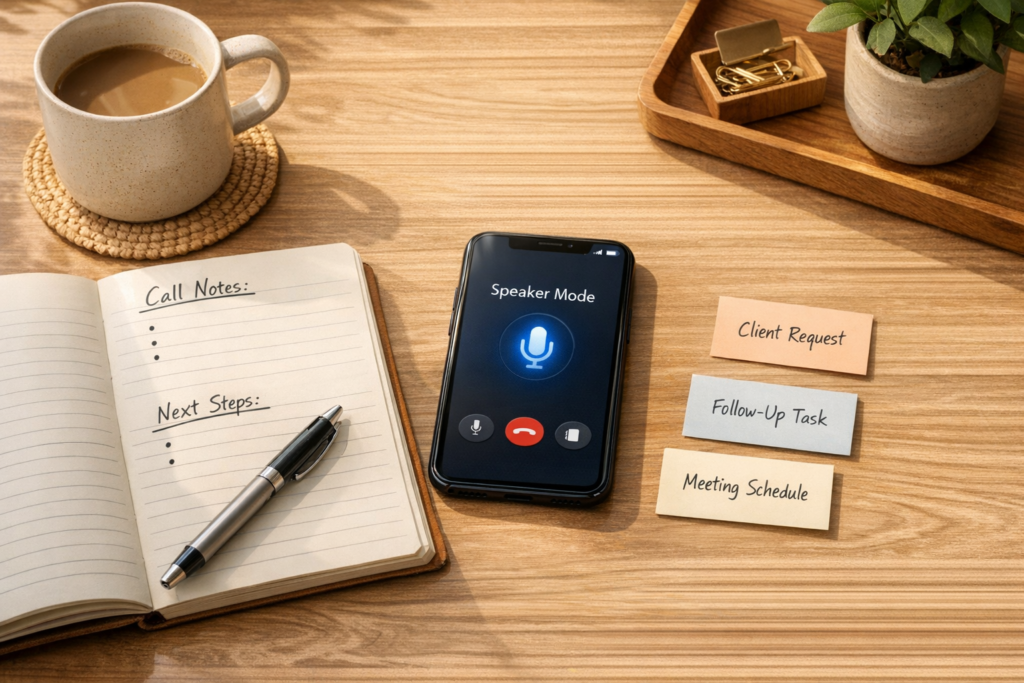
Voice AI Needs a Workflow, Not Just a Voice
Voice AI is getting better at listening, responding, translating, and transcribing in real time. That opens up useful possibilities for support, sales, onboarding, internal meetings, and customer operations.
But for business teams, the main value is not that an AI can speak naturally. The real value is what happens after the conversation.
If a call ends and a human still needs to summarize the discussion, copy notes into the CRM, create a task, tag a teammate, update the customer record, and remember the follow-up, the workflow has not improved much. The interface changed, but the operational burden stayed in place.
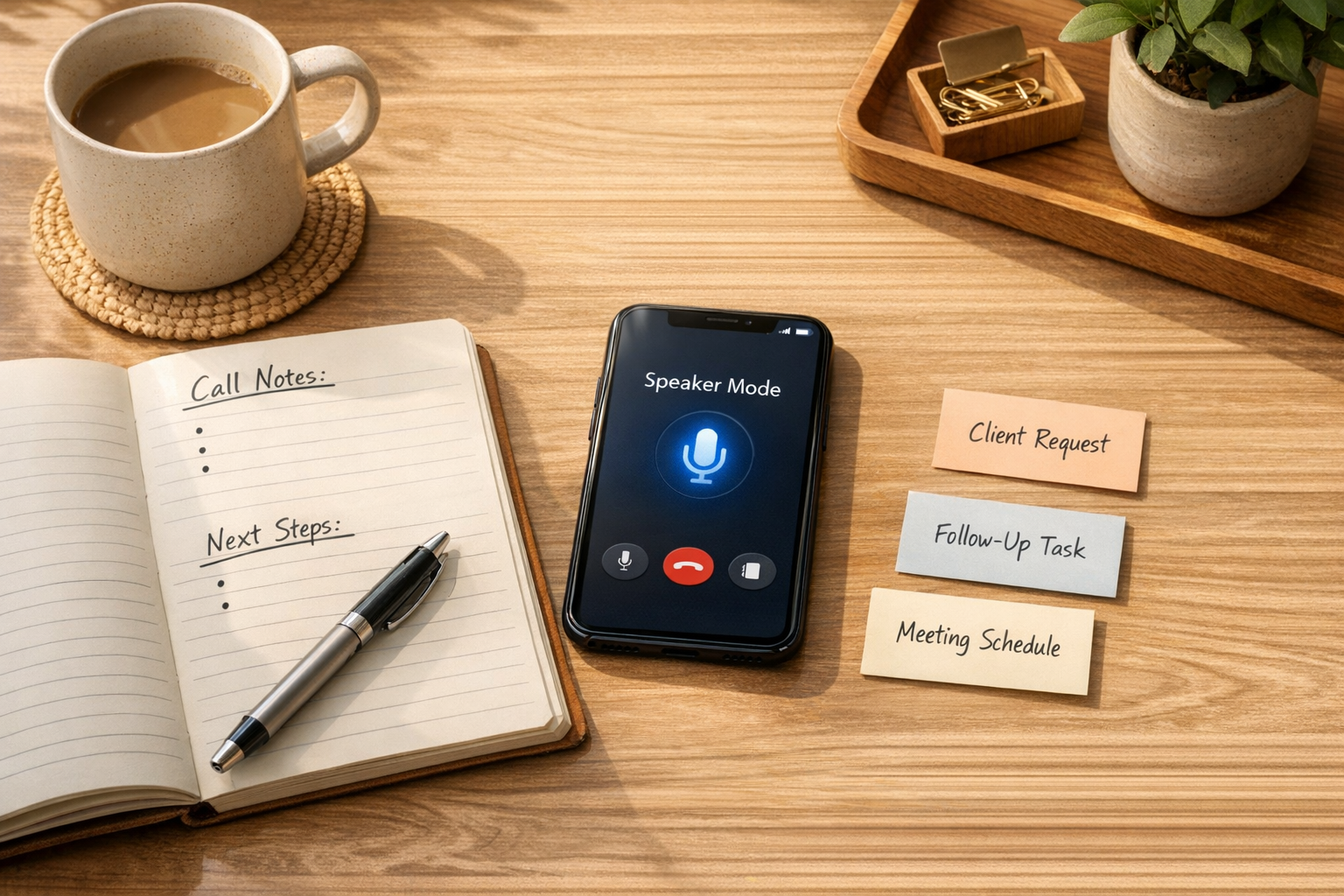
This is where many AI projects go wrong. Teams start with the tool instead of the process. They ask what the voice assistant can do before deciding what the business actually needs from each conversation.
A better starting point is the handoff.
The conversation is only the first step
Every useful business conversation creates some kind of next action. A customer reports a bug. A prospect asks for pricing. A client approves a scope change. A team member raises a blocker. A supplier confirms a delivery issue.
Those moments matter because they affect the work that follows.
In most businesses, this follow-up work is still very manual. Someone listens, interprets, types notes, copies information between systems, creates tasks, sends reminders, and hopes nothing gets missed. This is not just admin. It is operational risk.
Voice AI can help, but only if it is connected to a clear workflow. Otherwise, it becomes another layer of notes that people need to review and organize.
Start by defining the handoff
Before adding voice AI to a process, define what should happen when the conversation ends. This does not need to be complicated. In fact, the first version should be narrow.
Use these questions:
- What type of conversation is this? Support call, sales discovery, onboarding session, account review, internal meeting, or operations check-in.
- What information must be captured? Customer name, issue type, priority, deadline, product, decision, next step, owner, or blocker.
- Where should the information go? CRM, helpdesk, ClickUp, Slack, email, spreadsheet, project brief, or customer record.
- What action should happen next? Create a task, update a deal, notify a manager, send a follow-up email, request approval, or escalate the issue.
- Does a human need to review it? Some workflows can run automatically. Others should pause for approval, especially when customer communication or financial decisions are involved.
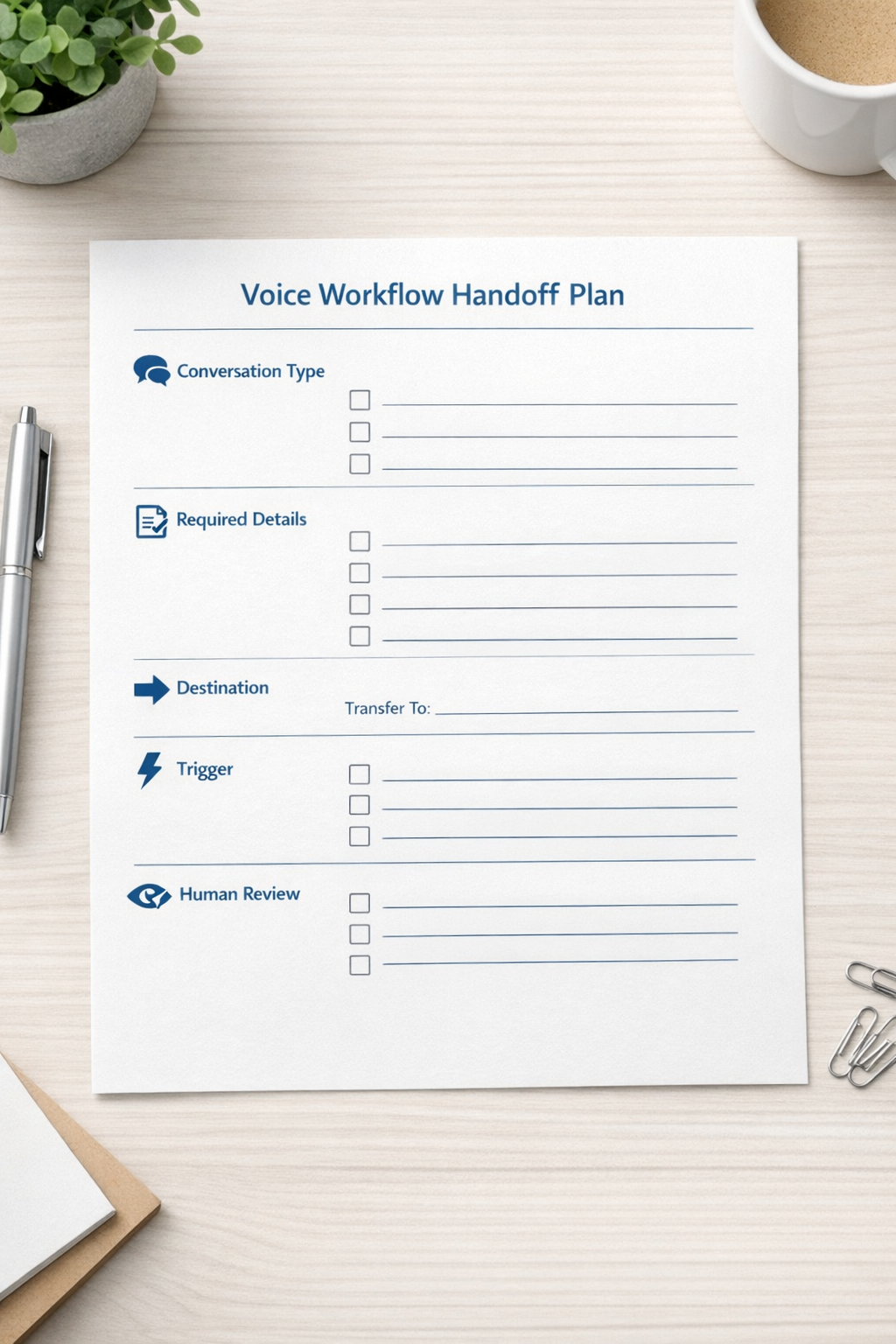
This simple planning step prevents a common automation problem: sending unclear information into too many places too quickly.
A practical example: support call to task
Imagine a customer support call. The customer explains a problem, shares urgency, mentions the product area, and asks for an update by the end of the day.
A useful voice AI workflow might do the following:
- Transcribe the call
- Summarize the issue in plain language
- Extract the product area, urgency, customer name, and requested follow-up time
- Add a note to the CRM record
- Create a task for the support or operations team
- Assign the task based on issue type
- Notify the right person
- Flag the item for human review if confidence is low or priority is high
The AI is not replacing the support team. It is removing the repetitive work around the support team so they can respond faster and with more context.
The same pattern can work for sales calls, onboarding calls, implementation meetings, renewal conversations, and internal project reviews. The details change, but the structure is similar: listen, extract, route, assign, review.
Do not automate every conversation at once
It is tempting to build one large voice AI system that handles every call type. That usually creates confusion.
A safer approach is to pick one workflow with clear boundaries. For example:
- Inbound support calls that need a follow-up task
- Sales discovery calls that need CRM updates
- Client onboarding calls that need project tasks
- Internal meetings that need action items assigned
Choose one. Map it. Build it. Test it. Then expand.
This is especially important because voice conversations are messy. People interrupt each other. Customers change topics. Some details are implied rather than stated. Names, dates, and priorities can be misunderstood. A good workflow accounts for this by using validation steps.
Validation is where the workflow becomes reliable
Voice AI should not blindly push every extracted detail into your systems. At minimum, the workflow should include checks for required fields, confidence, and risk.
For example, if the AI creates a task from a call summary, the automation can check whether the task has an owner, due date, customer name, and issue category. If something is missing, it can send the item to a review queue instead of creating a messy task.
If the call involves cancellation, refund requests, legal terms, or sensitive customer issues, the workflow should require human approval before any external message is sent.
This is the difference between automation that saves time and automation that creates cleanup work.

Where tools fit in
The tool stack depends on the business. Some teams may use a voice AI API, a CRM, a task manager, and an automation platform. Others may connect call transcripts to HubSpot, GoHighLevel, ClickUp, Make, Zapier, Slack, or email.
The specific tools matter, but they are not the starting point.
The starting point is operational clarity:
- What should be captured?
- What should be ignored?
- Who owns the next step?
- Which system is the source of truth?
- When should automation stop and ask a human?
Once those answers are clear, the tools become much easier to choose and configure.
A simple first build
If you want to test voice AI in your business, start with a small workflow like this:
- Input: A recorded or live customer call transcript
- AI step: Extract summary, issue, customer sentiment, priority, and next action
- Validation: Check required fields and confidence
- Destination: Add CRM note and create one task
- Review: Send high-priority or unclear items to a human
This gives you a practical way to measure whether the workflow is helping. Are notes cleaner? Are tasks created faster? Are fewer follow-ups missed? Is the team doing less copy-paste?
Those questions matter more than whether the AI sounds impressive.
The real opportunity
Voice AI will keep improving. The businesses that benefit most will not be the ones that add it everywhere first. They will be the ones that connect it to well-designed handoffs.
A conversation is valuable because of the decisions, context, and next steps inside it. Your workflow should make those things easier to capture and act on.
If you are exploring voice AI, do not start by asking how human the assistant sounds. Start by asking what manual work should disappear after the call ends.
Need help designing that workflow? ConsultEvo helps businesses build practical AI agents, CRM automations, ClickUp structures, Make and Zapier workflows, and operational systems that reduce manual admin and improve follow-through.