

How to Build an AI Morning Brief That Actually Changes the Day
A daily plan is not useful because it exists. It is useful when it helps you make a better first decision.
That is where many founders, consultants, and small teams struggle. They already have enough lists. Tasks live in a project tool. Deals live in a CRM. Meetings live on the calendar. Notes sit in documents. Follow-ups are scattered across email, chat, and memory.
So the day starts with checking everything. Then replying to what feels urgent. Then moving a few tasks around. Then realizing, late in the afternoon, that the work that would have created real progress never got touched.
An AI morning brief can help, but only if it is designed as an operating tool rather than a productivity novelty.
The point is not another task list
The best morning brief does not simply repeat your tasks back to you. You already have a place for that.
The job of the brief is to answer a more valuable question: what deserves attention first today?
That answer depends on context. A five-minute CRM follow-up might protect a sales opportunity. A proposal draft might create revenue. A client delivery decision might protect trust. A stuck internal task might block three other people. These do not have the same weight, even if they appear as equal items in a task manager.
This is where AI can be useful. It can read across different inputs, compare signals, and produce a short operator-style summary before the day becomes reactive.
Start with the inputs, not the prompt
Many teams start by asking, “What prompt should we use?” That is understandable, but it is not the best first step.
The better question is: what information should the AI be allowed to inspect?
If the source systems are messy, the brief will be weak. AI cannot reliably prioritize work when project names are vague, due dates are missing, deal stages are stale, or tasks have no owner.
Before building the automation, review the systems that will feed it:
- Project tool: Are active projects clearly marked? Does each one have an owner, status, due date, and next action?
- CRM: Are open deals real? Are follow-up dates current? Are stages meaningful?
- Calendar: Which meetings require prep, decisions, or client context?
- Documents: Where do current priorities, client commitments, or internal notes live?
- Task list: Which items are commitments, and which are ideas or someday work?
This cleanup work is not glamorous, but it is what makes the AI useful. Clean inputs reduce guessing.
A practical structure for the brief
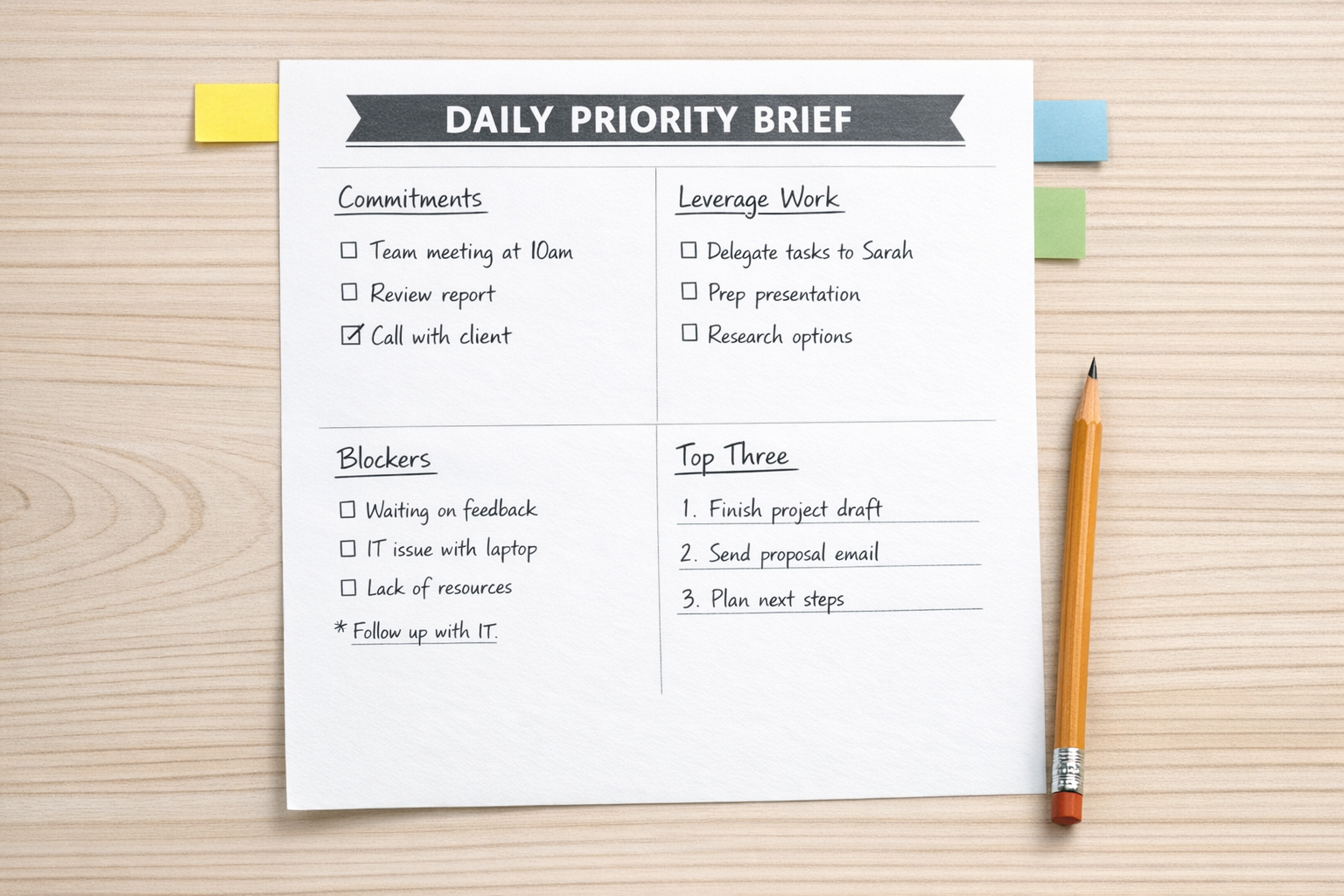
A useful AI morning brief should be short enough to read quickly and specific enough to change behavior.
Here is a simple structure:
- Commitments at risk: Promises to clients, partners, or team members that need attention today.
- Highest-leverage priorities: One to three items that move revenue, delivery, trust, or strategic progress.
- Blockers and waiting points: Tasks that are stuck because of missing information, unclear ownership, or delayed decisions.
- Calendar pressure: Meetings or deadlines that reduce available focus time.
- Recommended first action: One concrete step to take before opening low-value channels.
The brief should not become a long report. If it takes ten minutes to understand, it will probably be ignored. A good version feels like a sharp two-minute handoff from an operations assistant.
Rank by leverage, not volume
One of the most common workflow problems is treating all tasks as equal. This creates busy days with weak progress.
A better brief ranks work by leverage. That does not always mean the biggest task. It means the task that has the highest impact relative to timing, dependency, trust, or financial value.
For example:
- A short client update may prevent confusion and protect trust.
- A pricing decision may unblock a sales proposal.
- A project scope review may prevent delivery rework.
- A CRM follow-up may keep a qualified opportunity alive.
- A ClickUp task cleanup may remove ambiguity for the team.
The AI can help identify these patterns, but the business needs to define what leverage means. For one company, it may be revenue movement. For another, client retention. For another, reducing delivery bottlenecks.
Where automation fits
Once the brief structure is clear, automation can collect the inputs and deliver the summary each morning.
Depending on your stack, this might involve:
- Pulling today’s calendar events.
- Checking overdue or due-soon tasks in ClickUp.
- Reviewing CRM deals with upcoming follow-ups in HubSpot or GoHighLevel.
- Scanning project notes or client folders for recent updates.
- Sending the final brief to email, Slack, or a task comment.
Make or Zapier can often handle the routing and formatting. An AI model can summarize, classify, and suggest priorities. Your workflow rules decide what matters and where the result should go.
This is important: the automation should not create more places to check. It should reduce the number of places you need to inspect before starting work.
Keep human judgment in the loop
An AI morning brief should support judgment, not replace it.
The owner, operator, or team lead still makes the final call. Some context will always be human: a sensitive client relationship, a strategic concern, a personal energy constraint, or a team issue that has not been captured in a system.
The value of the brief is that it narrows the decision. Instead of starting from scattered information, you start from a prepared view of what likely matters.
A simple implementation path
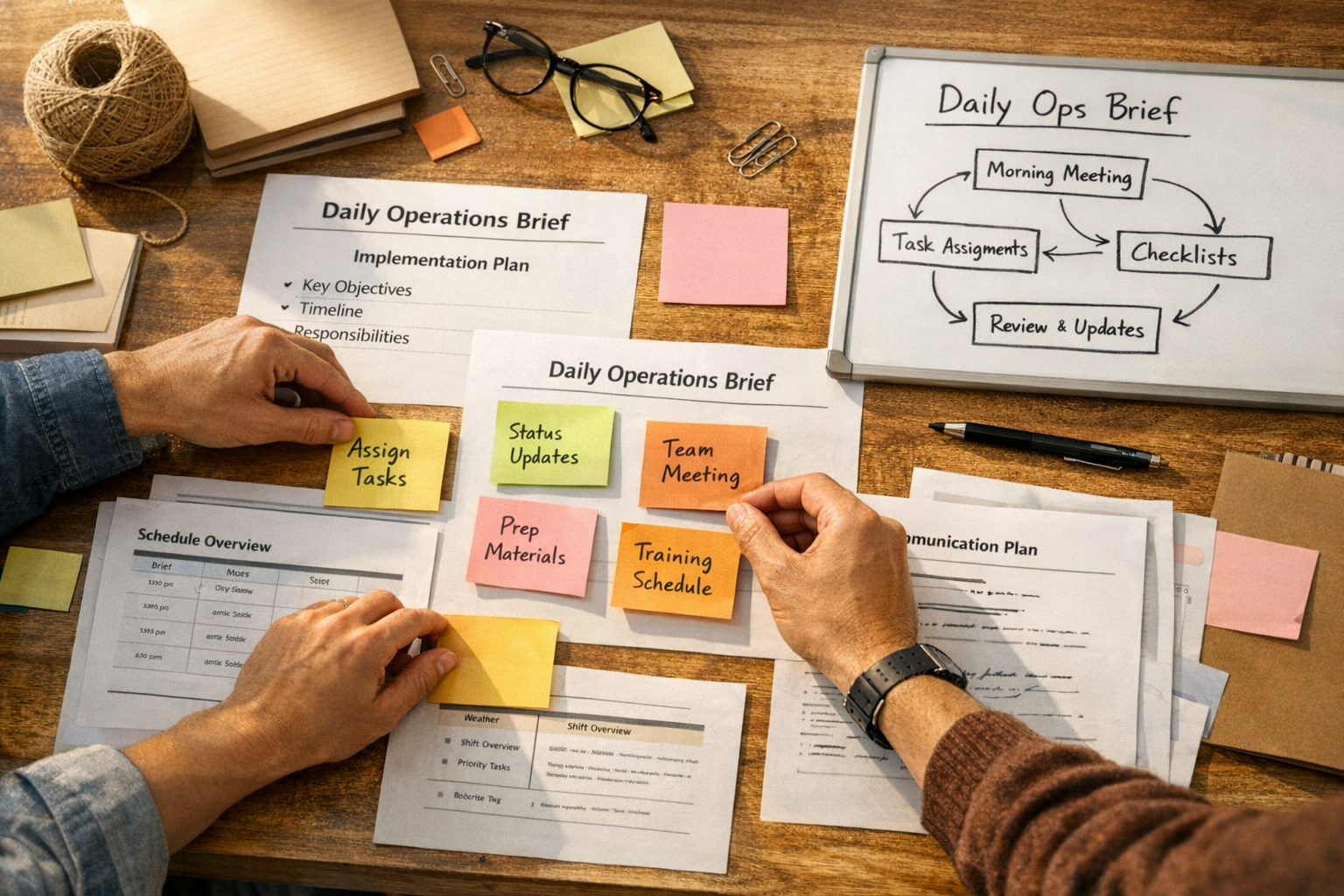
If you want to test this without overbuilding, start manually for one week.
- Day 1: Write down the five sources you check every morning.
- Day 2: Define what counts as high-leverage work in your business.
- Day 3: Create a one-page brief format with the sections above.
- Day 4: Use AI to turn your source notes into a brief.
- Day 5: Compare the brief against what actually mattered by end of day.
After that, automate only the parts that proved useful. Do not automate a routine until you know it improves decisions.
The real benefit
The real benefit is not feeling more organized. It is protecting the important work before reactive work consumes the day.
A good AI morning brief helps you see commitments, leverage, risk, and friction early. It gives you a cleaner start. It reduces manual checking. It turns scattered systems into one practical decision point.
If your team wants this kind of workflow, the first step is not choosing a tool. It is designing the operating logic behind the brief.
ConsultEvo helps businesses clean up the systems behind their daily work, including ClickUp structures, CRM workflows, Make and Zapier automations, GoHighLevel processes, and AI-assisted operating routines. If your mornings are too reactive, we can help you build a calmer and more useful workflow.