


Validate the Workflow Before You Trust the AI Agent
AI agents are becoming easier to connect to everyday business systems. They can read documents, summarize conversations, update CRM fields, create tasks, route support tickets, draft replies, and trigger automations through tools like Make, Zapier, HubSpot, GoHighLevel, ClickUp, Shopify, and custom WordPress systems.
That is useful. It also changes where the risk sits.
When an AI tool only answers a question in a chat window, the main concern is the quality of the answer. But when an AI agent is connected to memory, documents, customer records, internal tasks, or external tools, the concern becomes operational: what can the workflow do with the AI output?

This is why prompt quality is only one part of a reliable AI automation project. A good prompt inside a poorly designed workflow can still create messy records, wrong handoffs, duplicated tasks, unclear approvals, or customer-facing mistakes.
The safer approach is simple: validate the workflow before you give the agent authority.
The workflow is the real control surface
Many teams think about AI safety as a prompt issue. They add instructions like “do not make things up” or “only use approved sources.” Those instructions are helpful, but they are not a full operating model.
In an agentic workflow, the model may interact with several layers around it:
- Knowledge sources: documents, help articles, internal SOPs, sales scripts, product data, or project notes.
- Memory: previous conversations, saved preferences, summaries, or customer history.
- Business systems: CRM records, task boards, order data, support tickets, calendars, or email inboxes.
- Automation tools: Make scenarios, Zapier Zaps, webhooks, API calls, and conditional routing logic.
Each layer adds value, but each layer also adds another place where a mistake can travel. If the agent reads the wrong context, writes to the wrong field, or triggers the wrong path, the issue is no longer just an AI response. It becomes an operational issue.
Start with three validation questions
Before connecting an AI agent to production workflows, answer three questions in plain language.
1. What can the agent access?
List every data source the agent can read. This includes documents, CRM fields, previous messages, task comments, product data, and any stored memory. Be specific. “CRM access” is too broad. Which objects? Which fields? Which customer segments?
2. What can the agent do?
Separate low-risk actions from high-risk actions. Drafting a support reply is different from sending it. Suggesting a CRM update is different from writing directly to the record. Creating an internal task is different from changing a customer order.
3. What stops the wrong action?
Every useful automation needs stopping points. These might be approval steps, confidence checks, required fields, exception queues, user permissions, test environments, or fallback rules. The goal is not to block the agent from helping. The goal is to prevent one bad assumption from reaching the customer or polluting your systems.
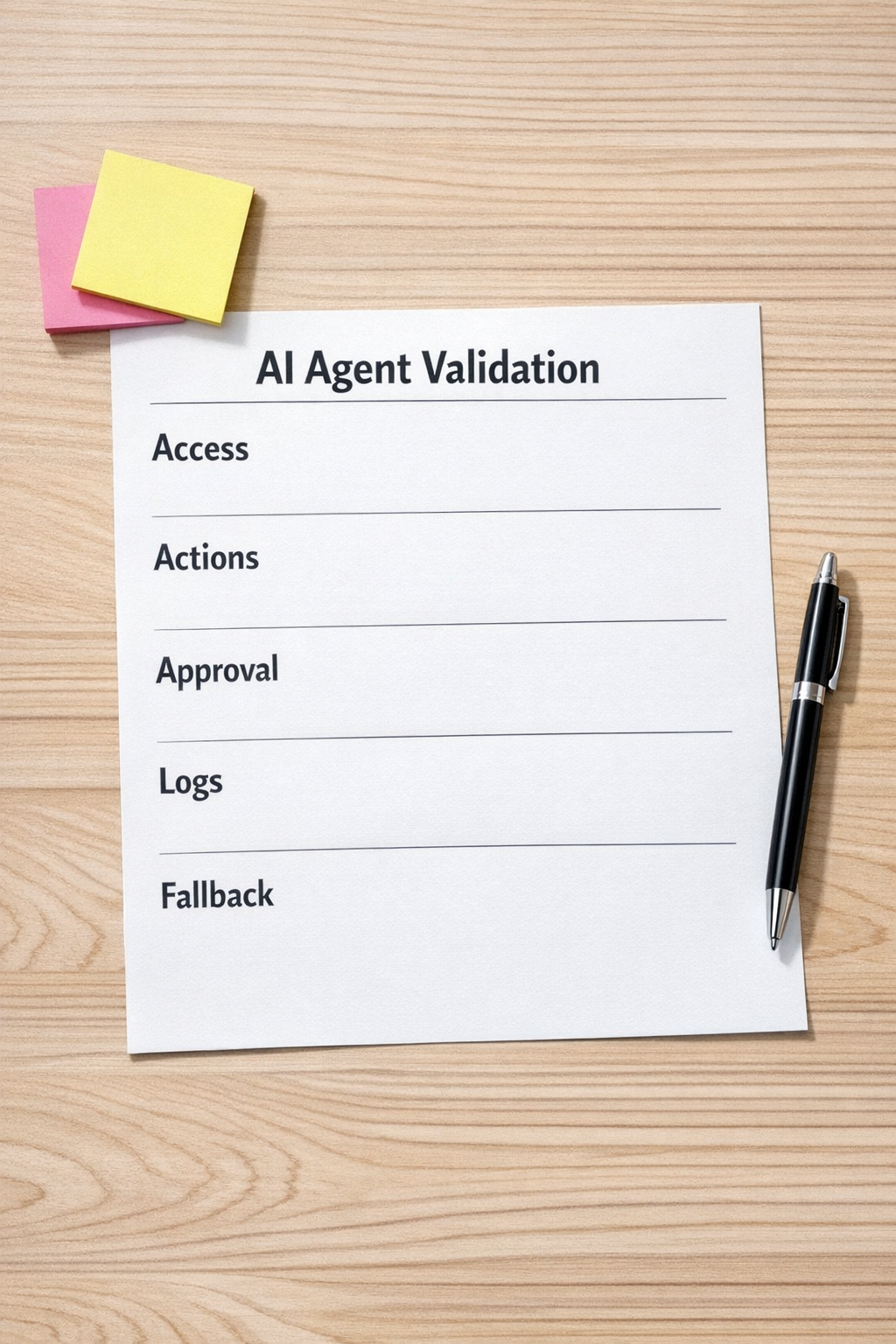
A practical AI workflow validation checklist
You do not need a giant enterprise process to make this useful. For most founder-led teams and operations teams, a practical checklist is enough to catch the obvious risks before launch.
- Use test records first. Run the agent against sample contacts, test deals, demo orders, or sandbox tasks before touching live data.
- Limit permissions. Give the agent the smallest useful scope. If it only needs to draft and classify, do not let it update records automatically.
- Separate suggestions from actions. Let AI recommend the next step, then use rules or human approval to decide whether that step happens.
- Add approval for sensitive actions. Customer emails, refunds, cancellations, deal stage changes, and data deletion should have stronger controls.
- Log the output and the trigger. Keep enough history to understand why an action happened and what information was used.
- Create an exception path. If required data is missing or the request is unclear, route it to a person instead of forcing the automation to guess.
- Review connected knowledge sources. Old SOPs, messy documents, duplicate help articles, and outdated sales notes can quietly reduce agent quality.
These controls are not glamorous, but they are often the difference between a useful AI agent and a workflow your team stops trusting after two bad runs.
Where this shows up in real operations
Consider a sales handoff workflow. An AI agent reads a form submission, enriches the lead summary, assigns a lifecycle stage, creates a CRM note, and opens a follow-up task for the sales team.
That sounds straightforward. But a few details matter:
- Which form fields should be trusted?
- Can the AI overwrite an existing lifecycle stage?
- Should it assign the owner, or only suggest one?
- What happens if the company name is missing?
- Does the team get a task, a Slack message, an email, or all three?
- Where can someone see the reason behind the AI recommendation?
If those rules are not defined, the agent may still work some of the time. But the team will eventually find edge cases: duplicate tasks, confusing notes, poor assignments, or updates that nobody wants to own.
The same pattern appears in support triage, Shopify operations, onboarding workflows, content production, hiring pipelines, and internal project management. The AI step may be the visible piece, but the surrounding workflow determines whether the result is dependable.

Design for narrow authority
A helpful principle is to give the AI agent a narrow role first. Let it classify, summarize, draft, compare, validate, or recommend. Then let the workflow decide what happens next.
For example:
- The agent summarizes a support issue, but a rule decides the queue.
- The agent drafts a CRM note, but a human approves before saving to important fields.
- The agent checks an order exception, but only a manager can approve a refund.
- The agent suggests project tasks, but ClickUp structure controls where they belong.
- The agent reviews a lead, but the sales process controls ownership and follow-up timing.
This approach keeps AI useful without making it the only decision-maker. It also makes troubleshooting much easier because each part of the workflow has a clear job.
Process before tools still applies
The tool choice matters, but not as much as the operating logic. You can build a risky AI workflow in an expensive platform and a reliable one with simple tools. The difference is usually clarity.
Before building, document the workflow in a short implementation plan:
- Trigger: What starts the workflow?
- Inputs: What data is required?
- AI role: What should the agent produce?
- Validation: What checks the output?
- Action: What system changes, if any?
- Fallback: What happens when the workflow cannot proceed?
- Owner: Who reviews exceptions and improvements?
This small amount of planning prevents a lot of rework. It also helps your team understand the automation instead of treating it like a black box.
Final thought
AI agents can remove real work from a business. They can reduce copy-paste, speed up handoffs, improve routing, and help teams act on information faster.
But trust does not come from the AI model alone. Trust comes from the workflow around it: clean inputs, limited authority, clear approvals, visible logs, and practical fallback paths.
If you are planning an AI agent, CRM workflow, Make or Zapier automation, ClickUp structure, HighLevel process, or operational handoff, start by validating the process. Then connect the AI where it can safely remove work.
ConsultEvo helps teams design, build, and fix automation workflows with practical controls built in. If you want a second set of eyes on an AI or automation workflow before it goes live, reach out anytime.