

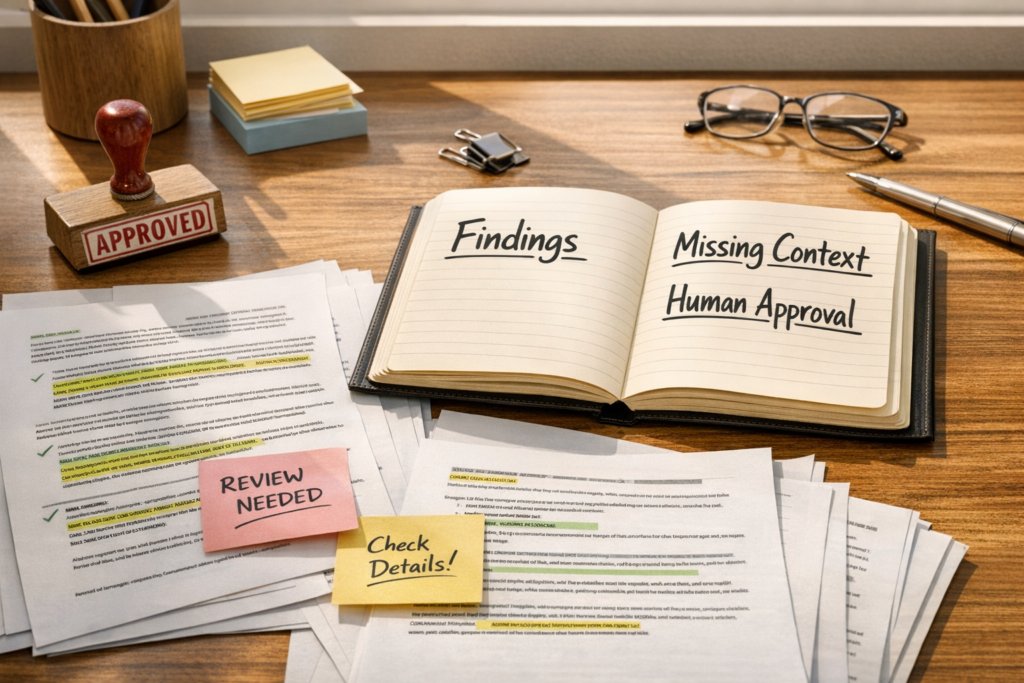
AI Agents Need Review Packets Before They Need More Tool Access
When teams start using AI for real operational work, the first instinct is often to connect more tools. Give it access to the CRM. Let it read project documents. Connect the inbox. Add the payment system. Bring in the help desk.
Tool access can be useful, but it is not the first thing that makes an AI workflow safe or valuable.
The more important layer is the review packet.
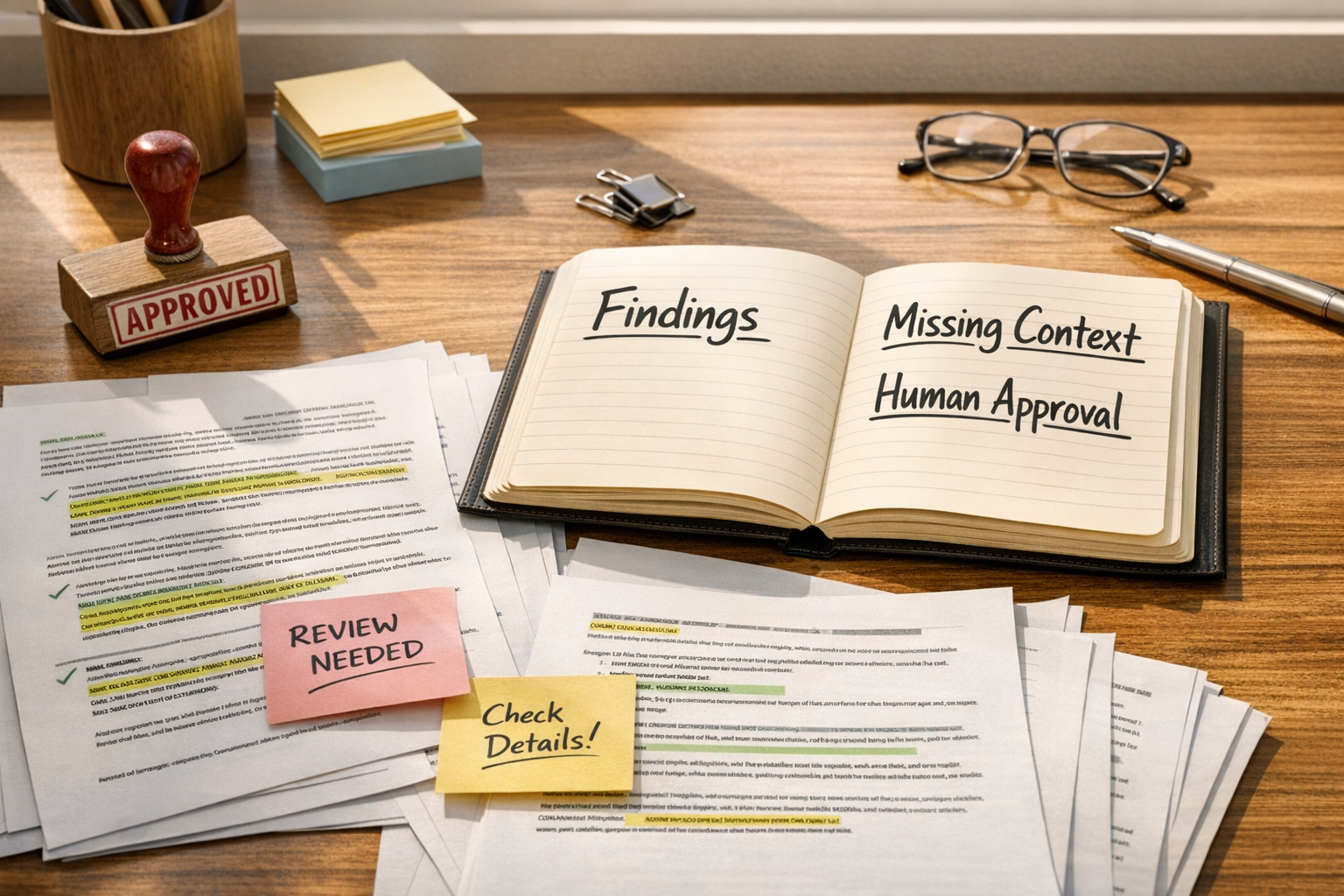
What is a review packet?
A review packet is a structured output that gives a human enough information to inspect the AI’s work before anything important happens.
It is different from a normal AI answer. A normal answer tries to be helpful. A review packet tries to be inspectable.
That distinction matters when the workflow touches customer communication, invoices, vendor terms, internal policies, service changes, sales handoffs, support escalations, hiring notes, public content, or CRM updates. In those situations, a confident paragraph is not enough. The operator needs to know what the AI looked at, what it found, what it could not confirm, and where a human decision is still required.
The basic structure
A practical review packet does not need to be complicated. In many workflows, these sections are enough:
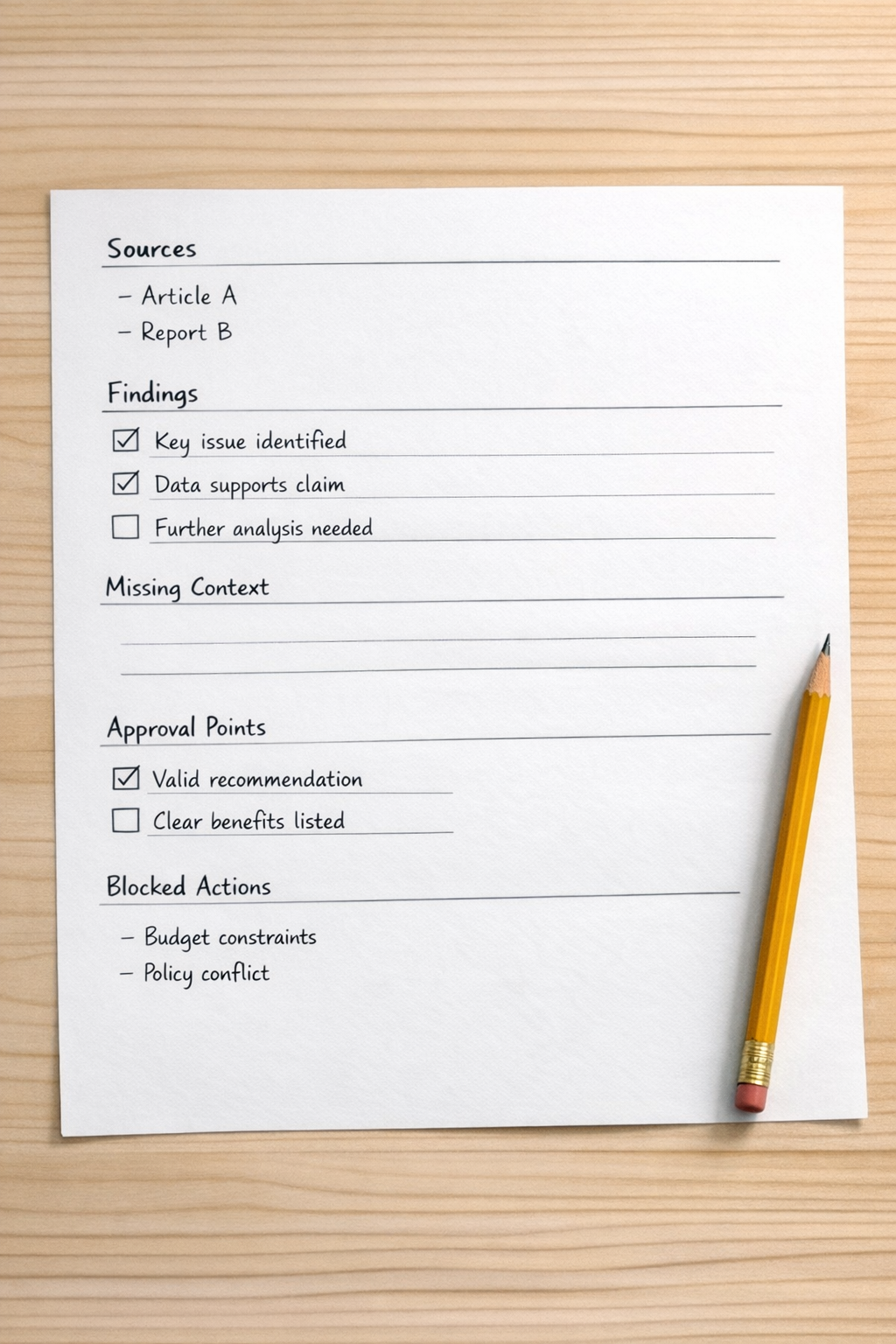
- Sources checked: the files, records, conversations, forms, or notes the AI used.
- Key findings: the most important observations, ideally tied back to the source material.
- Missing context: documents, approvals, fields, or background information that were not available.
- Risks or conflicts: anything that looks inconsistent, unclear, outdated, or sensitive.
- Suggested next steps: recommended actions, clearly framed as recommendations.
- Approval points: the decisions a human must make.
- Blocked actions: what the AI must not send, edit, publish, approve, pay, assign, or trigger.
This gives the human a real surface to review. Instead of asking, “Does this sound right?” the operator can ask better questions: Did it check the correct source? Did it miss a required attachment? Is the recommendation supported? Is this safe to approve?
Why this comes before more automation
Many automation problems are not caused by weak tools. They are caused by unclear boundaries.
If an AI agent can read documents, draft emails, update CRM fields, create tasks, and trigger notifications, the workflow can become risky very quickly. The issue is not that AI is useless. The issue is that the system has not defined where preparation ends and action begins.
A review packet creates that line.
For example, an AI agent might review a support escalation and prepare a packet with the customer history, the latest complaint, the promised service level, missing internal notes, and a recommended response. That is useful. But sending the response, issuing a credit, changing the customer status, or assigning blame should stay behind approval unless the workflow has been tested carefully.
The same applies to sales handoffs. An AI agent can gather call notes, identify open objections, summarize deal context, and flag missing CRM fields. But automatically moving a deal stage or sending a follow-up from a rep’s account may require a clearer approval step.
Start with read-only workflows
The safest place to begin is read-only work. Choose a workflow where mistakes are easy to catch and where the AI does not need permission to change anything.
Good starting points include:
- Proposal review before a client call
- Client intake summary before project kickoff
- Support escalation packet before manager review
- Invoice review before payment approval
- CRM cleanup recommendations before field updates
- Internal policy review before publishing changes
- Meeting recap review before assigning tasks
In each case, the AI can gather and structure information while the human remains responsible for the decision. This is where teams learn how the system behaves. They can see whether the agent checks the right material, whether it overstates certainty, whether it notices missing context, and whether the output is actually useful for the next person in the workflow.
Turn the packet into a standard
Once the review packet works manually, it can become part of your operating system.
You might turn it into a saved prompt, a ClickUp task template, a Make or Zapier automation step, a CRM workflow note, a support escalation format, or an internal SOP. The format can also become a quality control checklist for future AI workflows.
This is where the return on automation improves. The business is not just saving a few minutes on drafting. It is creating a repeatable way to prepare decisions faster without hiding the judgment step.
A good review packet also helps with delegation. A manager can review ten structured packets more easily than ten messy threads, documents, and notes. A salesperson can act faster when the CRM context and missing fields are clearly separated. An operations lead can spot workflow gaps when every packet shows the same missing source or approval bottleneck.
Where automation should wait
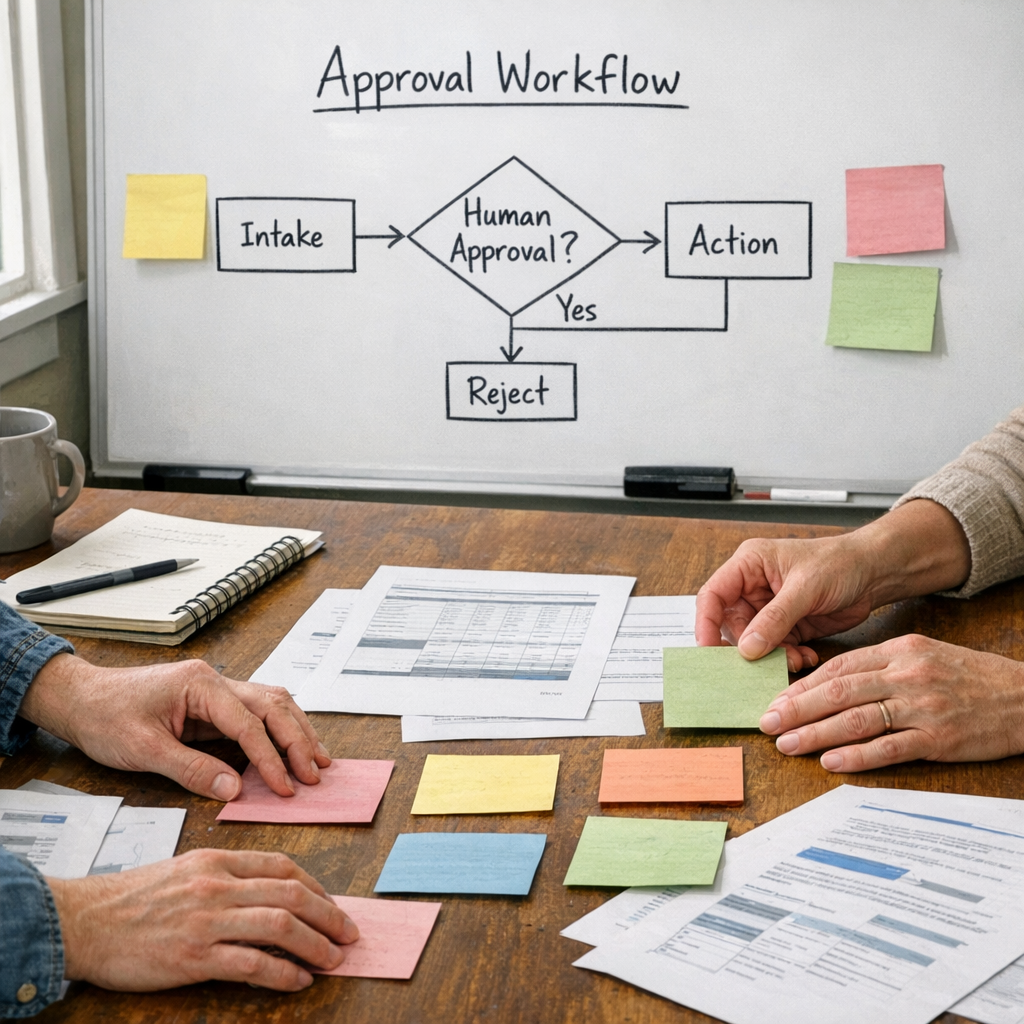
There are still places to be careful. Sensitive data, money movement, legal exposure, HR issues, compliance, public claims, and customer-facing decisions should keep human approval in the loop.
Even a well-structured packet can be wrong if the source material is wrong. Missing attachments can make a summary look complete when it is not. Outdated CRM fields can produce bad recommendations. Broad permissions can create risk even when the prompt sounds careful.
That is why process comes before tools. Before asking what the AI can access, define what the AI is allowed to do, what it must show, and what it must not touch without approval.
The practical takeaway
If your team is exploring AI agents, do not start by asking, “How many tools can we connect?”
Start by asking:
- What work should the AI prepare?
- What evidence should it show?
- What uncertainty should it disclose?
- What decision belongs to a human?
- What actions are blocked until approval?
That is the foundation of a safer AI workflow. Not because it removes every risk, but because it makes the work easier to inspect before action happens.
ConsultEvo helps teams design AI agents, CRM workflows, ClickUp systems, and Make or Zapier automations with clear review layers and approval points. If your workflow feels useful but a little risky, a review packet may be the missing piece.