


Build AI agent skills from your process, not someone else’s assumptions
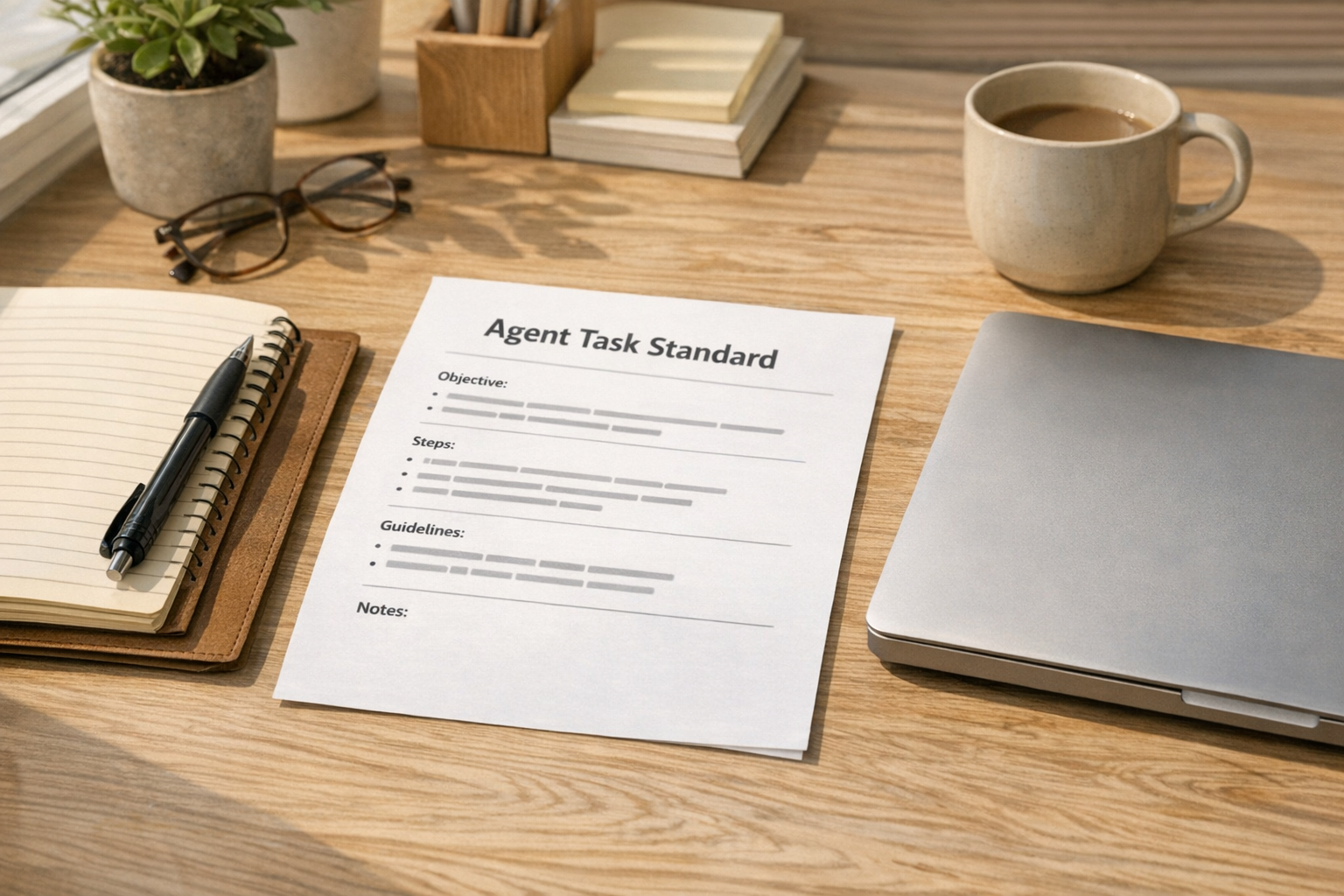
AI agent skills sound more technical than they need to be. In many cases, they are simply reusable instructions that tell an AI agent how to complete a specific type of work.
That simplicity is exactly why they are powerful. It is also why businesses should be careful.
When you give an AI agent a skill, you are giving it a way to think through a task. You are telling it what to prioritize, what to ignore, what steps to follow, and what a good output looks like. If those instructions came from someone else, they may not match your standards, your workflow, or your risk tolerance.
For business operations, the better starting point is not “Which agent skill can we download?” It is “How do we want this work done?”
An AI skill is process documentation in another format
At ConsultEvo, we often see the same pattern with automation and AI. A team wants to automate a task before the task is clearly defined.
The result is predictable. The tool works, but the workflow does not. The AI produces output, but the team still has to check, rewrite, reformat, or chase missing context. The automation moves data, but the data is inconsistent.
AI agent skills are no different. A strong skill should read like a clear operating standard for a specific task.
For example, if you want an AI agent to create content briefs, the skill should define:
- What input the agent needs before it begins
- How it should interpret the target audience and topic
- What sources or context it should use
- What it must not invent
- What structure the final brief should follow
- When it should ask a human for clarification
That is not advanced engineering. That is good process design.
The risk of using generic instructions
Downloaded or shared AI skills can be useful for learning. They can show structure, wording, or possible approaches. But they should not be treated as ready-to-use operating standards without review.
A generic skill may include assumptions that are harmless in one business and problematic in another. It may ask the agent to be more creative than your workflow allows. It may skip human review. It may use an output format that does not fit your CRM, ClickUp workspace, content system, or client delivery process.
The issue is not that external templates are always bad. The issue is that they are not yours.
Your business has its own definitions of quality. Your sales handoff may require specific fields. Your support process may depend on certain context. Your content review may need clear boundaries around claims, sources, and tone. Your CRM cleanup process may need strict rules about merging, updating, and flagging records.
If the AI agent does not know those rules, it will fill in the gaps.
A practical worksheet for creating your own AI agent skill
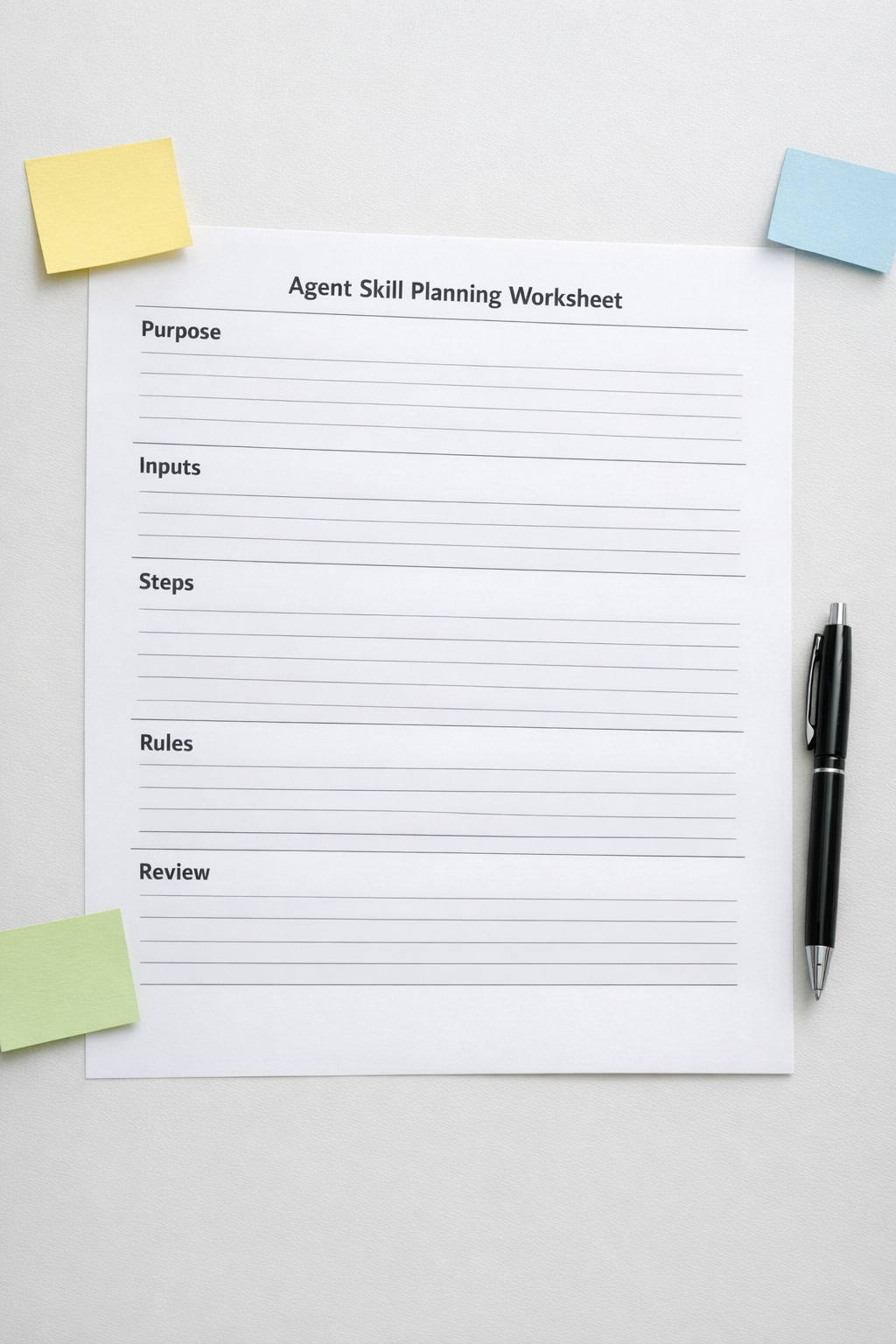
You do not need to start with a complex system. Start with one repeated task that is easy to describe and valuable to improve.
Use this simple structure:
1. Purpose
Write one sentence that explains what the agent should help with. Keep it narrow. “Create a first draft of a client onboarding email” is better than “Handle onboarding.”
2. Required inputs
List the information the agent must have before starting. This might include client name, service type, project stage, CRM notes, audience, product details, or previous conversation context.
3. Step-by-step process
Describe how a reliable human would complete the task. Do not assume the AI will infer the right sequence. If order matters, write the order.
4. Quality rules
Define what good looks like. Include tone, formatting, length, required sections, forbidden claims, review rules, or examples of acceptable output.
5. Stop conditions
This is one of the most important parts. Tell the agent when not to continue. If key information is missing, if the source is unclear, or if the task requires judgment outside the skill, the agent should ask for clarification.
6. Final output format
Make the output easy to use. If the result needs to go into a CRM note, ClickUp task, email draft, SOP, or content brief, define the format clearly.
Where this fits in real operations
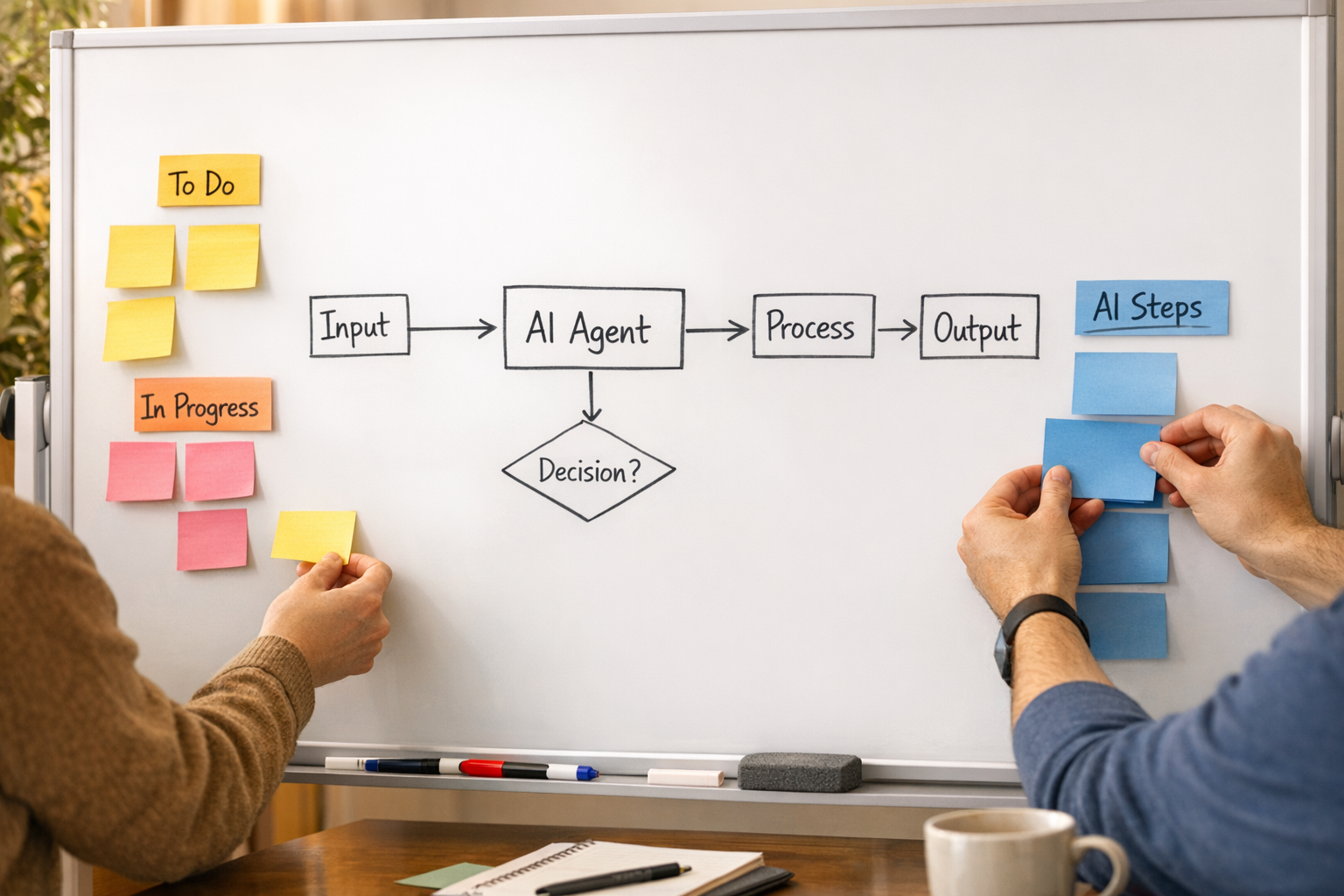
The best AI agent skills usually sit inside a larger workflow. They are not isolated tricks. They help remove a specific piece of manual work from an existing process.
Here are a few practical examples:
- Sales handoff: An agent summarizes discovery notes into a consistent internal handoff format.
- Support triage: An agent categorizes a customer issue and suggests the next internal step, while flagging unclear cases for human review.
- CRM cleanup: An agent reviews inconsistent contact notes and proposes standardized updates without making final changes automatically.
- Content operations: An agent creates structured briefs from approved inputs and avoids unsupported claims.
- Project management: An agent converts meeting notes into task drafts with owners, due dates, and open questions separated clearly.
In each case, the value does not come from the AI being clever. The value comes from the process being clear enough that the AI can assist without creating more cleanup work.
Test the skill before you automate it
Before connecting an AI skill into a larger automation, test it manually with real examples.
Run it on a clean example, a messy example, and an incomplete example. Watch what it does when information is missing. Check whether the output is useful without heavy rewriting. Look for points where the instruction needs to be stricter.
This validation step matters. If the skill produces inconsistent output in a manual test, connecting it to Make, Zapier, a CRM workflow, or a task management system will only spread the inconsistency faster.
A good rule: validate the judgment before automating the movement.
Start smaller than you think
The easiest AI agent skill to build is not the biggest one. It is the one attached to a repeated task that already has a known standard.
Pick something your team does weekly. Write the instructions. Test the output. Improve the standard. Then decide whether it should become part of a workflow.
This approach is slower than grabbing a random template, but it is safer and usually more useful. It gives the agent your context instead of someone else’s assumptions.
If you want help turning repeated work into clear AI agent skills and practical automations, ConsultEvo can help map the process, define the guardrails, and connect the workflow into the tools your business already uses.