


AI Agents Need a Workbench Before They Can Remove Real Work
A lot of teams are trying to get more value from AI by searching for better prompts. That is understandable. Prompts are visible, easy to change, and they can produce quick improvements.
But for real operational work, the bigger issue is often not the prompt. It is the environment around the prompt.
If an AI agent does not know where the right source material lives, what standard it should follow, which system matters, what approval is required, or where the output should go next, it will behave like a smart assistant with no desk, no files, and no manager.
It may still be helpful. It may still save a few minutes. But it will not remove meaningful work from the business.

The difference between chat and an operational agent
Chat-based AI is useful when you need a quick answer, a draft, a rewrite, or a second opinion. You open a blank conversation, explain what you need, and review the result.
An operational agent is different. It needs to work inside a defined business process. It may need to read a client record, check a task status, compare an input against standards, draft a response, update a CRM, create a ClickUp task, or route something for human review.
That type of work depends on structure. Without structure, the agent has to guess.
And in operations, guessing creates problems. Leads get misrouted. Tasks miss key context. Follow-ups sound wrong. CRM records become inconsistent. Support handoffs become messy. Someone eventually has to inspect everything manually, which defeats the purpose.
The workbench comes before the agent
A useful way to think about this is the AI agent workbench. Before asking an agent to execute work, you define the operating layer it will use.
That layer usually includes:
- Source material: SOPs, examples, templates, call notes, policies, product information, client context, or past outputs
- Standards: what good work looks like, what tone is appropriate, what fields are required, and what should never be skipped
- Decision rules: when the agent can proceed, when it should ask for clarification, and when a human must approve
- System connections: the apps where the work starts and ends, such as a CRM, ClickUp, email, forms, Make, Zapier, HubSpot, GoHighLevel, Shopify, or WordPress
- Validation checks: the conditions that catch missing data, risky actions, duplicate records, or low-confidence outputs
This is where many AI projects become much more practical. Instead of treating AI as a magic box, you treat it like a worker that needs context, tools, standards, and supervision.
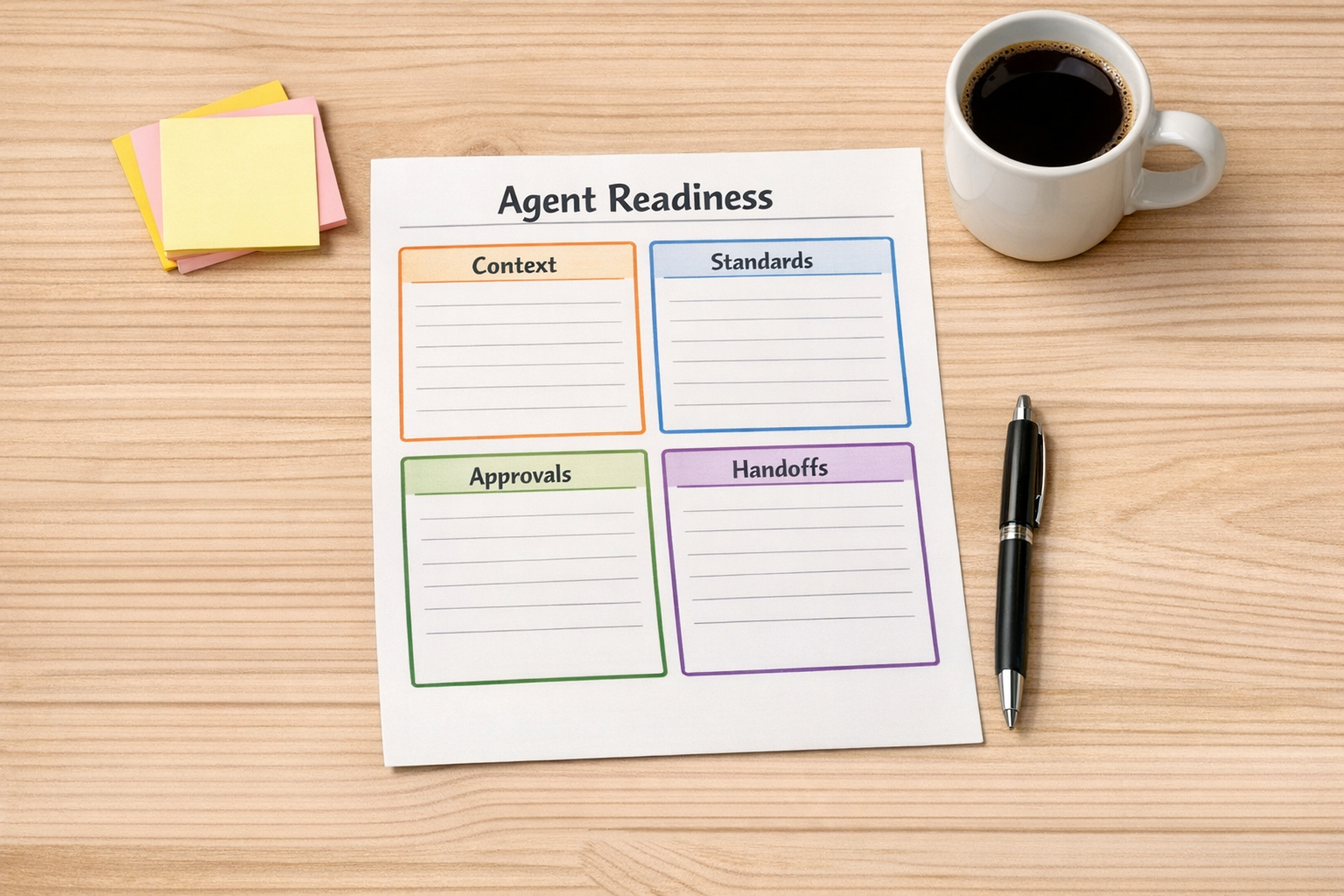
A simple AI agent readiness worksheet
Before building an AI workflow, pick one repeated business process and answer a few questions.
1. What is the trigger?
Does the work start when a form is submitted, a deal stage changes, a support ticket arrives, an order is placed, or a meeting note is uploaded? If the trigger is unclear, the workflow will be hard to automate cleanly.
2. What context does the agent need?
This may include customer history, internal notes, product details, pricing rules, previous emails, project status, or examples of strong output. If the agent cannot access the right context, it will either ask unnecessary questions or produce generic work.
3. What should the agent produce?
Be specific. Is it creating a task, drafting a reply, summarizing a call, updating a CRM field, generating a proposal outline, routing a lead, or checking a record for missing information?
4. What does good look like?
This is one of the most important questions. A vague standard creates vague output. Give the agent examples, formatting rules, field requirements, tone guidance, and edge cases.
5. Where does human review belong?
Not every step should be automated. Some decisions should stay with a person, especially when money, customer experience, legal risk, or sensitive data is involved. Good agent design is not about removing humans from every step. It is about removing the repetitive setup work so humans can make better decisions faster.
6. What should happen when something is missing?
Many workflows break because they only handle the happy path. Decide what the agent should do if a CRM field is blank, a file is missing, a lead source is unclear, or the input does not match expected rules.
Where this shows up in real operations
This approach applies across many common business workflows.
- Sales handoffs: An agent can summarize inbound lead context, check required qualification fields, and prepare a handoff note before a sales call.
- CRM cleanup: An agent can flag incomplete records, inconsistent naming, missing lifecycle stages, or duplicate entries for review.
- ClickUp operations: An agent can turn meeting notes into structured tasks, assign draft owners, and identify missing due dates or unclear deliverables.
- Support workflows: An agent can classify tickets, suggest response drafts, and route issues based on product area or urgency.
- Content operations: An agent can compare a draft against a style guide, repurpose one idea into multiple formats, or check that a publishing checklist is complete.
- Shopify operations: An agent can help review order exceptions, prepare customer updates, or flag operational patterns for a human to inspect.
In each case, the value does not come from AI simply generating text. The value comes from placing AI inside a clear process where it can reduce copy-paste, reduce checking time, and improve handoffs.
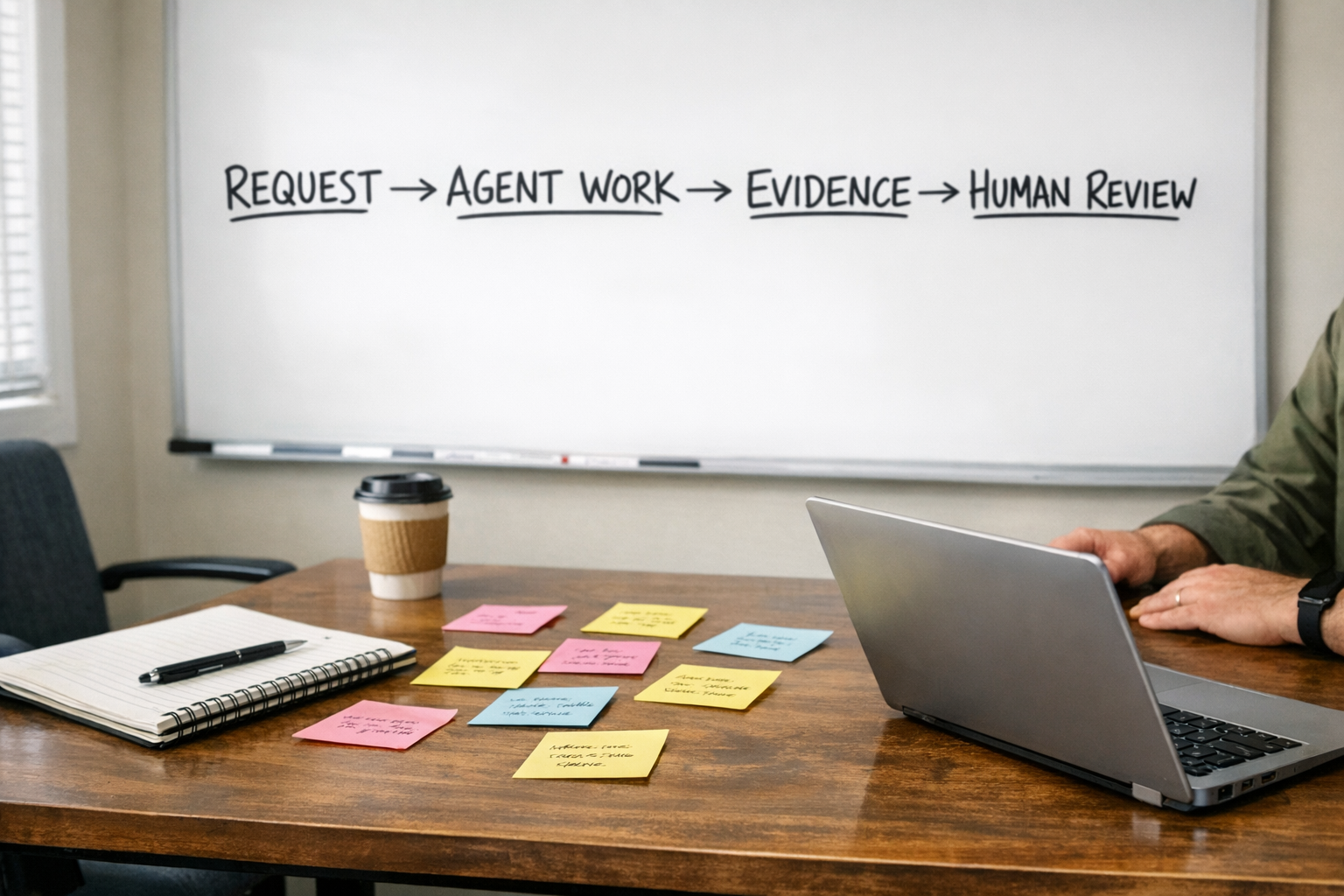
Start smaller than you think
The safest way to build AI agents into operations is to start with one narrow workflow.
Do not begin with “automate our sales process” or “build an AI operations assistant.” Those are too broad. Start with something like:
- When a new lead arrives, check whether the required qualification fields are complete.
- When a call transcript is uploaded, create a draft follow-up and a task list for review.
- When a support request comes in, classify the topic and suggest the next internal owner.
- When a deal moves stages, check whether the handoff note is complete.
Small workflows reveal the real process gaps quickly. You find out which fields are unreliable, which rules are undocumented, which approvals matter, and which systems are not as clean as expected.
That learning is valuable. It helps you build the next workflow with fewer assumptions.
The practical takeaway
If AI still feels helpful but too manual, the answer may not be a better model or another prompt library.
The answer may be operational clarity.
Give the agent the right source material. Define the standard. Clean up the handoff. Add validation. Decide where humans stay involved. Then connect the workflow to the systems where the work already happens.
That is when AI starts to remove real work instead of creating another place to copy and paste.
At ConsultEvo, we help teams design and implement these kinds of practical AI and automation workflows across ClickUp, Make, Zapier, HubSpot, GoHighLevel, Shopify, WordPress, and CRM systems. If you want help turning a repeated manual process into a cleaner agent-assisted workflow, we are happy to help.