


AI adoption works better when the workflow is ready first

Many business owners are no longer asking whether AI can help. They are asking where to put it.
That is a better question, but it is still easy to answer too quickly. A team sees a new AI agent, chatbot, automation builder, or model capability and immediately starts looking for places to plug it in. The energy is understandable. Nobody wants to be late. Nobody wants to keep paying people to copy data between systems, summarize long emails, or manually chase updates.
But there is a practical problem: AI does not fix unclear work. It usually exposes it.
If a workflow already has vague ownership, duplicate CRM fields, inconsistent task names, unclear handoffs, and no agreement on what should happen when something goes wrong, adding AI can make the confusion move faster. The system may draft quicker, route faster, and summarize instantly, but the underlying process is still weak.
That is why the best AI and automation projects usually start with workflow readiness, not tool selection.
Start with the work, not the model
A useful AI project begins with a simple operational question:
What part of the business process should change?
That question forces the team to move away from vague ambition and into practical design. It is not enough to say, “We want to use AI in sales,” or “We need an agent for support.” Those are categories, not workflows.
A workflow-ready version sounds more like this:
- When a new lead fills out the form, classify the request and route it to the right pipeline.
- When a client sends a support email, summarize the issue and attach it to the correct CRM record.
- When a task is marked complete in ClickUp, notify the account manager and prepare the next client update.
- When a Shopify order has a fulfillment exception, create an internal review task and alert operations.
These examples are narrower, which makes them easier to build, test, and improve.
The workflow readiness checklist
Before choosing an AI agent, Make scenario, Zapier automation, CRM workflow, or ClickUp structure, document the process in plain language. You do not need a complex diagram. A one-page checklist is often enough.
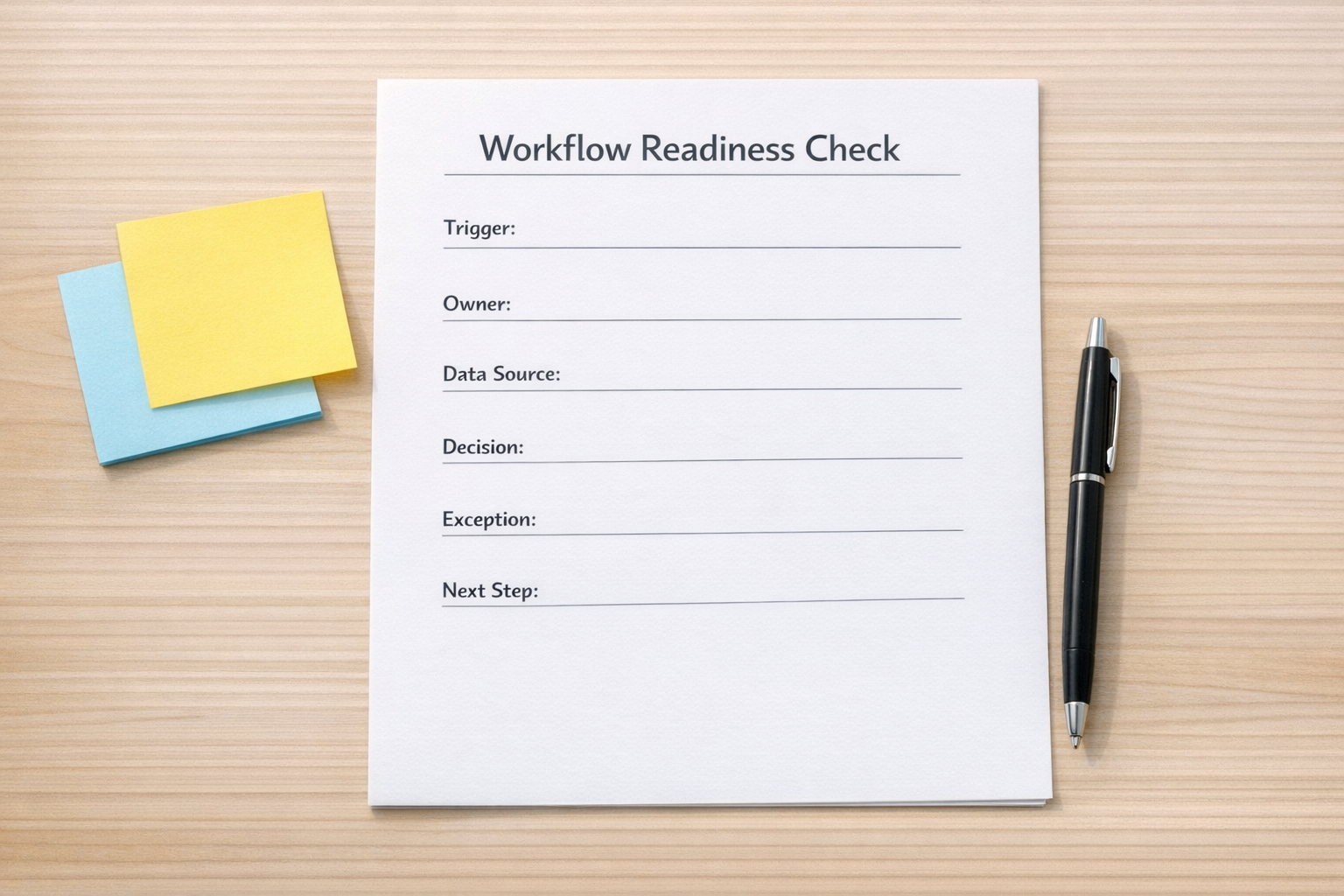
At minimum, answer these questions:
- Trigger: What starts the workflow?
- Input: What information is available at the start?
- Owner: Who is responsible for the outcome?
- Decision: What decision needs to be made?
- Source of truth: Which system should be trusted?
- Output: What should be created, updated, sent, or assigned?
- Exception: What happens when the data is missing, unclear, or risky?
- Review point: Where should a human approve or check the result?
This small exercise prevents a lot of expensive rework. It also shows whether AI is actually needed.
Sometimes the best solution is not an agent. It might be a cleaner CRM pipeline, better required fields, a ClickUp task template, a form update, or a simple automation that removes repetitive copy-paste. AI should be used where judgment, classification, summarization, drafting, or pattern recognition adds value. It should not be used to cover basic process gaps.
Where AI agents make the most operational sense
AI agents are most useful when the workflow has repeatable patterns but still requires interpretation. For example, an agent can review inbound requests, identify the likely category, draft a response, suggest a next step, or check whether required information is missing.
That can remove real work from the team, but only when the boundaries are clear. The agent needs to know what it can do, what it cannot do, what data it can trust, and when to escalate to a person.
A good AI agent workflow often includes:
- A clear job: One main responsibility, not ten vague tasks.
- Structured inputs: Forms, CRM records, emails, documents, or task data in a predictable format.
- Defined actions: Create a task, update a field, draft a reply, assign an owner, or flag an exception.
- Guardrails: Rules for sensitive decisions, missing data, and human approval.
- Feedback loop: A way to review outputs and improve the workflow over time.
Without those pieces, an AI agent becomes another system the team has to manage. With them, it can remove work instead of adding supervision work.
Integration is where strategy becomes real
AI adoption usually becomes practical when it connects to the systems a business already uses. That might mean CRM records, ClickUp tasks, support inboxes, Shopify orders, HubSpot workflows, GoHighLevel pipelines, Make scenarios, Zapier automations, spreadsheets, forms, or internal knowledge bases.
This is where many projects get stuck. The AI concept sounds simple, but the systems underneath are not ready. The CRM has old fields. The pipeline stages mean different things to different people. Task statuses are inconsistent. The team has three versions of the same client data. Nobody is sure which system should trigger the next step.
Before connecting AI to those systems, clean up the operational foundation.
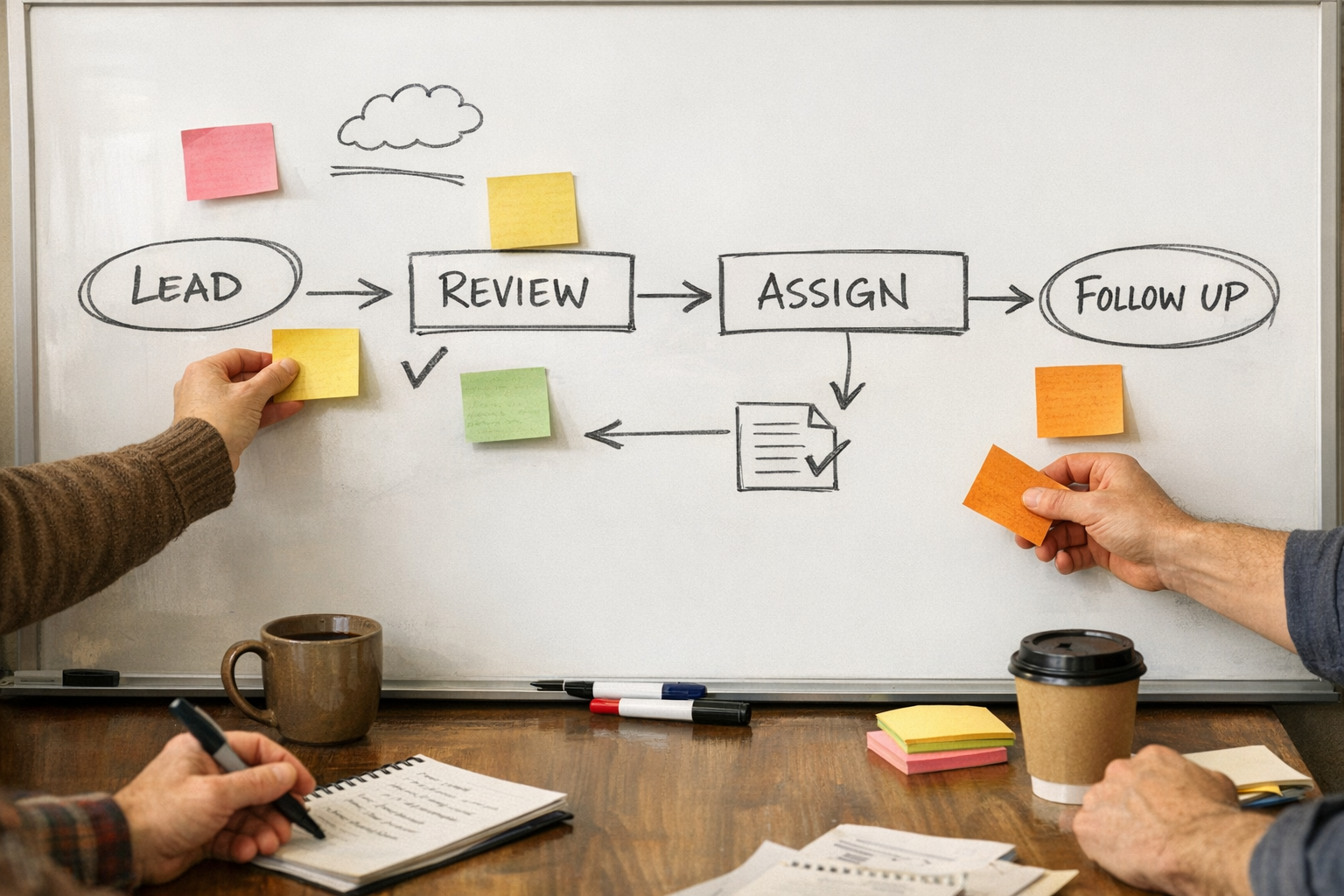
A practical implementation plan might look like this:
- Choose one workflow with clear business value.
- Map the current process from start to finish.
- Remove unnecessary steps before automating.
- Confirm the source of truth for each data point.
- Define the ideal output and success criteria.
- Build a small version first.
- Test with real examples, including messy ones.
- Add human review where the risk is higher.
- Measure whether the workflow saves time or reduces errors.
Do not automate confusion
The temptation with AI is to move quickly from idea to build. But a slower start often leads to a better result. A few hours spent clarifying the workflow can save weeks of fixing brittle automations later.
The goal is not to add AI everywhere. The goal is to remove the right work, reduce manual handoffs, improve response time, and give the team clearer operations.
That requires a practical mindset: process before tools, workflow before agent, clarity before scale.
A simple place to begin
If you are considering AI or automation, pick one recurring workflow that frustrates your team. It could be lead intake, client onboarding, support triage, task creation, reporting, order exceptions, or sales follow-up.
Write down what happens today. Then mark the steps where people copy information, wait for decisions, search for context, or repeat the same judgment. Those are your best candidates for automation or AI support.
Once the workflow is visible, tool choice becomes much easier. You can decide whether the right answer is an AI agent, a CRM workflow, a ClickUp structure, a Make or Zapier automation, or simply cleaner data.
At ConsultEvo, we help teams design and implement these systems with a practical operator mindset. If you want help reviewing a workflow, finding the right automation opportunity, or building a working AI-enabled process, reach out anytime. Happy to help.