

Before You Give an AI Agent Tools, Define Its Boundaries

AI agents are becoming easier to connect to business systems. That is useful, but it also creates a very practical risk: teams can give an agent access to tools before they have clearly defined what the agent should be allowed to do.
This is not only a security concern. It is an operations concern.
If an agent can read CRM records, update deal stages, send customer messages, create tasks, trigger automations, or change order data, then the workflow needs more than a good prompt. It needs boundaries. Those boundaries should be part of the process design, not something added later when the system starts behaving in unexpected ways.
At ConsultEvo, we often see the same pattern with automation projects in general. A team starts with the tool connection: connect the CRM to the project system, connect the form to the email platform, connect the AI assistant to the ticket queue. The workflow may work in a demo, but the hard questions show up later.
Who owns the decision? What should happen when the data is incomplete? Which actions are reversible? Which actions need approval? What should be logged? When should the automation stop?
With AI agents, those questions matter even more because the agent is not just moving data from one field to another. It may be interpreting, deciding, summarizing, ranking, drafting, or choosing which tool to use next.
The boundary should come before the tool
A useful way to design an AI agent workflow is to separate actions into three categories:
- Suggest: The agent can prepare a recommendation, draft, summary, classification, or next step, but a person takes the final action.
- Act: The agent can perform the action by itself because the scope is clear, the risk is low, and the result is easy to verify or reverse.
- Escalate: The agent must stop and ask a person before continuing because the action is sensitive, expensive, customer-facing, compliance-related, or difficult to undo.
This split sounds basic, but it changes the entire implementation. Instead of asking, “Can the AI do this?” the team asks, “Should the AI be allowed to do this without a human?”
Those are very different questions.
For example, an agent might be allowed to summarize a support ticket, suggest a response, and identify the likely account owner. It might also be allowed to create an internal task if the ticket matches a known category. But sending the customer response, issuing a refund, changing an account status, or marking a contract as cancelled should probably require a stronger approval path.
The goal is not to slow everything down. The goal is to make sure autonomy matches the business risk.
Use a simple action matrix
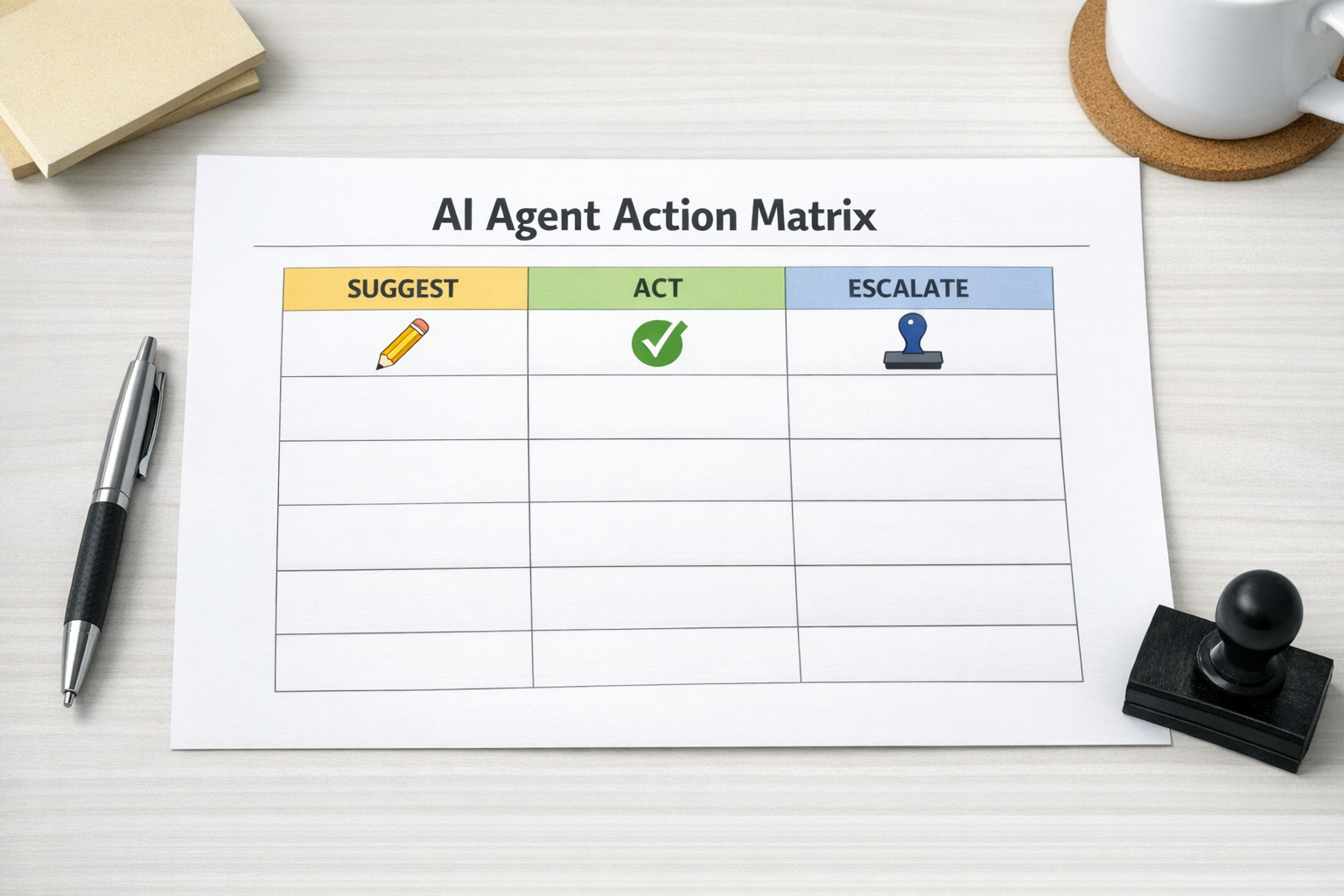
Before building the agent, list the actions it may perform or influence. Then classify each one.
A practical review can include these questions:
- Reversibility: Can this action be undone quickly and cleanly?
- Blast radius: Does this affect one internal record, one customer, many customers, or a public channel?
- Financial impact: Could this trigger a payment, refund, discount, cancellation, or purchase?
- Source of truth: Does this update a system that other teams rely on, such as the CRM, helpdesk, project management tool, or order system?
- Customer visibility: Will a customer, lead, partner, or vendor see the result?
- Judgment required: Does the action require context that may not be present in the workflow?
- Ownership: Who is responsible if the agent is wrong?
If an action is reversible, internal, low-cost, and easy to audit, it may be a good candidate for agent autonomy. If it affects customers, money, legal obligations, or core records, it likely needs human review or a more constrained path.
This matrix also helps prevent a common automation mistake: treating every tool permission as equal. Reading a CRM note is not the same as updating a deal stage. Drafting an email is not the same as sending it. Creating a task is not the same as closing a ticket. The workflow should reflect those differences.
Design for intent, not just access
Traditional automation often asks whether a connection has permission to perform an action. AI agent workflows need a second question: does this action match the current business intent?
If the agent is helping qualify a lead, it may need to read form submissions, enrich a company profile, and suggest a sales follow-up. That does not mean it should be able to export a full contact list or rewrite lifecycle stages across the CRM.
Access should be narrow enough that the agent can complete the intended task, but not broad enough that a bad instruction, bad data source, or misunderstood request can push it into unrelated actions.
In practical terms, this means designing workflows where the agent receives only the tools, records, and permissions needed for that specific job. A lead routing agent does not need billing access. A ticket summarization agent does not need permission to delete helpdesk records. A ClickUp task cleanup agent does not need to change CRM ownership unless that is explicitly part of the approved workflow.
Build approval points into the process
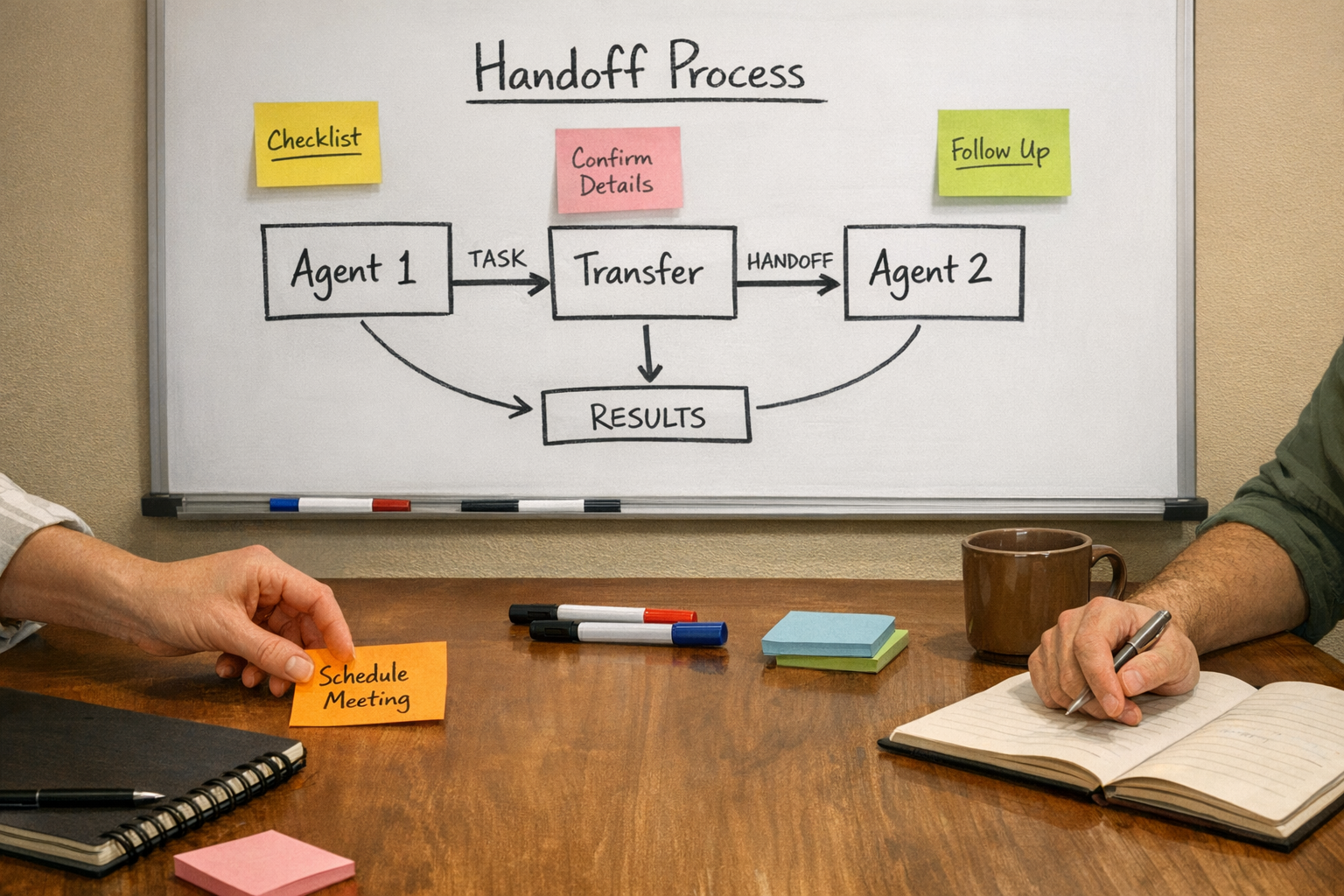
Human approval should not be a vague instruction in a prompt. It should be part of the workflow architecture.
That can look like:
- A drafted email that waits for review before sending
- A CRM update that is staged for approval instead of written immediately
- A refund request that routes to a manager when the amount crosses a threshold
- A support escalation that creates a task and notifies the owner instead of promising a resolution
- A sales handoff that asks for confirmation when lead data is incomplete or conflicting
The approval step should include enough context for a human to make a decision quickly. If the reviewer has to investigate from scratch every time, the system will create approval fatigue. People will either ignore it or rubber-stamp it.
A good approval request explains what the agent wants to do, why it believes that action fits the workflow, what data it used, and what will happen after approval.
Logging is not a replacement for boundaries
Logs are important. They help with debugging, auditing, and improving the workflow. But logging an unsafe action after it happens is not the same as preventing it.
For AI agent workflows, the most useful logs are tied to decision points: what the agent received, what it decided, which tool it wanted to use, which approval rule applied, and what happened next. This makes it easier to improve the system over time.
Still, the first line of defense is process design. The agent should not have a hidden path around the approval step. It should not have broad tool access “just in case.” It should not be able to change important data simply because the prompt asked nicely.
Start narrow, then expand carefully
The best early AI agent workflows are usually not the most ambitious ones. They are narrow, useful, and easy to observe.
Good starting points include:
- Summarizing inbound support requests
- Drafting replies for review
- Classifying leads or tickets
- Preparing CRM update suggestions
- Creating internal tasks from structured requests
- Checking records for missing fields
- Flagging workflow exceptions for a human
These use cases remove manual work without giving the agent unlimited authority. Once the workflow proves reliable, you can expand the agent’s autonomy in specific areas.
That expansion should be deliberate. Review the action matrix again. Check where humans are still needed. Look at failure cases. Confirm whether the next level of autonomy is worth the added risk.
The ConsultEvo view
AI agents can remove real operational work, especially in sales, support, CRM cleanup, ClickUp task routing, and Make or Zapier workflows. But they work best when the process is clear before the tools are connected.
The practical order is:
- Define the workflow outcome
- Map the actions and decisions
- Classify what the agent can suggest, do, or escalate
- Limit tool access to the current job
- Build approval points where risk increases
- Log the decisions that matter
- Improve autonomy gradually
This approach is less flashy than giving an agent a big toolbox and hoping the prompt keeps everything under control. It is also much more likely to survive real business operations.
If your team is exploring AI agents, automation, CRM workflows, ClickUp systems, Make, Zapier, HubSpot, or GoHighLevel workflows, ConsultEvo can help you design the process before the build. The result is usually simpler, safer, and easier for the team to trust.