

How to Build an AI Content Repurposing Workflow That Does Not Create More Work
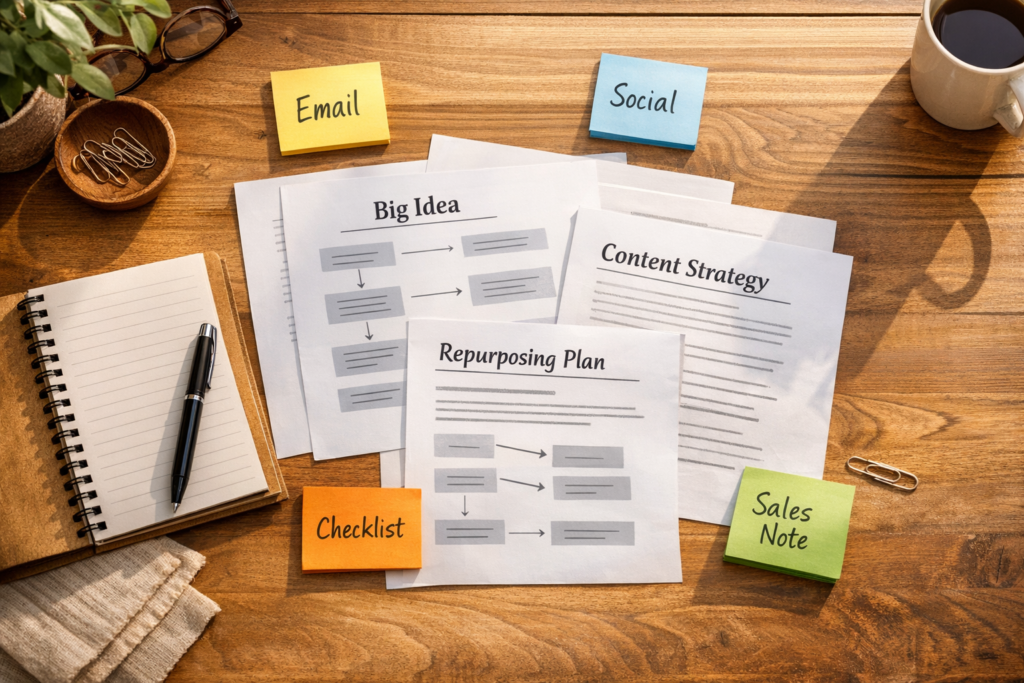
AI can turn one article into a long list of posts, emails, scripts, summaries, carousels, and sales notes. That sounds helpful until the team opens the folder and finds thirty drafts that still need judgment, editing, formatting, scheduling, and approval.
The issue is not that AI repurposing is bad. It is that many teams skip the operational layer. They ask AI to create more content before they decide which content should exist.
A better approach is to treat repurposing like a workflow, not a prompt trick. The prompt matters, but the process around the prompt matters more.
Start with the job of the content
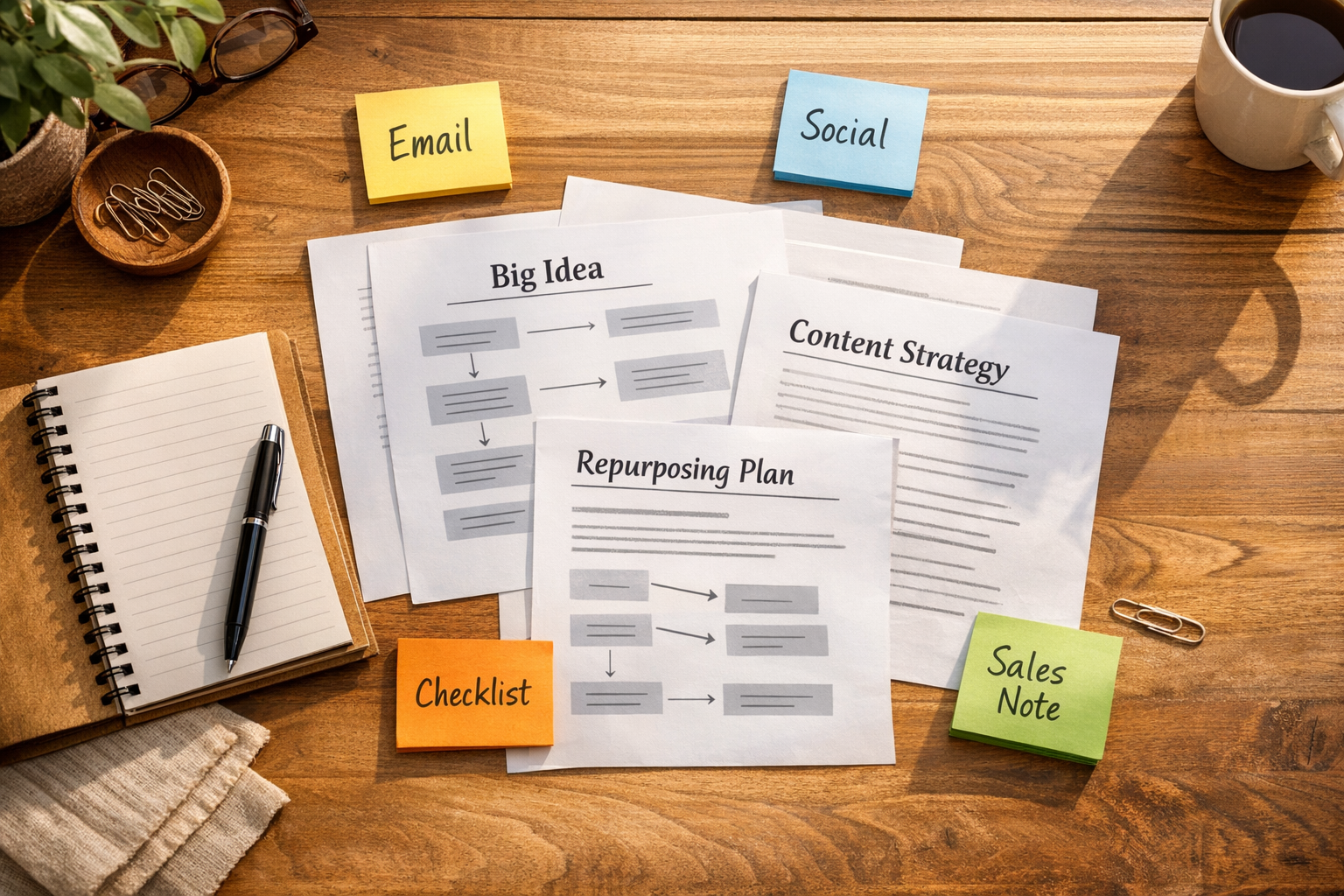
One strong idea can become several useful assets, but every asset should have a job. If there is no clear audience, destination, or next action, the output usually becomes clutter.
Before building an AI agent or automation, answer a few plain questions:
- Who needs this version? A prospect, customer, sales rep, support agent, internal team, or founder?
- What should it help them do? Understand, decide, reply, implement, compare, or take action?
- Where will it be used? LinkedIn, newsletter, CRM sequence, sales enablement folder, onboarding resource, or internal knowledge base?
- Who approves it? Founder, marketing lead, operations manager, or account owner?
- What should not be created? This is just as important as the output list.
This decision layer keeps the workflow focused. It also prevents the common mistake of generating content simply because the tool can.
Use a small format map
Many content workflows become too broad too quickly. A team sees that AI can produce dozens of formats, so they try to create them all. In practice, a smaller map is easier to maintain and more likely to be used.
For a typical business article, a practical format map might look like this:
- LinkedIn post: The core opinion or lesson
- Email newsletter: The practical takeaway with context
- Checklist: Steps the reader can apply
- Sales note: A short internal summary for conversations with prospects
- FAQ entry: A reusable answer for support, onboarding, or customer success
That gives the original idea more life without overwhelming the team. The goal is not maximum output. The goal is useful output that can be reviewed and published without chaos.
Design the workflow before choosing the tool
The best tool depends on how the work actually moves. Some teams need a simple document-based process. Others need a more structured setup with task assignments, CRM notes, approvals, and scheduled publishing steps.
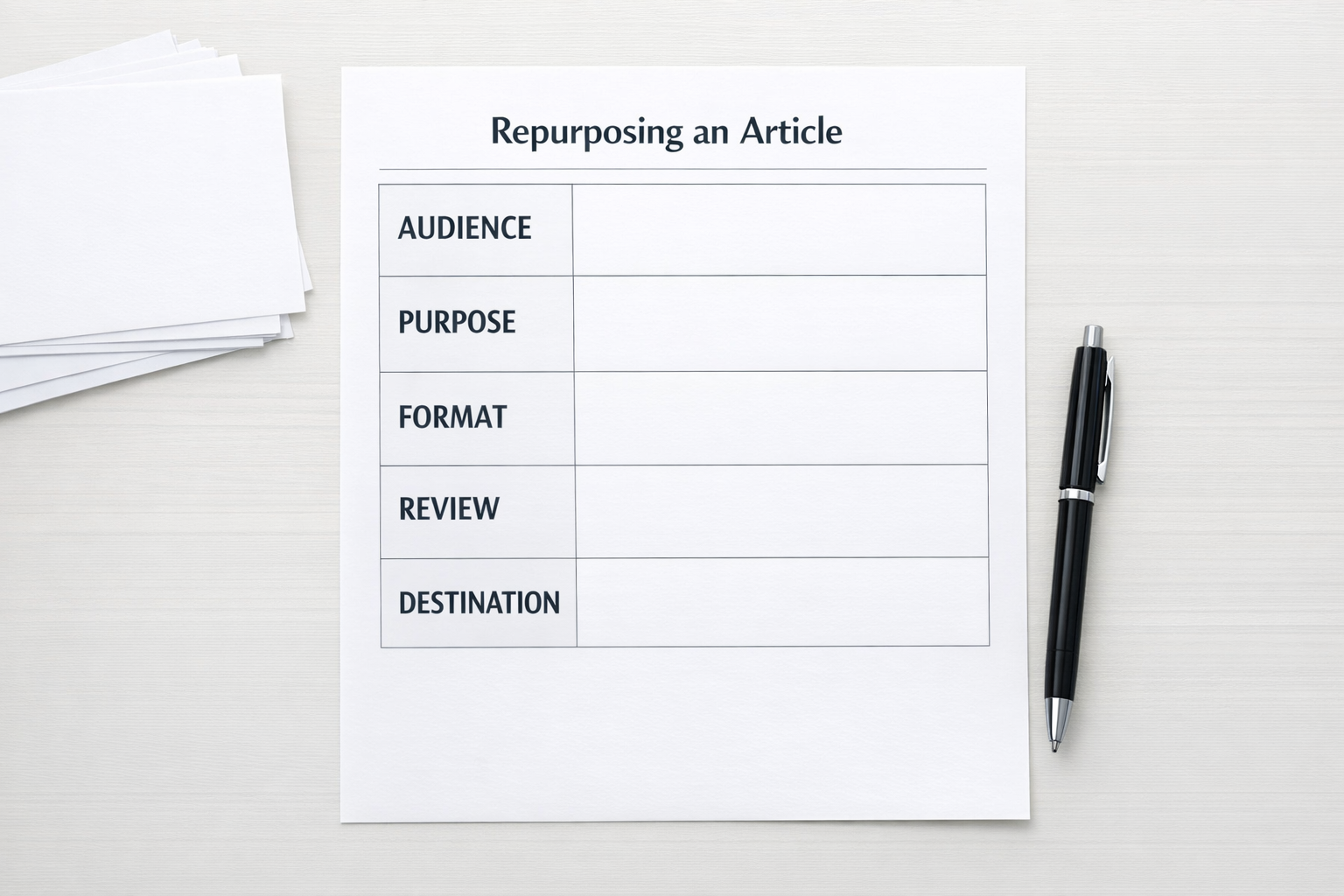
Before connecting anything in Make, Zapier, ClickUp, HubSpot, or GoHighLevel, map the workflow in plain language:
- Trigger: A new article is approved, a blog post is published, or a document is added to a folder.
- Input cleanup: The source content is collected with the title, audience, offer, and any context the AI needs.
- AI generation: The agent creates only the approved formats from the format map.
- Human review: Tasks are assigned to the right person for editing and approval.
- Storage: Approved assets are saved in the correct folder, CRM record, content calendar, or knowledge base.
- Publishing or handoff: The final content moves to the platform or person responsible for using it.
This is where automation becomes valuable. It removes repetitive copy-paste, file creation, task setup, and handoff work. It should not remove judgment.
Build useful guardrails into the AI prompt
A good AI repurposing prompt should do more than ask for new formats. It should include operating rules. For example:
- Do not invent facts, statistics, quotes, or claims.
- Keep the original point intact.
- Adapt the angle for the target audience.
- Use the company tone and banned phrases list.
- Return drafts in a consistent structure.
- Flag weak source material instead of forcing output.
- Ask for missing context when needed.
These rules reduce cleanup time. They also make the workflow easier to trust because the AI has clear boundaries.
Add a review step that matches risk
Not every asset needs the same level of review. A public LinkedIn post may need more care than an internal sales note. A customer-facing email may need stricter approval than a private brainstorming draft.
Create simple review levels:
- Low risk: Internal summaries, rough drafts, idea lists
- Medium risk: Social posts, newsletter drafts, reusable checklists
- High risk: Sales claims, customer emails, policy content, pricing or legal language
This keeps humans involved where judgment matters most. It also avoids slowing everything down with unnecessary approvals.

Measure saved work, not just generated assets
A repurposing system should be judged by operational value. Did it reduce manual copy-paste? Did it shorten draft creation time? Did it make handoffs clearer? Did it help the team reuse ideas across sales, marketing, and support?
Counting outputs alone can be misleading. Ten unused drafts are not better than three approved assets that help the business communicate clearly.
Useful measures include:
- Number of manual steps removed
- Time from source article to approved drafts
- Percentage of AI drafts accepted after review
- Reduction in missed handoffs
- Reuse of content across CRM, newsletter, sales, and support workflows
A simple implementation path
If you want to build this without overcomplicating it, start small:
- Choose one source type: Blog articles, founder notes, webinars, or customer questions.
- Choose three output formats: Pick the formats your team will actually use.
- Write the rules: Tone, audience, claims, structure, and review requirements.
- Test manually first: Run five examples before automating.
- Automate the handoffs: Once the process works, connect the steps with your workflow tools.
This gives you a validated workflow before you build a bigger system. It also makes the automation easier to maintain because the messy decisions have already been handled.
The practical takeaway
AI content repurposing is not really about turning one article into as many assets as possible. It is about turning one useful idea into the right assets for the right places, with less manual work.
Start with process. Define the decision rules. Add AI where repetition slows the team down. Then automate the handoffs once the workflow has proven itself.
If you want help designing an AI-assisted content, CRM, or operations workflow, ConsultEvo can help you map the process, validate the logic, and build the automation around how your team actually works.