


AI agents are not a shortcut around unclear operations
AI is moving from chat windows into real business workflows. That is good news for teams drowning in admin, follow-ups, CRM updates, ticket routing, and internal coordination. But there is a catch that does not get enough attention.
An AI agent can only perform well when the handoff around it is clear.
If the process is vague, the agent will not magically make it clean. It may produce faster output, but the business will still deal with confusion, rework, and mistrust. In some cases, automation makes the mess more visible because the agent follows the rules exactly, while humans were quietly filling in the gaps.

This is where many automation projects either become useful or become another layer of noise. The difference is not usually the tool. It is the preparation.
The real job of an AI agent in operations
In a practical business setting, an AI agent should remove repeatable work around human judgment. It should not be expected to replace the judgment itself on day one.
Good early use cases often look simple:
- Summarizing a sales call before a follow-up task is created
- Checking whether a CRM record is missing required information
- Drafting a reply for a support request based on known context
- Routing a form submission to the right team member
- Creating a task when a deal reaches a specific stage
- Preparing a daily summary of open issues and blockers
These are not flashy examples, but they are valuable because they reduce the manual copy-paste and checking work that slows teams down.
The important point is that each of these examples has a handoff. Something starts the workflow. Someone owns the result. Certain data must be present. A specific outcome is expected.
If those pieces are not defined, the AI agent is being asked to guess the business process.
Humans hide broken workflows very well
One reason automation can be difficult is that humans are excellent at compensating for unclear systems. A salesperson remembers which lead source is usually messy. An operations manager knows which CRM fields cannot be trusted. A support rep adds context in Slack because the ticket does not contain enough detail. A project manager creates the missing task because they happened to notice the issue.
All of that effort keeps the business moving, but it also hides the true cost of unclear operations.
When you introduce an AI agent, those hidden assumptions become a problem. The agent does not know that one pipeline status is outdated. It does not know that a certain request type always needs manager review unless someone defines that rule. It does not know that a missing field should stop the workflow instead of moving it forward.
This is why process design has to come before automation design.
A simple handoff framework before building
Before choosing a tool or writing a prompt, define the handoff. A simple four-part framework is enough for most first-pass validation.
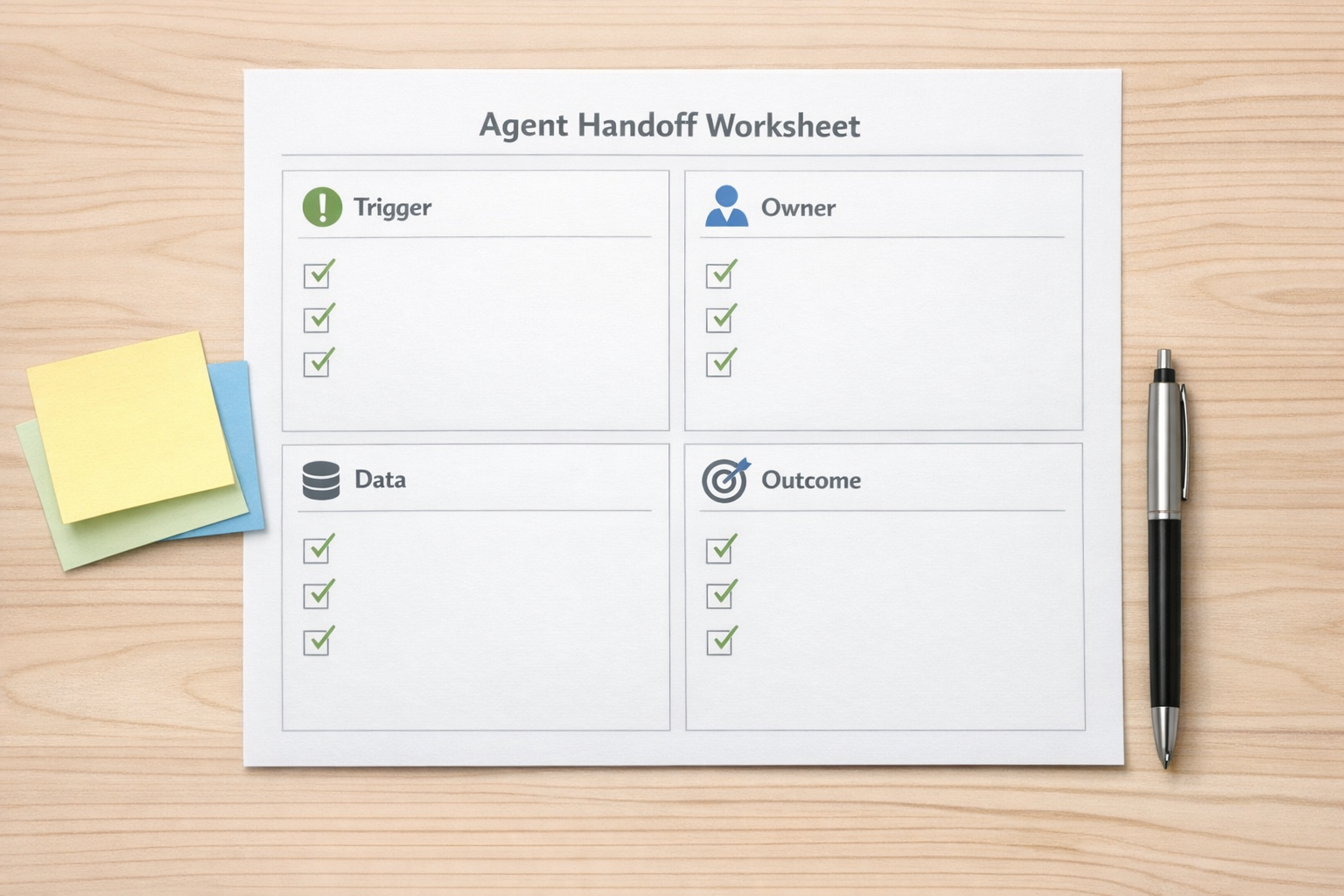
1. Trigger
What starts the workflow? This could be a new form submission, a deal moving stage, an email arriving, a task status changing, or a message being added to a support channel.
A weak trigger sounds like “when someone needs follow-up.” A stronger trigger sounds like “when a deal moves to Proposal Sent and the next activity field is empty.”
2. Owner
Who is accountable for the step if the agent cannot complete it? Every automated workflow needs a human owner, especially in the beginning.
This does not mean the owner does the manual work. It means they review exceptions, improve the rule, and decide what happens when the workflow does not have enough context.
3. Data
What information must be available before the agent acts? This is where CRM cleanup and system structure matter.
If the agent needs the customer type, deal value, last contact date, service category, or priority level, those fields need to exist and be reliable. If the team does not trust the data, they will not trust the automation.
4. Outcome
What should be true when the workflow is complete? The outcome should be specific enough to verify.
For example: “A follow-up task is created for the deal owner with a suggested message and due date.” That is easier to test than “the lead is handled.”
Validate the workflow before scaling it
Not every AI agent idea should be built immediately. Some ideas are useful, but only after the workflow is cleaned up. Others are too vague and need to be narrowed.
Use these questions to validate an idea before implementation:
- Can the decision be explained in plain language? If the team cannot describe the rule, the agent will struggle too.
- Is the source data reliable? Bad inputs create bad actions, even with a good model.
- Is there one clear next action? The best first automations reduce ambiguity.
- What should happen when confidence is low? Edge cases should route to a person, not disappear.
- Will the team actually use the output? If people ignore the result, the workflow needs redesign.
This validation step is where many projects save time. It is better to discover a missing field, unclear owner, or weak trigger during planning than after the automation is live.
Where AI agents fit in the stack
In many businesses, AI agents are most useful when connected to the tools already running the operation. That might include a CRM, project management system, helpdesk, form tool, inbox, or automation platform.
The agent does not need to own the entire process. It can handle one step inside a larger workflow. For example, it might classify an inbound request, summarize it, and pass it to an automation that creates a task. Or it might review a CRM record and flag missing information before a sales sequence starts.

This is a healthier way to think about AI in operations. The agent is not a magic employee. It is a specialized layer that helps the system move cleaner information to the right place at the right time.
Start with one workflow
If your team is exploring AI agents, resist the urge to automate everything at once. Pick one workflow that is repetitive, visible, and painful enough to matter.
Good candidates often include sales follow-ups, lead qualification checks, support triage, onboarding task creation, internal request routing, and CRM cleanup prompts.
Map the current process first. Identify where humans are copying data, checking fields, rewriting the same message, or asking the same clarification questions. Then define the trigger, owner, data, and outcome.
Once that is clear, the tool choice becomes much easier.
The practical view
AI may create new kinds of work, remove old kinds of admin, and change how teams operate. For founders and operators, the best response is not panic or hype. It is workflow clarity.
When the handoff is clear, an AI agent can reduce manual effort and help people spend more time on judgment, customers, and improvement. When the handoff is unclear, automation just moves confusion faster.
If you want help identifying the right AI agent use case, cleaning up the workflow, or building the automation around it, ConsultEvo can help you design a practical system your team can trust and maintain.