


AI Agents Need a Working Environment, Not Just Better Prompts

Better prompts can improve AI output, but they do not fix the larger operational problem.
If your team has to explain the same business context every time, upload the same files, paste the same examples, correct the same tone, and move the same outputs between tools, the bottleneck is not only the AI model. The bottleneck is the missing system around the AI.
This matters for content, sales, support, CRM cleanup, ClickUp workflows, and almost every automation project. A chat window is useful, but it is often disconnected from the place where the real work happens.
The practical next step is to stop treating AI like a visitor and start giving it a structured working environment.
Why isolated AI chats hit a ceiling
One-off AI chats are great for quick questions, rough drafts, brainstorming, and small tasks. They become weaker when the work depends on repeated context.
For example, a content assistant needs to know your audience, offers, examples, tone, publishing rules, and previous topics. A sales assistant needs to know qualification rules, CRM fields, follow-up logic, pipeline stages, and handoff criteria. A support assistant needs to know issue categories, escalation rules, refund policies, required details, and response standards.
If that information only exists in someone’s head or scattered across old chats, the AI starts from zero too often.
That creates a familiar pattern:
- You explain the workflow again.
- You paste reference material again.
- You correct the same mistakes again.
- You copy the output into another tool.
- You manually check whether it followed the rules.
At that point, the work may feel assisted, but it is still heavily dependent on the human acting as the middleman.
The better question to ask
Instead of asking, “What prompt should we use?” ask, “What does the AI need to understand before it can help with this workflow consistently?”
That question moves the conversation from prompting to operations design.
For a useful AI-supported workflow, the system needs a few basic ingredients:
- Source material: the files, records, examples, and notes the AI should reference.
- Working rules: the standards it should follow every time.
- Task boundaries: what the AI can draft, update, suggest, or prepare.
- Guardrails: what it must not send, delete, change, or assume.
- Review steps: where a human approves the output before it moves forward.
This is not about making the system complicated. It is about giving the AI enough structure that it stops relying on repeated explanations.
Start with an agent context canvas
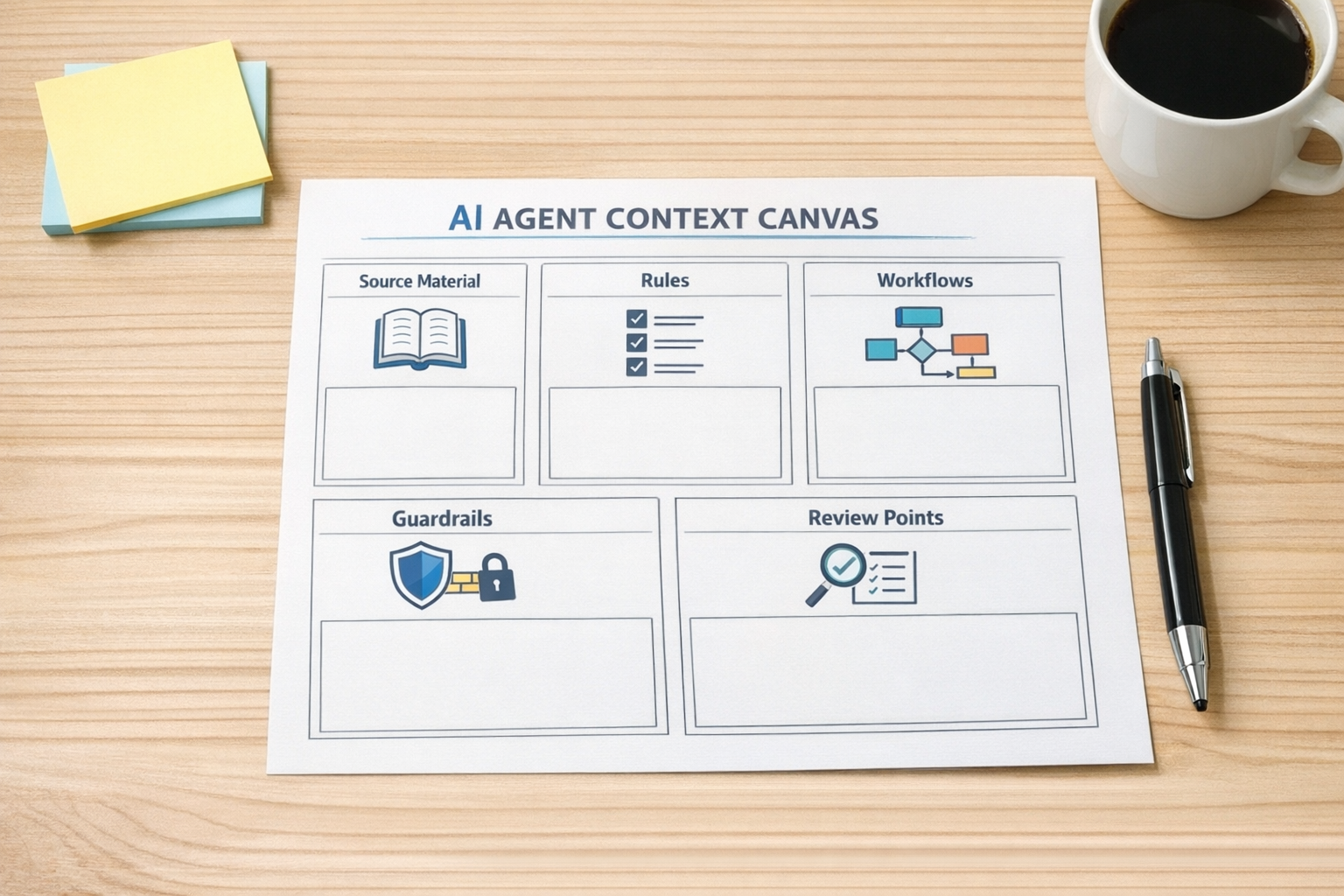
Before building an AI agent, automation, or workflow in Make, Zapier, HubSpot, GoHighLevel, ClickUp, or another system, create a simple context canvas.
This can be a document, worksheet, or project note. The format matters less than the clarity.
Include these sections:
- What is the workflow? Define the specific job. For example: turn new consultation form submissions into qualified CRM records and follow-up tasks.
- What inputs matter? List the forms, fields, documents, call notes, emails, or customer records the AI should use.
- What does good output look like? Add examples, naming conventions, required fields, tone rules, and formatting expectations.
- What decisions can AI make? Be clear about low-risk decisions versus anything that needs human review.
- What should trigger escalation? Define exceptions, missing information, high-value leads, urgent support issues, or unclear requests.
This document becomes the beginning of the AI’s working environment. It gives your future automation something stable to reference.
Apply it to a real operational workflow
Let’s say a business wants to reduce manual sales admin after a lead submits a form.
A weak approach is to ask AI, “Summarize this lead and tell me what to do next.” That may help, but the operator still has to paste the form response, judge the output, update the CRM, and create the next task.
A stronger approach is to define the workflow first:
- New form submission arrives.
- Required fields are checked.
- AI summarizes the request using a defined format.
- The lead is categorized based on clear criteria.
- The CRM record is updated only in approved fields.
- A follow-up task is created for the right person.
- Unclear or high-risk cases are flagged for review.
Now AI is not just answering a question. It is supporting a repeatable business process.
The same pattern can apply to support triage, content planning, proposal drafting, Shopify order exception handling, CRM cleanup, ClickUp task creation, or internal reporting.
Design the guardrails early
AI agents can be useful because they can take action, but that is also why structure matters.
Do not begin by giving the agent broad permission to touch everything. Start with narrow jobs and visible review points.
Good early guardrails include:
- AI can draft, but not send customer messages without approval.
- AI can suggest CRM updates, but only approved fields are changed automatically.
- AI can create tasks, but task templates and owners are predefined.
- AI can summarize calls, but uncertain items are marked for human review.
- AI can classify leads, but edge cases are routed to a person.
This is how you avoid building an impressive system that creates operational cleanup later.
Improve the environment as mistakes appear
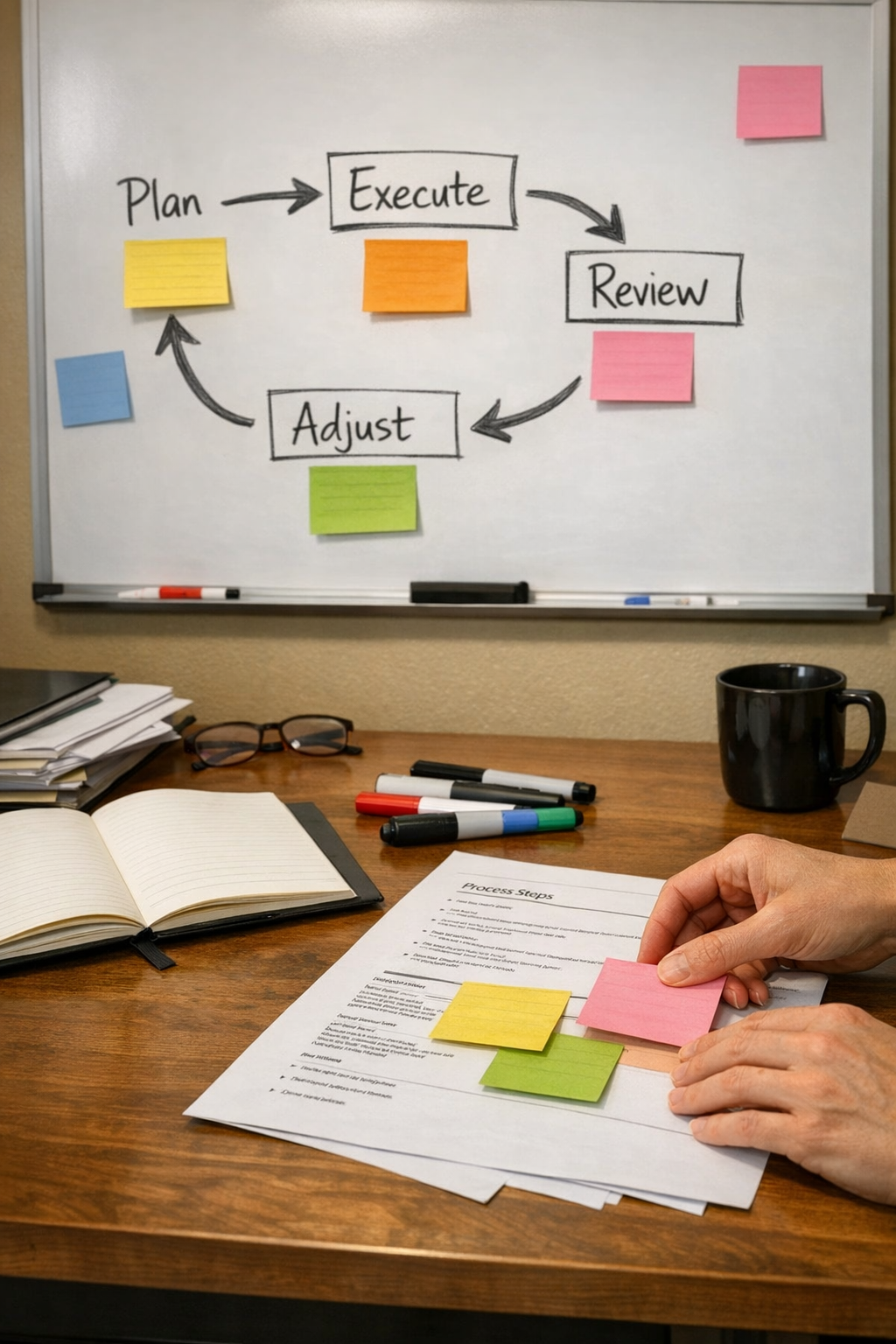
A good AI workflow is not finished on the first build. It improves through corrections.
When the AI gets something wrong, do not only fix the output. Fix the environment that produced the output.
Ask:
- Was the rule missing?
- Was the example unclear?
- Was the source material outdated?
- Was the workflow step too broad?
- Was the approval point in the wrong place?
This is one of the most practical habits in automation design. Every correction should make the system smarter for next time.
The real ROI is less repeated explanation
AI ROI is not only about faster writing or quicker summaries. In day-to-day operations, a lot of the value comes from removing repeated explanation, copy-paste work, and manual handoffs.
When an AI agent has the right context, rules, and workflow boundaries, it can help the team spend less time translating work between systems.
That is where AI becomes more than a chat assistant. It becomes part of the operating system of the business.
If you want help designing an AI agent or automation workflow around your real operations, ConsultEvo can help you map the process, define the context, set the guardrails, and build it into your tools without adding unnecessary complexity.