


AI agents are becoming easier to approve. That does not make them easier to use well.
As AI agents become more available inside the tools companies already use, the conversation is shifting. Security and access control still matter, but for many teams, the larger practical question is becoming more operational:
What work are we actually ready to delegate?
That question is less exciting than the latest product announcement, but it is far more useful. An AI agent can only help if the work is clear enough to be explained, repeated, checked, and improved.

At ConsultEvo, this is the pattern we see across automation projects, CRM workflows, ClickUp systems, Make scenarios, Zapier automations, and AI-assisted operations. The tool is rarely the first problem. The unclear process is.
The real blocker is often undocumented work
Many businesses run on processes that are understood but not written down. A team member knows how to prepare the weekly report. Someone in sales knows when to follow up with a lead. An operations manager knows which client onboarding steps are flexible and which ones are not.
That knowledge is valuable, but it is also fragile. If it only exists in someone’s head, it cannot easily be delegated to software, transferred to a new hire, measured, or improved.
AI agents make this more visible. When a human does a vague process manually, they fill the gaps with judgment. When an agent receives vague instructions, those gaps become risk.
For example, “prepare the client update” sounds simple until you ask:
- Which clients need an update?
- Where should the source information come from?
- Which tasks should be included or excluded?
- What tone should the message use?
- Does someone need to review it before sending?
- Where should the final message be saved?
Those details are not small. They are the process.
Before building an agent, write the human version
A strong AI workflow often starts as a clear human workflow. This does not need to be complicated. In fact, the best starting point is usually a plain-language document that explains how a careful person handles the task today.
Choose one recurring task and document it in a simple structure:
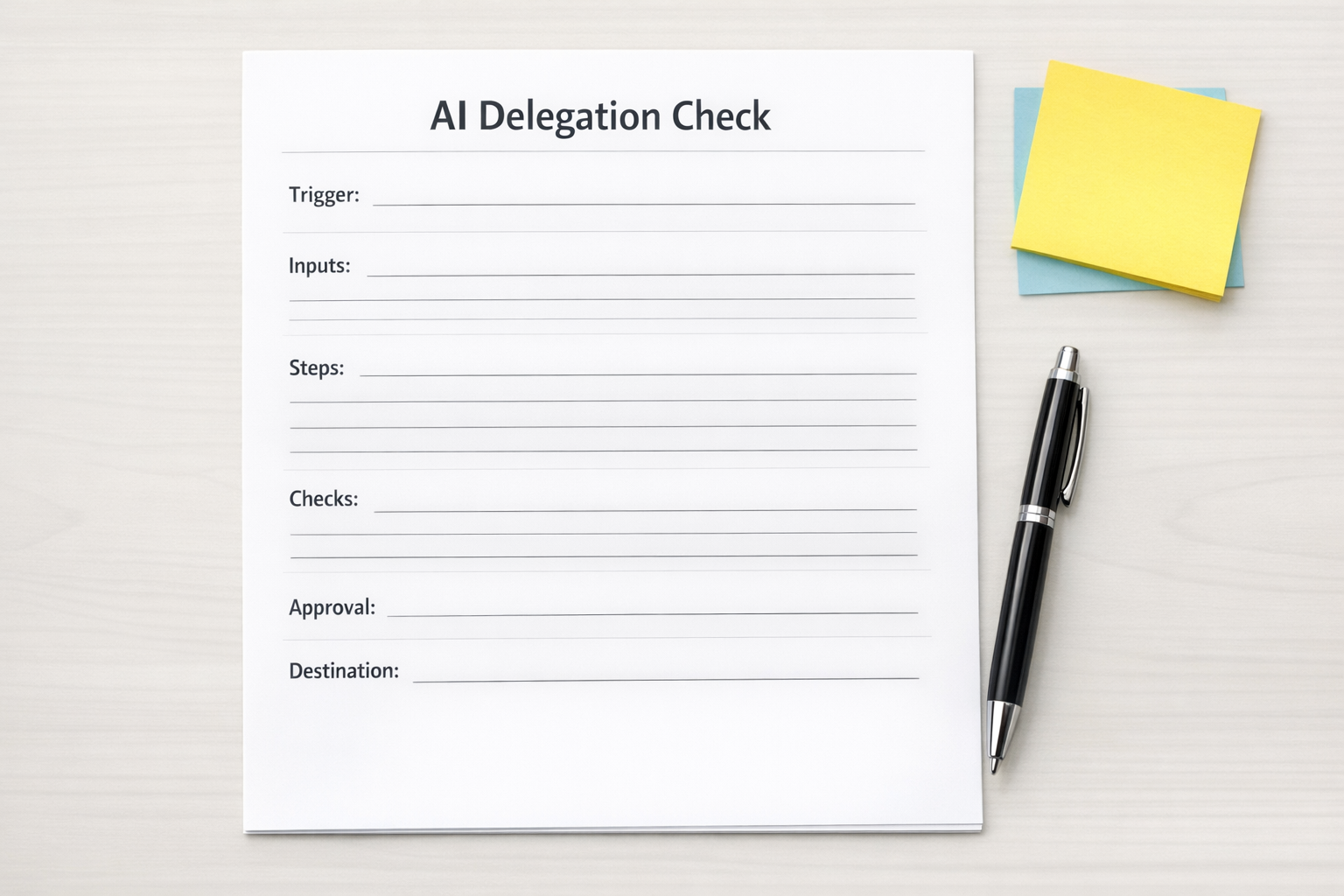
- Trigger: What starts the process?
- Inputs: What information is required?
- Source of truth: Which system or document should be trusted?
- Steps: What happens first, second, and third?
- Decision points: What changes based on the situation?
- Approval rules: What needs human confirmation?
- Output: What should be created?
- Destination: Where should the result go?
- Failure handling: What should happen if information is missing?
This kind of document can become many things. It can become an AI agent instruction. It can become a Make or Zapier automation plan. It can become a ClickUp SOP. It can become a CRM workflow. It can become a checklist for a human assistant.
The point is not to document for the sake of documentation. The point is to make the work clear enough to move.
Not every step should be automated
A common mistake is trying to automate the whole process at once. That often creates more complexity than value.
A better approach is to separate the workflow into three categories:
- Automate: Repetitive steps with clear rules and low judgment.
- Assist: Drafting, summarizing, organizing, classifying, or preparing work for review.
- Approve: Steps involving sensitive decisions, client-facing messages, financial impact, or policy exceptions.
This is where AI agents can be especially useful. They do not have to fully replace the process to remove meaningful work. Sometimes the best result is that the agent gathers the information, drafts the update, flags the risk, and waits for a person to approve the final action.
That is still valuable. It reduces manual copy-paste. It shortens preparation time. It gives the human a better starting point. It also keeps judgment where it belongs.
Good delegation depends on clear boundaries
If you want AI agents to work safely in business operations, define what they are allowed to do and what they are not allowed to do.
Useful boundaries include:
- Which folders, records, or tools can be referenced
- Which actions require approval before completion
- Which messages can be drafted but not sent
- Which data should never be used in outputs
- Which exceptions should be escalated to a person
- Which system should receive the final update
These boundaries are not just technical settings. They are operational decisions. Someone needs to own them.
Start with one workflow, not the whole company
The safest way to begin is to pick one recurring workflow that is important but contained. Good candidates include:
- Weekly internal reporting
- Lead follow-up preparation
- Support ticket triage
- Client onboarding task creation
- Meeting note summaries and action item routing
- CRM cleanup review lists
- Sales-to-operations handoff checks
For the first version, do not aim for full autonomy. Aim for a cleaner workflow with less manual effort and better review points.
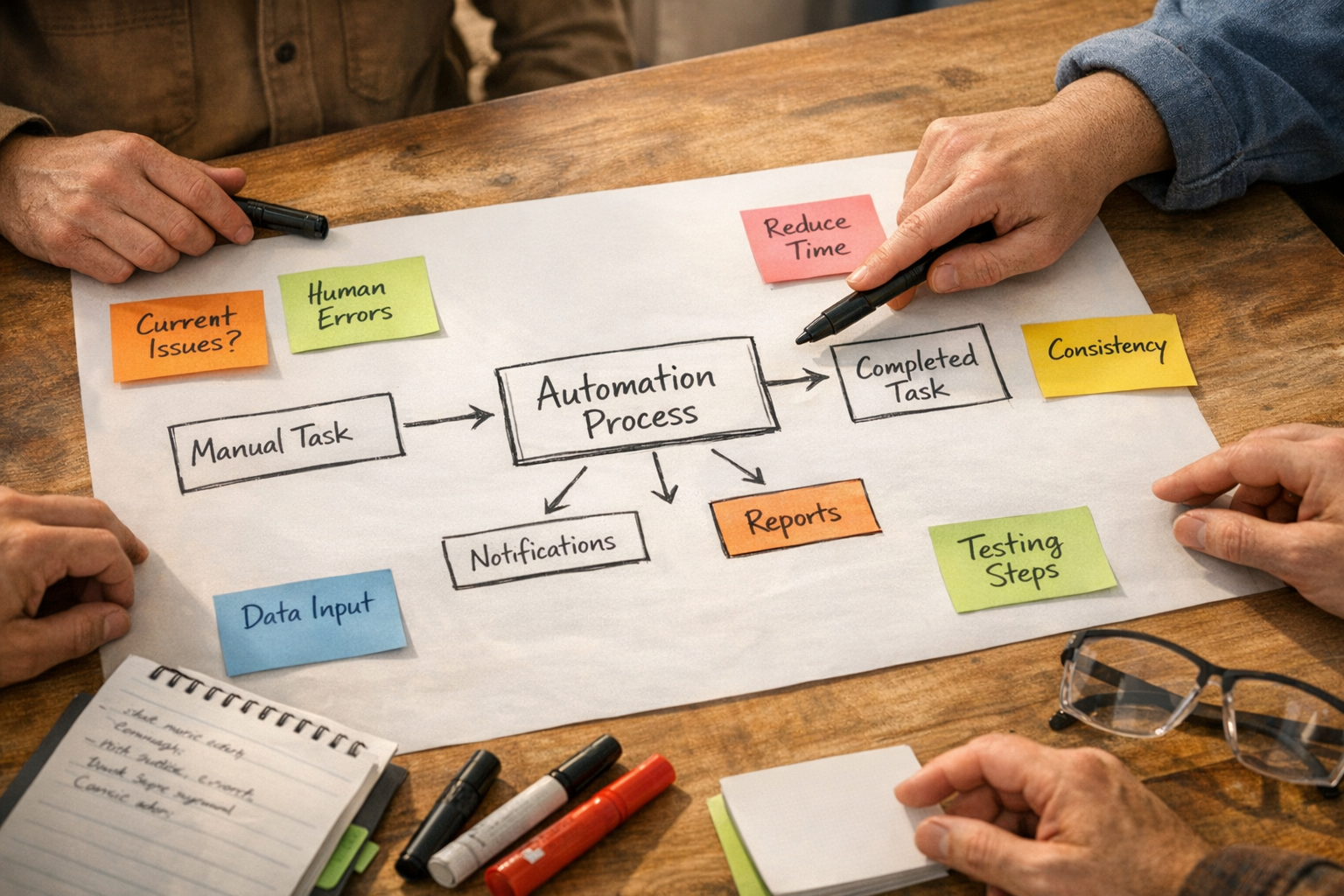
Map the process. Identify the repeatable parts. Decide what the AI can draft or prepare. Decide what a human must approve. Then test it with real examples before connecting it to live operations.
The companies that benefit most will be the ones that can explain their work
AI agents will keep improving. Tool access will become easier. Built-in permissions and approval flows will become more common. But none of that removes the need for operational clarity.
The teams that benefit most will be the teams that can clearly describe how work happens, where decisions are made, and what good output looks like.
That is not just an AI skill. It is a business operations skill.
If your team wants to use AI agents, automation, or workflow tools more effectively, start by documenting one process. Keep it narrow. Make it specific. Include the exceptions. Add the approval points. Then decide whether it belongs in an AI instruction, a Make workflow, a Zapier automation, a ClickUp system, or your CRM.
ConsultEvo can help. We work with founders and operators to turn messy recurring work into practical systems across AI agents, ClickUp, Make, Zapier, HubSpot, GoHighLevel, Shopify, WordPress, and CRM workflows. If you are not sure where to start, start with the process you keep doing manually every week.