


AI Agents Should Remove Work, Not Create Another System to Manage

AI agents are getting a lot of attention, and for good reason. A well-designed agent can monitor information, make basic decisions, update systems, and trigger the next step without waiting for a human to copy and paste data between tools.
But there is a quiet problem behind many AI agent projects: teams start by asking what the agent can do instead of asking what work should disappear.
That difference matters. If an agent only adds another place to check, another thread to review, or another automation to babysit, it has not improved operations. It has just changed where the friction lives.
The practical goal is simpler: use AI agents to remove low-value operational work while keeping humans involved where judgment, context, or risk require it.
Start with the work, not the tool
Before choosing the model, writing prompts, or connecting automation platforms, map the manual work that is currently slowing the team down.
Good candidates usually look like this:
- Someone checks one system, then updates another.
- A lead or ticket needs to be classified before it moves forward.
- A follow-up task is created manually after the same type of event.
- CRM fields are often incomplete, inconsistent, or out of date.
- Project updates are scattered across email, tasks, and chat.
- Sales or support handoffs depend on someone remembering the next step.
These are not glamorous workflows, but they are often where automation creates real value. The agent does not need to be impressive. It needs to be reliable enough to remove repetitive work from the team.
Define what the agent is allowed to decide
The most important design question is not technical. It is operational.
What decisions can the agent make without asking a person?
For example, an agent might be allowed to classify a new inbound lead by company size, region, or requested service. It might be allowed to create a CRM task when a proposal has not been followed up. It might summarize a support conversation and assign the right internal category.
But it may not be allowed to change a deal stage, send a sensitive reply, approve a refund, or overwrite key customer data without review.
That boundary should be clear before anything is built. Otherwise, the automation becomes hard to trust.
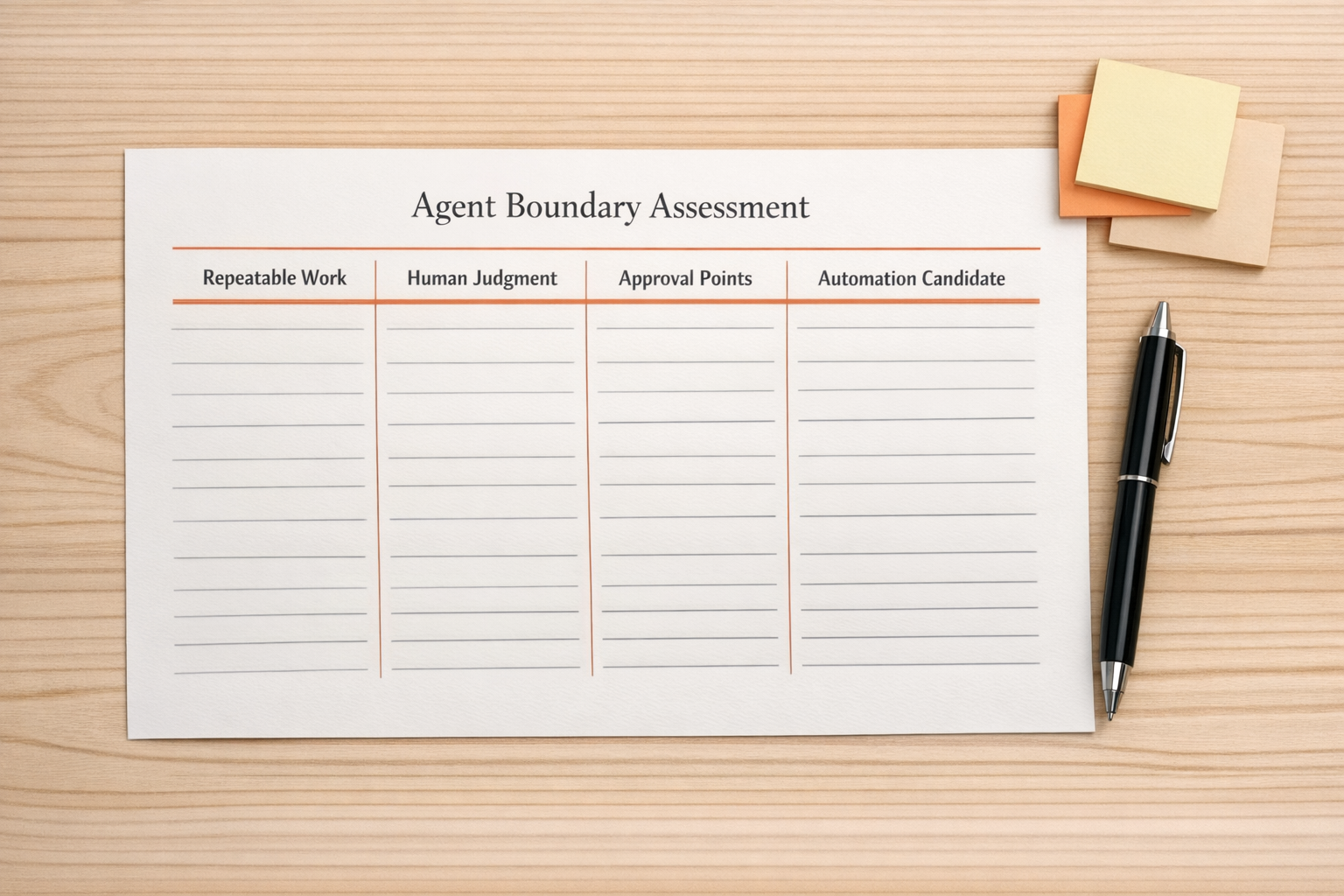
Use a simple agent design worksheet
A useful AI agent plan can often be described in five sections:
- Responsibilities: What recurring work is the agent responsible for?
- Inputs: Which emails, forms, CRM records, tasks, orders, or messages does it read?
- Decisions: What rules or classifications does it apply?
- Actions: What can it create, update, route, or trigger?
- Escalations: When should it stop and ask a human?
If these sections are vague, the build is not ready. A vague workflow becomes a vague agent, and a vague agent creates cleanup work.
This is why process comes before tools. Make, Zapier, HubSpot, GoHighLevel, ClickUp, Shopify, and CRM systems can all support useful automation, but only if the workflow logic is understood first.
Connect decisions to real operational actions
An AI agent becomes valuable when it can move work forward in the systems your team already uses.
For a sales workflow, that might mean:
- Reading a new form submission.
- Checking whether the contact already exists in the CRM.
- Classifying the lead based on agreed criteria.
- Creating or updating the contact record.
- Assigning the right owner.
- Creating a follow-up task.
- Escalating unclear cases for review.
For a support workflow, it might mean:
- Summarizing the customer issue.
- Identifying the order, account, or subscription involved.
- Tagging the request correctly.
- Routing it to the right person or queue.
- Drafting an internal note.
- Flagging risky or unusual cases.
The agent is not valuable because it “uses AI.” It is valuable because fewer things fall through the cracks, fewer fields are updated manually, and the next step is clearer.
Design the human handoff carefully
The handoff is where many automation projects succeed or fail.
If an agent needs human review, the review request should be specific. It should not say, “Please check this.” It should say what was found, what decision is needed, and what will happen next.
For example:
- “This lead matches two possible service categories. Please choose one before routing.”
- “The customer requested a refund, but the order is outside the standard policy. Please review.”
- “The company name in the form does not match the CRM record. Please confirm before updating.”
Good escalation messages save time. Poor escalation messages simply move the confusion from one system to another.

Build small, then expand
The safest AI agent projects usually start with a narrow workflow. Pick one repetitive process with clear inputs and a clear next step. Build it. Watch it. Review the edge cases. Improve the rules. Then expand.
A good first version might only classify and prepare work for a human. The second version might update fields. The third version might create tasks or trigger follow-ups. Trust is built through controlled scope, not through trying to automate everything at once.
What to measure
You do not need complicated reporting to know whether an agent is helping. Start with practical indicators:
- How many manual updates were removed?
- How many handoffs became clearer?
- How often did the agent need human correction?
- How much duplicate entry was reduced?
- Did the team spend less time checking status?
These questions keep the focus on operational improvement instead of novelty.
The ConsultEvo approach
At ConsultEvo, we prefer to design AI agents from the workflow backward. First, we identify the work that should disappear. Then we define the rules, source of truth, exceptions, and handoffs. Only after that do we build the automation across the right tools.
That might involve Make or Zapier for automation logic, ClickUp for task and project structure, HubSpot or GoHighLevel for CRM workflows, Shopify for operations, or custom AI steps where they actually help.
The point is not to add more technology. The point is to create cleaner operations.
If you are considering an AI agent for sales, support, CRM cleanup, project workflows, or internal operations, start with one question: what work should no longer need a human touch?
If you want help mapping that workflow and building the right automation around it, ConsultEvo can help you turn the idea into a practical, reliable system.