


The Tool Is the Interface. The AI Agent Is the Operator.
A lot of businesses are not short on tools. They have a CRM, a task manager, a form builder, an inbox, a spreadsheet, a calendar, and maybe a few automation tools sitting between them.
The real issue is that people are still operating those tools by hand all day.

Someone updates the CRM. Someone creates the follow-up task. Someone copies the customer note into the project. Someone checks whether a deal has gone cold. Someone moves the support request to the right person. Someone reviews a backlog just to find the few items worth acting on.
That work matters, but much of it does not require real judgment. It requires attention, consistency, and a clear set of rules.
This is where AI agents become useful in a practical business setting. Not as a vague replacement for your team, and not as another shiny app to add to the stack. The better framing is simpler: your existing tool remains the interface, and the AI agent becomes the operator.
Interface Work vs Operator Work
Every business system has two layers.
The first layer is the interface. This is where information lives and where people expect to see it. Your CRM, ClickUp workspace, GoHighLevel pipeline, HubSpot records, Shopify admin, Notion database, or internal spreadsheet can all act as interfaces.
The second layer is the operation. This is the repetitive work required to keep the interface useful. Creating records. Updating fields. Moving statuses. Checking conditions. Adding notes. Assigning owners. Sending internal alerts. Pulling information back out when someone needs it.
Many teams confuse these two layers. They assume that because the CRM is the right place for customer data, the sales team must manually maintain every piece of that data. Or because ClickUp is the right place for delivery tasks, someone must manually create and organize every task.
That assumption is where busywork grows.
The Useful Split: Human Judgment and System Operation
Before building an AI agent or automation workflow, separate the work into two categories.
- Human judgment: decisions that require context, taste, risk assessment, relationship awareness, or approval.
- System operation: repeatable actions that follow known rules and do not need a person to think deeply each time.
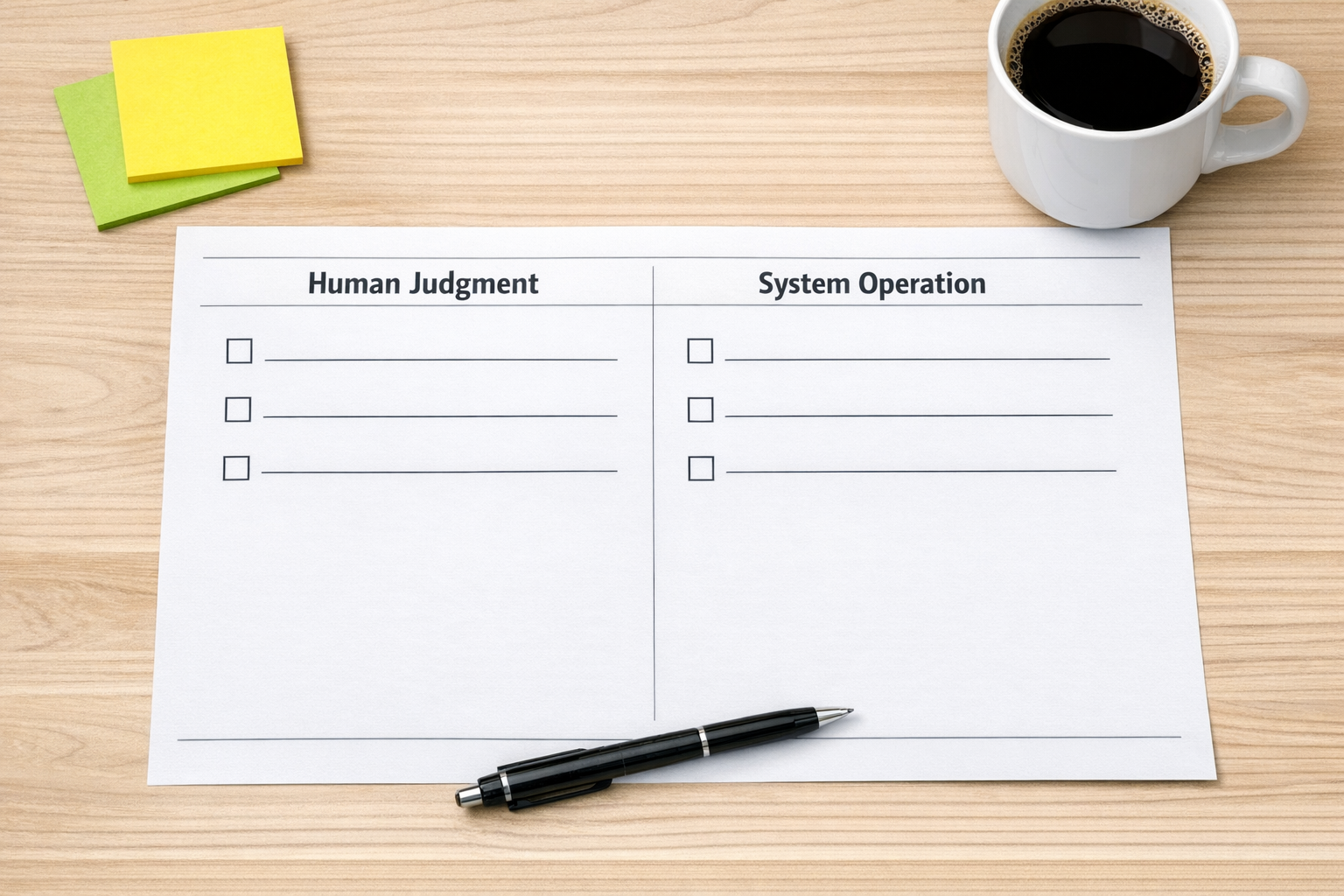
For example, a human should decide whether a lead is a good fit, whether a proposal needs a custom note, whether a refund request needs special handling, or whether a support issue should be escalated.
But the system can often handle the surrounding work:
- Create or update the CRM record
- Add the next follow-up task
- Tag the lead based on source or form answers
- Move the deal to the correct stage
- Summarize the intake details for the sales team
- Notify the delivery team after a deal is marked won
- Check for missing fields before a handoff begins
The person still owns the decision. The agent handles the operational steps around that decision.
Where AI Agents Fit Best
AI agents are most valuable when the workflow has enough structure to guide them, but enough variation that a simple one-step automation would be too rigid.
For example, a basic Zapier or Make automation can move a form submission into a CRM. That is useful. But an AI-assisted workflow can also inspect the submission, identify missing context, draft an internal summary, suggest a category, and prepare the next task for review.
The same idea applies across common business operations:
- CRM cleanup: identify incomplete records, normalize fields, flag stale opportunities, and prepare follow-up tasks.
- Sales handoffs: summarize deal context, create onboarding tasks, and notify the right internal channel.
- Support workflows: classify incoming requests, prepare response drafts, and escalate based on rules.
- ClickUp structure: create tasks from approved inputs, assign owners, set due dates, and keep statuses aligned.
- Content operations: review idea backlogs, surface promising topics, and organize drafts into a calendar.
- Shopify operations: flag order exceptions, prepare customer notes, and alert the right person when a rule is triggered.
The key is not to let the agent improvise your business. The key is to give it a defined job, a clear boundary, and a place to report back when human review is needed.
Start With One Workflow, Not the Whole Company
The safest way to use AI agents in operations is to start narrow.
Pick one workflow that already causes friction. Good candidates usually have signs like these:
- People copy and paste the same information often
- Important follow-ups are missed
- Records are incomplete or inconsistent
- Work gets stuck between sales, support, and delivery
- Someone has to check a list manually before deciding what to do next
- The team says, “I just need to remember to update that”
That last sentence is usually a warning sign. If the system depends on memory, it is not really a system yet.
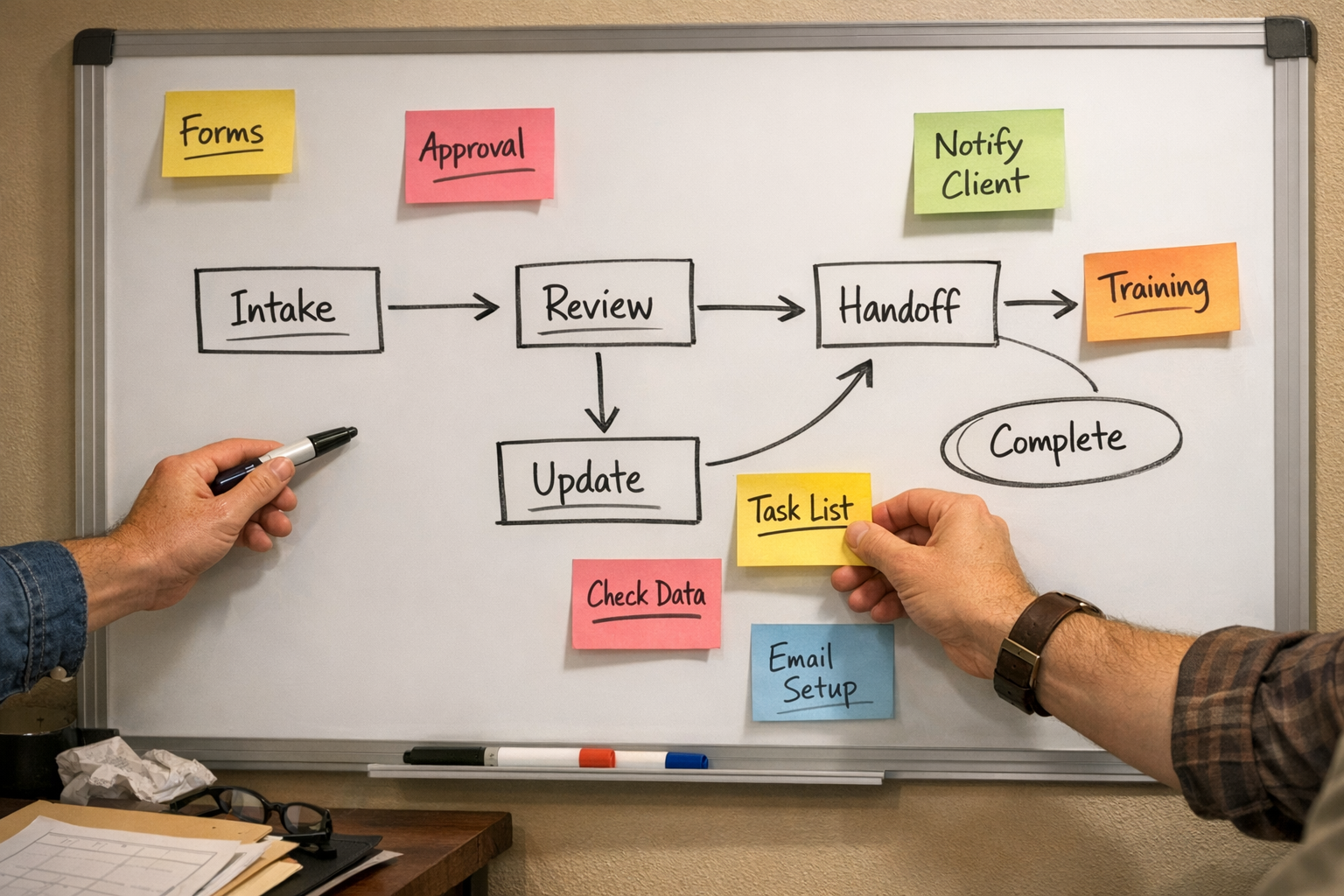
A Practical Build Sequence
When we design this kind of workflow at ConsultEvo, we usually follow a simple sequence.
1. Map the current clicks
Before touching any automation tool, document what actually happens today. Which screen does the person open? What do they copy? Which field do they update? Where do they check before making the next move?
This exposes the operator work that has been hiding inside the team’s daily routine.
2. Mark the judgment points
Identify the moments where a human decision is truly required. These should stay visible and intentional. The goal is not to automate judgment away. The goal is to protect it from being buried under admin work.
3. Define the agent’s allowed actions
Be specific. Can the agent create records? Update fields? Draft notes? Assign tasks? Send notifications? Should it ask for approval before changing a status or contacting a customer?
Clear permissions reduce risk and make the workflow easier to trust.
4. Add validation checks
Every useful automation should include checks. Required fields, duplicate detection, ownership rules, stage rules, and exception paths matter. Without validation, automation can spread messy data faster.
5. Test with real examples
Do not test only with perfect sample data. Use real messy examples from your business. Missing phone numbers, unclear requests, duplicate contacts, unusual order notes, and edge cases are where the workflow proves whether it is ready.
The Real ROI Is Less Handling Work
Automation ROI is not always about replacing a full role or creating a dramatic before-and-after story. Often, the real return is smaller and more practical.
Fewer missed follow-ups. Cleaner CRM data. Faster handoffs. Less copy-paste. Fewer status update meetings. Less time spent checking lists that a system could check first.
When an AI agent operates inside a clear workflow, the team gets time and attention back. That is the point.
A Good Question to Ask This Week
Look at one recurring process in your business and ask:
Which parts require judgment, and which parts are just software operation?
If you can answer that clearly, you have the beginning of a practical AI agent workflow.
If you want help designing that split, validating the workflow, or building it inside ClickUp, Make, Zapier, HubSpot, GoHighLevel, Shopify, or your CRM, ConsultEvo can help. Start with one process, make it clear, and remove the work your team should not have to keep doing manually.