

AI Agents Need Workflow Boundaries Before They Need More Access
AI agents are moving from simple chat interfaces into everyday operational work. They can help draft updates, summarize meetings, prepare follow-ups, check information across tools, and trigger recurring tasks. That shift is useful, but it also creates a common mistake: teams give the agent more access before they have defined the workflow.
Access is not the same as leverage.
An AI agent connected to your browser, files, calendar, CRM, project management system, or inbox can still produce messy work if the underlying process is unclear. The quality of the agent depends heavily on the quality of the workflow around it.

The Better Starting Question
When a team starts experimenting with AI agents, the first question is often, “What can we automate?”
That question is too broad. It usually leads to tool exploration, random prompts, and disconnected experiments.
A better starting question is:
Which recurring workflow is clear enough that we can safely delegate part of it?
This one question forces the right conversation. It moves the team away from novelty and toward operational value. Instead of asking the agent to do everything, you identify one task that already happens often, already has an expected output, and already has a human review pattern.
That is where AI agents can become useful quickly.
Start With the Manual Workflow
Before building an AI-assisted version, document how a good human does the work today. Not in a 40-page SOP. Just enough to make the decision points visible.
For example, if the workflow is preparing a weekly client update, the manual process may look like this:
- Review project notes from the week
- Check open tasks and overdue items
- Identify decisions made during meetings
- Summarize blockers or risks
- Draft the update in the client’s preferred format
- Send it to the account owner for review
That simple outline gives the agent structure. It also gives the human team a way to judge whether the output is useful.
Without this step, the agent is forced to guess. Sometimes it will guess well. Sometimes it will miss context, overreach, or produce something that sounds polished but is operationally wrong.
Define the Agent’s Boundaries
Useful AI agent workflows have boundaries. Those boundaries should be specific enough that everyone knows what the agent can and cannot do.
At minimum, define these six areas before implementation:
- Trigger: What starts the workflow? A scheduled time, a form submission, a CRM stage change, a new email, or a manual request?
- Inputs: What information is the agent allowed to use? Meeting notes, CRM fields, ClickUp tasks, support tickets, documents, or approved templates?
- Allowed actions: Can the agent draft only, update fields, create tasks, send messages, or prepare reports?
- Approval points: Where does a human need to review before anything is published, sent, or changed?
- Output format: What should the final result look like every time?
- Owner: Who is responsible for maintaining the workflow when the business changes?
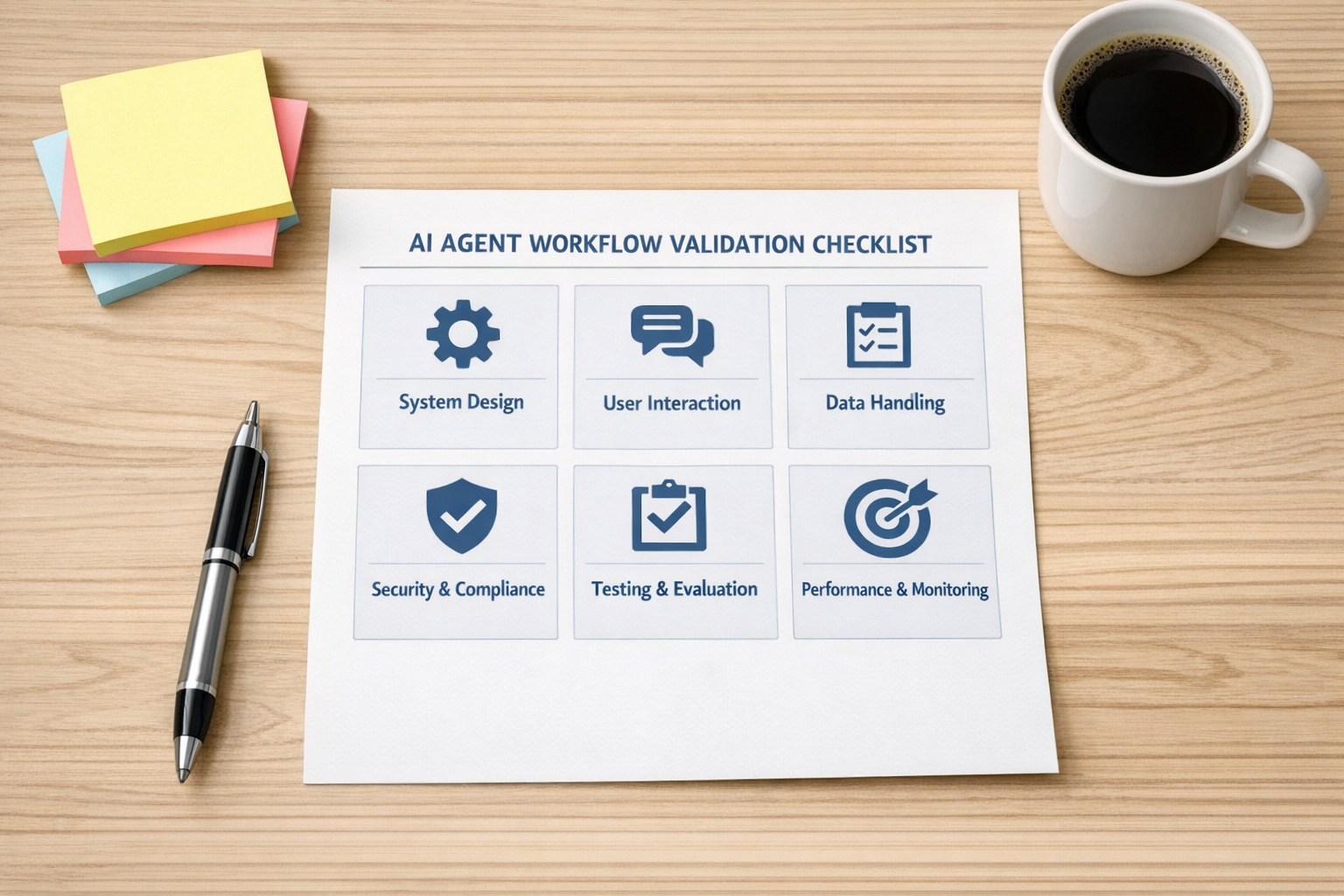
This is where many AI initiatives become more practical. You do not need a huge strategy document. You need a clear operating agreement for one workflow.
Reusable Workflows Beat One-Off Prompts
One-off prompts can be helpful, but they do not create much operational leverage by themselves. If someone has to explain the same context every time, copy data from three tools, paste the answer somewhere else, and manually check the format, the work is only partially improved.
The real value comes from reusable workflows.
A reusable workflow can include the context, steps, rules, output format, and review process. It can be run again without starting from zero. In practice, this could be a saved AI agent skill, a Make scenario, a Zapier workflow, a ClickUp process, a CRM automation, or a documented internal procedure supported by AI.
The tool matters less than the repeatability.
If the workflow happens every day, every week, or every time a lead, ticket, order, or project reaches a certain point, it is a candidate for structure. If it is rare, ambiguous, or high-risk, keep it more manual until the process is better understood.
Ownership Is Not Optional
AI workflows age.
Your CRM fields change. Your sales stages change. Your support categories change. Your ClickUp spaces get reorganized. Your customer communication standards improve. Your internal approval rules shift. A workflow that was accurate three months ago may become unreliable if nobody owns it.
That is why every meaningful AI agent workflow needs an owner.
For a small business, this can be simple. One operator owns the workflow, reviews it monthly, and updates the instructions when something changes.
For a larger team, you may need more structure:
- A shared workflow library
- Naming conventions
- Version history
- Approval rules for changes
- A clear list of workflow owners
- A review schedule
This may sound heavier than the exciting part of AI, but it is what keeps the system trustworthy. Without ownership, teams end up with five versions of the same workflow, different definitions of the same field, and no clear source of truth.
Choose a Safe First Workflow
Your first AI agent workflow should not be the most sensitive process in the company. It should be useful, repetitive, and easy to review.
Good first candidates include:
- Drafting internal weekly summaries from meeting notes
- Preparing CRM follow-up drafts after sales calls
- Turning support conversations into task requests
- Checking project updates against a standard format
- Summarizing open action items before a team meeting
- Preparing Shopify operations notes from order or support patterns
- Creating first-draft onboarding checklists from approved templates
These workflows remove manual copy-paste and reduce coordination work, but they still allow a human to review before anything important happens.

A Practical Implementation Sequence
If you want to turn one process into an AI-assisted workflow, use this sequence:
- 1. Pick one recurring workflow. Avoid trying to automate a whole department at once.
- 2. Write the current manual steps. Keep it simple, but include decision points and exceptions.
- 3. Define the data sources. Identify which systems the workflow needs to read from.
- 4. Define the action limits. Decide whether the agent can draft, update, create, or only recommend.
- 5. Add human review. Especially before external messages, CRM updates, financial actions, or employee-impacting decisions.
- 6. Run a small test. Compare agent output against a good human example.
- 7. Assign an owner. Make maintenance part of the workflow from the beginning.
- 8. Improve after real usage. The first version should be useful, not perfect.
The Main Point
AI agents can remove work, but they do not remove the need for process clarity. In fact, they make process clarity more important.
If a workflow is messy, the agent will usually expose that mess. If the workflow is clear, the agent can help reduce manual effort, speed up handoffs, and keep routine work moving.
Start with one workflow. Define the boundaries. Give it an owner. Then choose the tool.
If you want help designing AI agent workflows, CRM handoffs, ClickUp systems, Make scenarios, Zapier automations, or operational processes that are clear enough to trust, ConsultEvo can help you map, validate, and build them.