


AI Agents Need Workflow Briefs, Not Vague Prompts
AI tools are getting better at following instructions. That sounds like a technology improvement, but for operators it creates a practical challenge: vague instructions now fail more clearly.
If you ask an AI system to “review this,” “summarize that,” or “handle this lead,” it may produce something useful once. But when you try to turn that into a repeatable workflow, the gaps show up quickly.

At ConsultEvo, we see this often when teams want to add AI to sales, support, CRM, ClickUp, or operations workflows. The idea is usually good. The tool may also be good. The missing piece is the operating brief.
A prompt is not only a sentence you type into an AI chat. In a business workflow, a prompt is a set of instructions that defines how work should move. It tells the AI what to read, what to ignore, what to produce, when to stop, and when a human needs to step in.
Why vague AI instructions create operational drag
Consider a request like: “Use AI to clean up our CRM.”
It sounds helpful, but it is not specific enough to build safely. Clean up what? Duplicate contacts? Missing lifecycle stages? Bad phone formatting? Old deals? Unassigned leads? Conflicting company names?
Without clear rules, the AI or automation may create new problems while trying to solve old ones. It might update fields that should have been reviewed. It might merge records incorrectly. It might classify leads using incomplete information. It might produce notes that nobody trusts.
The same issue appears in support and sales workflows. “Handle support tickets” is not a workflow. “Read new tickets, classify urgency, draft a reply, and create a human review task for refunds, legal issues, billing disputes, or angry customer language” is much closer.
The second version has boundaries. It can be tested. It gives the AI a useful role without giving it too much authority.
The workflow brief approach
Before building an AI agent or automation, write a short workflow brief. This does not need to be complicated. In fact, the best briefs are usually plain and specific.
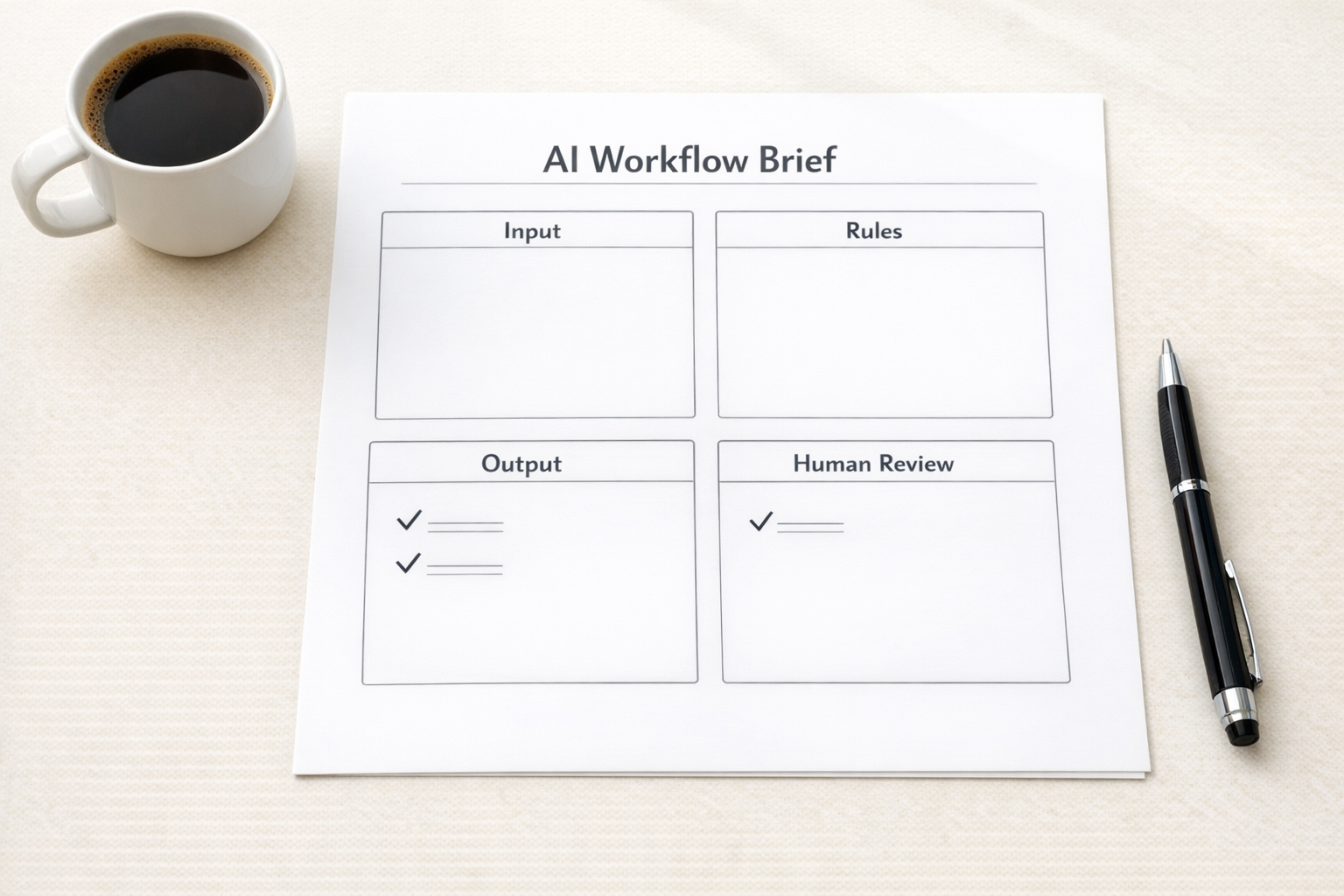
A useful AI workflow brief should answer these questions:
- Trigger: What starts the workflow?
- Input: What information should the AI read?
- Scope: What task is the AI responsible for?
- Output: What should the AI return, and in what format?
- Rules: What language, categories, or criteria should it use?
- Boundaries: What should it never change or decide on its own?
- Fallback: When should a human review the work?
- Destination: Where should the final result be saved or sent?
These questions help you move from “AI idea” to “operational design.” That difference matters.
Example: lead qualification
A vague version might be: “Have AI qualify inbound leads.”
A stronger workflow brief would say:
“When a new form submission enters the CRM, review company size, service request, budget notes, timeline, and message quality. Classify the lead as high fit, possible fit, low fit, or needs review. Add a short reason. Create a sales task for high-fit and possible-fit leads. Do not change lifecycle stage unless the email address and company name are present. Send low-fit leads to a nurture list only after human approval.”
This brief gives the AI a narrow job. It also protects the CRM from messy automation. The system can assist with sorting, reasoning, and task creation, while important decisions still have guardrails.
Example: support ticket triage
Support teams often lose time to manual sorting. AI can help, but the workflow needs clear categories and escalation rules.
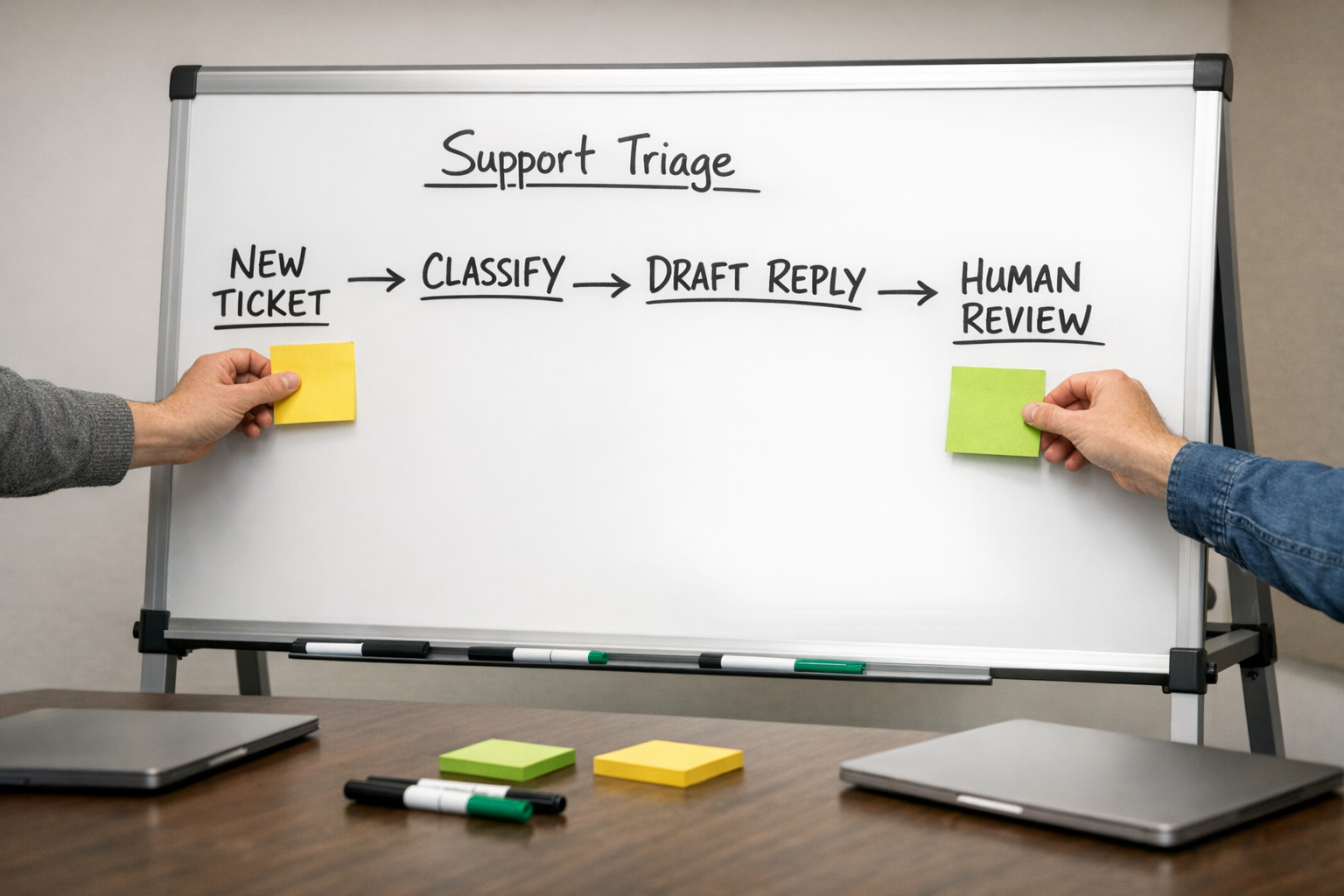
A practical support triage brief might include:
- Classify each ticket as technical issue, billing, feature request, cancellation, account access, or other.
- Mark urgency as normal, urgent, or human review.
- Draft a reply using the company’s support tone.
- Do not send replies automatically.
- Create a review task when the ticket mentions refunds, legal concerns, security, angry language, or cancellation.
- Save the classification and draft response in the helpdesk or CRM record.
This does not replace the support team. It removes the first layer of sorting and drafting. That is often where the real ROI starts: not in replacing full roles, but in reducing repetitive handling.
Good prompts are process design
There is a temptation to treat prompting as a clever wording exercise. Sometimes wording helps, but in business automation the deeper skill is process design.
A strong prompt defines the work clearly enough that a system can repeat it. It names the format. It names the order. It names what good output looks like. It also names the limits.
That is why the best AI agents usually come after process mapping, not before it. If the team cannot explain the workflow in plain language, the automation will inherit that confusion.
A simple implementation sequence
If you are considering AI inside your operations, start small:
- Pick one repeatable task: Choose something that happens often and follows a pattern.
- Write the workflow brief: Define trigger, input, rules, output, and fallback.
- Test with real examples: Use actual tickets, leads, tasks, or records where possible.
- Review edge cases: Look for confusing, incomplete, sensitive, or high-risk examples.
- Add human review: Keep approval steps where judgment matters.
- Only then connect tools: Build in Make, Zapier, HubSpot, GoHighLevel, ClickUp, or your CRM after the logic is clear.
This sequence prevents a common mistake: connecting tools before the workflow is validated. When that happens, the automation may move bad data faster instead of improving the operation.
The practical takeaway
If your AI output feels inconsistent, do not only blame the model. Check the brief.
Did you define the task? Did you define the output? Did you set boundaries? Did you explain when a human should review the result? Did you give the system enough context to make the right small decision?
AI agents work best when they remove a specific piece of work from a clear process. They struggle when they are asked to fix an unclear process by themselves.
If you want help turning a vague AI or automation idea into a practical workflow, ConsultEvo can help you map the process, validate the logic, and build the system in the tools your team already uses.