

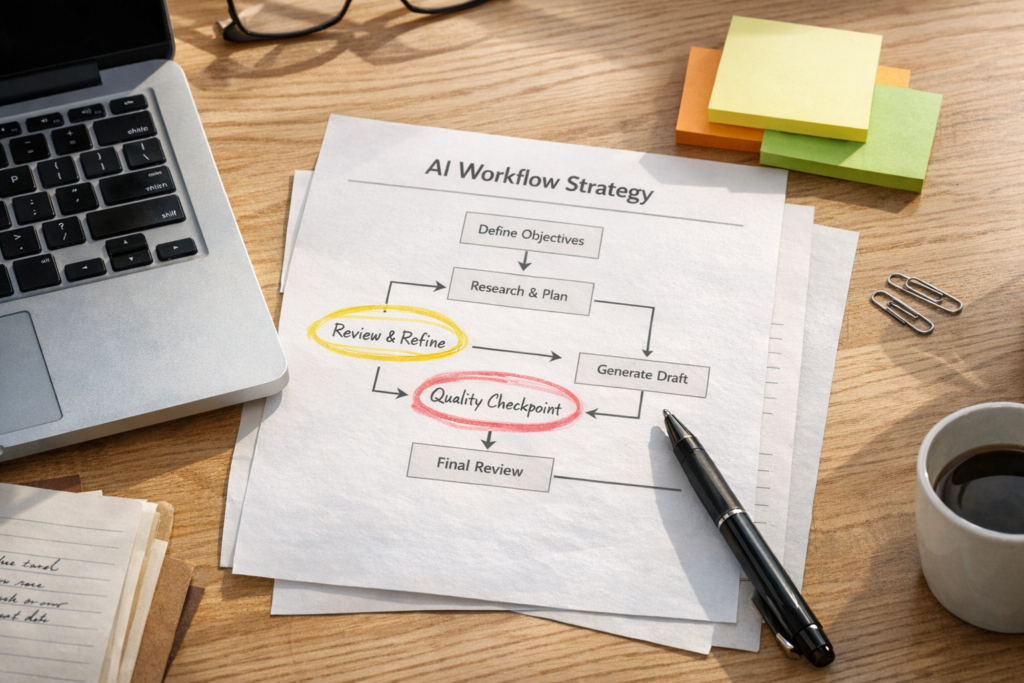
AI prompts are useful, but they are not the whole system
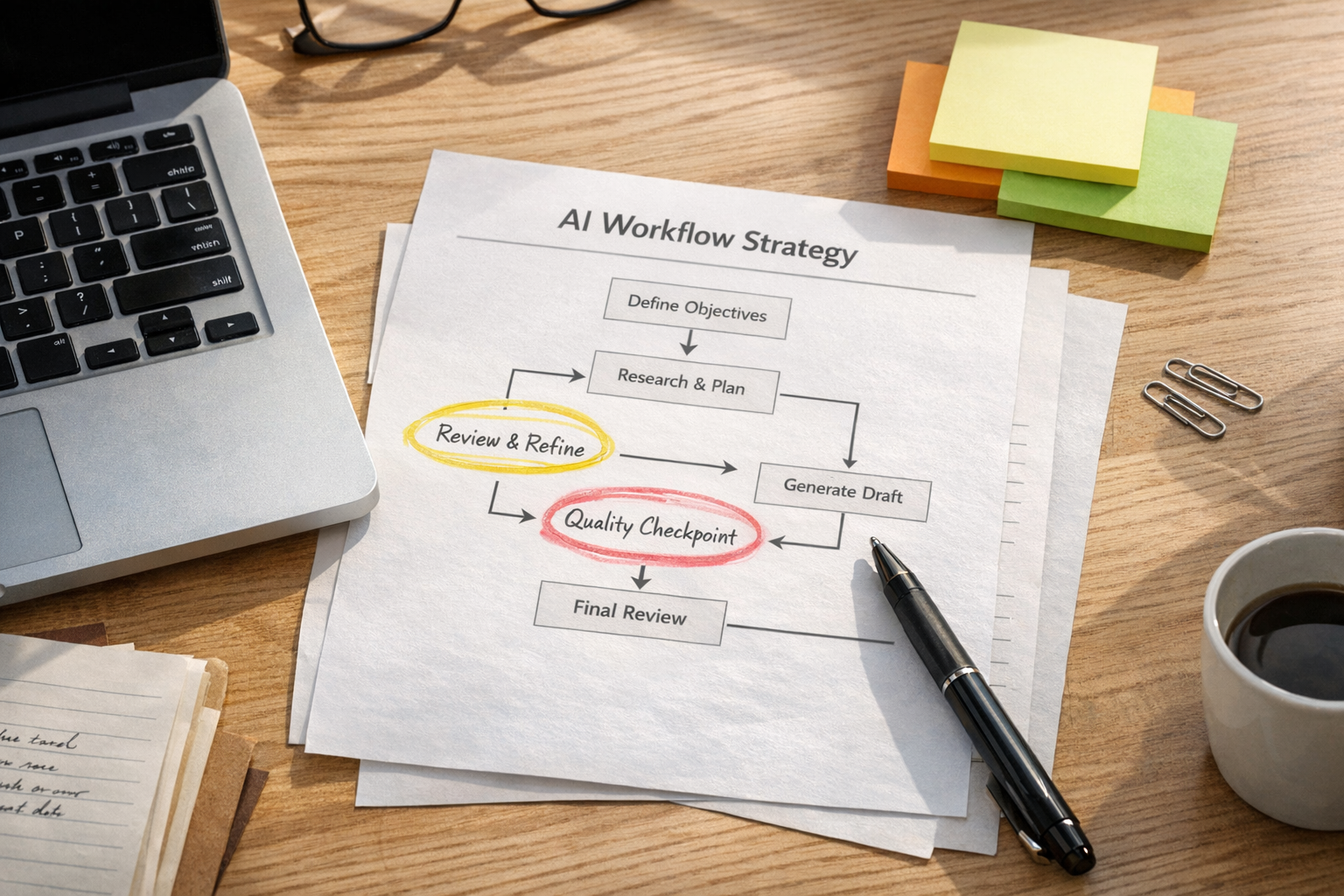
A good AI prompt can help someone finish a task faster. That is valuable. But for a business, the bigger opportunity is rarely the single prompt. It is the repeatable workflow around the prompt.
Many teams have already moved past the first stage of AI adoption. They are not afraid of the tools anymore. They use AI to draft emails, summarize calls, brainstorm content, clean up notes, and create first versions of documents. The work feels lighter, but it often still depends on someone opening a chat window, pasting context, checking the output, copying it somewhere else, and remembering the next step.
That is not a bad place to start. It is just not the finish line.
The next practical step is to ask: which AI-assisted tasks should become structured workflows?
The shift from prompting to operating
Prompting is asking AI to do one task well. Operating with AI means placing that task inside a process that has clear inputs, context, review points, outputs, and ownership.
For example, asking AI to summarize a sales call is a prompt. A workflow would look more like this:
- The call transcript is captured automatically.
- The AI creates a summary using your sales qualification structure.
- The CRM record is updated with the key notes.
- A follow-up email draft is created.
- A task is assigned to the salesperson for review.
- Missing information is flagged before the deal moves forward.
That is a different kind of value. It does not just produce text. It reduces manual copy-paste, improves handoffs, and creates a more consistent operating rhythm.
Judgment moves to the design stage
AI does not remove the need for human judgment. In most business workflows, it changes where judgment is applied.
Instead of making the same small decisions manually every time, the operator makes better design decisions upfront:
- What information should the AI always receive?
- What should it never decide on its own?
- What does a good output look like?
- When should the workflow pause for approval?
- What happens when the input is incomplete?
This is where many AI workflow projects succeed or fail. The tool is usually not the hard part. The hard part is defining the process clearly enough that the tool can support it.
If a lead handoff is already unclear, adding AI will not magically make it clean. If the CRM is full of inconsistent fields, an AI agent will inherit that mess. If no one agrees what should happen after a support ticket is escalated, automation may only move confusion faster.
That is why ConsultEvo often starts with workflow validation before building anything.
A simple AI workflow validation canvas
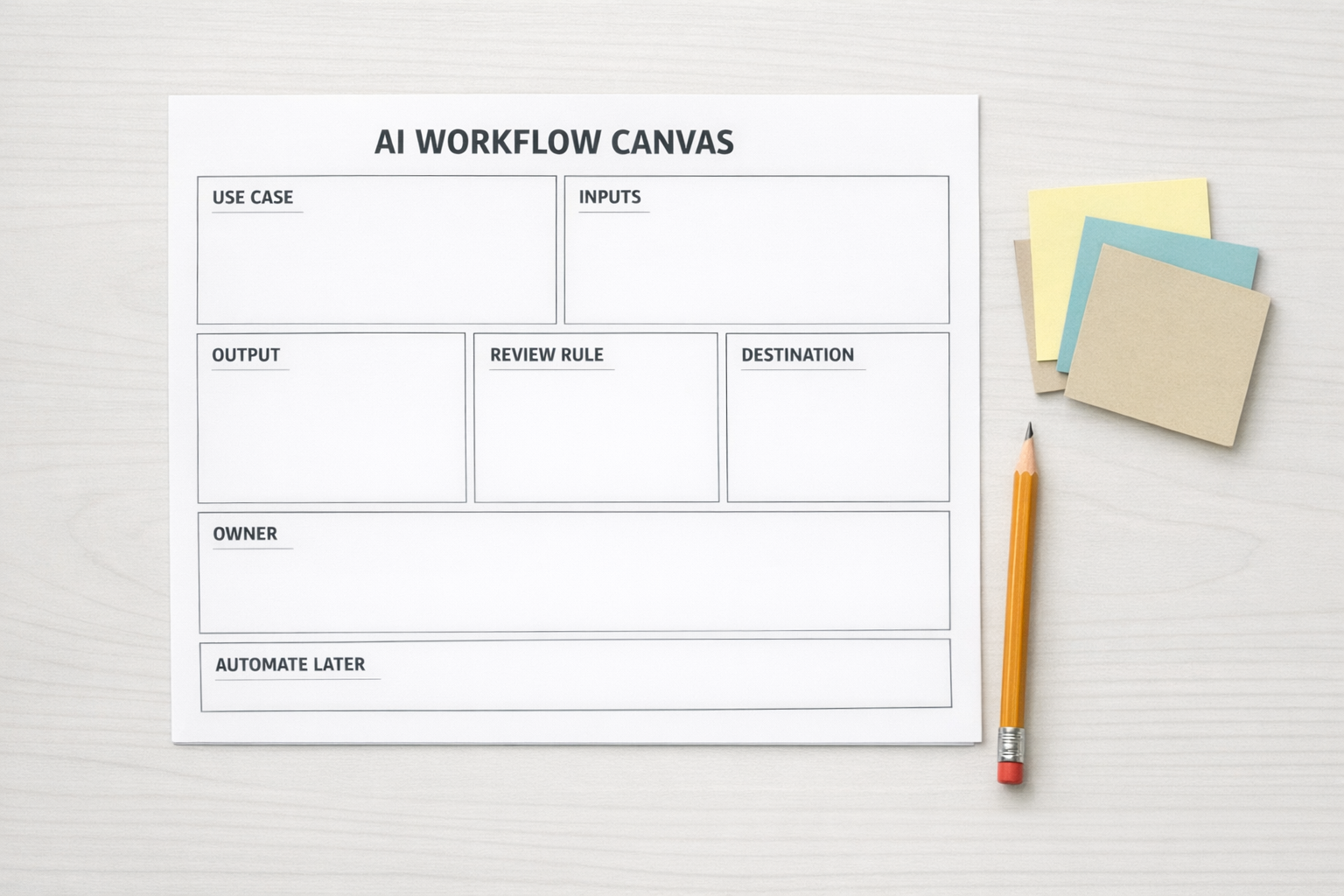
Before turning a prompt into an automation or AI agent, run it through a simple validation canvas. You do not need a complicated framework. You need clear answers to a few practical questions.
1. What triggers the workflow?
Every workflow needs a starting point. It might be a new form submission, a new CRM contact, a completed call transcript, a support ticket, a Shopify order issue, or a task moving to a new status in ClickUp.
If the trigger is vague, the workflow will be unreliable. A strong trigger is specific and easy to detect.
2. What context does the AI need?
AI output quality depends heavily on context. For business operations, that context may live in your CRM, project management system, knowledge base, product catalog, or internal SOPs.
Do not expect the AI to guess your process. Feed it the relevant rules, fields, examples, and constraints.
3. What output should be created?
Be specific. “Summarize this” is weaker than “create a five-bullet call summary, identify objections, list next steps, and draft a follow-up email in our normal tone.”
The clearer the expected output, the easier it is to review and improve.
4. Where does a human review belong?
Not every AI workflow should run fully on autopilot. Some should pause before sending customer-facing messages, changing deal stages, issuing refunds, updating important records, or assigning high-priority tasks.
A review step is not a failure of automation. It is often the reason the automation can be trusted.
5. What is the fallback?
This is the step teams skip most often. What should happen if the AI does not have enough information? What if the transcript is incomplete? What if the CRM record is missing the source, budget, or owner?
A good workflow does not pretend every input is perfect. It routes exceptions clearly.
Where AI workflows create practical ROI
AI workflows tend to be most useful where the work is repeated, context-heavy, and easy to review. That includes:
- Sales handoffs: summarizing discovery calls, drafting follow-ups, and creating CRM tasks.
- Support operations: categorizing tickets, drafting internal notes, and preparing escalation summaries.
- CRM cleanup: identifying missing fields, duplicate records, and inconsistent lifecycle stages.
- Project operations: turning meeting notes into tasks, owners, deadlines, and status updates.
- Content operations: validating ideas, creating briefs, and repurposing approved source material.
- Shopify operations: preparing order issue summaries and routing customer requests to the right process.
The common pattern is simple: AI prepares the work, the human reviews the decision, and the system moves the result to the right place.
Planning the implementation
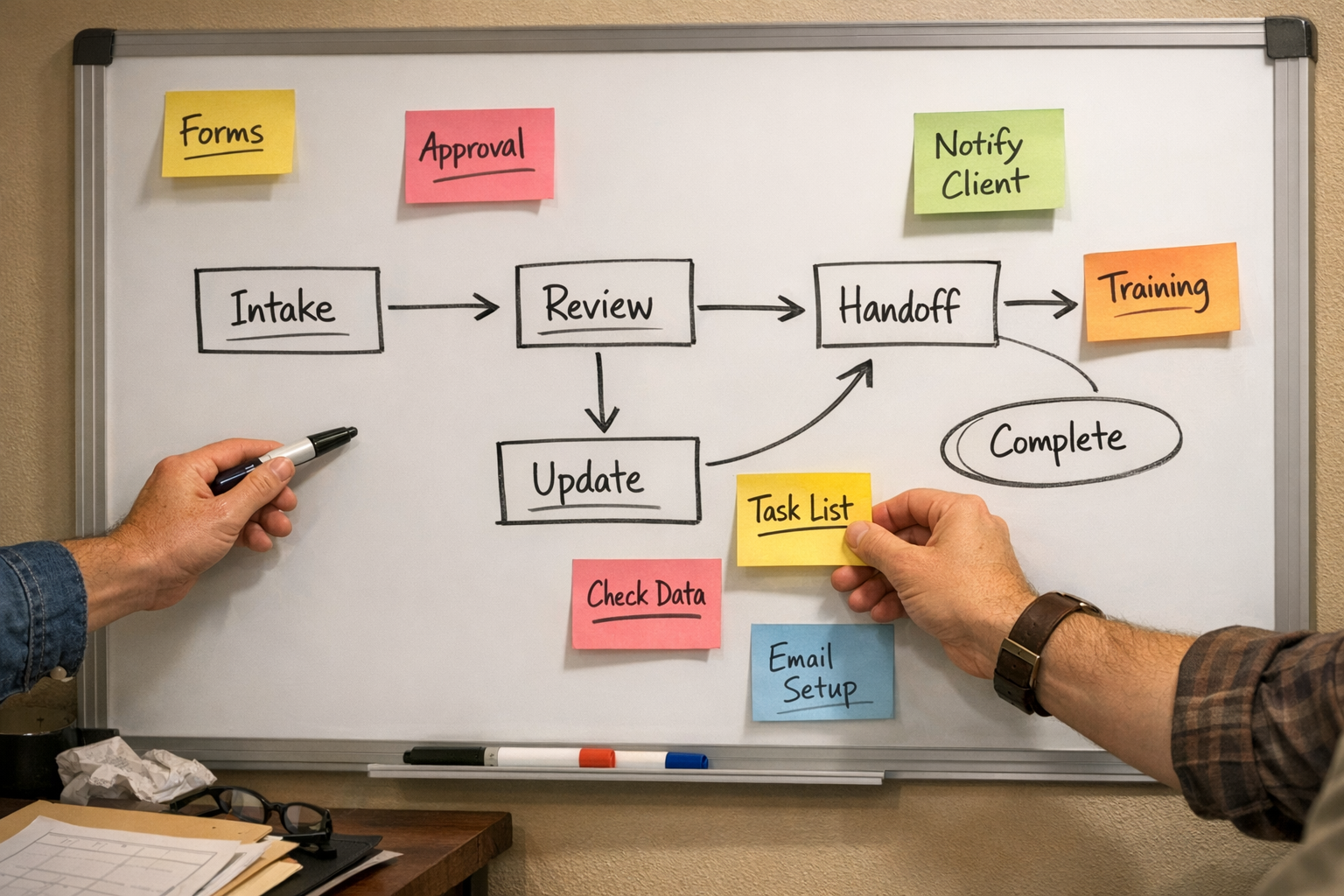
Once the workflow is validated, implementation becomes much easier. This is where tools like Make, Zapier, ClickUp, HubSpot, GoHighLevel, Shopify, and WordPress can be connected around the process.
The build should usually start small. Choose one repeated workflow, define the trigger, map the required context, create the AI step, add a human checkpoint, and test it with real examples. Watch where it breaks. Adjust the prompt, fields, routing, and review logic before expanding it.
A narrow workflow that works reliably is better than a broad AI agent that touches everything but cannot be trusted.
The best AI systems are not flashy
The most useful AI automations often look boring from the outside. A lead gets summarized. A task appears in the right place. A follow-up draft is ready. A missing field is flagged. A manager gets the right context before a handoff.
But inside the business, those small improvements compound. Less copy-paste. Fewer missed steps. Cleaner CRM data. Better handoffs. More consistent execution.
That is where AI becomes operational leverage.
Need help turning prompts into workflows?
ConsultEvo helps businesses design and build practical automation systems across ClickUp, Make, Zapier, HubSpot, GoHighLevel, Shopify, WordPress, CRM workflows, and AI agents.
If your team has useful AI prompts but still relies on manual copy-paste to make them work, we can help you turn them into cleaner, safer, repeatable workflows.