


AI works best when it has a clear job
Many teams are still treating AI like a collection of interesting tools. They test a new app, try a few prompts, save a decent output, and then move on to the next launch.
That can be useful for learning, but it rarely changes the way the business operates.
The real value starts when AI is assigned to a repeated job inside a real workflow. Not a vague instruction. Not a one-off prompt. A specific operational responsibility with clear inputs, rules, review points, and outputs.

This is where founder-led teams, agencies, ecommerce operators, and service businesses can get practical. You do not need to automate everything. You need to identify one repeated workflow where manual effort, inconsistency, or delay is costing the team attention every week.
The mistake: starting with the tool
A common pattern looks like this:
- A team hears about a new AI feature.
- Someone tests it with a broad prompt.
- The output looks promising.
- There is no defined process for using it again.
- The team returns to the old manual workflow.
The problem is not always the tool. Often, the process was never defined well enough for automation.
If nobody knows when the workflow starts, what data is trusted, who approves the result, or where the output should live, AI will only add another layer of confusion. It might produce something impressive once, but it will not become part of daily operations.
This is why process comes before tools. A clear workflow can be automated with many platforms. An unclear workflow will break in any platform.
Look for repeated work, not exciting features
The best first AI workflows are usually boring. That is a good thing.
Boring workflows are easier to measure. They happen often enough to validate. They usually have clear before-and-after effort. They also tend to involve work that people do not enjoy doing manually.
Good candidates include:
- CRM cleanup checks: Review new contacts or deals for missing fields, bad formatting, duplicate records, or unclear ownership.
- Sales handoff summaries: Turn form submissions, call notes, or email threads into a short summary for the next person in the process.
- Support triage briefs: Group common issues, flag urgent requests, and prepare suggested next actions before a human replies.
- Weekly pipeline updates: Pull open opportunities, stalled deals, overdue follow-ups, and recent changes into one digest.
- Content brief creation: Use approved source material to draft a repeatable brief instead of starting from a blank page every time.
- Task review in ClickUp: Surface overdue tasks, unclear owners, missing statuses, or projects that need attention.
None of these require a dramatic AI strategy. They require one well-defined workflow and the discipline to make it reliable.
The five-part validation check
Before building an AI agent or automation, map the workflow in plain English. This does not need to be complicated. A simple worksheet is often enough.
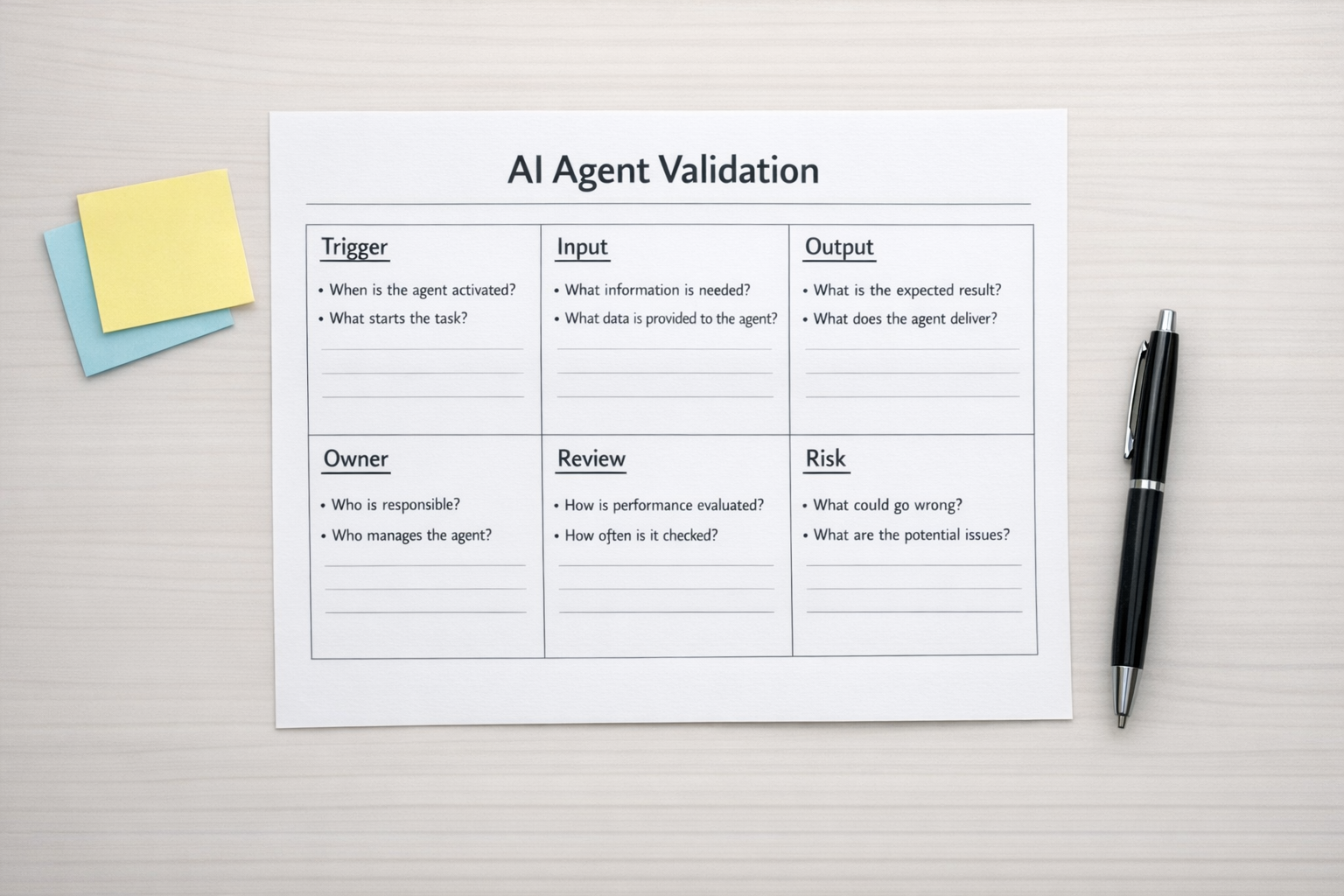
1. Trigger
What starts the workflow?
Examples: a new form submission, a new deal stage, a scheduled time, a support ticket, a completed call, or a new row in a spreadsheet.
If the trigger is unclear, the automation will be inconsistent from day one.
2. Inputs
What information does the AI need to do the job properly?
This might include CRM fields, call transcripts, emails, order data, project notes, brand guidelines, product details, or previous examples. The quality of the input usually determines the quality of the output.
3. Rules
What should the AI do, and what should it never do?
For example, it might be allowed to draft an email but not send it. It might summarise a support issue but not issue a refund. It might suggest a lead score but not reassign ownership without approval.
Rules are especially important when workflows touch customers, money, sales communication, or operational records.
4. Review point
Where does a human need to approve, edit, or decide?
Not every workflow needs full approval forever. But early on, human review builds trust. It also shows where the agent is useful, where it makes mistakes, and which edge cases need stronger rules.
5. Output
What should be created, updated, or sent when the workflow runs?
The output should have a clear destination. A summary posted in Slack. A task created in ClickUp. A note added to HubSpot. A draft prepared in Gmail. A record updated in GoHighLevel. A notification sent to the right person.
If the output does not land where the team already works, it will likely be ignored.
Build for trust before autonomy
There is a big difference between an AI-assisted workflow and a fully autonomous one.
For most businesses, the safest starting point is read-only or draft-only. Let the system collect information, summarise it, check it, or prepare a recommendation. Keep a human in the loop before anything customer-facing or permanent happens.
Once the workflow proves itself, you can gradually increase responsibility. That might mean auto-creating tasks, updating internal fields, routing low-risk requests, or sending internal alerts without approval.
This staged approach is not slower in practice. It prevents rework. It also helps the team trust the system because they can see the logic before giving it more control.
Choose the platform after the workflow is clear
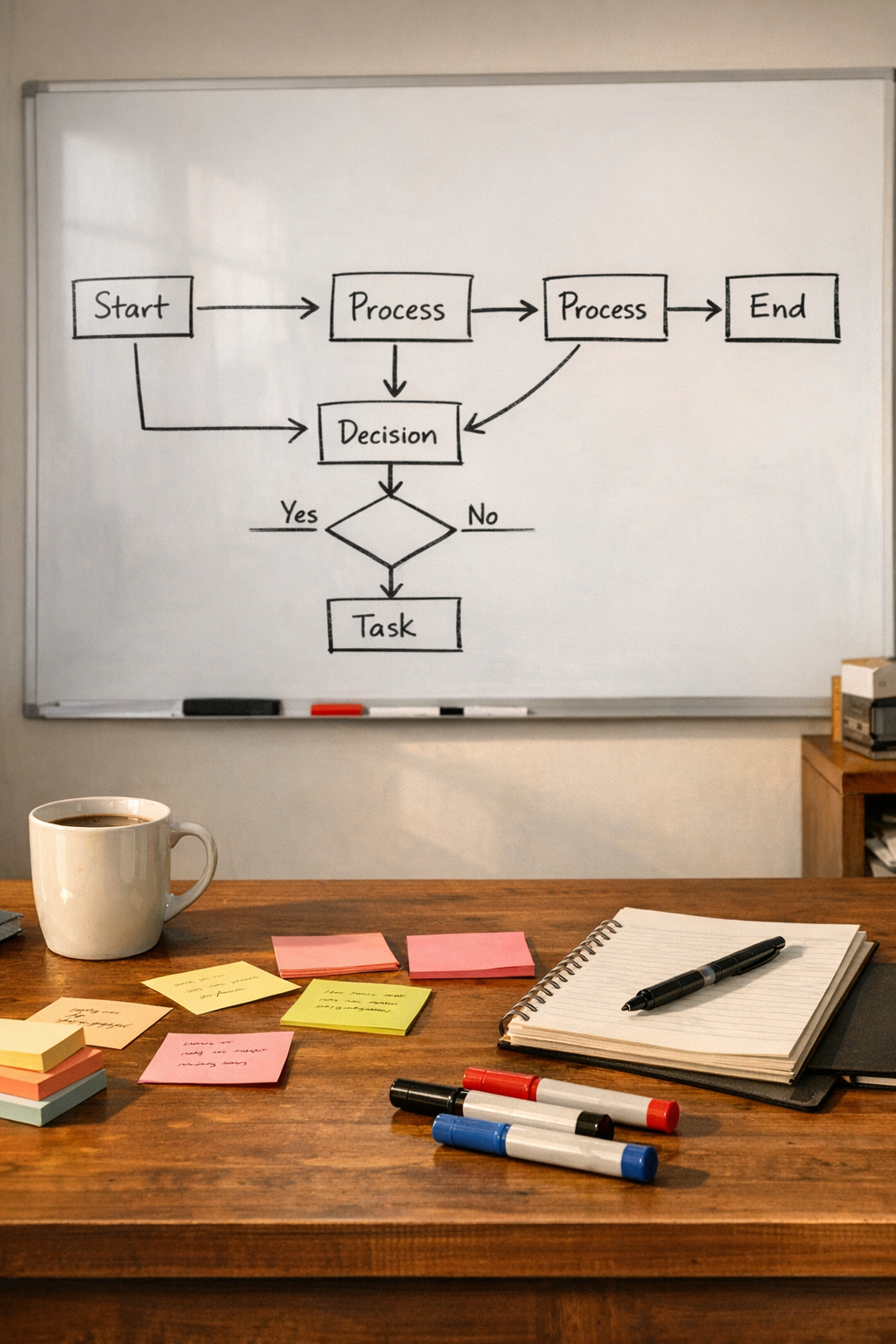
Once the process is mapped, tool selection becomes much easier.
If the workflow is mostly task and project related, ClickUp structure may be the key. If it needs to connect multiple apps, Make or Zapier may be the right layer. If the workflow lives around leads, deals, and customer communication, HubSpot or GoHighLevel may be central. If it relates to ecommerce operations, Shopify data and fulfillment steps may define the process.
The point is not to force every workflow into one tool. The point is to design the flow first, then connect the right systems around it.
A practical first build
If you want to start this week, choose one workflow that meets three criteria:
- It happens at least weekly.
- It uses information that already exists somewhere.
- The output can be reviewed before it affects customers or revenue.
Then write a one-page version of the process:
- When should it run?
- Where does it get information?
- What should it produce?
- Who reviews it?
- Where should the final output go?
- How will you know if it saved time or improved quality?
That is enough to build a first version. Not a perfect system. A working version that can be tested in real operations.
One shipped workflow beats ten sampled tools
AI adoption can feel overwhelming because the tool landscape changes constantly. But your business does not need to chase every new feature.
It needs fewer manual handoffs, cleaner data, clearer follow-up, faster internal summaries, and less copy-paste between systems.
Those gains come from operationalising AI, not collecting AI tools.
Start with one repeated job. Define the workflow. Add review. Connect the right tools. Improve it after real use.
That is how AI starts doing useful work in the background instead of becoming another tab your team forgets to open.
If you want help identifying or building your first practical AI-assisted workflow, ConsultEvo can help you map the process, validate the automation, and implement it across tools like ClickUp, Make, Zapier, HubSpot, GoHighLevel, Shopify, and your existing CRM.