

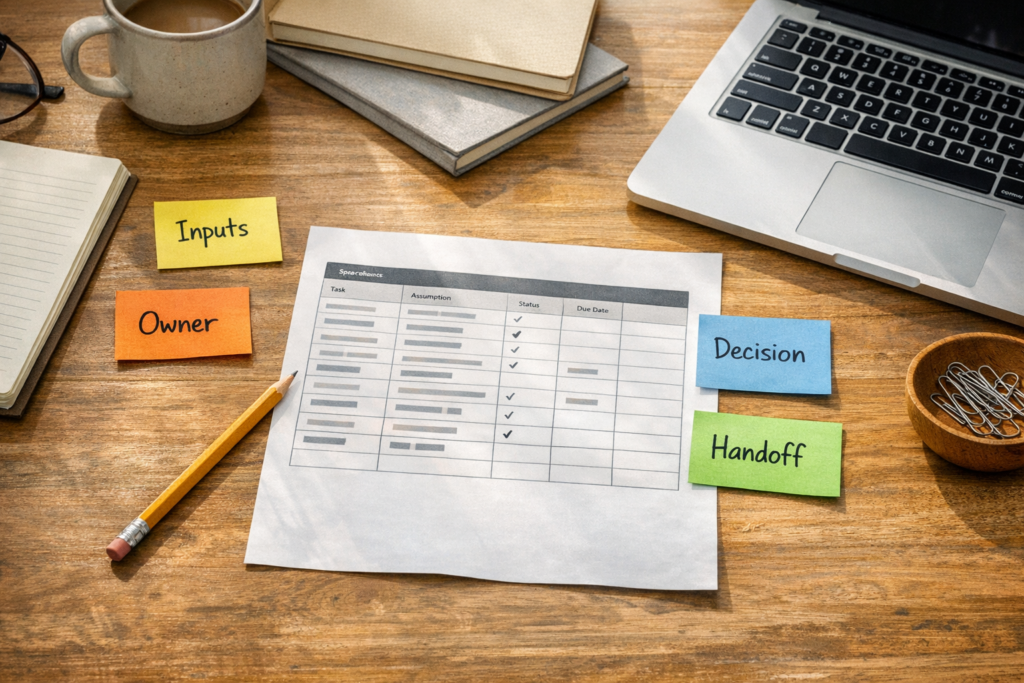
AI Can Build the Spreadsheet, But You Still Need to Validate the Workflow
AI tools can now create surprisingly useful spreadsheets. Forecasts, planning models, project trackers, lead lists, CRM cleanup sheets, budget templates, scenario models, and reporting files can all be drafted faster than before.
That is good news for operators. But it also creates a new problem.
A spreadsheet can look finished before the business logic behind it is ready.
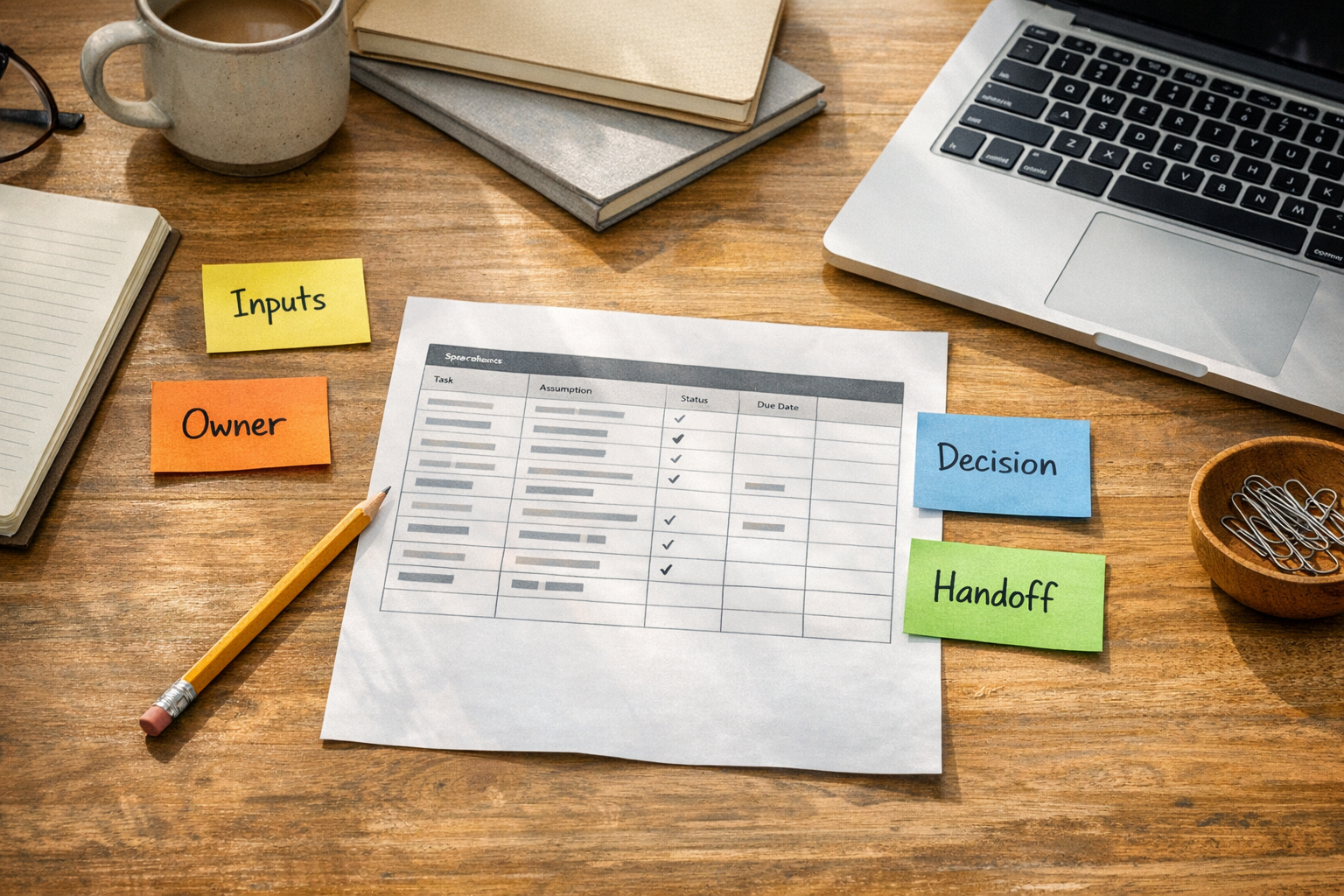
At ConsultEvo, we see this pattern often. A team wants a spreadsheet, dashboard, automation, or CRM report. The request sounds simple at first. Then we start asking questions and discover that the spreadsheet is only the surface layer.
Underneath it are unclear handoffs, guessed inputs, inconsistent owners, missing definitions, and formulas that quietly make decisions no one has agreed on.
AI can help build the file. But it should not be allowed to invent the operating model for the business.
The spreadsheet is rarely the real system
In many companies, spreadsheets sit between tools and teams. They are used to clean exports, plan capacity, prepare sales forecasts, track fulfillment, review margins, manage onboarding, or summarize CRM activity.
That means the spreadsheet is often not just a document. It is part of the workflow.
When that workflow is unclear, the spreadsheet becomes fragile. Someone has to manually update it. Someone else has to explain what each column means. A third person has to copy the data into another tool. Eventually, no one fully trusts the numbers.
This is why the question should not only be, Can AI create this spreadsheet?
The better question is, Can this spreadsheet support a real business decision without creating extra cleanup work?
Start with assumptions before structure
One of the most useful ways to work with AI is to ask it to list its assumptions before it builds anything.
For example, before creating a forecast, tracker, or reporting model, ask AI to identify what it is assuming about the business, the users, the inputs, the outputs, and the decisions supported by the file.
This is not just a prompting trick. It is a workflow validation step.
The assumptions will often reveal issues such as:
- The user of the spreadsheet has not been clearly defined.
- The decision the spreadsheet supports is too broad.
- Some inputs are guesses but are treated like facts.
- Important values are hardcoded instead of editable.
- Ownership of updates is unclear.
- The spreadsheet has no clear connection to the CRM, project tool, or automation layer.
Once those assumptions are visible, the team can challenge them before the file becomes part of daily operations.
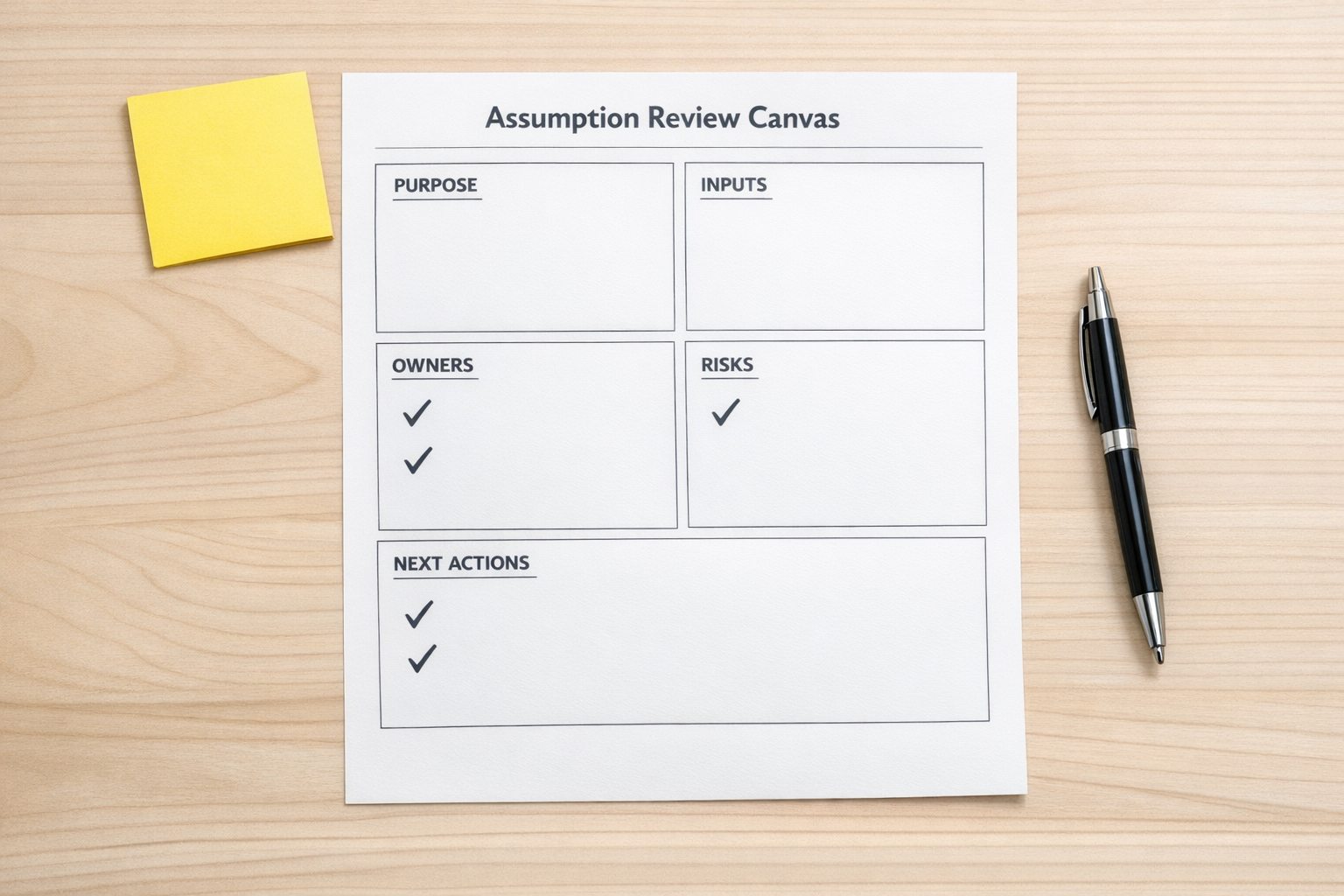
A simple validation checklist
Before using AI to create or improve a spreadsheet, review these five areas.
1. Purpose
What decision does this spreadsheet support? If the answer is vague, the structure will likely be vague too. A sales forecast, hiring plan, project tracker, and fulfillment report all need different logic.
2. Inputs
Where does the data come from? Is it manually entered, exported from a CRM, pulled from Shopify, copied from ClickUp, or generated by another tool? If the source is messy, AI may organize the mess beautifully without fixing the cause.
3. Editable assumptions
Any number that might change should be clearly editable. Conversion rates, deal values, delivery capacity, margins, costs, lead sources, and scenario variables should not be buried inside formulas.
4. Ownership
Who updates the file? Who reviews it? Who approves changes? Who uses the output? If ownership is unclear, the spreadsheet will slowly drift away from reality.
5. Next workflow step
What happens after the spreadsheet is updated? Does it trigger a task, update a CRM property, create a report, notify a manager, or support a meeting? This matters because many spreadsheet projects eventually become automation projects.
Where AI fits best
AI is helpful for drafting structure, suggesting formulas, organizing messy information, creating scenario logic, and spotting gaps. It can also help turn a rough business question into a cleaner worksheet or model.
But the operator still needs to decide what is true, what is assumed, and what should happen next.
That human review is especially important before connecting the spreadsheet to automation. If a Make or Zapier workflow uses the wrong column, unclear trigger, or unstable source file, it can multiply the problem instead of reducing work.
The same applies to CRM workflows. If a spreadsheet is being used to clean HubSpot, GoHighLevel, or sales pipeline data, the cleanup rules should be validated before records are updated in bulk.
From spreadsheet to workflow
Once the assumptions are clear, the spreadsheet can become a useful bridge into a better system.
For example:
- A lead tracking sheet can become a CRM import and assignment workflow.
- A fulfillment tracker can become a ClickUp task creation process.
- A sales forecast can become a weekly reporting workflow.
- A Shopify operations sheet can become an exception review process.
- A manual copy-paste report can become an automated data handoff.
The key is not to automate the spreadsheet just because it exists. The key is to understand which part of the spreadsheet represents a repeatable process.
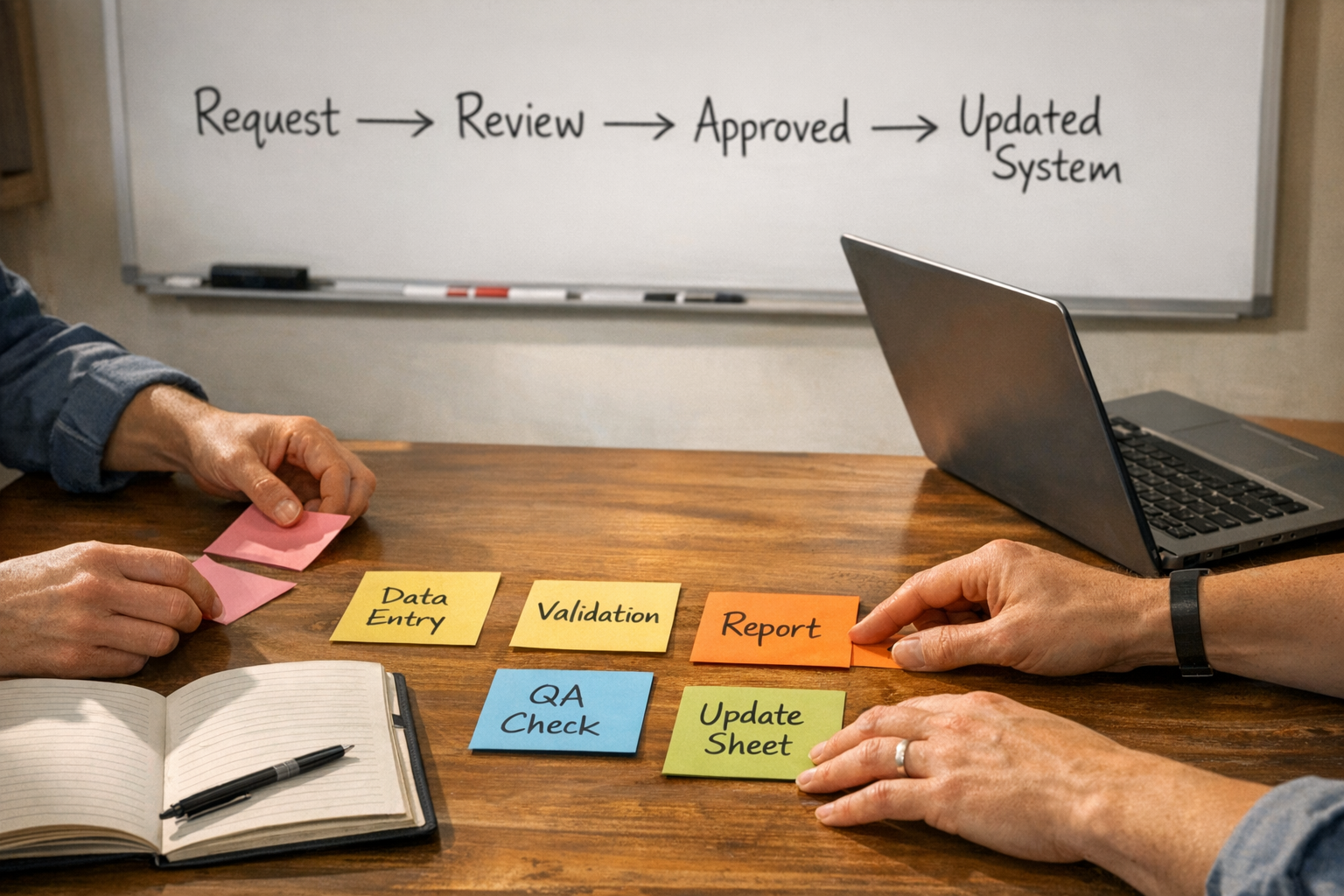
A practical way to work
Use this sequence:
- Define the decision. Be specific about what the spreadsheet is meant to help decide.
- Ask AI for assumptions first. Review and correct them before anything is built.
- Approve the structure. Make sure sheets, fields, formulas, and scenarios match the workflow.
- Test with real data. Use a small sample before trusting the model.
- Decide what should be automated. Only automate the repeatable, validated parts.
This approach slows the beginning slightly, but it saves time later. It reduces rework, prevents brittle automations, and makes the final system easier for the team to trust.
The operator’s advantage
The best use of AI in spreadsheet work is not replacing business judgment. It is giving operators a faster way to draft, question, and refine the structure around that judgment.
If your team is using spreadsheets to hold together CRM cleanup, sales handoffs, project tracking, Shopify operations, or internal reporting, it may be time to review the workflow behind the file.
ConsultEvo helps teams turn messy spreadsheets, manual updates, and unclear handoffs into cleaner operating systems across ClickUp, Make, Zapier, HubSpot, GoHighLevel, Shopify, and related tools.
If you want help validating the process before building the automation, we are happy to help.