

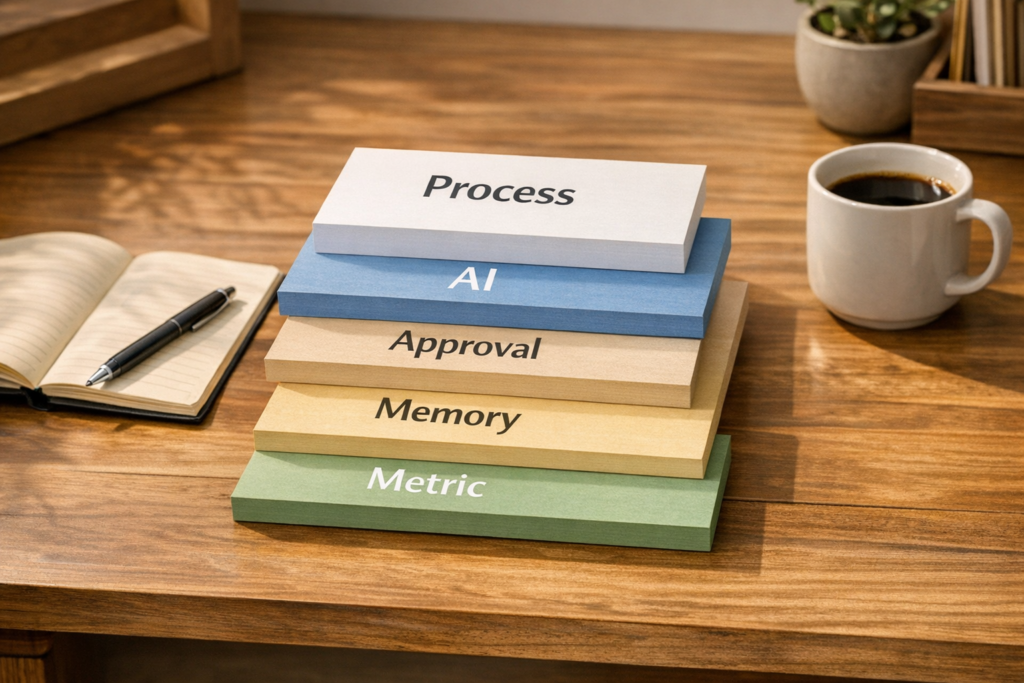
Design AI Workflows in Layers Before You Build the Agent
AI workflow conversations can get confusing quickly. One person is talking about an assistant that drafts emails. Another is talking about a prompt library. Someone else means an autonomous loop that tests ideas and improves against a measurable result.
Those are very different things.
For operators, founders, and teams trying to improve real business processes, this distinction matters. If everything is called an AI agent, the implementation usually becomes messy. You end up with a tool that sounds impressive but does not clearly reduce work, improve decisions, or make the next process run easier.
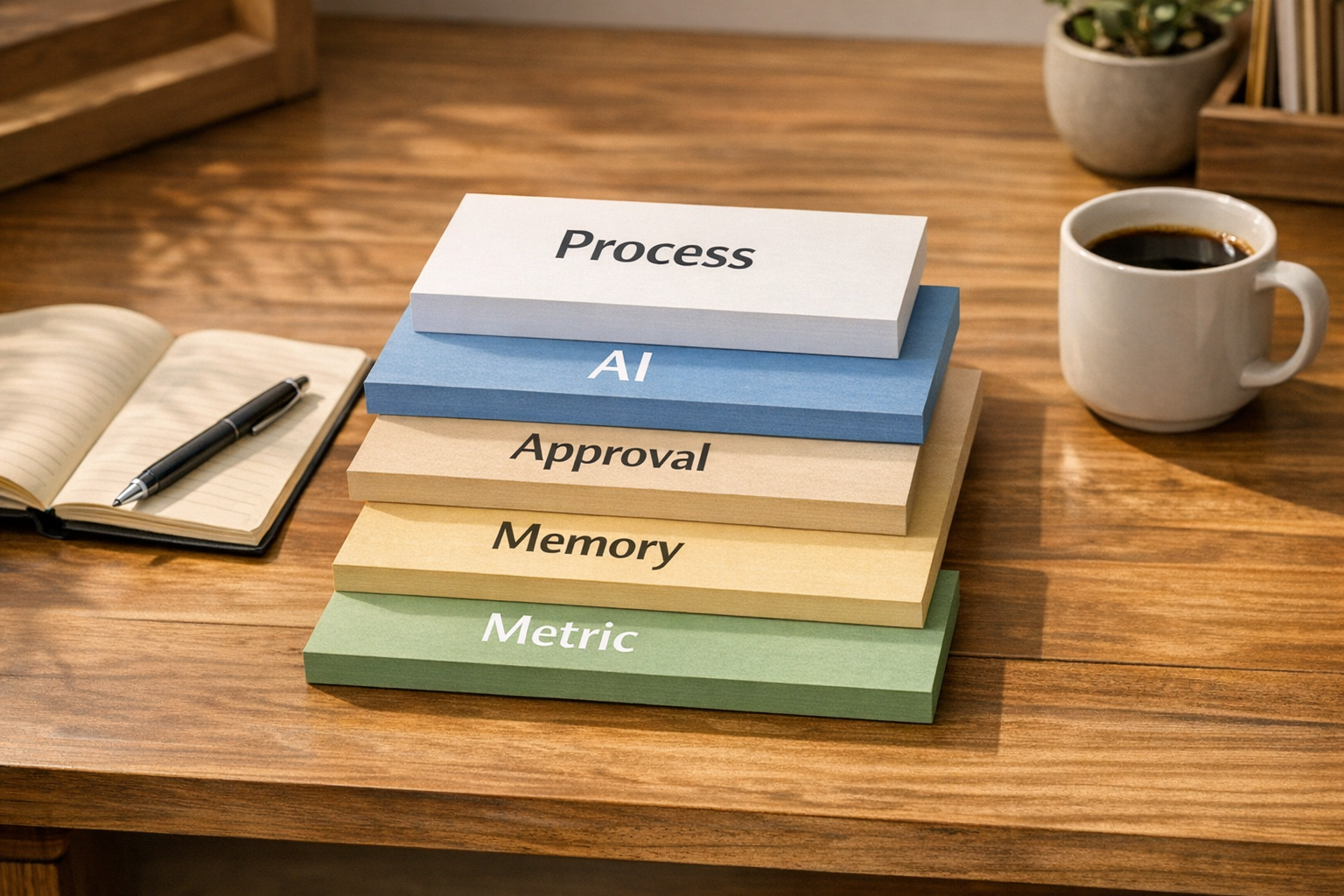
At ConsultEvo, we like to start with a simpler question: which layer of the workflow are we improving?
That one question can prevent a lot of wasted automation work.
The five layers of a useful AI workflow
Before choosing a tool or building an automation, separate the workflow into five layers.
- Process: The repeatable path from trigger to outcome.
- AI decision: The part where AI classifies, drafts, extracts, compares, scores, routes, or recommends.
- Human approval: The checkpoint where a person reviews, edits, confirms, or rejects the output.
- Memory: The place where useful decisions, corrections, exceptions, and lessons are stored for next time.
- Metric: The signal that tells you whether the workflow is getting better.
This sounds basic, but it changes the build. Instead of saying, “Let’s add AI to our sales process,” you can say, “Let’s use AI to classify inbound leads, have sales approve edge cases, save the reason for each correction, and measure reduction in manual lead review.”
That is much more buildable.
Why process comes before tools
Tools are usually not the hard part. ClickUp, Make, Zapier, HubSpot, GoHighLevel, CRMs, AI models, forms, databases, and email systems can all be connected in many ways.
The harder part is deciding what should happen when the workflow is not perfect.
For example:
- What happens when a lead fits two categories?
- What happens when a support ticket is urgent but missing required information?
- What happens when an AI summary is correct but incomplete?
- What happens when a project task is created but the owner is unclear?
- What happens when a customer order needs manual review before fulfillment?
If those decisions are not defined, automation often moves the confusion faster. It creates tasks, updates fields, sends alerts, or drafts messages, but the team still has to interpret what is going on.
A better workflow makes the next action obvious.
Use a one-page layer worksheet
Before building, create a simple worksheet for the workflow. This does not need to be fancy. One page is enough.
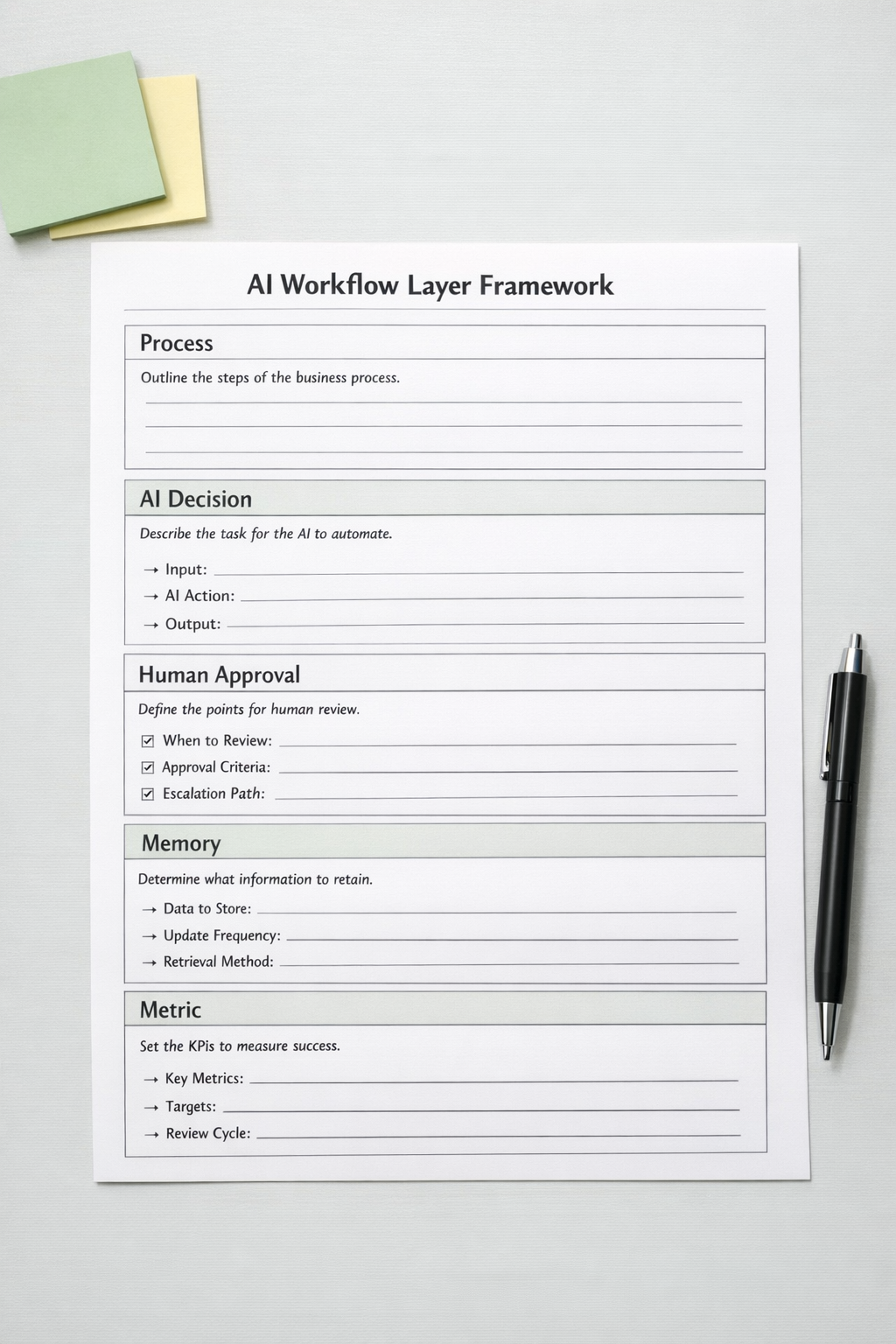
For each workflow, answer these questions:
- Trigger: What starts the process?
- Input: What information is available at the start?
- AI task: What should the AI produce?
- Confidence or review rule: When should a human check it?
- System action: What should happen after approval?
- Memory: What should be stored from this run?
- Metric: What tells us this is worth keeping?
This worksheet is especially useful when designing CRM cleanup workflows, sales handoffs, support triage, ClickUp task creation, Make scenarios, Zapier automations, or AI-assisted content operations.
It forces the team to define the operating logic before wiring tools together.
The missing layer is usually memory
Many automation builds stop at action. A form is submitted, a record is created, a task is assigned, a message is sent.
That can be useful. But if the workflow does not capture what was learned, it stays shallow.
Memory is what makes operations compound. It can be as simple as:
- A CRM field that stores why a lead was disqualified.
- A ClickUp comment template that captures the reason for a scope change.
- A support tag that records the true root cause of an issue.
- A short internal note added after a human corrects an AI-generated recommendation.
- A process document updated when the same exception appears twice.
The goal is not to document everything. That creates clutter. The goal is to save the few decisions that will make the next run cheaper, clearer, or safer.
A practical example: sales lead routing
Imagine a company receives inbound leads through a website form. The team wants AI to review the submission and route it to the right sales path.
A weak version of this workflow looks like this:
- New form submission arrives.
- AI reads the message.
- AI assigns a category.
- Automation updates the CRM.
- Sales gets notified.
That may save some time, but it is incomplete.
A stronger layered version looks like this:
- Process: New lead enters CRM from the website form.
- AI decision: AI classifies the lead by service fit and urgency using available form data.
- Human approval: Leads below a confidence threshold or with conflicting signals go to a review queue.
- Memory: When sales corrects the classification, the reason is stored in a structured field or internal note.
- Metric: The team reviews how many leads were routed without manual correction and whether response quality improved.
This version does more than move data. It creates a feedback loop.

Keep the loop small at first
One common mistake is trying to build the full intelligent system at once. That usually creates too many assumptions.
Start with one workflow. Pick a process that already happens often and has a clear business outcome. Then add one AI-assisted decision, one approval point, one memory capture, and one metric.
For example:
- Classify inbound support tickets and capture corrected categories.
- Draft follow-up emails and save approved phrasing patterns.
- Create ClickUp tasks from client notes and store missing-information flags.
- Clean CRM records and log why fields were changed.
- Review Shopify order exceptions and save the reason for manual handling.
After that, review what happened. Did the workflow reduce manual copy-paste? Did it reduce back-and-forth? Did it make handoffs clearer? Did it create fewer mistakes? Did the stored lessons improve future runs?
If yes, expand. If not, fix the process before adding more automation.
Good automation should make tomorrow easier
AI agents are useful, but they are not magic. Prompt libraries are useful, but they are not a complete operating system. Automation platforms are useful, but they need clear rules.
The real value appears when the workflow has a loop: work happens, a decision is made, a human corrects what matters, the system stores the lesson, and the next run improves.
That is the practical version of compounding operations.
If your current automation only pushes information from one place to another, it may still be leaving a lot of value on the table. The next step is not always a more advanced tool. Sometimes it is a clearer workflow layer map.
ConsultEvo helps teams design and build practical AI and automation workflows across ClickUp, Make, Zapier, HubSpot, GoHighLevel, Shopify, WordPress, CRMs, and custom operational systems. If you want a workflow that removes work and captures learning, we can help you plan and implement it carefully.