


AI Connectors Are Not the Strategy. The Workflow Is.
AI agents become far more useful when they can access the tools where the work already lives. A standalone chat window can help you think, draft, and analyze. But an agent connected to your CRM, task manager, inbox, calendar, file storage, support desk, or ecommerce platform can start removing real operational work.
That is the promise behind connectors and newer integration standards. They make it easier for AI tools to reach business systems, read context, and sometimes take action.
But here is the part that matters for operators: connecting the tool is not the same as designing the workflow.

If you give an AI agent access before you define the job, you are not building automation. You are handing out keys and hoping the process becomes clear later. That rarely ends well.
Start with the work, not the connector
When a business asks, “What should we connect our AI agent to?” the answer should usually be, “Let’s first look at the manual work you want to remove.”
The systems involved are only one part of the design. The better starting point is the current workflow:
- Where does information enter the business?
- Who reviews it?
- What context do they gather before acting?
- Which system do they update?
- Where do mistakes, delays, or copy-paste happen?
- Which decisions require a human?
Once those answers are clear, the connector list becomes much more obvious. You may find that the agent only needs read access to one tool and write access to another. You may also find that a full AI agent is unnecessary, and a simpler Make or Zapier workflow would solve the issue more reliably.
This is why ConsultEvo tends to approach AI automation from the process side first. The goal is not to connect every available app. The goal is to remove a specific operational burden with the right amount of access and control.
The three permission questions
Before connecting an AI agent to any business system, define three categories: read, write, and ask first.
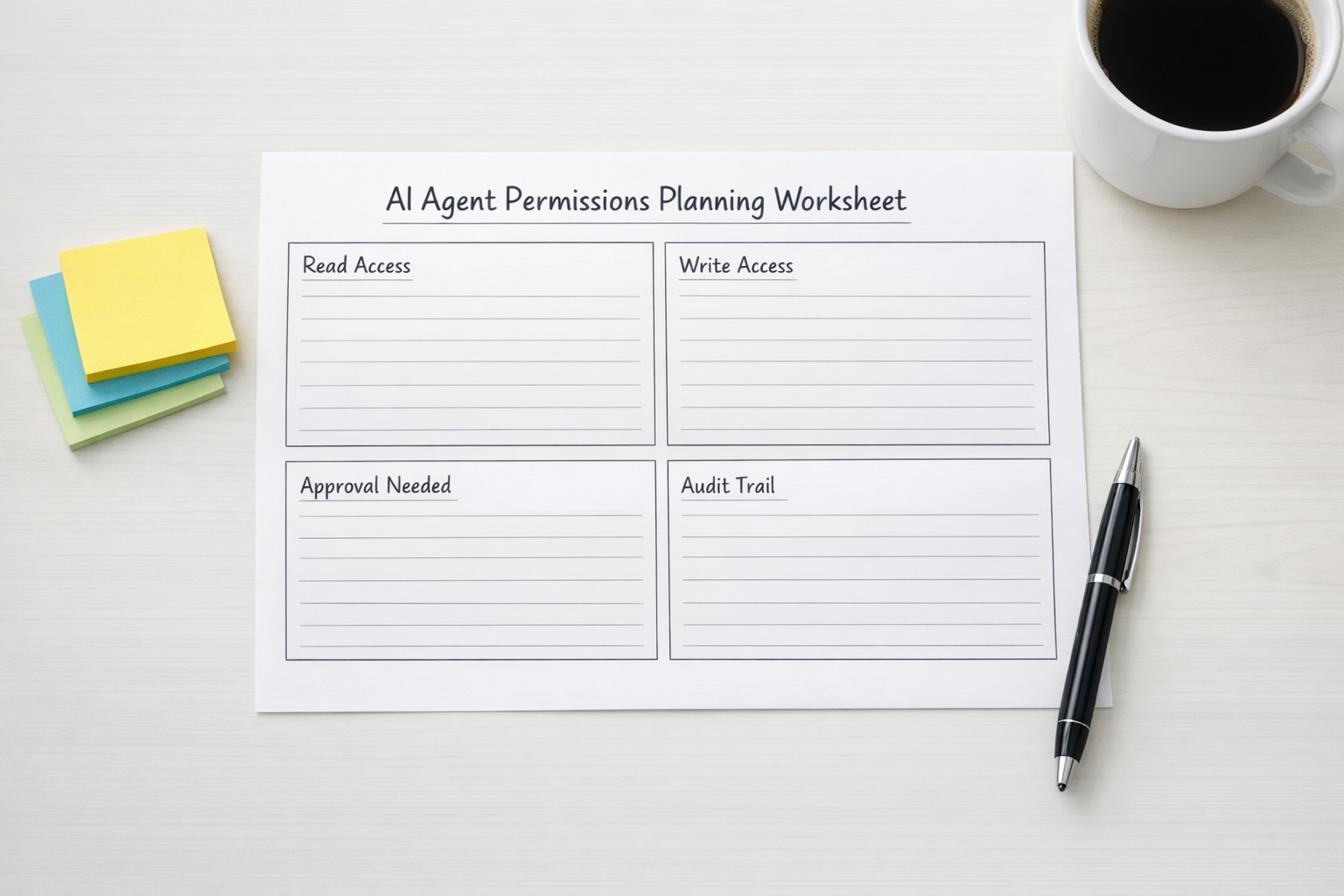
Read means the agent can look up information. This might include CRM records, support tickets, project briefs, product details, calendar events, or internal documents.
Write means the agent can create or change something. This could be adding a CRM note, creating a ClickUp task, drafting a customer reply, updating a field, tagging a lead, or creating a follow-up reminder.
Ask first means the agent must pause for approval before doing something with consequence. Sending an email, changing a deal stage, issuing a refund, deleting a record, assigning work to a team member, or changing customer-facing information should not be automatic just because it is technically possible.
This simple framework keeps projects grounded. It also makes conversations with leadership, IT, legal, and department owners much easier. Instead of saying, “We want to connect AI to the CRM,” you can say, “We want the agent to read new inbound leads, check required fields, create a follow-up task, and ask a sales manager before sending any outbound message.”
That is a much safer and clearer proposal.
A practical example: sales handoff cleanup
Consider a common sales operations problem. A lead fills out a form, the information lands in the CRM, someone checks the submission, looks at the company website, adds missing notes, assigns the lead, and creates a follow-up task. Sometimes the process is handled well. Sometimes it sits too long or gets passed along with missing context.
An AI agent can help, but only if the workflow is specific.
A safe first version might look like this:
- The agent reads new form submissions from the CRM.
- It checks whether required fields are missing.
- It summarizes the request in plain language.
- It creates an internal task for the right sales owner.
- It drafts a suggested follow-up message but does not send it.
- It flags unusual cases for human review.
Notice what is not included. The agent is not automatically changing deal stages. It is not sending promises to the prospect. It is not overwriting important CRM data without review. It is removing the repetitive preparation work while keeping the human in charge of the relationship.
That is often the right balance for early AI agent workflows.
Why broad access creates messy automation
When teams connect too much too quickly, three problems appear.
- Unclear ownership: Nobody knows who is responsible when the agent changes something incorrectly.
- Weak process design: The agent copies an already messy workflow instead of improving it.
- Permission risk: The agent has more access than the task actually requires.
The answer is not to avoid AI agents. The answer is to scope them like any other operational system. Give them a clear job, limited permissions, and measurable boundaries.
For example, an agent that helps with support triage does not need full admin access to your help desk. It may only need to read new tickets, classify the request type, suggest priority, and create an internal note. A person can still approve the response or escalation.
An agent that supports Shopify operations may help summarize order issues, flag fulfillment exceptions, or draft customer updates. That does not mean it should automatically refund orders, change inventory, or edit product data on day one.
Good automation removes work in layers.
Design the handoff before the build
The most valuable part of an AI workflow is often the handoff. Where does the agent stop and where does the human start?

A strong handoff includes:
- A clear summary of what the agent found.
- Links or references to the source records.
- A suggested next action.
- A visible approval step when needed.
- A task, notification, or CRM update that keeps the work moving.
This is where tools like ClickUp, HubSpot, GoHighLevel, Make, Zapier, and CRM workflows can work well alongside AI. The AI can interpret and prepare. The automation layer can route, format, assign, and track. The human can approve the parts that require judgment.
When these roles are mixed together without planning, the workflow becomes fragile. When they are separated clearly, the system becomes easier to test and maintain.
A simple rollout plan
If you are considering AI connectors or agent workflows, start small:
- Pick one workflow: Choose a repetitive process with clear inputs and outputs.
- Map the current steps: Document what a person does today.
- Mark the decision points: Identify where judgment or approval is required.
- Define permissions: Decide what the agent can read, write, and only suggest.
- Build a narrow version: Avoid trying to automate the entire department at once.
- Review outputs: Check accuracy, usefulness, and edge cases before expanding.
This approach may feel slower at the start, but it prevents rework. It also creates confidence because everyone can see what the agent is allowed to do and where it must stop.
The real value is operational clarity
Connectors make AI agents more capable. Standards make integrations easier. But the business value still comes from workflow clarity.
Before you connect an agent to your tools, define the job. Before you give it permission to act, decide where approval belongs. Before you automate the process, clean up the handoff.
That is how AI starts removing real work instead of creating another system to manage.
If you want help designing AI agents, CRM workflows, ClickUp structures, Make or Zapier automations, HubSpot or GoHighLevel processes, or Shopify operations, ConsultEvo can help you map the workflow first and build the automation around it.