

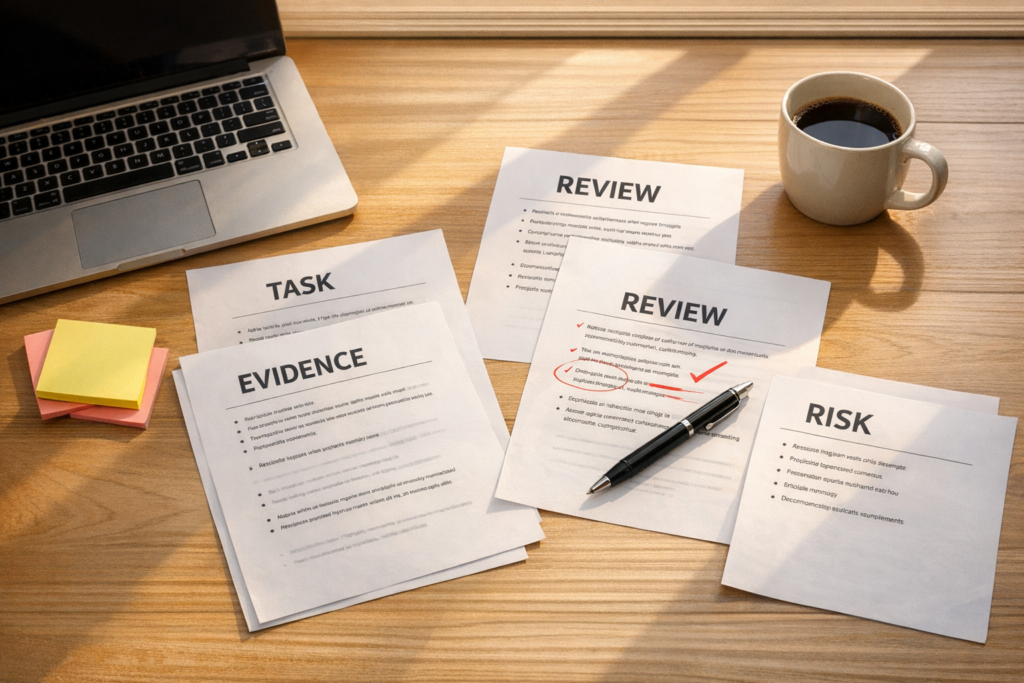
AI Work Needs Receipts: How to Review AI-Assisted Operations Before You Trust It
AI can now produce more work than most teams can comfortably review. It can draft content, clean CRM records, organize files, suggest automations, summarize meetings, classify support tickets, compare documents, and create task lists. That is useful. It also creates a new operational problem.
More output does not automatically mean more progress.
In many teams, the bottleneck is no longer getting a first version. The bottleneck is knowing whether the first version is safe to approve, send, publish, import, merge, delete, or build on top of.
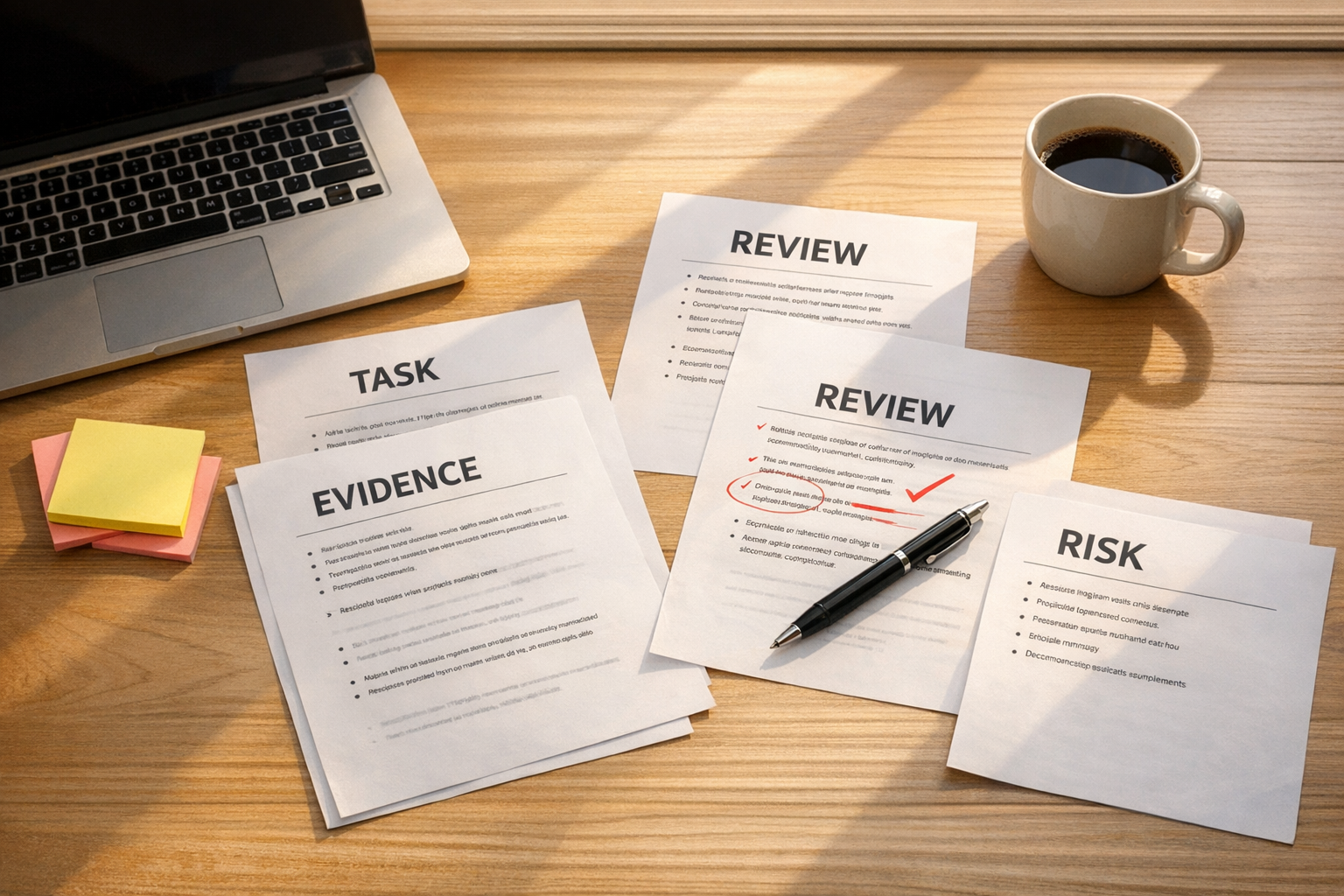
This is where a simple idea helps: AI work needs a receipt.
Not a cheerful summary. Not “Done.” Not a long explanation of effort. A factual receipt that shows what changed, what was checked, what could not be verified, and what a human should review next.
The hidden cost of AI output is review debt
When one person uses one AI assistant for one small task, review is usually manageable. You ask for a draft, read it, adjust it, and move on.
But operational work rarely stays that small. Soon the AI is helping with CRM fields, email sequences, spreadsheet cleanup, ticket routing, workflow documentation, product descriptions, SOPs, and automation logic. Then the team starts asking for several versions or several tasks at the same time.
That feels efficient until someone has to answer basic approval questions:
- Which records changed?
- Which files were touched?
- Which assumptions were made?
- Which sources were used?
- Which edge cases were skipped?
- What proof do we have that the result is correct?
- What exactly should a human inspect before this moves forward?
If those answers are not captured, the team gains output but loses clarity. That is review debt.
A polished summary is not proof
AI assistants are very good at sounding organized. They can produce a confident status update even when parts of the work were not fully checked. This does not mean the tool is bad. It means operators need a review protocol.
For example, if AI helps clean a CRM, the summary “I standardized the company names and removed duplicates” is not enough. A better handoff would include the fields reviewed, the number or sample of records touched, examples of merge decisions, records skipped because they were unclear, and the exact filter or view a human should inspect.
If AI drafts a newsletter, the receipt should include the source material used, any claims that need checking, sections that were rewritten heavily, and any places where the assistant filled gaps with assumptions.
If AI proposes a Make or Zapier automation, the receipt should include the trigger, actions, conditions, failure paths, test data used, and what still needs a real-world test.
The principle is simple: do not review the story of the work only. Review the evidence of the work.
The completion receipt framework
A completion receipt is a short factual handoff that comes after meaningful AI-assisted work. It helps the operator inspect the work without restarting the whole task from scratch.
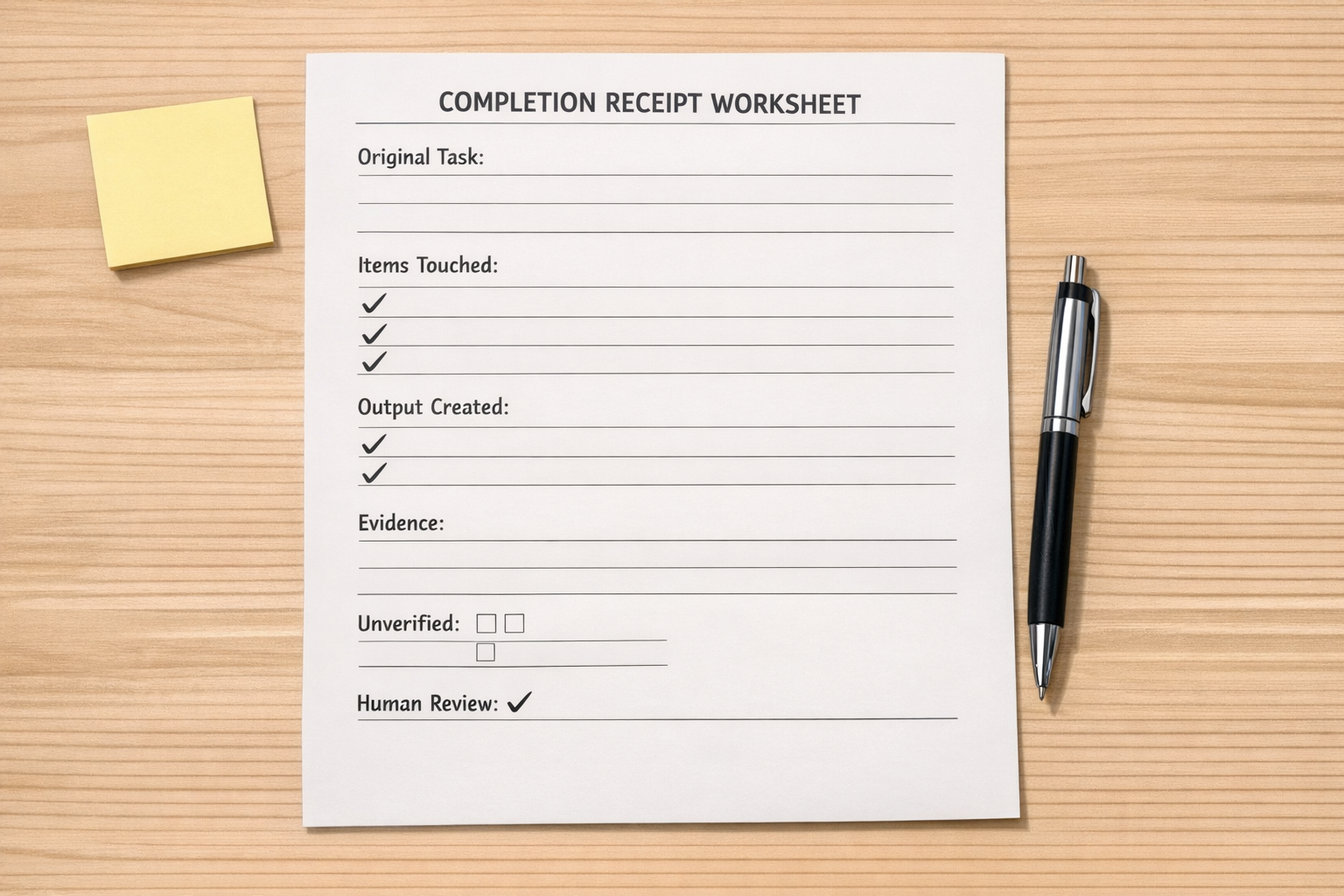
Here is a practical structure:
- Original task: The task restated in one sentence.
- Items touched: The files, records, folders, fields, documents, tools, or workflows affected.
- Output created: What was created, changed, moved, classified, drafted, deleted, or recommended.
- Evidence checked: The source, comparison, test, sample, command, view, or artifact that supports the result.
- Unverified items: Anything the AI could not confirm.
- Human review step: The exact thing someone should inspect before approval.
This works because it changes the final step from “tell me you are finished” to “show me what I need to inspect.”
A prompt you can use today
Here is a simple version you can paste into an AI-assisted workflow:
Before you call this finished, give me a completion receipt. Include the original task, the files, records, sources, apps, or documents you touched, the output you created or changed, the evidence that proves the work happened, anything you could not verify, and the exact thing I should review before I approve, publish, import, send, delete, merge, or move this forward. Keep it factual. Skip the motivational summary.
This prompt is useful because it is not limited to technical work. It can be used by founders, operations managers, marketers, sales teams, support leads, and assistants.
Where completion receipts help most
Completion receipts are especially useful in workflows where mistakes are easy to miss until later.
CRM cleanup
AI can help identify duplicates, normalize fields, classify contacts, or suggest lifecycle stages. The receipt should show which fields were reviewed, which records changed, what rules were applied, and what should be spot-checked before import.
Support and sales handoffs
If AI summarizes tickets or sales calls, the receipt should show source conversations, unresolved questions, promised follow-ups, and any items that require human judgment.
Automation design
For Make, Zapier, HubSpot, or GoHighLevel workflows, the receipt should show the trigger, conditions, actions, test input, expected output, failure handling, and manual review points.
Content and research
If AI drafts content or research notes, the receipt should identify source material, claims that need verification, assumptions, and sections that should not be published without review.
File and document organization
If AI helps organize folders or documents, the receipt should show before-and-after structure, moved items, renamed items, duplicates, and anything left undecided.
Build the review layer before scaling AI work
Many teams start with the exciting part: more AI tasks, more automations, more assistants, more output. That is understandable. But the review layer should be designed early.
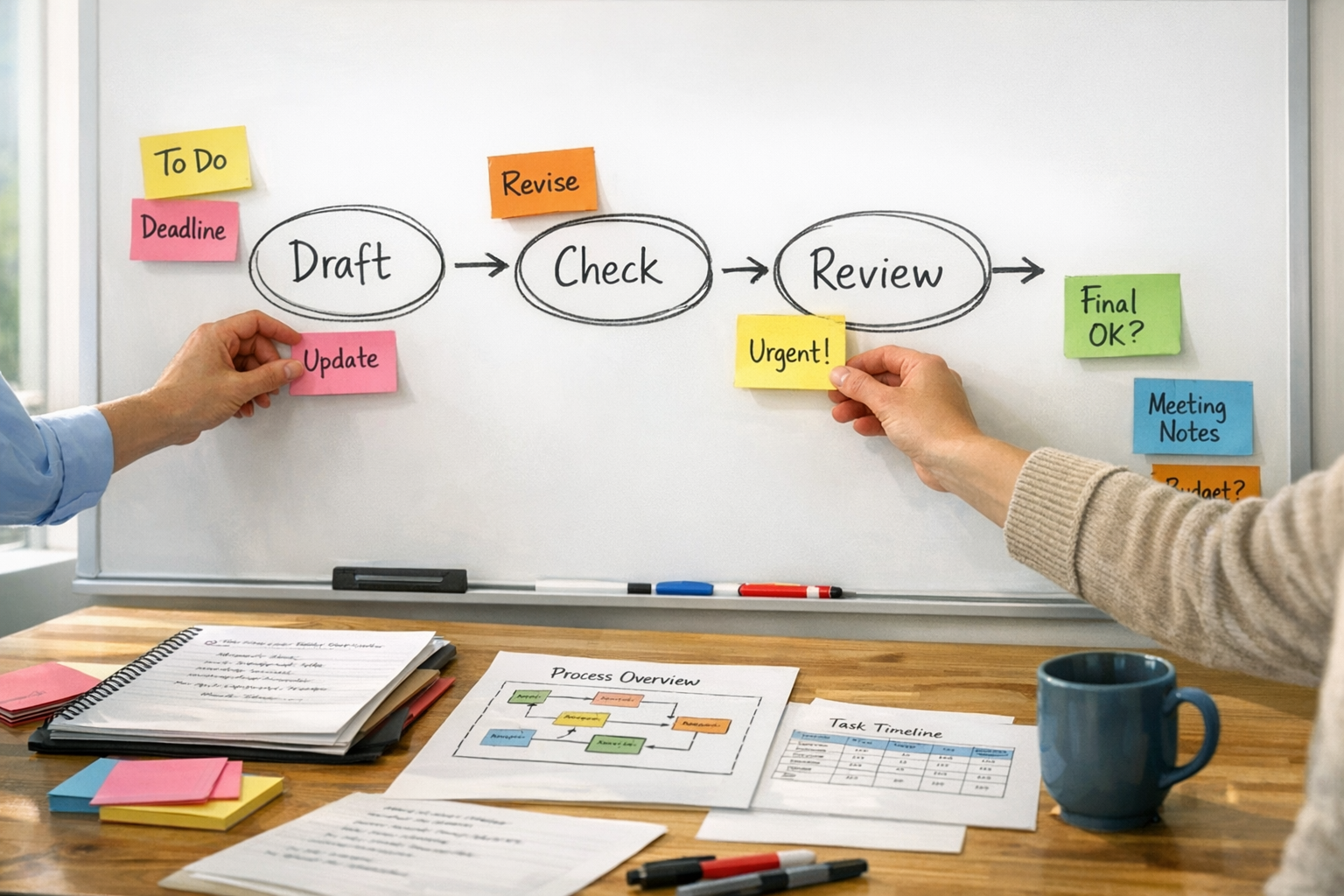
A good review layer answers three questions:
- What evidence is required before approval?
- Who is responsible for reviewing each type of output?
- What happens when the AI cannot verify something?
This does not need to be complicated. A small business might add a receipt section to ClickUp tasks. A sales team might add an AI review field inside the CRM. An operations team might require a test note before any automation goes live. A Shopify team might require a sample review before product data is bulk updated.
The point is to make inspection part of the workflow, not an afterthought.
Process before tools
The tool matters, but the process matters more. If the team does not know what counts as evidence, adding more AI assistants will create more uncertainty. If the team has a clear review protocol, AI becomes much easier to use responsibly.
That is the practical operator view: AI can remove work, but it should not remove accountability.
Before trusting AI-assisted output, ask for the receipt. What changed? What was checked? What was not verified? What should a human review next?
Those questions create operational clarity. They reduce rework. They also help teams use automation and AI with more confidence.
If you are building AI-assisted workflows inside CRM, ClickUp, Make, Zapier, HubSpot, GoHighLevel, Shopify, or internal operations, ConsultEvo can help design the process, the handoffs, and the review layer so the system is easier to trust.