

AI Workflow Architecture: Stop Prompting and Start Designing the Work
For a long time, the practical AI conversation was about the model. Which tool writes better? Which one summarizes faster? Which one gives cleaner answers?
Those questions still matter, but they are no longer the only bottleneck.
For many teams, the bigger issue is not whether AI can help. It is whether the business has a workflow that lets AI help without creating more copy-paste work, more checking, and more scattered outputs.
That is where AI workflow architecture comes in.
This does not mean building a massive technical system. It means designing how recurring work should move from trigger to input, from AI processing to human review, and from review to the next operational step.
The real shift: from prompts to workflows
A prompt is a request. A workflow is a repeatable path.
Many teams are still using AI like a smarter text box. Someone opens a tool, pastes context, asks for a draft or summary, copies the result, edits it, then pastes it into a CRM, task manager, spreadsheet, email, or Slack message.
That can be useful, but it is not the same as automation.
A better question is:
Which recurring task should no longer depend on someone remembering to open an AI tool?
Examples might include:
- A weekly CRM hygiene check before the sales meeting
- A daily support ticket summary grouped by customer issue
- A lead handoff review before a new opportunity is assigned
- A content refresh shortlist based on search, sales, or customer questions
- A ClickUp task triage summary for overdue or blocked work
- A Shopify operations alert when order issues follow a repeated pattern
These are not flashy use cases. That is exactly why they are good candidates. They happen often, they follow patterns, and they usually waste time when they are handled manually.
Process before tools
One of the most common automation mistakes is choosing the tool before defining the process.
A team might say, “Let’s build this in Make,” or “Can Zapier connect these apps?” or “Can we add an AI agent here?” Those are useful questions, but they should come after the workflow is clear.
Before building anything, define five pieces:
- Trigger: What starts the workflow?
- Inputs: What information is needed?
- Rules: What should the AI check, avoid, compare, or prioritize?
- Review point: Where does a human approve, correct, or reject the output?
- Handoff: Where does the result go next?
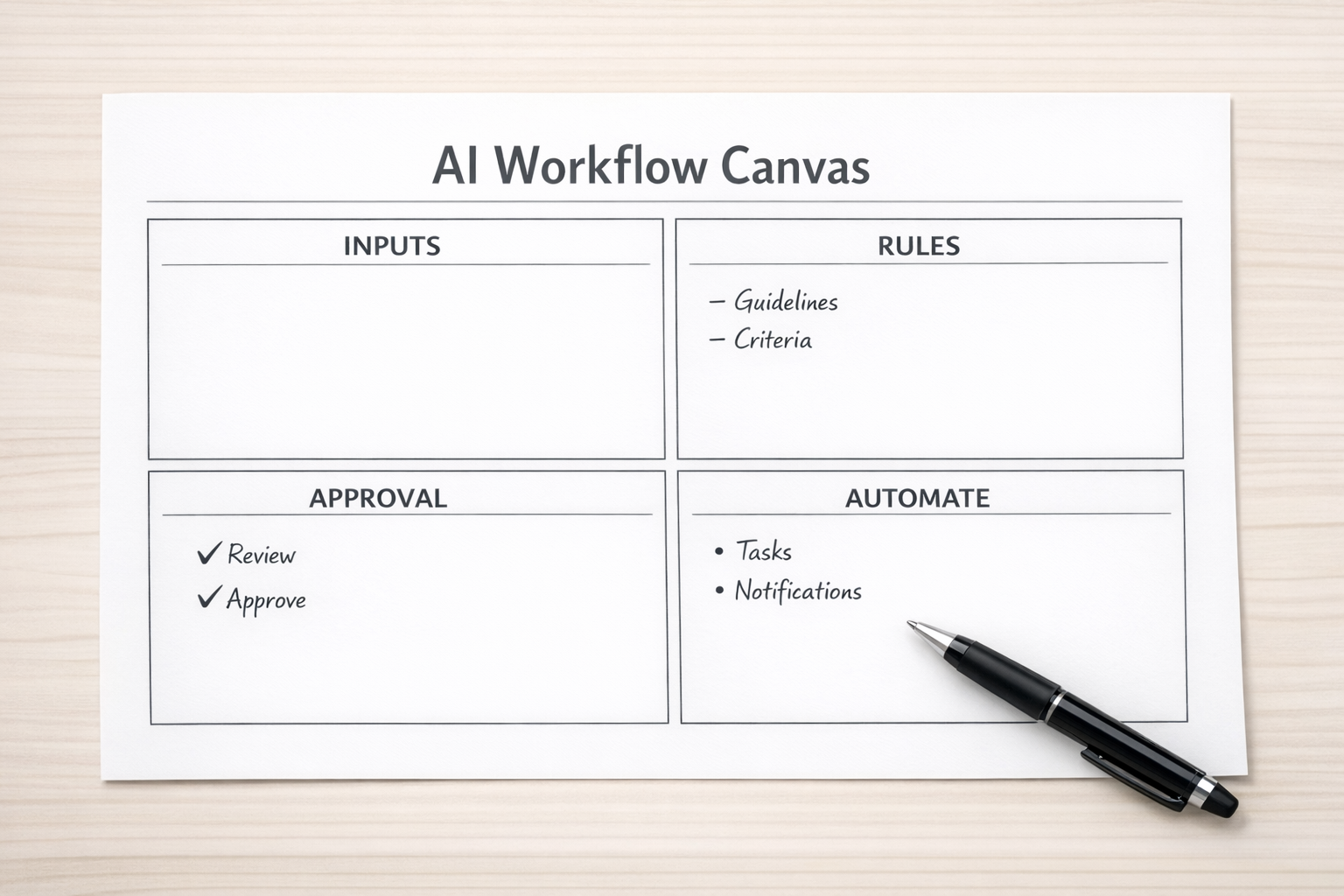
This small amount of design work prevents a lot of messy automation later.
Without a clear trigger, the workflow runs at the wrong time. Without clean inputs, the AI guesses. Without rules, the output is inconsistent. Without a review point, mistakes travel downstream. Without a handoff, the result becomes another thing someone needs to manually move.
A practical example: lead handoff validation
Consider a common sales and marketing handoff.
A lead fills out a form. The CRM creates a contact. Sales gets notified. Someone follows up.
Simple on paper. Messy in real life.
The contact may be missing company size. The message may not explain the problem clearly. The lead source may be wrong. The sales rep may receive the notification before the CRM record is useful. Then the rep has to investigate manually.
An AI-assisted workflow could improve this without replacing the sales team.
The workflow might look like this:
- Trigger: New qualified form submission enters the CRM
- Inputs: Form fields, page source, previous CRM history, company domain, submitted message
- AI task: Summarize the need, flag missing data, classify urgency, suggest the next best internal note
- Rules: Do not invent missing details, clearly mark assumptions, flag incomplete records
- Review: Marketing operations or sales operations checks exceptions
- Handoff: Clean summary and status update are added to the CRM before sales notification
This is a better use of AI than asking someone to manually paste the form submission into ChatGPT and ask, “Is this a good lead?”
The value is not just the AI summary. The value is the cleaner handoff.
Start with the boring workflow
The best first AI workflow is usually not the most ambitious one.
It is the task that:
- Happens every week or every day
- Uses similar inputs each time
- Has clear success criteria
- Creates delays when skipped
- Requires too much manual copying between tools
Good starting points include weekly reporting prep, CRM cleanup checks, task triage, support summaries, sales meeting briefs, content refresh reviews, and internal status updates.
These workflows are easier to validate because the team already understands the current pain. You can compare the automated version against the manual version and ask simple questions:
- Did it save time?
- Did it reduce missed steps?
- Did it improve the handoff?
- Did it make review easier?
- Did it create any new risk or confusion?
If the answer is yes to the first four and no to the last one, you have something worth improving.
Where tools fit
Once the workflow is clear, tools become easier to choose.
Make or Zapier can move data between systems and trigger actions. ClickUp can hold tasks, statuses, dashboards, and approvals. HubSpot or GoHighLevel can manage CRM records, pipelines, lead stages, and follow-up workflows. Shopify can provide operational events around orders, customers, and fulfillment issues. AI can summarize, classify, compare, draft, and flag exceptions.
But the tools should serve the workflow, not define it.
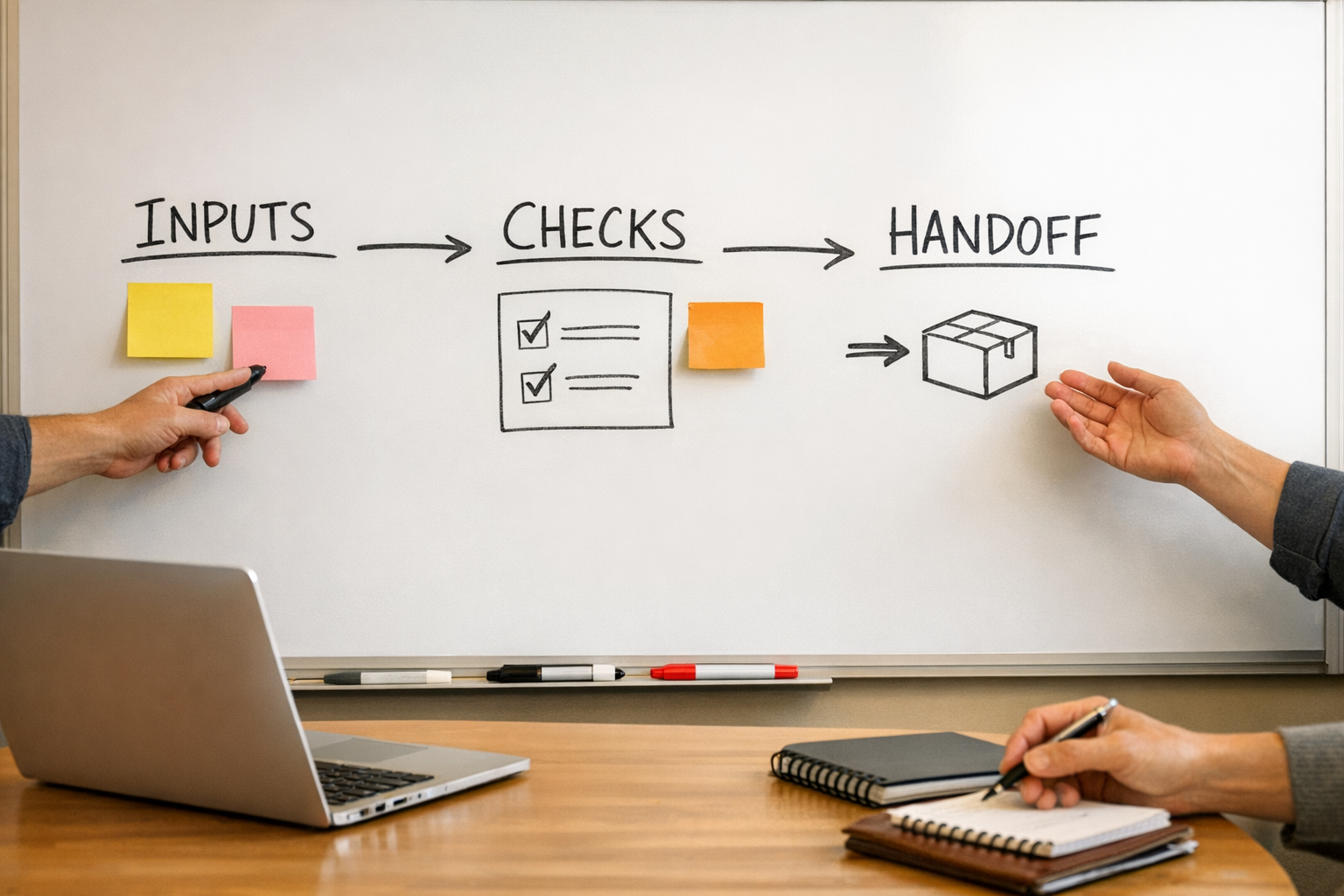
If the process is unclear, connecting more tools only spreads the confusion faster.
Build in validation from the beginning
AI workflows need validation. Not because AI is bad, but because business processes have consequences.
A good validation layer might include:
- Logging every AI-generated summary or classification
- Routing uncertain cases to a human
- Keeping source data attached to the output
- Using required fields before allowing handoff
- Reviewing a sample of outputs weekly
- Defining what the AI must never decide alone
This is especially important in CRM, sales, support, and operational workflows. The goal is not to remove judgment everywhere. The goal is to remove repetitive preparation work so people can use their judgment better.
A simple implementation plan
If you want to start this week, keep it small.
- Step 1: List five recurring tasks that involve copy-paste, summaries, checks, or handoffs.
- Step 2: Choose the one with the clearest rules and lowest risk.
- Step 3: Map the trigger, inputs, rules, review point, and handoff.
- Step 4: Run it manually with AI once or twice to test the logic.
- Step 5: Only then automate the repeatable parts.
This approach keeps the project grounded. You are not trying to automate the whole business. You are proving one workflow.
The takeaway
The next useful step with AI is not always a better prompt or a newer model. For many teams, it is better workflow architecture.
Recurring work should not live in someone’s memory. Important handoffs should not depend on copy-paste. CRM cleanup should not wait until reporting breaks. Support themes should not stay buried in tickets. Sales context should not be reconstructed from scattered notes.
AI agents and automation can help, but only when the process is designed clearly.
If you want help identifying, designing, or building practical AI and automation workflows across ClickUp, Make, Zapier, HubSpot, GoHighLevel, Shopify, CRM systems, or internal operations, ConsultEvo can help you turn repeated manual work into cleaner systems.