


How to Choose the Right AI Agent for Your Workflow
AI agents are useful, but the category has become too broad to be helpful on its own.
One person says “agent” and means a research assistant that can browse, summarize, and produce a report. Another person means an automation that updates the CRM, creates tasks, and alerts sales. Someone else means a more advanced system that can inspect context, choose a path, and involve a human when the risk is too high.
Those are very different operational problems.
For a business owner or operator, the safest starting point is simple: define the work before choosing the agent.

Start with the work you want to remove
The wrong question is “Which AI agent should we use?”
The better question is “What repeatable work should no longer take time from the team?”
That shift matters because AI agents only create value when they are attached to a clear operational outcome. If the work is vague, the build will be vague. If the workflow has unclear ownership, the agent will likely create more confusion. If the data is messy, automation may simply move messy data faster.
Before looking at tools, write down the specific work pattern. For example:
- A lead arrives through a form and someone manually researches the company.
- A support request comes in and someone decides which team should handle it.
- A sales call ends and someone copies notes into the CRM, creates follow-up tasks, and updates the pipeline.
- A content idea is discussed in Slack, but no one turns it into a structured task brief.
- A Shopify order issue needs to be checked, categorized, and routed.
These are good candidates because they are repeatable, visible, and connected to business outcomes.
There are different types of agents
Not every AI agent belongs inside your operations stack. Some are better as personal productivity tools. Others belong inside structured workflow automation.
A practical way to think about it is in three categories.
1. Personal research and production assistants. These help with research, summarization, drafting, comparison, and document preparation. They are useful when the output is informational and a human will review it before it affects a customer, invoice, or internal record.
2. Workflow automation agents. These sit inside tools like Make, Zapier, HubSpot, GoHighLevel, ClickUp, or your CRM stack. They move data, trigger next steps, enrich records, create tasks, and prepare handoffs. This is where many businesses see practical ROI because the agent removes repetitive admin work.
3. Decision-support agents. These evaluate messier situations and recommend or choose a path. For example, deciding whether a lead is sales-ready, whether a support ticket should be escalated, or whether a submitted request has enough information to proceed. These workflows need stronger guardrails.
The more an agent can affect customers, revenue, data quality, or team workload, the more structure it needs.
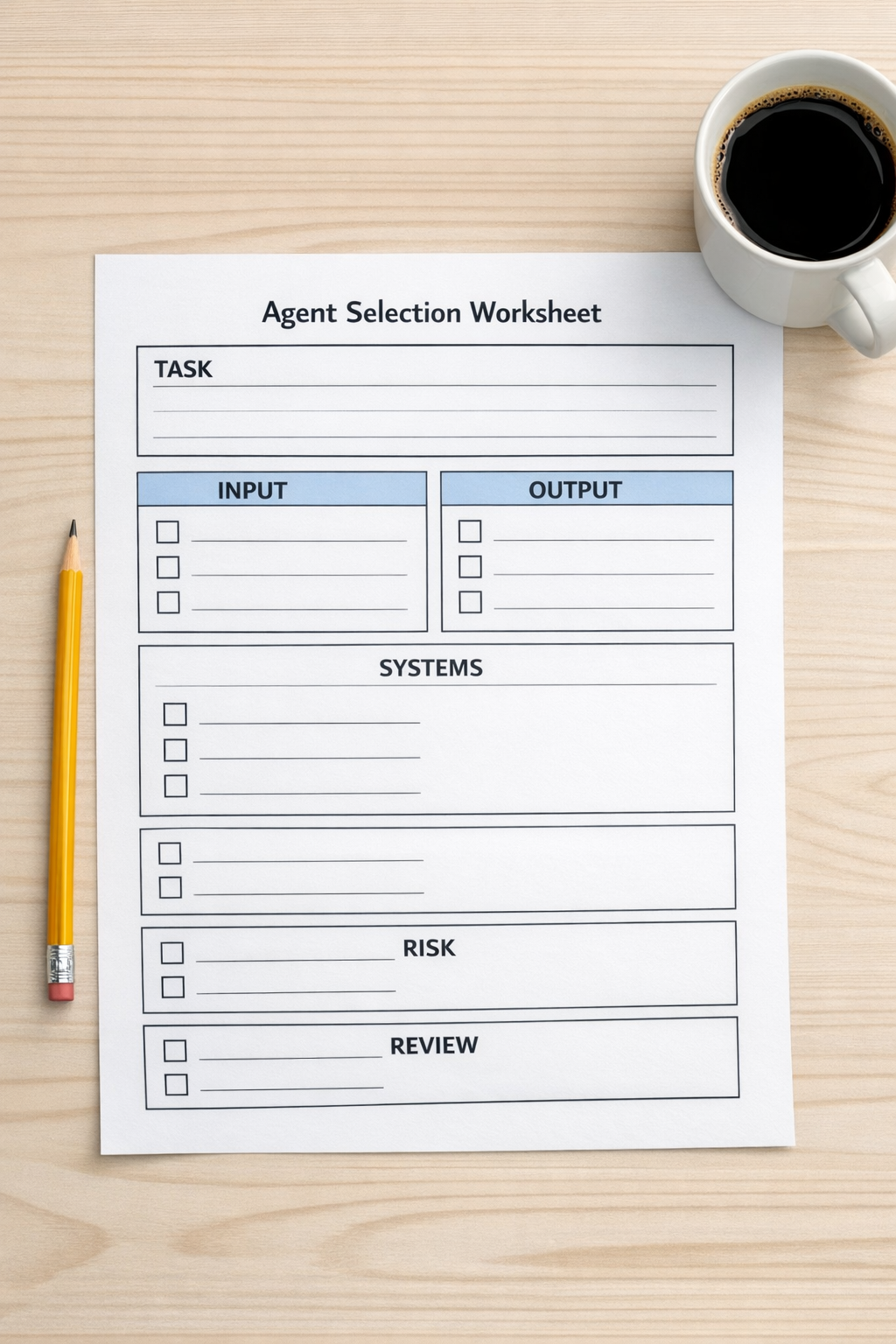
Use a simple selection worksheet
Before building, answer six questions:
- What is the trigger? What starts the workflow?
- What information does the agent need? Where does that information live?
- What should the agent produce? A summary, a CRM update, a task, a decision, or a draft?
- Which systems are involved? CRM, ClickUp, email, forms, Shopify, Slack, Google Drive, or something else?
- What can go wrong? Bad data, wrong routing, duplicate records, missing context, or overconfident recommendations?
- Where should a human review the work? Before sending, before updating a key record, or only when confidence is low?
This small planning step prevents a common mistake: building an impressive automation that nobody trusts.
Match the tool to the workflow
If the work is mostly research, you may not need a complex automation build. A well-prompted assistant and a reusable process may be enough.
If the work involves moving information between apps, then Make or Zapier may be the right layer. For example, a new form submission can trigger company research, CRM enrichment, task creation, and a sales notification. The AI portion might summarize the lead, classify the request, or draft the first follow-up note.
If the workflow lives inside HubSpot or GoHighLevel, the agent design should respect the pipeline, lifecycle stages, custom fields, and sales handoff rules already in place. Otherwise, AI becomes another source of CRM clutter.
If the workflow ends in ClickUp, the structure matters too. The agent should create tasks in the right list, apply the right status, assign the right owner, and include enough context for the person receiving the work.
Good automation is not just about connecting apps. It is about preserving operational clarity.
Design with validation, not blind trust
An AI agent should not be treated like a perfect employee. It should be treated like a capable assistant working inside a designed process.
That means adding validation points.
- Check whether required fields are present before the agent runs.
- Use clear categories instead of open-ended labels where possible.
- Log what the agent changed or recommended.
- Route uncertain cases to a human.
- Test with real examples before expanding the workflow.
This is especially important in sales and support handoffs. If a lead is routed incorrectly, the sales team loses trust. If a support ticket is summarized poorly, the customer may have to repeat themselves. If the CRM is updated with weak assumptions, reporting becomes unreliable.
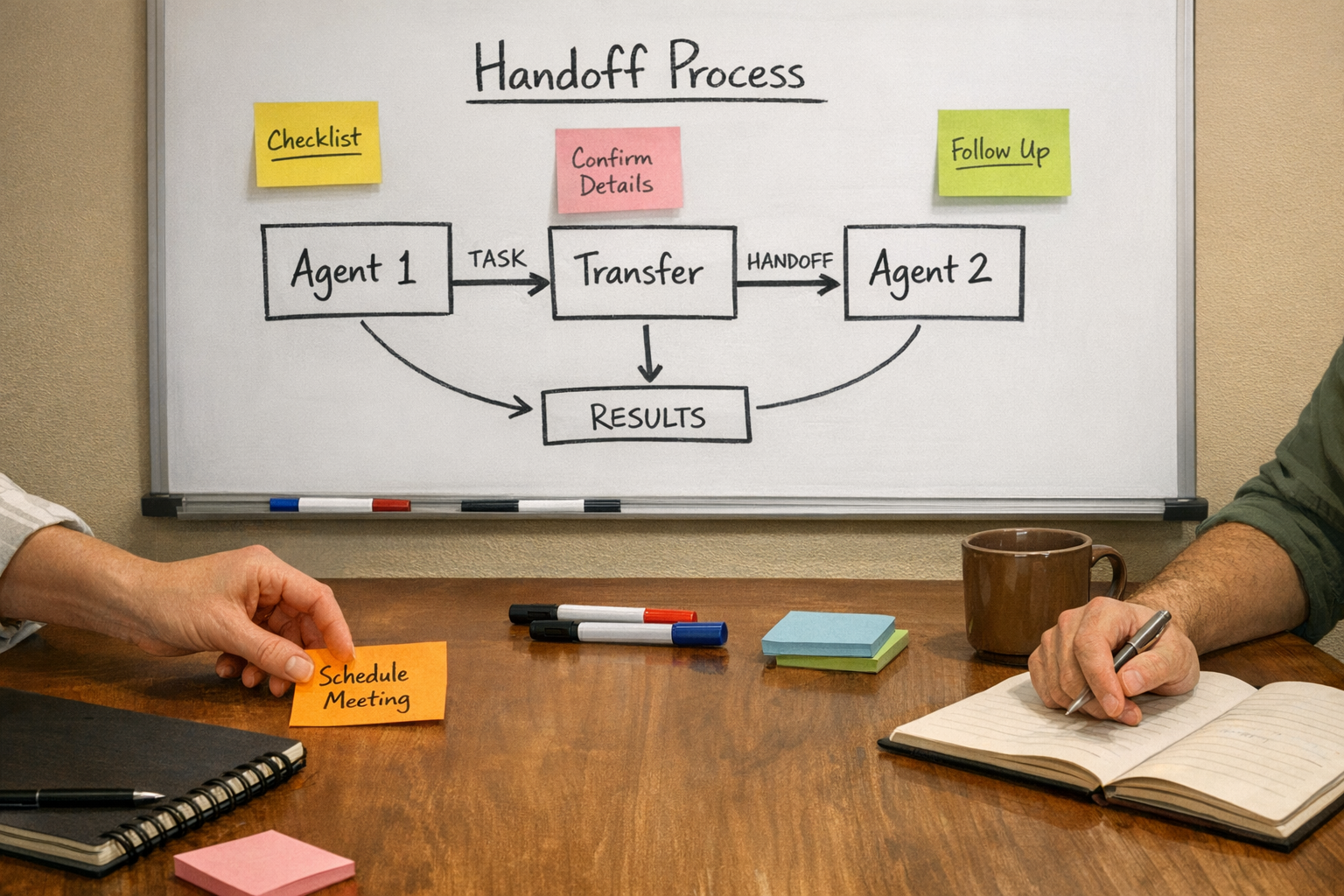
Start with one useful workflow
The best first AI agent project is usually not the biggest idea. It is the workflow your team already repeats every week and quietly dislikes.
Look for copy-paste work, manual research, repetitive routing, status updates, task creation, CRM cleanup, or handoff preparation. These are often easier to validate than broad strategic use cases, and the results are easier for the team to feel.
A strong first version might look like this:
- A new inquiry is received.
- The agent checks required fields.
- It researches or summarizes the context.
- It updates the CRM with controlled fields.
- It creates a task for the right owner.
- It adds a short internal note explaining what happened.
- A human reviews anything uncertain.
That is not flashy, but it removes work. More importantly, it creates a foundation you can improve.
The practical rule
Choose the agent after you understand the workflow.
If the task is informational, use a personal assistant. If the task moves data between tools, design a workflow automation. If the task makes decisions, add guardrails, logs, and human review.
AI agents can be genuinely helpful, but they need a job description. Without one, they become another tool to manage. With one, they can remove real work from the business.
If you want help identifying the right AI agent use case, cleaning up the process, or building the workflow in ClickUp, Make, Zapier, HubSpot, GoHighLevel, Shopify, or your current stack, ConsultEvo can help you turn the idea into a working operational system.