

Build an AI Workflow On-Ramp Before You Automate
There is a pattern we see often with AI adoption. A team finds a new tool, tests a few prompts, gets a surprisingly good result, and immediately starts imagining full automation.
That excitement is understandable. AI can remove a lot of repeated work. It can summarize, classify, draft, compare, research, route, and prepare next steps. But when teams skip the operational design step, AI quickly becomes another scattered experiment.
The better approach is to build an on-ramp first.
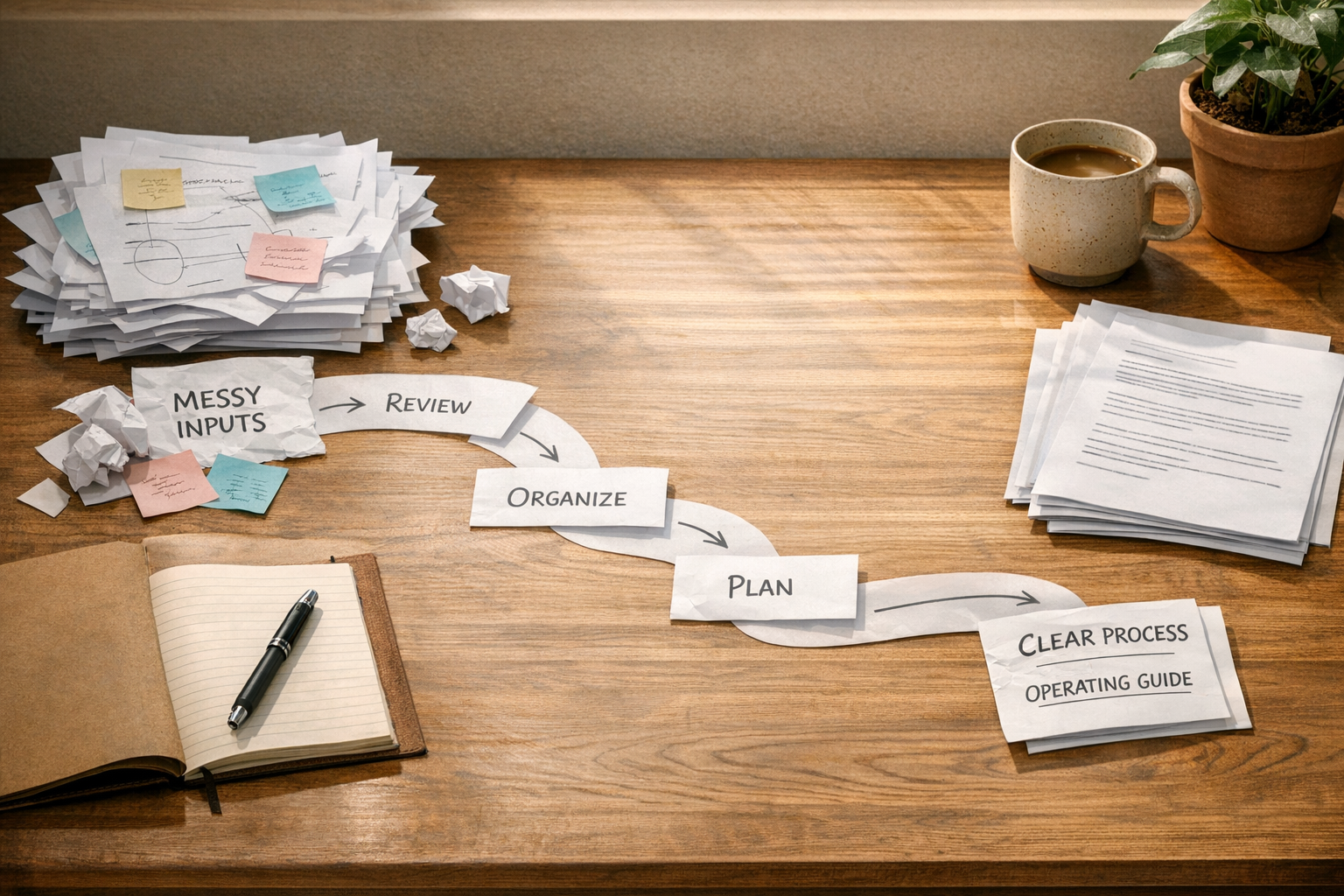
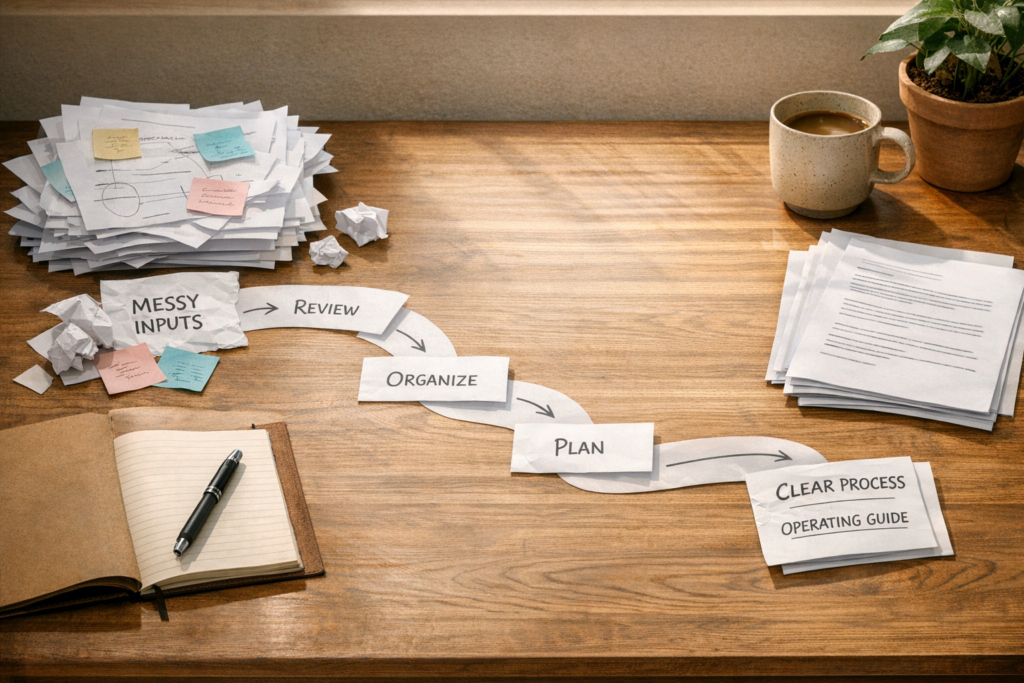
An AI workflow on-ramp is a simple sequence that helps a team move from experimentation to repeatable execution. It answers the practical questions before any automation is built: what work are we improving, what inputs are needed, what rules matter, where does human approval belong, and what should happen after the AI produces an output?
This is not extra bureaucracy. It is how you avoid building a clever system that nobody trusts.
Start With One Recurring Workflow
The safest place to begin is one repeated task. Not an entire department. Not every marketing, sales, or support process at once. One workflow that happens often enough to be worth improving.
Good candidates usually have a few things in common:
- They require the same type of input each time.
- They follow a familiar decision pattern.
- They involve repeated copy-paste, rewriting, tagging, or routing.
- They slow people down because the steps are small but constant.
- They have a clear output that can be reviewed.
Examples might include preparing sales call summaries, drafting follow-up emails from CRM notes, reviewing support tickets before escalation, turning form submissions into ClickUp tasks, summarizing Shopify order issues, or cleaning CRM records before a campaign.
The key is to choose a workflow where success can be recognized. If nobody can agree what a good result looks like, the AI will not fix that.
Document the Current Process Before Improving It
AI works best when the business already knows how the work should be done. If the current process is vague, the AI will simply reproduce that vagueness faster.
Before building anything, write down the current workflow in plain language. Keep it practical. You do not need a huge process map. You need enough clarity to explain the job to a capable assistant.
Capture:
- Inputs: What information starts the workflow?
- Context: What background does the person normally need?
- Rules: What standards, tone, formatting, or business logic matters?
- Decisions: What needs to be categorized, prioritized, accepted, rejected, or escalated?
- Output: What should be created or updated?
- Handoff: Where does the work go next?
This step often reveals that the automation problem is really a clarity problem. That is useful. Fixing the process before connecting tools saves time later.
Turn Team Knowledge Into Reusable Instructions
One of the most valuable uses of AI is reducing repeated explanation. If your team keeps pasting the same background, tone guidance, formatting rules, or review criteria into a chat window, that is a sign the knowledge should become reusable.
Reusable instructions can be simple. They might describe how your team writes proposals, how support tickets should be categorized, how leads should be scored, or how project updates should be summarized.
The goal is consistency. Not perfect output. Consistent enough that humans spend less time re-explaining the task and more time reviewing the result.
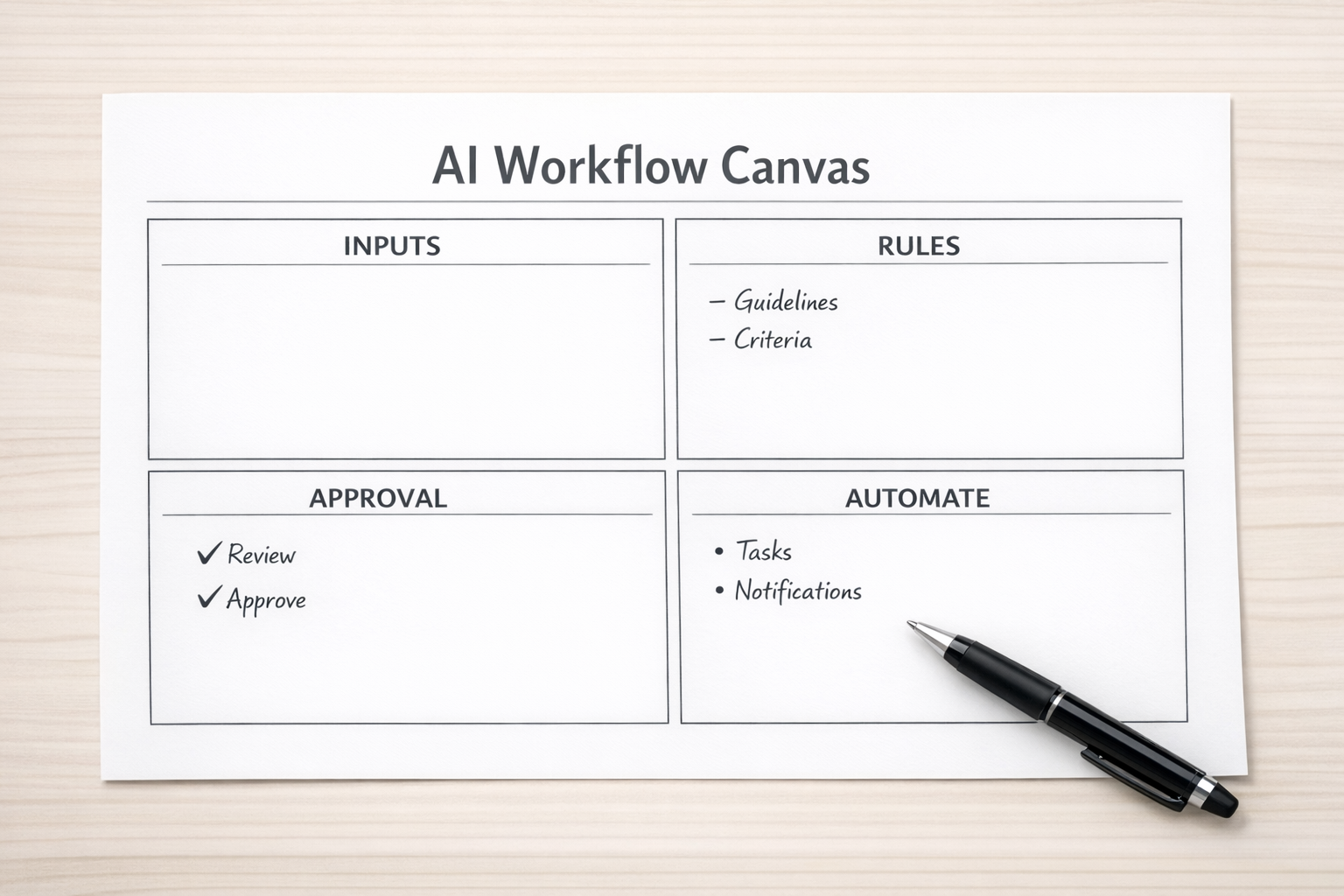
A useful instruction set usually includes:
- The role the AI should perform.
- The business context it should consider.
- The input format it should expect.
- The output format it should return.
- Rules it must follow every time.
- Examples of good and bad results.
- Situations where it should ask for help instead of guessing.
This is where AI starts to become operational. You are no longer hoping that a prompt works. You are building a repeatable way for the system to handle a defined job.
Validate With Real Examples
Before connecting AI to Make, Zapier, HubSpot, GoHighLevel, ClickUp, Shopify, or any other system, test it against real examples.
Use actual records, old tickets, previous briefs, past tasks, or completed customer requests. Remove sensitive data where needed, but keep the structure realistic. Sample data that is too clean will hide the edge cases that break workflows later.
Review the output with the people who already do the work. Ask practical questions:
- Would this save time?
- Is the output usable without heavy rewriting?
- Did the AI miss any important context?
- Did it make decisions it should not make?
- Where should a human review step be added?
This validation step protects the team from automating too early. A workflow that is unreliable in manual testing will not become reliable because it is connected to more tools.
Decide What AI Should Remember, Decide, and Avoid
Before automation, it helps to answer three questions.
What should the system remember? This might include brand rules, CRM definitions, service tiers, internal categories, project naming conventions, or escalation rules.
What should it decide? Some decisions are safe, such as tagging a ticket, drafting a response, summarizing a call, or suggesting a next step. Other decisions may need approval, especially if they affect customers, billing, access, or commitments.
What should it never do without approval? This is the guardrail question. It keeps the workflow practical and trustworthy. For many businesses, AI can prepare the work, but a person should still approve messages, refunds, pricing changes, account updates, or sensitive responses.
Clear boundaries make adoption easier. People are more likely to use AI when they know where it helps and where human judgment remains in control.
Only Then Automate the Boring Parts
Once the workflow is defined, instructed, and tested, automation becomes much easier to design.
Now you can decide where tools like Make or Zapier should move information, where ClickUp should create tasks, where HubSpot or GoHighLevel should update records, where Shopify data should trigger internal actions, and where AI should summarize, classify, or draft.

The best AI automations usually remove small pieces of friction:
- Turning form submissions into structured CRM notes.
- Creating task briefs from customer requests.
- Summarizing calls and attaching next steps to a deal.
- Routing support issues based on content and urgency.
- Drafting follow-up messages for review.
- Checking records for missing or inconsistent fields.
- Preparing weekly operational summaries from existing data.
None of these need to be dramatic. The value comes from reducing repeated manual work across the week.
A Simple Implementation Order
If you are starting from scratch, use this order:
- Choose one workflow. Pick something repeated and visible.
- Map the current steps. Keep it plain and honest.
- Define the AI job. Be specific about the input and output.
- Create reusable instructions. Include rules, examples, and boundaries.
- Test with real cases. Review with the people doing the work.
- Add human approval where needed. Especially around customer-facing or sensitive actions.
- Automate the transfer points. Move data, create tasks, update records, and send drafts where they belong.
- Monitor and improve. Treat the workflow as an operating asset, not a one-time build.
This approach is slower at the start, but faster in the long run. It reduces rework, prevents messy tool connections, and gives your team a system they can actually trust.
Final Thought
The goal is not to make everyone on your team an AI expert. The goal is to make good work easier to repeat.
That happens when process comes before tools. Define the work, capture the rules, validate the output, then automate the parts that no longer need to be manual.
If you want help turning AI ideas into practical workflows inside ClickUp, Make, Zapier, HubSpot, GoHighLevel, Shopify, or your CRM, ConsultEvo can help you map the process, validate the workflow, and build the automation properly.