

Build AI Workflows That Protect Your Voice, Not Replace It
AI can help a business produce more content, respond faster, and reduce repetitive work. That part is useful. The risk appears when teams confuse faster output with better thinking.
If an AI workflow starts with a blank prompt and ends with automatic publishing, the system may be efficient, but it is also fragile. It can produce clean, acceptable, generic material at scale. For some internal tasks, that may be fine. For work that depends on trust, judgment, authority, or customer nuance, it is not enough.
The practical question is not whether AI should be used. The better question is: where does human judgment enter the workflow?
Generic output is usually a workflow problem
When AI-assisted content sounds flat, teams often blame the tool. In many cases, the tool is only doing what it was asked to do. The workflow gave it a vague topic, no real point of view, no examples, no audience context, and no review standard.
So the model fills the gaps with the safest possible language. It writes something smooth. It avoids sharp edges. It sounds like a lot of other things on the internet.
That is not a writing problem only. It is an operations problem. The system is missing the inputs that make the work specific.
Start with a voice capture step
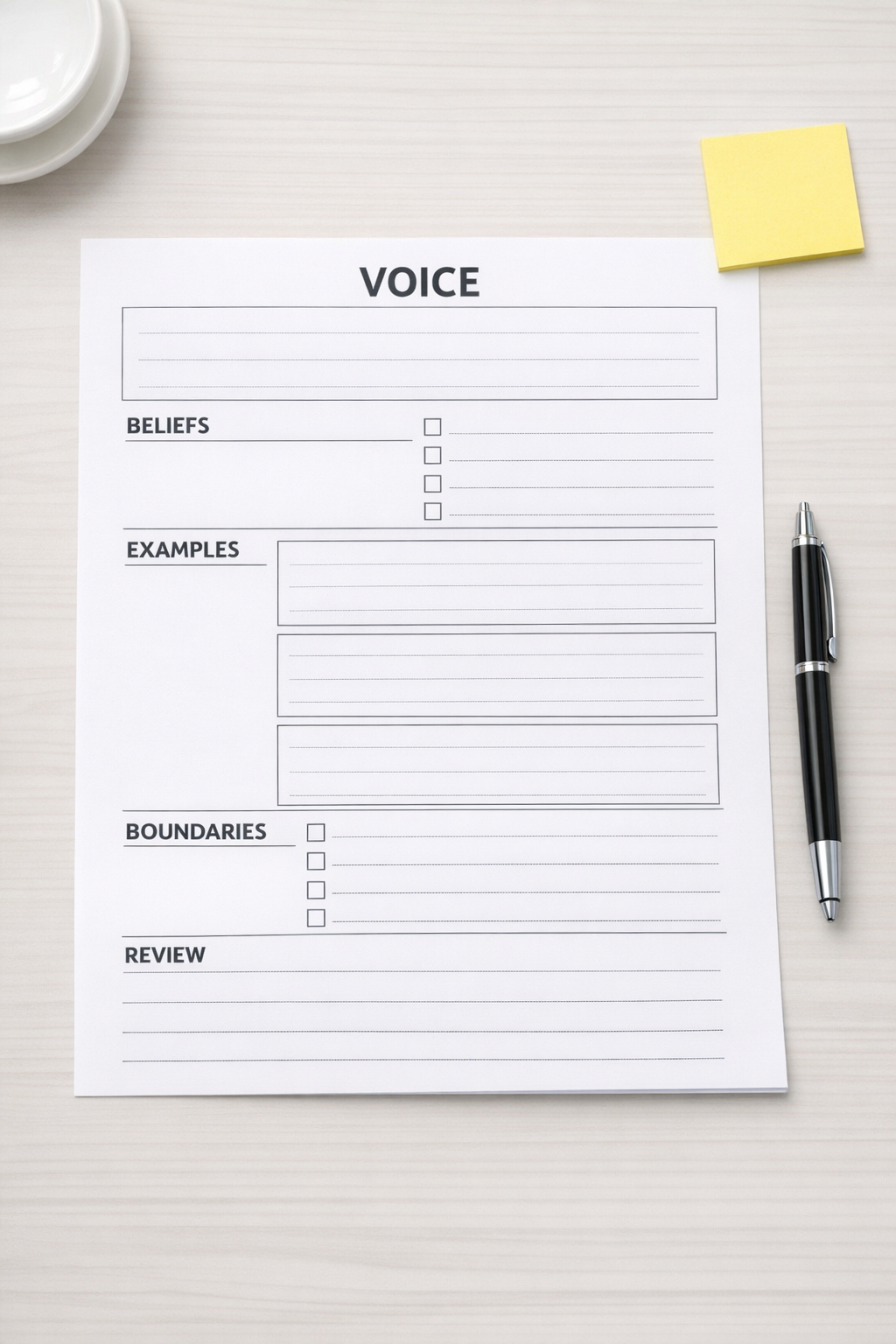
Before asking AI to draft anything, capture the human point of view. This does not need to be complicated. A short intake form, a structured brief, or a recurring worksheet can do the job.
The goal is to create an input layer that gives the AI something real to work from.
- Core belief: What do we actually think about this topic?
- Practical experience: What have we seen in client work, sales calls, support tickets, or operations reviews?
- Audience need: What does the reader need to understand or decide?
- Boundaries: What should we avoid claiming?
- Language rules: What phrases sound off-brand, overused, or too polished?
- Decision: What should happen after this piece is created?
This step changes the role of AI. Instead of inventing the message, it helps shape, organize, and refine a message that already has human judgment behind it.
Add a review checkpoint before automation continues
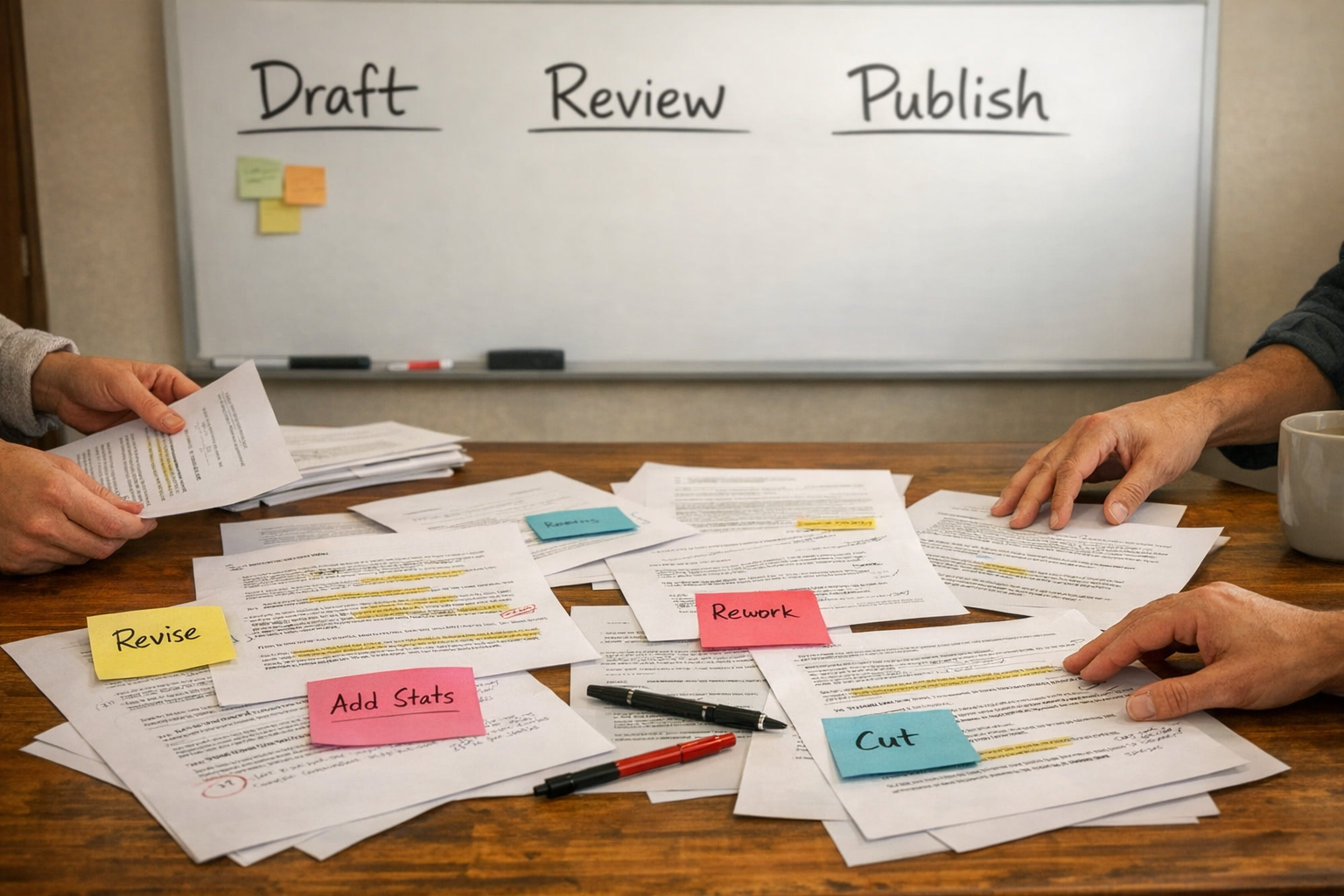
AI workflows become risky when every step is automated without validation. A draft is generated, formatted, scheduled, and published before anyone asks whether it still sounds like the company.
That does not mean every workflow needs heavy approval. It means the right checkpoint should exist at the right moment.
For content workflows, a useful human review can be simple:
- Does this reflect our actual point of view?
- Does it include a concrete example or operational insight?
- Is the language too generic?
- Are there claims we cannot support?
- Would a customer recognize this as coming from us?
If the answer is no, the workflow should route the draft back for revision rather than pushing it forward. This is where tools like task systems, automation platforms, and CRM workflows can help. The technology should not replace the review. It should make the review easier to perform consistently.
Separate production tasks from judgment tasks
A good automation system removes manual copy-paste, status chasing, file naming, formatting, and routing. Those are production tasks. They are perfect candidates for automation.
Judgment tasks are different. These include deciding the angle, checking the quality of the idea, confirming the tone, and validating whether the output is useful for the audience. AI can assist with these tasks, but the business should not fully disappear from them.
This distinction is important when building AI agents. An agent can prepare options, summarize inputs, compare drafts against a voice guide, and flag weak sections. But the agent should not silently decide what your business believes.
A simple AI content workflow structure
For many teams, a safer AI-assisted content workflow looks like this:
- 1. Intake: Collect the topic, audience, desired outcome, and source material.
- 2. Voice capture: Add beliefs, examples, objections, and language preferences.
- 3. Draft support: Use AI to create a first version from the approved inputs.
- 4. Voice check: Compare the draft against the voice guide and practical examples.
- 5. Human review: Approve, revise, or reject the draft based on judgment.
- 6. Production automation: Format, assign, schedule, notify, or archive the approved content.
This structure keeps the workflow efficient without letting the system flatten the expertise that makes the content worth reading.
Use AI to preserve clarity, not hide sameness
There is nothing wrong with using AI to improve structure, reduce friction, or speed up routine work. The issue is using AI as a substitute for perspective.
In practice, the best workflows are not the ones that automate everything. They are the ones that automate the right things while protecting the parts of the work that create trust.
If your AI-assisted content, sales, or support workflow feels too generic, the answer may not be a better prompt alone. It may need a better process: clearer inputs, stronger review points, and a defined place for human judgment.
At ConsultEvo, we help businesses design automation and AI workflows that remove repetitive work while keeping operations practical and accountable. If your team is producing more output but losing clarity, we can help you rebuild the workflow around the judgment that matters.