


Before You Build an AI Agent, Move One Layer Above the Task
AI tools are getting more capable, but the teams getting the most value from them are not simply asking better prompts. They are asking better operational questions.
The most useful one is this: why is a person doing this manually?

That question sounds simple, but it changes how you design AI agents and automations. Instead of starting with the tool, you start with the work. You look at the repeated actions that happen between systems, the small pieces of judgment people make every day, and the information they gather before they can take the next step.
For many businesses, that is where the real automation opportunity lives.
The task is rarely the real task
A person might say, “I copy lead details from email into the CRM.” On the surface, that sounds like a data entry task.
But if you move one layer above it, the real job may be:
- Recognize that the email is a new sales opportunity
- Find or create the correct contact record
- Extract the useful details from the message
- Classify the request by service, urgency, or source
- Create a follow-up task for the right person
- Flag anything incomplete before the sales handoff
That is a very different workflow. It is not just copy-paste. It is intake, classification, enrichment, routing, and quality control.
This is why “just connect AI to the inbox” is usually too vague. A good AI-assisted workflow needs to know what job it is performing inside the operation.
Start with the annoying work people have normalized
Every company has manual work that nobody loves but everyone accepts. Checking multiple tabs before replying to a customer. Updating a task in one tool after a form is submitted in another. Reading through emails to find order details. Building the same weekly report from the same scattered sources.
These are good candidates for AI and automation because they are frequent, context-heavy, and often tied to existing data.
The mistake is trying to automate the visible action only. If someone spends ten minutes preparing a customer reply, the value is not only in drafting the reply. The value may be in gathering the order history, checking the CRM notes, reviewing open support tickets, and deciding whether the issue needs escalation.
An AI agent can help with that, but only if the process is defined clearly enough.
Use a simple task filter before building
Before you build in Make, Zapier, HubSpot, GoHighLevel, ClickUp, or a custom AI workflow, run the task through a practical filter.
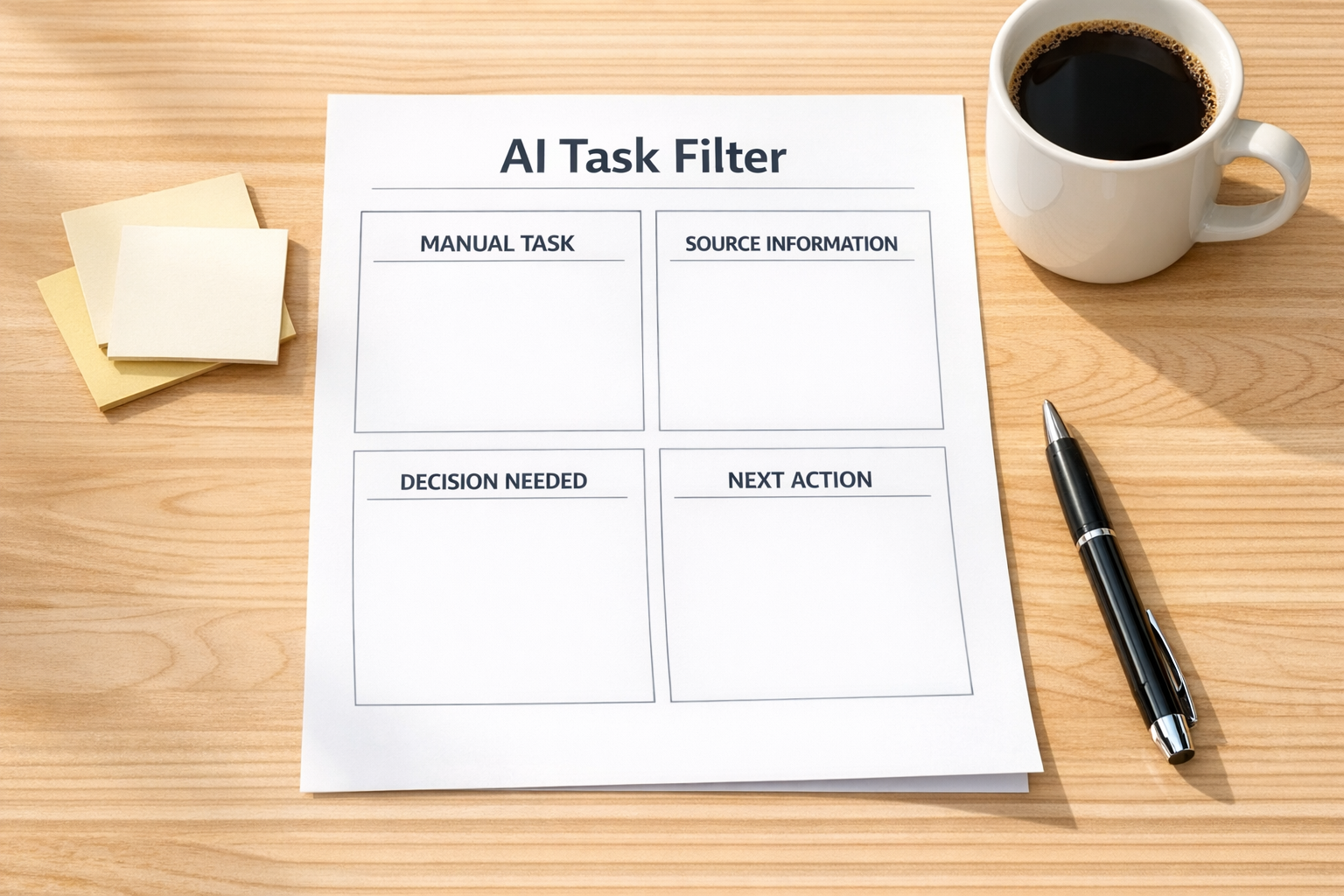
- Trigger: What starts this workflow?
- Context: What information does the person need?
- Source: Where does that information already live?
- Decision: What judgment is being made?
- Output: What should be created, updated, sent, or assigned?
- Exception: When should the workflow stop and ask a human?
This exercise often reveals that the AI part is only one piece of the system. You may also need cleaner CRM fields, better naming rules, improved ClickUp statuses, or a safer approval step before the automation updates live records.
AI agents need boundaries, not just instructions
There is a big difference between a fun AI demo and an operational AI agent.
A demo can be impressive with a loose prompt. A real workflow needs boundaries. It needs to know what data it can use, what it should ignore, what actions it can take, and when it should pause.
For example, an AI agent that prepares sales handoff notes should not quietly invent missing details. It should pull from approved sources, summarize what is known, mark what is uncertain, and create a task for a human when the record is incomplete.
That is not less powerful. It is more useful. Businesses do not need AI that sounds confident. They need AI-assisted workflows that can be trusted in daily operations.
When the result is wrong, debug the workflow
When an AI workflow gives a poor result, many teams immediately blame the model or rewrite the prompt. Sometimes that is necessary, but it should not be the only response.
Ask these questions first:
- Was the source data clean and consistent?
- Did the workflow provide enough context?
- Was the expected output format clear?
- Did the agent know what to do when information was missing?
- Was there a test mode before updating real systems?
- Was the human review step placed at the right point?
In practice, many AI failures are process failures. The model may be working with messy CRM records, unclear instructions, duplicate contacts, vague task names, or missing business rules.
Fixing those things usually improves the workflow more than adding a longer prompt.
Design the handoff carefully
The handoff between AI and humans is one of the most important parts of the system.
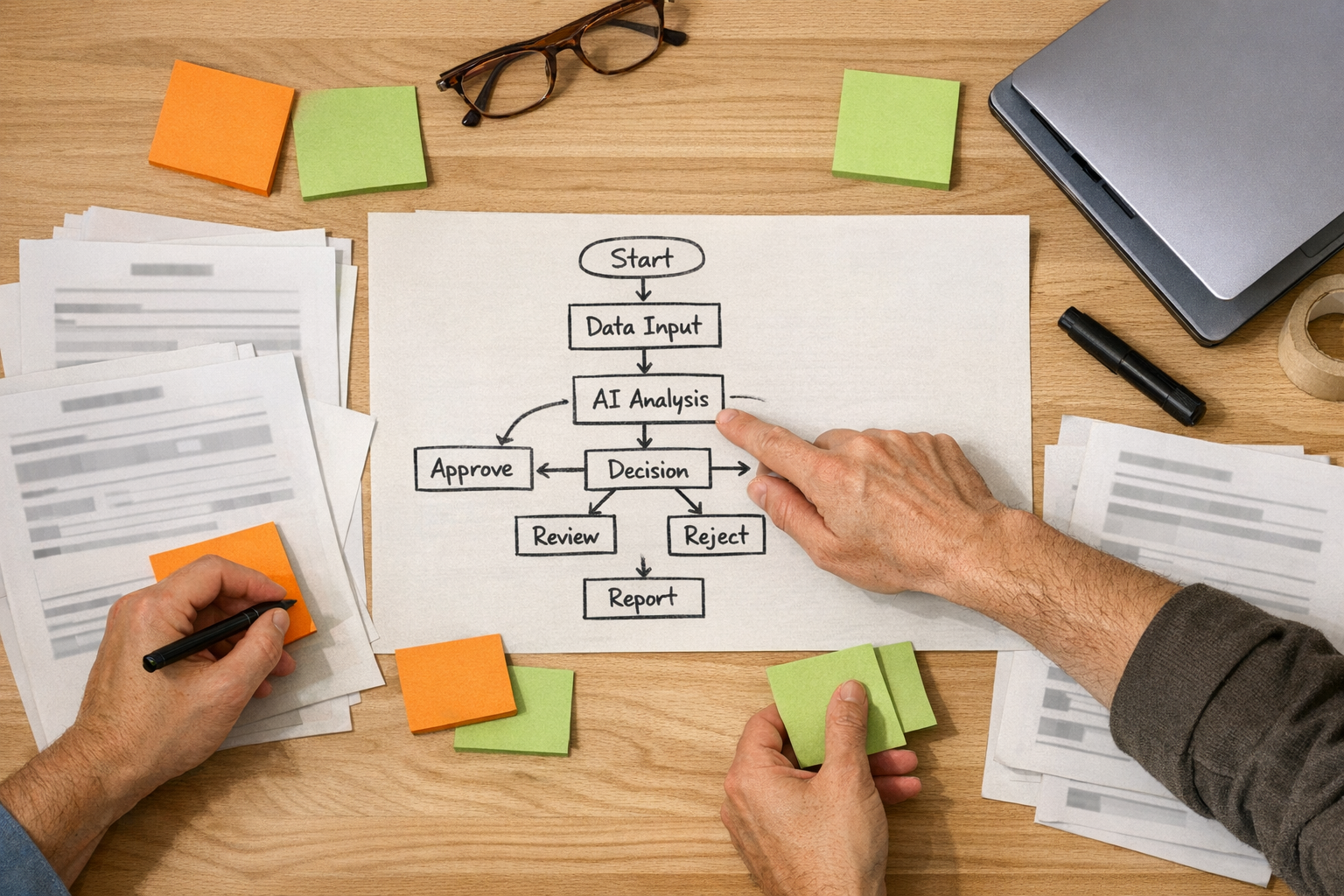
A good handoff answers:
- What did the agent review?
- What did it decide?
- What is it unsure about?
- What should the human do next?
- Where is the source information if someone wants to verify it?
This is especially important in sales, support, operations, and fulfillment workflows. If an AI agent prepares work but leaves the next person guessing, it has not removed work. It has moved the work somewhere else.
A practical first AI workflow
If you want a safe starting point, choose one recurring workflow where AI prepares information but does not take risky final action.
Examples include:
- Drafting CRM summary notes from form submissions and emails
- Preparing support ticket context before assignment
- Creating ClickUp task descriptions from intake forms
- Summarizing order issues before a Shopify operations review
- Flagging incomplete lead records before sales follow-up
- Preparing weekly operations notes from approved internal sources
These workflows remove repetitive preparation work while keeping humans in control of final judgment. That is often the best first step.
Process before tools still wins
The tool matters, but it should not be the starting point. Whether you use Make, Zapier, HubSpot, GoHighLevel, ClickUp, or a custom AI agent, the design question is the same:
What work should no longer require a person to gather, copy, check, or reformat information by hand?
Once that is clear, the build becomes much easier. You can define the trigger, map the data, set the rules, add review points, and measure whether the workflow actually saves time or reduces errors.
AI is most useful when it sits inside a clear process. Not as a vague assistant, but as a practical operator that helps prepare, route, summarize, validate, and flag work.
If your team has repetitive manual work hiding between tools, ConsultEvo can help you map the workflow, clean up the process, and build practical automations or AI agents across ClickUp, Make, Zapier, HubSpot, GoHighLevel, Shopify, WordPress, and your existing operations stack.