


Before You Connect AI to Everything, Decide What It Actually Needs to Reach

When businesses start exploring AI, the first conversation is often about the model. Which one is better? Which one writes better? Which one reasons better? Which one has the best features this month?
Those questions are not irrelevant, but they are usually not where operational value begins.
For day-to-day business automation, a better question is: what does the AI need to be connected to in order to help with real work?
An AI assistant that only sees what someone pastes into a chat window can still be useful. It can draft emails, summarize notes, review documents, and help think through a problem. But it is limited by the context it receives manually. If the person using it has to gather the CRM notes, copy the project brief, find the intake form, paste the support history, and explain the situation every time, the business has not removed much work. It has mostly moved the work around.
The bigger opportunity is not giving AI access to everything. It is giving AI access to the right things for a specific workflow.
Connection is where AI becomes operational
In a business setting, useful AI is rarely just a chat experience. It becomes more valuable when it can safely interact with the systems where the work already lives.
That might include:
- CRM records and deal notes
- Client intake forms
- Project management tasks
- Internal SOPs and templates
- Support tickets or conversation history
- Shopify order details
- Sales call summaries
- Proposal documents
- Knowledge base articles
Once AI can reach relevant context, it can help with higher-value operational tasks. It can prepare handoff summaries, check whether required information is missing, suggest the next action, draft internal updates, classify requests, or create structured tasks for review.
But there is a catch. More access does not automatically mean better automation.
The danger of connecting too much too soon
It is tempting to connect an AI agent to every tool in the company and expect productivity to improve. In reality, this often creates confusion.
If the workflow is unclear, AI access will not fix it. If the CRM is messy, AI may surface messy information faster. If task ownership is undefined, AI may generate more tasks without improving accountability. If nobody has decided what requires approval, the automation may either do too little or too much.
This is why the first step should not be tool selection. It should be workflow validation.
Before building an AI-connected workflow, define the operational problem in plain language. For example:
- Sales is handing off incomplete information to operations.
- Support requests are being categorized manually.
- New leads are not being followed up consistently.
- Client onboarding tasks are created from scratch every time.
- Order issues require someone to check three systems before responding.
Each of these can become a useful AI automation project. But each one needs a different connection strategy.
A simple worksheet for AI connections
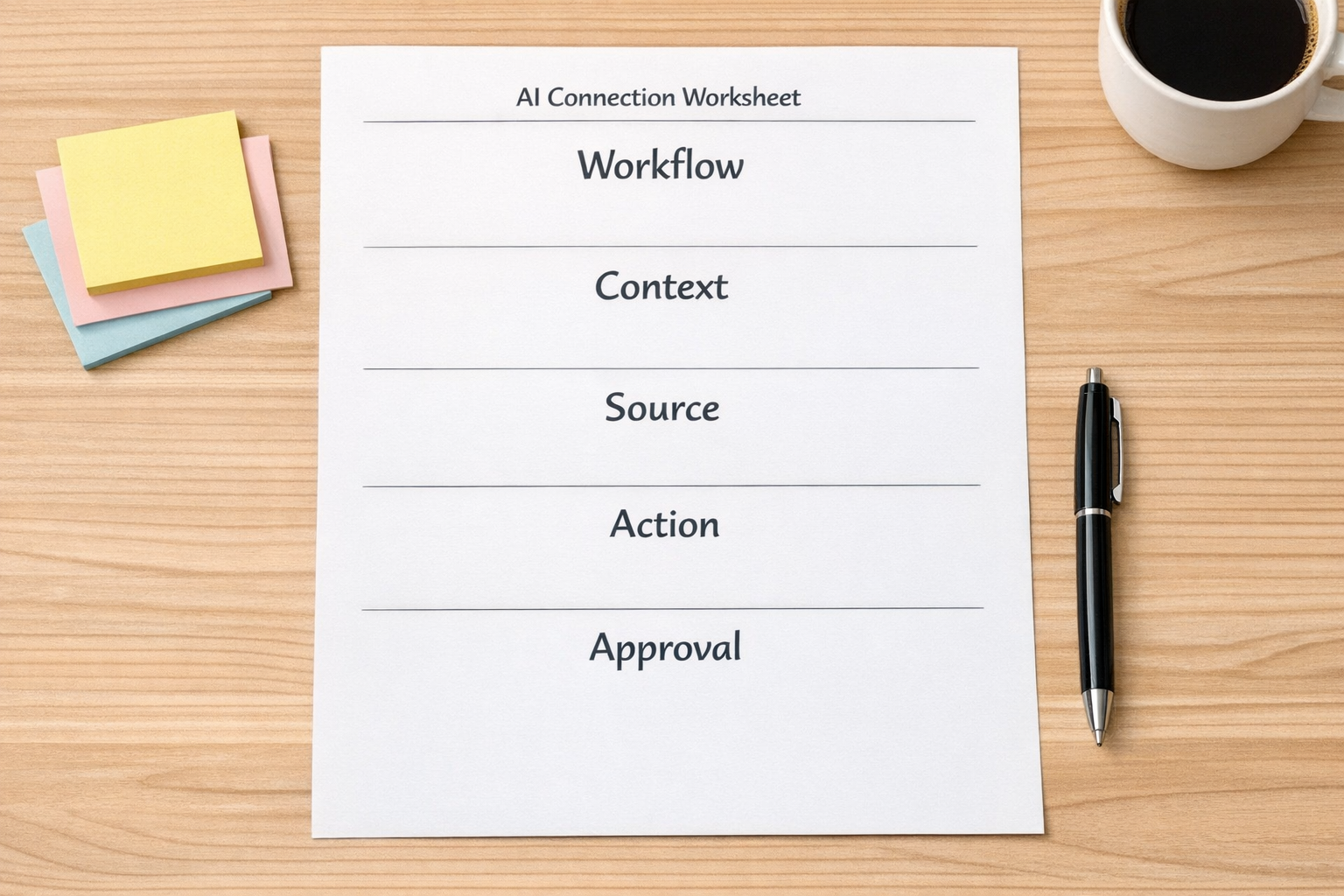
At ConsultEvo, we like to narrow AI workflow ideas with five practical questions.
1. What workflow are we improving?
Be specific. “Use AI in sales” is too broad. “Summarize new discovery call notes and create a follow-up task in the CRM” is much better.
2. What context does the AI need?
List the information required to complete the task well. This may include client name, deal stage, service type, previous notes, submitted forms, project status, or internal rules.
3. Where does that context live today?
This is where the real automation design begins. The information may live in HubSpot, GoHighLevel, ClickUp, Google Drive, Shopify, Airtable, email, forms, or another system. Sometimes the answer is uncomfortable: the context lives in someone’s head. That is a process problem to solve before automation.
4. What action should happen after the AI reviews it?
Should it draft a response, create a task, update a field, assign a team member, summarize a record, or flag an exception? A good AI workflow has a clear output.
5. What needs human approval?
Not every action should run automatically. Some workflows are better as AI-assisted drafts. Others can safely update internal fields or create tasks. The approval point should be intentional, not guessed after launch.
An example: sales to operations handoff

Consider a common handoff problem. A deal closes, but operations does not receive the full context. Someone has to read the CRM notes, check the proposal, review the intake form, ask sales for missing details, and then create the project tasks manually.
This is a strong candidate for a narrow AI-connected workflow.
The AI does not need access to the entire company. It may only need to read:
- The closed deal record
- The most recent sales notes
- The selected package or service type
- The client intake form
- The onboarding task template
From there, it could prepare a handoff summary, identify missing fields, suggest the correct project template, and create a draft task list for a human to review.
That is not a vague AI assistant. It is a defined operational helper with clear inputs, clear outputs, and clear limits.
Start with one narrow connection
If your business is exploring AI agents, connectors, APIs, or automation tools, resist the urge to design the entire future system in one sitting.
Start with one workflow where the team repeatedly copies, checks, summarizes, or explains the same information. Then connect AI only to the context needed for that workflow.
A good first AI-connected automation should be:
- Specific: It supports one workflow, not the whole company.
- Context-aware: It can reach the information needed to do the job.
- Controlled: It has clear rules for what it can and cannot do.
- Reviewable: Humans can inspect the output and improve the process.
- Measurable: You can see whether it reduces manual work or improves consistency.
Process first, connection second, tool choice third
The best AI setup for your business is not always the most complex one. It is the one connected to the right context at the right point in the workflow.
Before asking which AI tool to use, ask what work the AI should help remove. Before connecting another app, ask whether the process is clear. Before automating an action, decide where human judgment still belongs.
That sequence keeps AI practical.
At ConsultEvo, we help businesses design and build automation workflows, AI agents, CRM processes, ClickUp systems, Make and Zapier scenarios, HubSpot and GoHighLevel workflows, and operational handoffs that are grounded in real work.
If you are not sure what your AI should connect to first, start with the workflow your team keeps explaining, copying, or checking manually. That is usually where the best automation opportunity is hiding.